


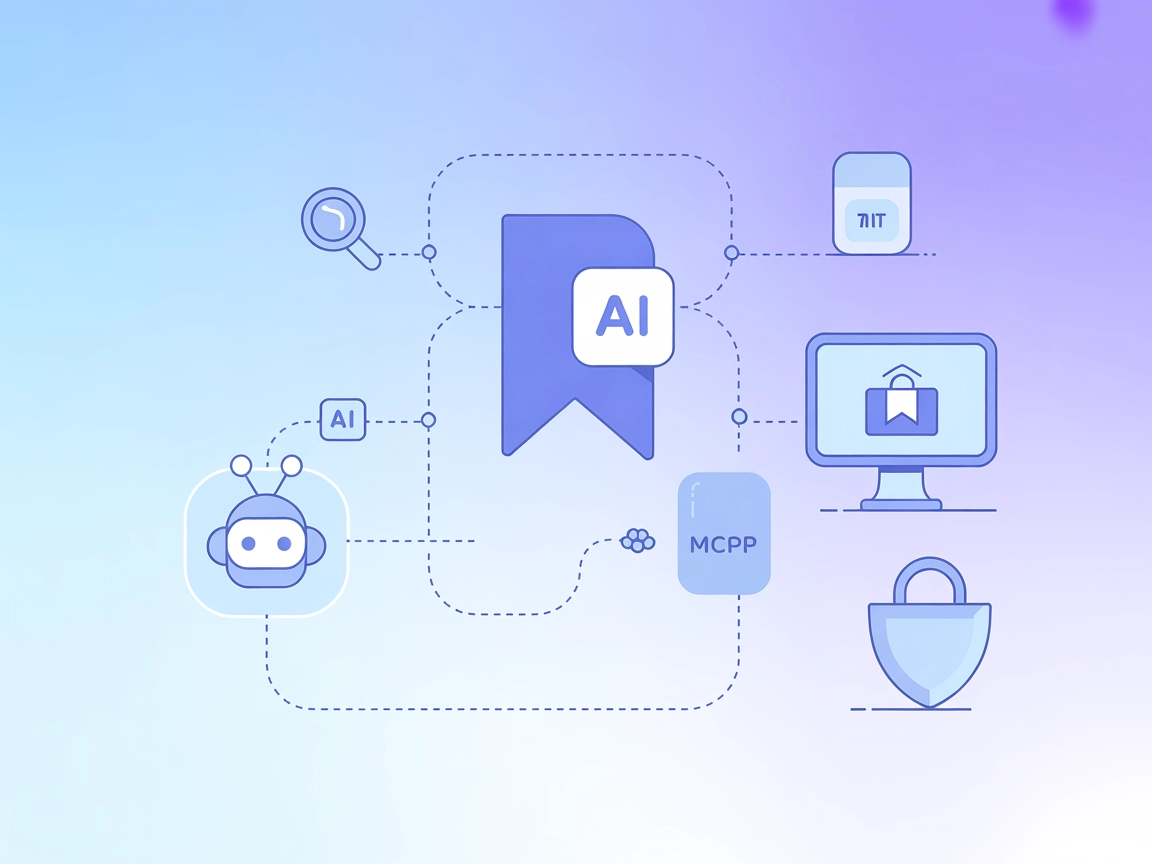
Raindrop.io MCP Integration
Integrate FlowHunt with Raindrop.io using the Model Context Protocol (MCP) to automate bookmark management, enable AI-driven search and organization, and boost ...
4 min read
AI
Raindrop.io
+4
Integrate Raindrop.io’s bookmarking capabilities directly into FlowHunt, allowing AI agents to automate bookmark management, search, and content curation via MCP.
The Raindrop.io MCP Server is an integration that enables Large Language Models (LLMs) and AI assistants to interact programmatically with Raindrop.io bookmarks via the Model Context Protocol (MCP). By serving as a bridge between AI clients and Raindrop.io’s bookmarking platform, this server allows users to create new bookmarks, search through existing ones, and filter results using tags. It greatly enhances AI-driven workflows by allowing agents to manage and access a user’s bookmark collection, making it possible to automate knowledge organization, retrieve relevant resources, and streamline content curation from within development tools or conversational AI interfaces. This empowers developers and AI users to build, share, and act on web resources directly through their preferred MCP-compatible environments.
No prompt templates are mentioned in the repository.

Start your free trial today and see results within days.
No explicit resources are described in the repository.
Get latest tips, trends, and deals for free.
No specific instructions are provided for Windsurf. General MCP server configuration applies if supported.
npx -y @smithery/cli install @hiromitsusasaki/raindrop-io-mcp-server --client claude
.env file with:RAINDROP_TOKEN=your_access_token_here
claude_desktop_config.json on macOS or Windows).{
"mcpServers": {
"raindrop-io": {
"command": "npx",
"args": [
"-y",
"@smithery/cli",
"start",
"@hiromitsusasaki/raindrop-io-mcp-server",
"--client",
"claude"
],
"env": {
  "RAINDROP_TOKEN": "your_access_token_here"
}
}
}
}
No instructions or config examples are provided for Cursor.
No instructions or config examples are provided for Cline.
Environment variables should be used to secure API keys. Example:
"env": {
"RAINDROP_TOKEN": "your_access_token_here"
}
Using MCP in FlowHunt
To integrate MCP servers into your FlowHunt workflow, start by adding the MCP component to your flow and connecting it to your AI agent:

Click on the MCP component to open the configuration panel. In the system MCP configuration section, insert your MCP server details using this JSON format:
{
  "raindrop-io": {
    "transport": "streamable_http",
    "url": "https://yourmcpserver.example/pathtothemcp/url"
  }
}
Once configured, the AI agent is now able to use this MCP as a tool with access to all its functions and capabilities. Remember to change “raindrop-io” to whatever the actual name of your MCP server is and replace the URL with your own MCP server URL.
| Section | Availability | Details/Notes |
|---|---|---|
| Overview | ✅ | |
| List of Prompts | ⛔ | No prompt templates mentioned. |
| List of Resources | ⛔ | No explicit MCP resources described. |
| List of Tools | ✅ | Create, search, and filter bookmarks by tags. |
| Securing API Keys | ✅ | Environment variable (RAINDROP_TOKEN) setup in configuration. |
| Sampling Support (less important in evaluation) | ⛔ | Not mentioned. |
This MCP server provides essential bookmark management features and easy setup for Claude Desktop, but lacks documented prompt templates and explicit resource definitions. No information was found about support for Roots or Sampling. Its documentation is clear, and it is functional for bookmark workflows, but broader integration examples and advanced MCP features are missing.
Rating: 6/10
| Has a LICENSE | ⛔ (not visible in repo root) |
|---|---|
| Has at least one tool | ✅ |
| Number of Forks | 8 |
| Number of Stars | 38 |
Supercharge your AI workflows with automated bookmark management and effortless knowledge retrieval by integrating Raindrop.io MCP Server with FlowHunt.
Integrate FlowHunt with Raindrop.io using the Model Context Protocol (MCP) to automate bookmark management, enable AI-driven search and organization, and boost ...
Integrate FlowHunt with the RAG Web Browser MCP Server to enable AI agents and LLMs with advanced web browsing, real-time search, and data extraction capabiliti...

The lingo.dev MCP Server bridges AI assistants with external data sources, APIs, and services, enabling structured resource access, prompt templating, and tool ...
Cookie Consent
We use cookies to enhance your browsing experience and analyze our traffic. See our privacy policy.