


Loki MCP Server
The Loki MCP Server connects AI assistants with Grafana Loki, allowing seamless querying and analysis of log data via the Model Context Protocol. It empowers LL...
4 min read
AI
MCP
+6

Seamlessly connect your AI agents to Grafana Loki for advanced log analysis and monitoring with the Simple Loki MCP Server.
FlowHunt provides an additional security layer between your internal systems and AI tools, giving you granular control over which tools are accessible from your MCP servers. MCP servers hosted in our infrastructure can be seamlessly integrated with FlowHunt's chatbot as well as popular AI platforms like ChatGPT, Claude, and various AI editors.
The Simple Loki MCP Server is a Model Context Protocol (MCP) interface that enables AI assistants to directly query and analyze logs from a Grafana Loki instance. By using tools like logcli or falling back to the Loki HTTP API, this server allows seamless integration of log data into development workflows. It supports full LogQL querying, label value retrieval, and provides formatted results in several output options (default, raw, JSON lines). With its flexible authentication and configuration via environment variables or config files, Simple Loki MCP Server is ideal for enhancing observability, troubleshooting, and monitoring tasks within AI-powered applications or automation flows.
No explicit prompt templates are mentioned in the repository or documentation.

Start your free trial today and see results within days.
No explicit MCP resources are listed in the repository or documentation.
Get latest tips, trends, and deals for free.
settings.json).mcpServers section:{
"mcpServers": {
"simple-loki": {
"command": "npx",
"args": ["-y", "simple-loki-mcp"],
"env": {
"LOKI_ADDR": "https://loki.sup.band"
}
}
}
}
npx -y @smithery/cli install @ghrud92/simple-loki-mcp --client claude
{
  "mcpServers": {
    "simple-loki": {
      "command": "npx",
      "args": ["-y", "simple-loki-mcp"],
      "env": {
        "LOKI_ADDR": "https://loki.sup.band"
      }
    }
  }
}
mcpServers:{
"mcpServers": {
"simple-loki": {
"command": "npx",
"args": ["-y", "simple-loki-mcp"],
"env": {
"LOKI_ADDR": "https://loki.sup.band"
}
}
}
}
{
  "mcpServers": {
    "simple-loki": {
      "command": "npx",
      "args": ["-y", "simple-loki-mcp"],
      "env": {
        "LOKI_ADDR": "https://loki.sup.band"
      }
    }
  }
}
Store sensitive credentials (like LOKI_ADDR or tokens) in environment variables for security. Example:
{
  "mcpServers": {
    "simple-loki": {
      "command": "npx",
      "args": ["-y", "simple-loki-mcp"],
      "env": {
        "LOKI_ADDR": "${LOKI_ADDR_ENV}",
        "LOKI_TOKEN": "${LOKI_TOKEN_ENV}"
      },
      "inputs": {
        "query": "${YOUR_LOGQL_QUERY}"
      }
    }
  }
}
Using MCP in FlowHunt
To integrate MCP servers into your FlowHunt workflow, start by adding the MCP component to your flow and connecting it to your AI agent:

Click on the MCP component to open the configuration panel. In the system MCP configuration section, insert your MCP server details using this JSON format:
{
  "simple-loki": {
    "transport": "streamable_http",
    "url": "https://yourmcpserver.example/pathtothemcp/url"
  }
}
Once configured, the AI agent is now able to use this MCP as a tool with access to all its functions and capabilities. Remember to change “simple-loki” to whatever the actual name of your MCP server is and replace the URL with your own MCP server URL.
| Section | Availability | Details/Notes |
|---|---|---|
| Overview | ✅ | Describes Loki log querying via MCP |
| List of Prompts | ⛔ | None provided |
| List of Resources | ⛔ | None specified |
| List of Tools | ✅ | query-loki tool described |
| Securing API Keys | ✅ | Mentioned in setup instructions |
| Sampling Support (less important in evaluation) | ⛔ | Not mentioned |
Based on the above tables, the Simple Loki MCP Server is focused and functional but lacks breadth in prompt and resource support. It is easy to set up and has clear documentation for integration and API key security. Overall, it is practical for log querying but limited in advanced MCP capabilities.
| Has a LICENSE | Yes (MIT) |
|---|---|
| Has at least one tool | Yes |
| Number of Forks | 3 |
| Number of Stars | 2 |
Rating:
I would rate this MCP server 6/10. It is solid for its purpose and easy to integrate, but lacks multi-tool variety, prompt templates, and explicit resource definitions which are essential for broader MCP use. It does not mention Roots or Sampling support.
Supercharge your AI workflows by enabling direct log analysis and monitoring through the Simple Loki MCP Server. Effortless integration with FlowHunt and popular AI platforms.
The Loki MCP Server connects AI assistants with Grafana Loki, allowing seamless querying and analysis of log data via the Model Context Protocol. It empowers LL...
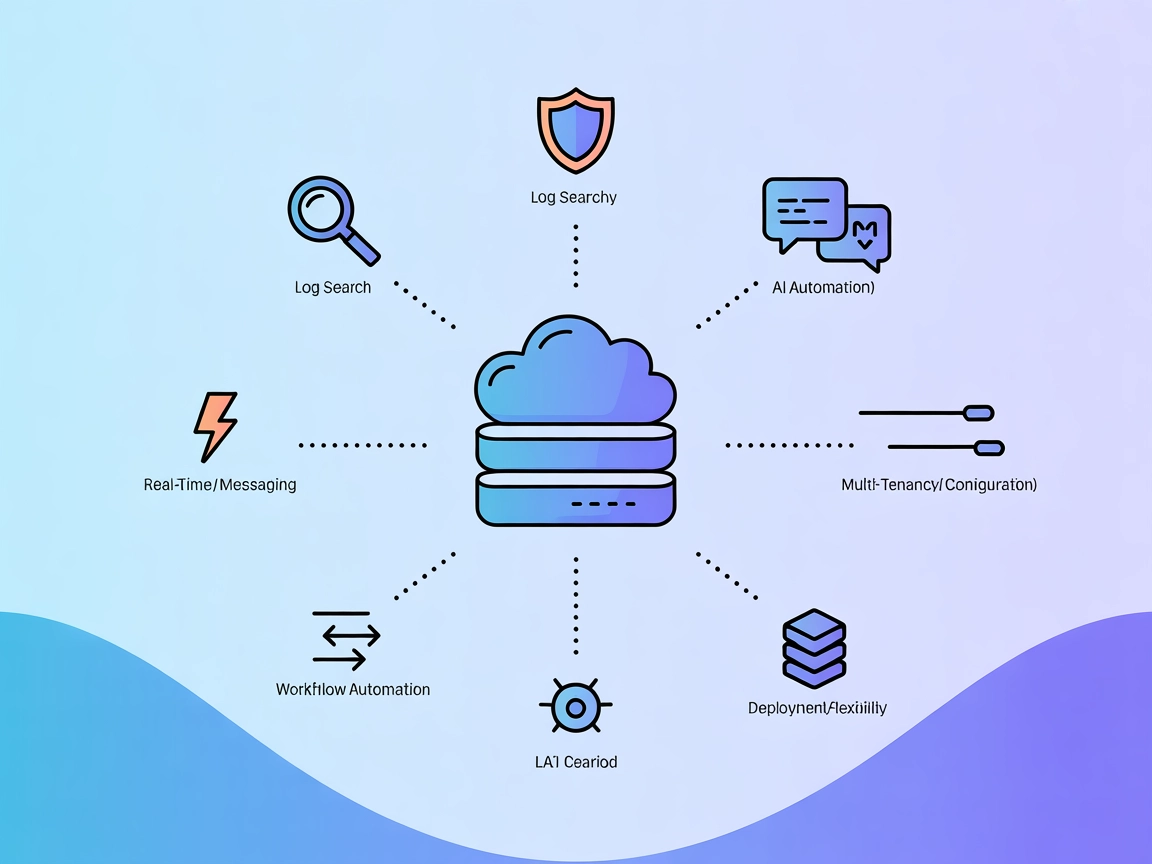
Integrate FlowHunt with Loki MCP Server to enable AI-driven, secure, and scalable log querying in Grafana Loki. Automate log analysis, real-time monitoring, and...

Integrate FlowHunt with Simple Loki MCP Server to empower your AI agent with seamless access to Grafana Loki log data. Automate log querying, label and metadata...
Cookie Consent
We use cookies to enhance your browsing experience and analyze our traffic. See our privacy policy.