



Office-PowerPoint MCP Server
The Office-PowerPoint MCP Server enables advanced, AI-driven creation and manipulation of PowerPoint presentations using the python-pptx library. Integrate with...
4 min read
AI
PowerPoint
+4

Automate and streamline the creation of PowerPoint presentations via the SlideSpeak API, integrated into FlowHunt’s MCP ecosystem.
The SlideSpeak MCP Server acts as a bridge between AI assistants and the SlideSpeak API, enabling seamless creation of PowerPoint presentations through automated workflows. By exposing the SlideSpeak API as an MCP (Model Context Protocol) server, it allows users and developers to generate slide decks, automate reporting, and create presentations programmatically. This significantly enhances development workflows by letting AI agents interact with external presentation services, streamlining the process of producing, customizing, and delivering presentation content without manual effort. SlideSpeak MCP is ideal for anyone who needs to automate the generation of PowerPoint files in response to tasks or data, making it especially useful in business, education, and analytics settings.
No prompt templates are explicitly mentioned in the repository or documentation.

Start your free trial today and see results within days.
No explicit resources are listed in the repository or documentation.
No explicit tool definitions (such as MCP tool interfaces or function names) are found in server.py or other files in the repository.
Get latest tips, trends, and deals for free.
No setup instructions found for Windsurf in the repository.
claude_desktop_config.json.mcpServers section:{
"mcpServers": {
"slidespeak": {
"command": "docker",
"args": [
"run",
"-i",
"--rm",
"-e",
"SLIDESPEAK_API_KEY",
"slidespeak/slidespeak-mcp:latest"
],
"env": {
  "SLIDESPEAK_API_KEY": "YOUR-API-KEY-HERE"
}
}
}
}
env field in your configuration."env": {
"SLIDESPEAK_API_KEY": "YOUR-API-KEY-HERE"
}
No setup instructions found for Cursor in the repository.
No setup instructions found for Cline in the repository.
Using MCP in FlowHunt
To integrate MCP servers into your FlowHunt workflow, start by adding the MCP component to your flow and connecting it to your AI agent:

Click on the MCP component to open the configuration panel. In the system MCP configuration section, insert your MCP server details using this JSON format:
{
  "slidespeak": {
    "transport": "streamable_http",
    "url": "https://yourmcpserver.example/pathtothemcp/url"
  }
}
Once configured, the AI agent is now able to use this MCP as a tool with access to all its functions and capabilities. Remember to change "slidespeak" to whatever the actual name of your MCP server is and replace the URL with your own MCP server URL.
| Section | Availability | Details/Notes |
|---|---|---|
| Overview | ✅ | Overview based on README and repo description |
| List of Prompts | ⛔ | No prompt templates found |
| List of Resources | ⛔ | No explicit resources listed |
| List of Tools | ⛔ | No explicit MCP tools defined in code/docs |
| Securing API Keys | ✅ | Shown in config “env” example |
| Sampling Support (less important in evaluation) | ⛔ | Not mentioned |
The SlideSpeak MCP server is straightforward and focused on a single use case—PowerPoint automation via SlideSpeak API. However, the repository lacks detailed MCP interface documentation, prompt templates, resources, or explicit tool listings, which limits extensibility and clarity for developers. Its setup instructions for Claude are clear and API key security is addressed, but broader platform support and richer documentation would be beneficial.
Based on the two tables and available information, I would rate this MCP server a 3/10 for general MCP developer usability and completeness.
| Has a LICENSE | ⛔ (No LICENSE file found) |
|---|---|
| Has at least one tool | ⛔ |
| Number of Forks | 3 |
| Number of Stars | 6 |
Effortlessly automate your presentation workflows. Connect AI agents to the SlideSpeak MCP Server for instant PowerPoint generation.
The Office-PowerPoint MCP Server enables advanced, AI-driven creation and manipulation of PowerPoint presentations using the python-pptx library. Integrate with...

Integrate FlowHunt with SlideSpeak MCP to automate PowerPoint presentation generation, streamline reporting, and enable seamless workflow automation with advanc...
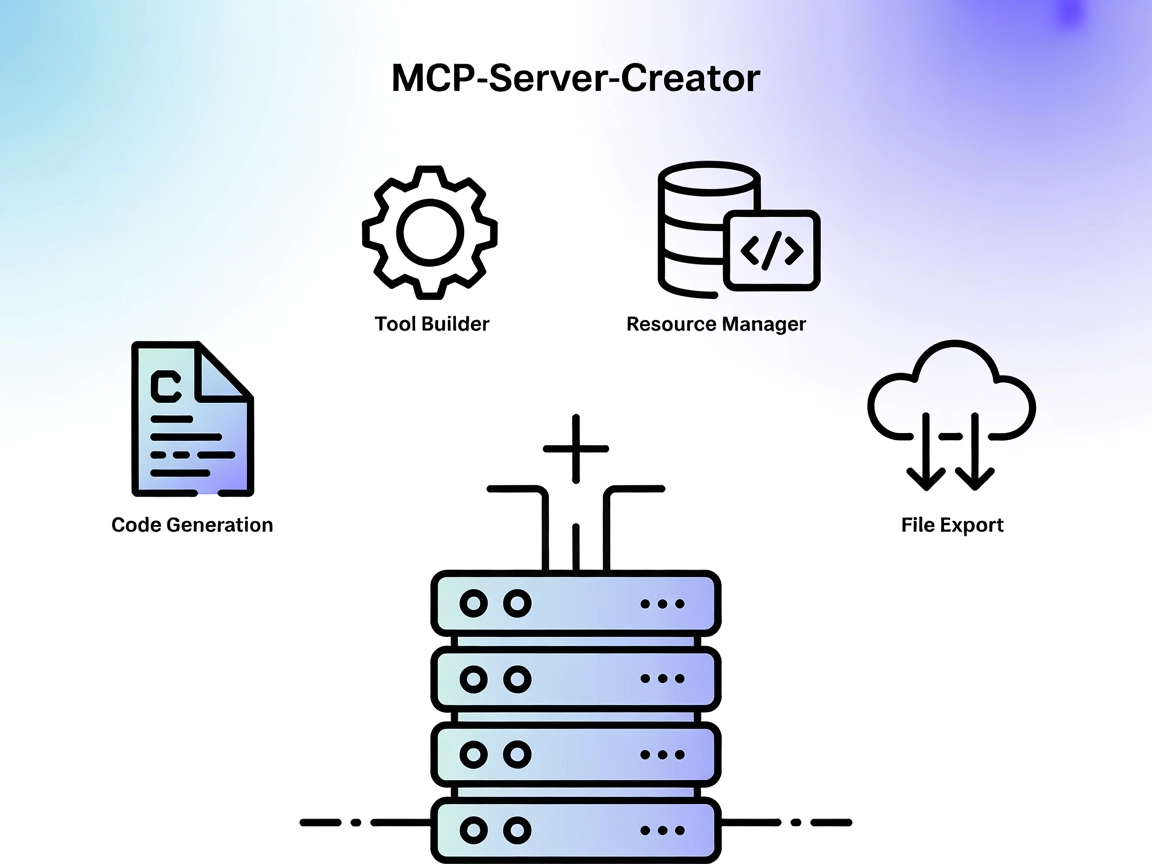
The MCP-Server-Creator is a meta-server that enables rapid creation and configuration of new Model Context Protocol (MCP) servers. With dynamic code generation,...
Cookie Consent
We use cookies to enhance your browsing experience and analyze our traffic. See our privacy policy.