


Stitch AI MCP
Integrate FlowHunt with Stitch AI's Model Context Protocol (MCP) Server for decentralized AI memory management, scalable knowledge retention, and seamless agent...
4 min read
AI
Stitch AI
+3
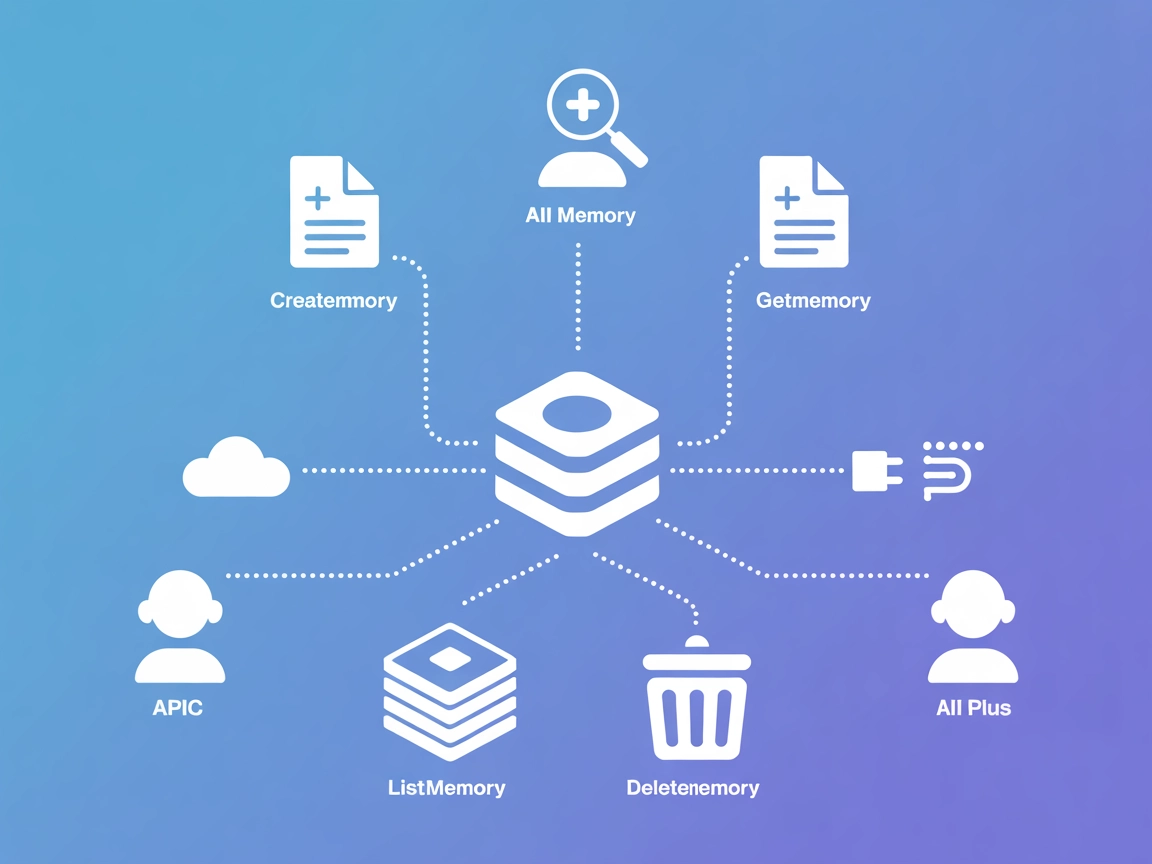
StitchAI MCP Server centralizes AI memory management, letting agents create, retrieve, and organize context-rich knowledge for enhanced, long-term reasoning.
StitchAI MCP Server is a Model Context Protocol (MCP) server implementation designed to power Stitch AI’s memory management system. It acts as a decentralized knowledge hub for AI, enabling seamless connections between AI assistants and external data sources, APIs, and services. Through this server, AI agents can efficiently create, retrieve, and manage “memories”—structured pieces of information that enhance their contextual awareness and reasoning capabilities. By exposing a set of tools for memory operations, StitchAI MCP Server streamlines workflows such as storing insights, tracking contextual data, or retrieving relevant information. This empowers developers to build AI solutions that are more context-aware, interactive, and capable of sophisticated information handling.
No prompt templates were found in the available documentation or code.

Start your free trial today and see results within days.
No explicit MCP “resources” were found in the available documentation or code.
Get latest tips, trends, and deals for free.
mcpServers section with the command and arguments.Example JSON:
{
  "mcpServers": {
    "stitchai-mcp": {
      "command": "npx",
      "args": ["@stitchai/mcp-server@latest"]
    }
  }
}
mcpServers.Example JSON:
{
  "mcpServers": {
    "stitchai-mcp": {
      "command": "npx",
      "args": ["@stitchai/mcp-server@latest"]
    }
  }
}
mcpServers object.Example JSON:
{
  "mcpServers": {
    "stitchai-mcp": {
      "command": "npx",
      "args": ["@stitchai/mcp-server@latest"]
    }
  }
}
mcpServers.Example JSON:
{
  "mcpServers": {
    "stitchai-mcp": {
      "command": "npx",
      "args": ["@stitchai/mcp-server@latest"]
    }
  }
}
Use environment variables to securely inject API keys or secrets into your MCP server configuration.
Example:
{
  "mcpServers": {
    "stitchai-mcp": {
      "command": "npx",
      "args": ["@stitchai/mcp-server@latest"],
      "env": {
        "API_KEY": "${API_KEY}"
      },
      "inputs": {
        "api_key": "${API_KEY}"
      }
    }
  }
}
Using MCP in FlowHunt
To integrate MCP servers into your FlowHunt workflow, start by adding the MCP component to your flow and connecting it to your AI agent:

Click on the MCP component to open the configuration panel. In the system MCP configuration section, insert your MCP server details using this JSON format:
{
  "stitchai-mcp": {
    "transport": "streamable_http",
    "url": "https://yourmcpserver.example/pathtothemcp/url"
  }
}
Once configured, the AI agent can now use this MCP as a tool with access to all its functions and capabilities. Remember to change “stitchai-mcp” to the actual name of your MCP server and replace the URL with your own MCP server URL.
| Section | Availability | Details/Notes |
|---|---|---|
| Overview | ✅ | |
| List of Prompts | ⛔ | None found in documentation or code |
| List of Resources | ⛔ | None found in documentation or code |
| List of Tools | ✅ | createMemory, getMemory, listMemories, deleteMemory |
| Securing API Keys | ✅ | .env.example present, usage shown above |
| Sampling Support (less important in evaluation) | ⛔ | No sampling support found |
StitchAI MCP Server provides a focused set of memory management tools and is easy to set up across platforms. However, the lack of clear resource and prompt definitions, as well as missing features like sampling and roots, limits its flexibility for broader MCP workflows. The project is new and has little community traction so far.
On a scale of 0 to 10, this MCP scores a 4 for core functionality and clarity, but lacks maturity, extensibility, and adoption.
| Has a LICENSE | ⛔ (No LICENSE file found) |
|---|---|
| Has at least one tool | ✅ |
| Number of Forks | 0 |
| Number of Stars | 0 |
Supercharge your AI agents with StitchAI's advanced memory tools. Build context-aware, collaborative AI solutions on FlowHunt today.
Integrate FlowHunt with Stitch AI's Model Context Protocol (MCP) Server for decentralized AI memory management, scalable knowledge retention, and seamless agent...
The Membase MCP Server provides lightweight, decentralized, and persistent memory for AI agents by connecting them to the Unibase-powered Membase protocol. It e...
Learn how to build and deploy a Model Context Protocol (MCP) server to connect AI models with external tools and data sources. Step-by-step guide for beginners ...
Cookie Consent
We use cookies to enhance your browsing experience and analyze our traffic. See our privacy policy.