



Membase
Integrate FlowHunt’s AI Agent with Membase, the first decentralized memory layer for AI agents powered by Unibase. Store, retrieve, and manage conversation hist...
3 min read
AI
Membase
+3
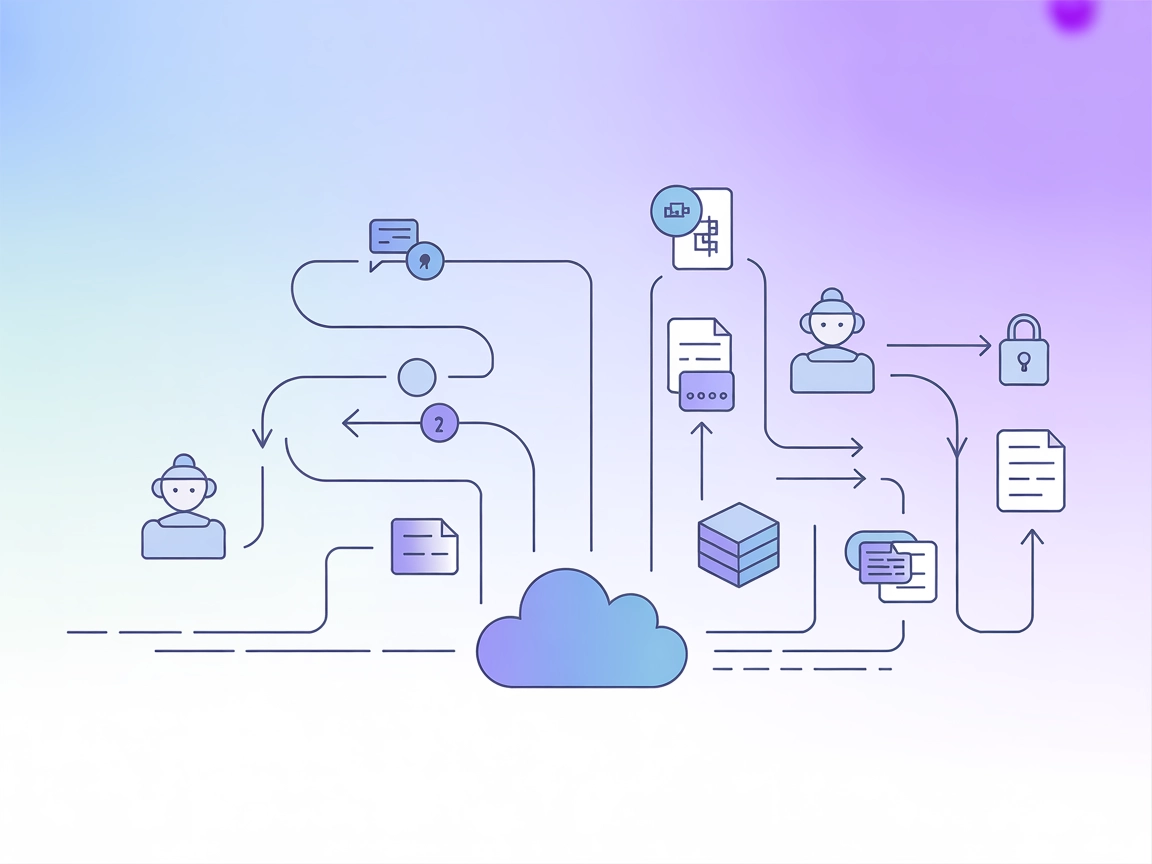
Enable secure, persistent, and multi-session AI memory with Membase MCP Server—a decentralized memory gateway for robust agent continuity and compliance.
The Membase MCP (Model Context Protocol) Server acts as a lightweight, decentralized memory gateway for AI agents, connecting them to Membase for secure, persistent, and verifiable multi-session memory. Powered by Unibase, it allows AI assistants to upload and retrieve conversation history, interaction records, and knowledge, ensuring agent continuity, personalization, and traceability. By integrating with the Membase protocol, the server enables seamless storage and retrieval of memory data from the Unibase decentralized network, supporting use cases where persistent, tamper-proof memory is vital for AI-driven workflows.
No prompt templates are mentioned in the repository.

Start your free trial today and see results within days.
No explicit MCP resources are described in the repository.
Get latest tips, trends, and deals for free.
uv runner).git clone https://github.com/unibaseio/membase-mcp.git{
"mcpServers": {
"membase": {
"command": "uv",
"args": [
"--directory",
"path/to/membase-mcp",
"run",
"src/membase_mcp/server.py"
],
"env": {
"MEMBASE_ACCOUNT": "your account, 0x...",
"MEMBASE_CONVERSATION_ID": "your conversation id, should be unique",
"MEMBASE_ID": "your sub account, any string"
}
}
}
}
Securing API Keys:
Use environment variables in the env block to keep credentials secure.
uv runner and Python).{
"mcpServers": {
"membase": {
"command": "uv",
"args": [
"--directory",
"path/to/membase-mcp",
"run",
"src/membase_mcp/server.py"
],
"env": {
"MEMBASE_ACCOUNT": "your account, 0x...",
"MEMBASE_CONVERSATION_ID": "your conversation id, should be unique",
"MEMBASE_ID": "your sub account, any string"
}
}
}
}
Note: Store sensitive info as environment variables.
uv).{
"mcpServers": {
"membase": {
"command": "uv",
"args": [
"--directory",
"path/to/membase-mcp",
"run",
"src/membase_mcp/server.py"
],
"env": {
"MEMBASE_ACCOUNT": "your account, 0x...",
"MEMBASE_CONVERSATION_ID": "your conversation id, should be unique",
"MEMBASE_ID": "your sub account, any string"
}
}
}
}
uv, Python).{
"mcpServers": {
"membase": {
"command": "uv",
"args": [
"--directory",
"path/to/membase-mcp",
"run",
"src/membase_mcp/server.py"
],
"env": {
"MEMBASE_ACCOUNT": "your account, 0x...",
"MEMBASE_CONVERSATION_ID": "your conversation id, should be unique",
"MEMBASE_ID": "your sub account, any string"
}
}
}
}
Securing API Keys:
All sensitive credentials should be passed in the env object as shown above to avoid hardcoding them.
Using MCP in FlowHunt
To integrate MCP servers into your FlowHunt workflow, start by adding the MCP component to your flow and connecting it to your AI agent:

Click on the MCP component to open the configuration panel. In the system MCP configuration section, insert your MCP server details using this JSON format:
{
  "MCP-name": {
    "transport": "streamable_http",
    "url": "https://yourmcpserver.example/pathtothemcp/url"
  }
}
Once configured, the AI agent is now able to use this MCP as a tool with access to all its functions and capabilities. Remember to change “MCP-name” to whatever the actual name of your MCP server is (e.g., “github-mcp”, “weather-api”, etc.) and replace the URL with your own MCP server URL.
| Section | Availability | Details/Notes |
|---|---|---|
| Overview | ✅ | |
| List of Prompts | ⛔ | No reusable prompt templates provided |
| List of Resources | ⛔ | No explicit MCP resources listed |
| List of Tools | ✅ | get_conversation_id, switch_conversation, save_message, get_messages |
| Securing API Keys | ✅ | Uses environment variables in configuration |
| Sampling Support (less important in evaluation) | ⛔ | Not mentioned |
Based on the available information, Membase MCP Server provides core memory tools and clear setup instructions, but lacks prompt templates, explicit MCP resources, and mention of sampling or roots support. This makes it functional for memory-centric workflows but limited in extensibility and advanced MCP features. Overall, it is practical but basic.
| Has a LICENSE | ⛔ (No license file present) |
|---|---|
| Has at least one tool | ✅ |
| Number of Forks | 4 |
| Number of Stars | 4 |
Empower your AI workflows with decentralized, tamper-proof memory. Set up Membase MCP Server in FlowHunt and unlock advanced multi-session capabilities.
Integrate FlowHunt’s AI Agent with Membase, the first decentralized memory layer for AI agents powered by Unibase. Store, retrieve, and manage conversation hist...
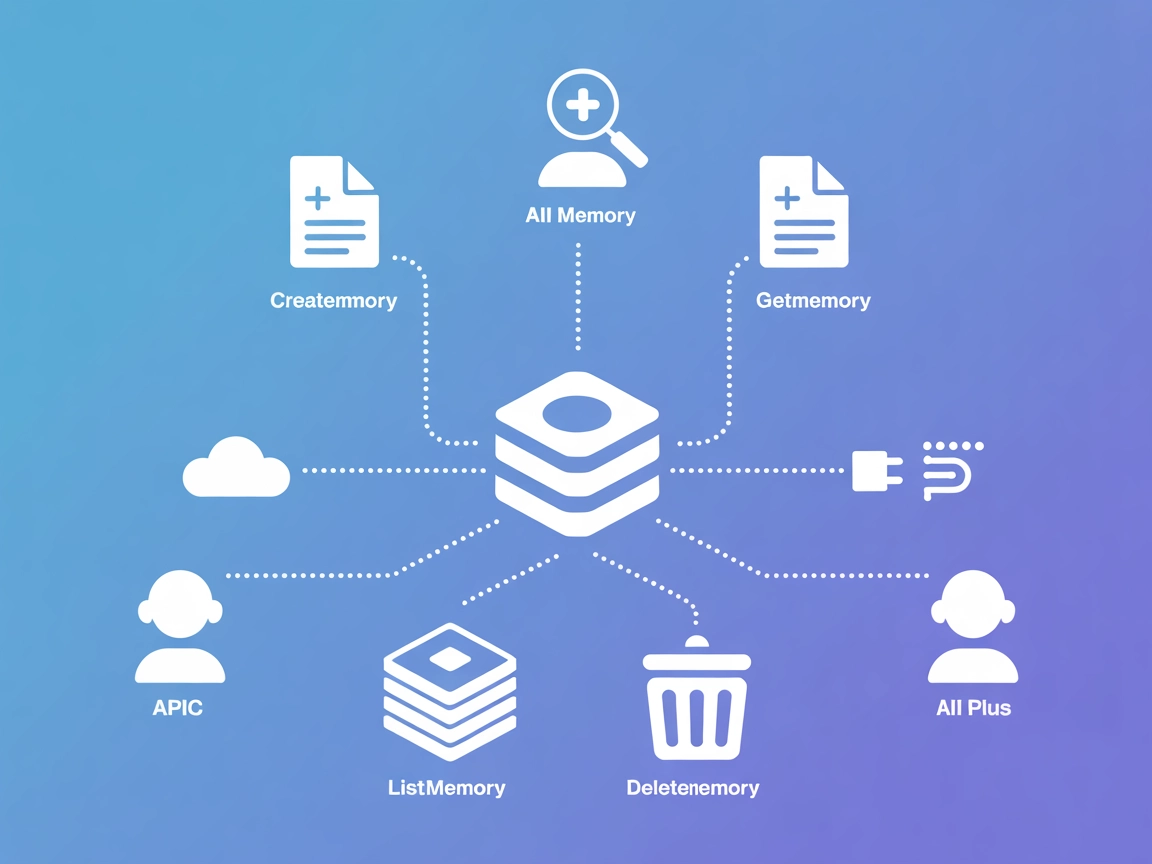
StitchAI MCP Server powers contextual memory management for AI agents, enabling them to store, retrieve, and organize structured knowledge efficiently. Seamless...
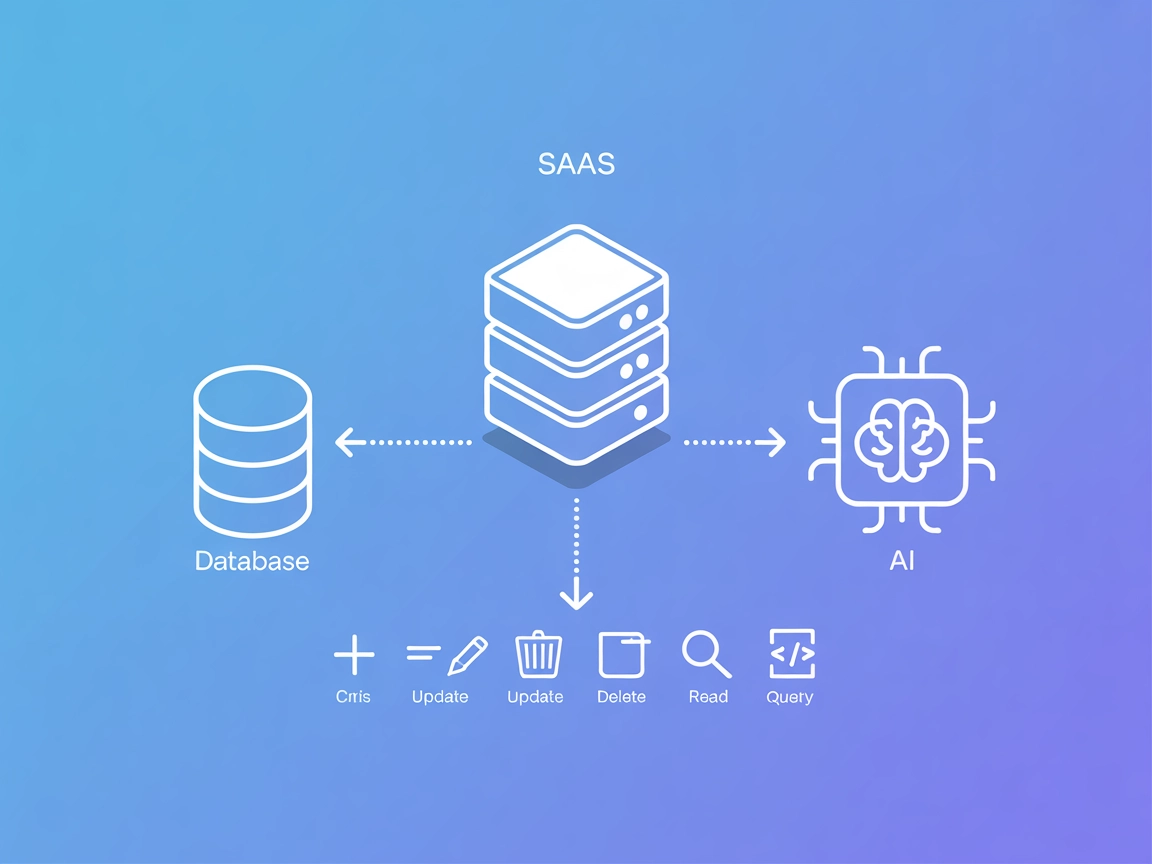
The Couchbase MCP Server connects AI agents and LLMs directly to Couchbase clusters, enabling seamless natural language database operations, automated managemen...
Cookie Consent
We use cookies to enhance your browsing experience and analyze our traffic. See our privacy policy.