



TON Blockchain MCP
Integrate FlowHunt with the TON Blockchain MCP to enable AI-powered analytics, trading pattern detection, compliance investigations, and real-time data queries ...
4 min read
AI
TON
+4
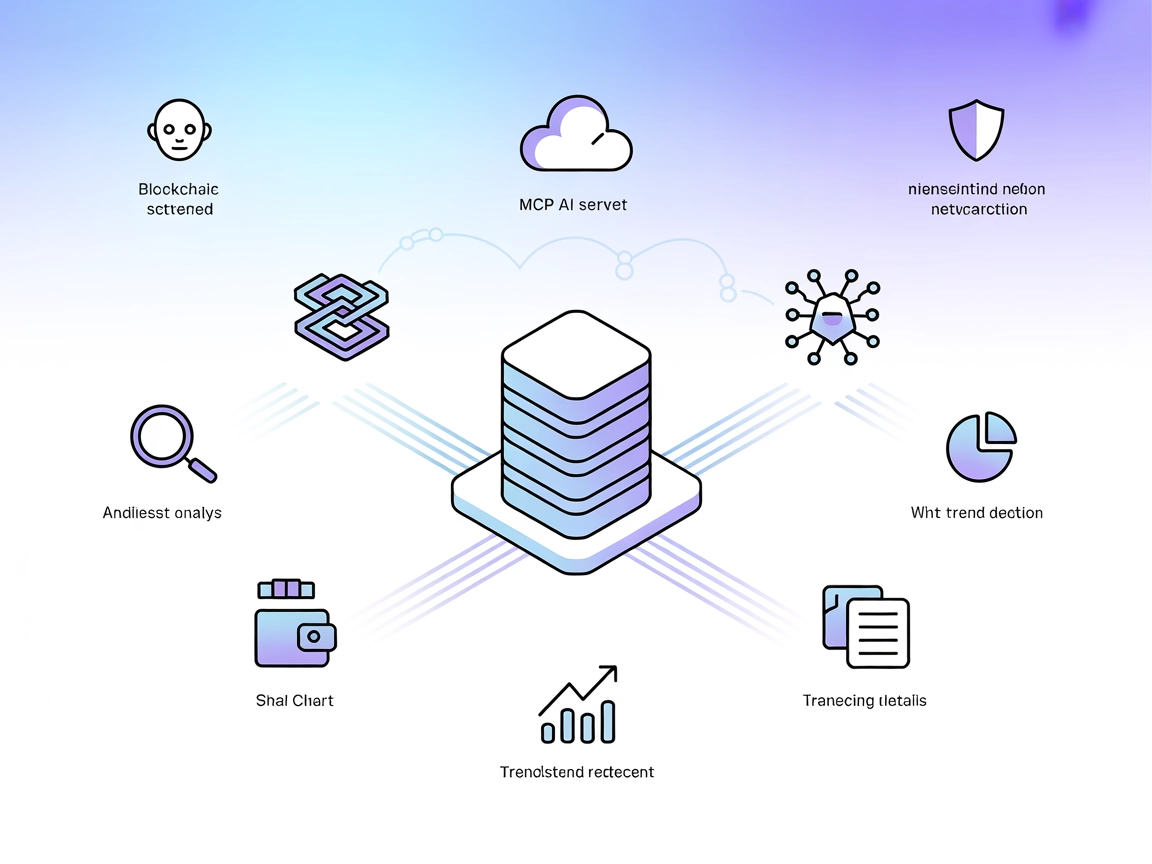
Natural language bridge to TON blockchain data—scam detection, forensic analysis, trend discovery, and trading insights for your AI workflows.
The TON Blockchain MCP Server is a Model Context Protocol (MCP) server written in Python designed for natural language interaction with the TON blockchain. It acts as a bridge between AI assistants and the TON blockchain, allowing users to query and analyze blockchain data using plain English. This server leverages natural language processing to understand complex blockchain queries, perform trading analysis, detect hot trends, conduct forensics and compliance checks, and provide real-time data access through the TON API. By connecting external data sources and services, the TON Blockchain MCP Server enhances development workflows, enabling tasks such as scam detection, address analysis, transaction detail retrieval, and trading pattern analysis.
No prompt templates are explicitly mentioned in the repository.

Start your free trial today and see results within days.
No explicit MCP resources are described in the repository documentation or code.
No explicit list of tools is provided or discoverable in the repository’s documentation or code.
Get latest tips, trends, and deals for free.
git clone https://github.com/devonmojito/ton-blockchain-mcp.git
cd ton-blockchain-mcp
pip install -r requirements.txt
.env file in the project root:TON_API_KEY=YOUR_TON_API_KEY
{
  "mcpServers": {
    "ton-blockchain-mcp": {
      "command": "python",
      "args": ["src/main.py"]
    }
  }
}
Securing API Keys Example:
{
  "mcpServers": {
    "ton-blockchain-mcp": {
      "command": "python",
      "args": ["src/main.py"],
      "env": {
        "TON_API_KEY": "YOUR_TON_API_KEY"
      },
      "inputs": {}
    }
  }
}
{
  "mcpServers": {
    "ton-blockchain-mcp": {
      "command": "python",
      "args": ["src/main.py"]
    }
  }
}
Environment Securing Example:
{
  "mcpServers": {
    "ton-blockchain-mcp": {
      "command": "python",
      "args": ["src/main.py"],
      "env": {
        "TON_API_KEY": "YOUR_TON_API_KEY"
      }
    }
  }
}
{
  "mcpServers": {
    "ton-blockchain-mcp": {
      "command": "python",
      "args": ["src/main.py"]
    }
  }
}
.env or environment variables are set for security.{
"mcpServers": {
"ton-blockchain-mcp": {
"command": "python",
"args": ["src/main.py"]
}
}
}
Using MCP in FlowHunt
To integrate MCP servers into your FlowHunt workflow, start by adding the MCP component to your flow and connecting it to your AI agent:

Click on the MCP component to open the configuration panel. In the system MCP configuration section, insert your MCP server details using this JSON format:
{
  "ton-blockchain-mcp": {
    "transport": "streamable_http",
    "url": "https://yourmcpserver.example/pathtothemcp/url"
  }
}
Once configured, the AI agent is now able to use this MCP as a tool with access to all its functions and capabilities. Remember to change “ton-blockchain-mcp” to whatever the actual name of your MCP server is and replace the URL with your own MCP server URL.
| Section | Availability | Details/Notes |
|---|---|---|
| Overview | ✅ | |
| List of Prompts | ⛔ | None found |
| List of Resources | ⛔ | None found |
| List of Tools | ⛔ | Not documented |
| Securing API Keys | ✅ | Via .env and config |
| Sampling Support (less important in evaluation) | ⛔ | Not mentioned |
I would rate this MCP implementation as a 4/10. While it covers the basics of blockchain interaction and includes real-world use cases, it lacks clear documentation on prompts, resources, and tools, which are central MCP primitives.
| Has a LICENSE | ✅ (MIT) |
|---|---|
| Has at least one tool | ⛔ |
| Number of Forks | 4 |
| Number of Stars | 13 |
Empower your AI agents with real-time access to TON blockchain data, leveraging natural language for scam detection, trading analysis, and forensics. Get started with FlowHunt today!
Integrate FlowHunt with the TON Blockchain MCP to enable AI-powered analytics, trading pattern detection, compliance investigations, and real-time data queries ...
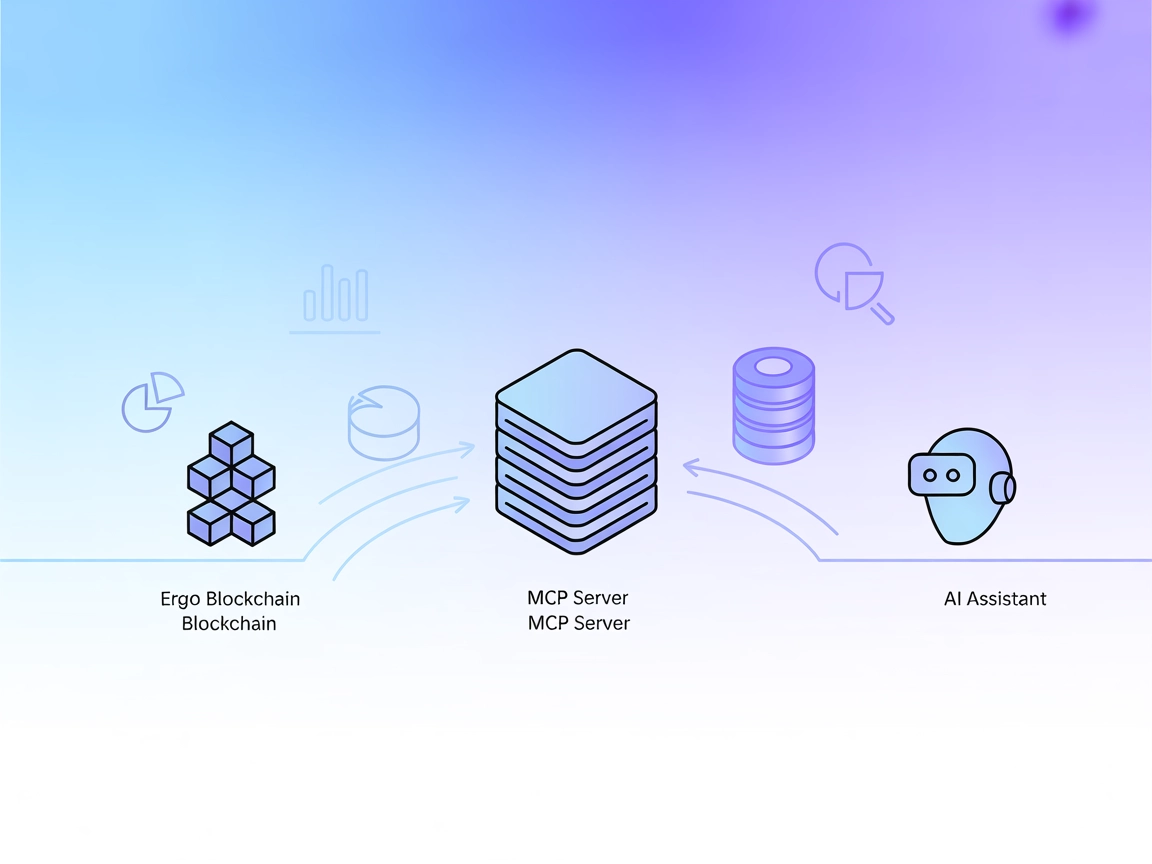
The Ergo MCP Server connects AI assistants to the Ergo blockchain, enabling on-chain data access, analytics, and seamless integration into AI workflows. Ideal f...

The Bankless Onchain MCP Server enables structured, programmatic access to blockchain data via the Bankless API, supporting AI assistants and developer tools wi...
Cookie Consent
We use cookies to enhance your browsing experience and analyze our traffic. See our privacy policy.