


OpenAPI MCP Server
The OpenAPI MCP Server connects AI assistants with the ability to explore and understand OpenAPI specifications, offering detailed API context, summaries, and e...
5 min read
API
OpenAPI
+5
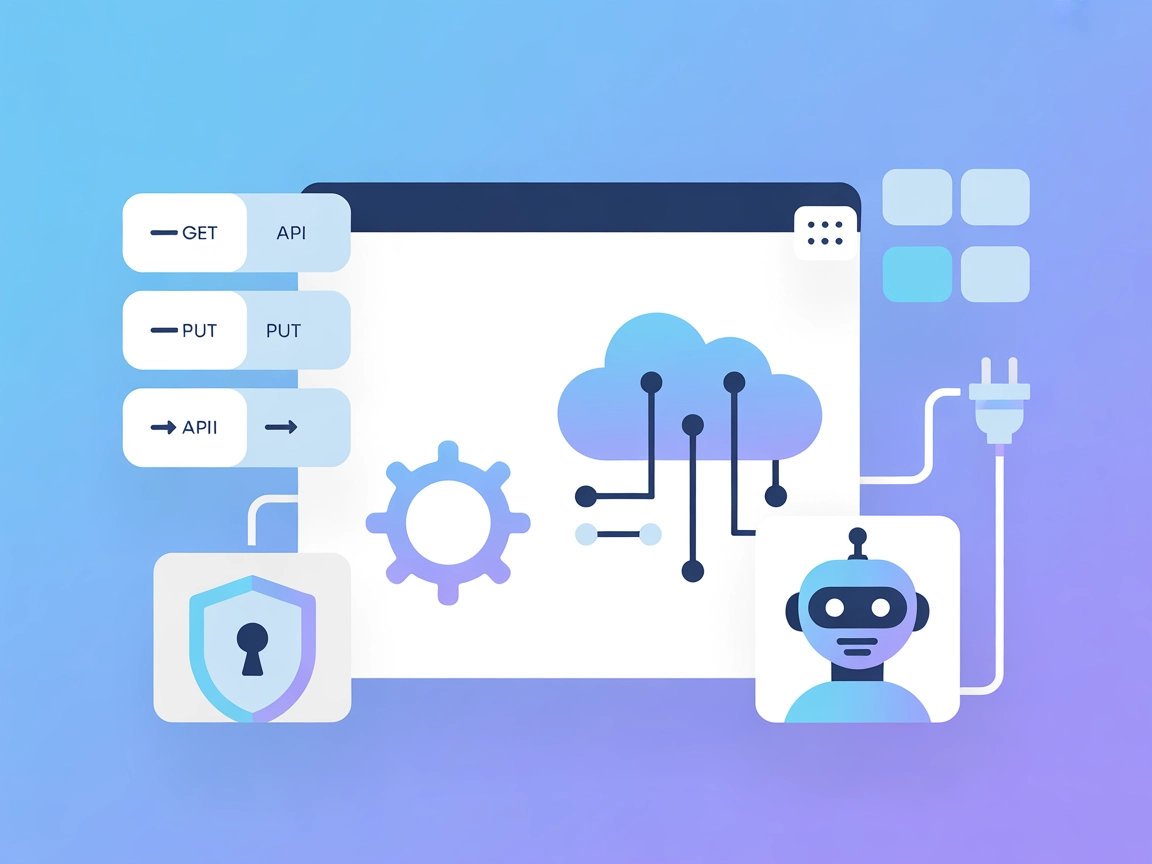
Expose any OpenAPI-compatible API as AI-accessible tools for your agents. The Tyk Dashboard MCP Server makes it easy to automate, test, and manage APIs with LLM-driven workflows.
The Tyk Dashboard MCP Server is a dynamic tool designed to transform OpenAPI or Swagger specifications into accessible MCP (Model Context Protocol) servers. By doing so, it allows AI assistants to interact directly with REST APIs, making API endpoints available as tools for enhanced developer workflows. The Tyk Dashboard MCP Server enables seamless integration of external APIs with AI-powered clients, providing automated support for tasks such as API requests, authentication, and parameter handling. Its dynamic loading capabilities, support for overlays, and customizable mappings make it ideal for exposing any RESTful API to LLM-powered agents. Developers benefit by making their APIs immediately accessible for querying, file management, and other automated actions, streamlining integration and reducing manual overhead.
No information about reusable prompt templates provided in the repository or documentation.

Start your free trial today and see results within days.
No explicit resources (as MCP resources) are listed in the available documentation or codebase.
Get latest tips, trends, and deals for free.
No setup instructions for Windsurf provided.
~/Library/Application Support/Claude/claude_desktop_config.json%APPDATA%\Claude\claude_desktop_config.json{
"mcpServers": {
"api-tools": {
"command": "npx",
"args": [
"-y",
"@tyktechnologies/api-to-mcp",
"--spec",
"https://petstore3.swagger.io/api/v3/openapi.json"
],
"enabled": true
}
}
}
No setup instructions for Cursor provided.
No setup instructions for Cline provided.
While the server supports passing custom HTTP headers via environment variables and CLI, there is no explicit example for securing API keys in the configuration. Users should ensure sensitive keys are loaded via environment variables in their system or deployment configuration.
Example (conceptual):
{
  "mcpServers": {
    "api-tools": {
      "env": {
        "API_KEY": "your_api_key"
      },
      "inputs": {
        "header": "Authorization: Bearer ${API_KEY}"
      }
    }
  }
}
Note: Adapt this according to your environment and security policies.
Using MCP in FlowHunt
To integrate MCP servers into your FlowHunt workflow, start by adding the MCP component to your flow and connecting it to your AI agent:

Click on the MCP component to open the configuration panel. In the system MCP configuration section, insert your MCP server details using this JSON format:
{
  "MCP-name": {
    "transport": "streamable_http",
    "url": "https://yourmcpserver.example/pathtothemcp/url"
  }
}
Once configured, the AI agent is now able to use this MCP as a tool with access to all its functions and capabilities. Remember to change “MCP-name” to whatever the actual name of your MCP server is (e.g., “github-mcp”, “weather-api”, etc.) and replace the URL with your own MCP server URL.
| Section | Availability | Details/Notes |
|---|---|---|
| Overview | ✅ | Found in README.md and project description |
| List of Prompts | ⛔ | No prompt templates mentioned |
| List of Resources | ⛔ | No explicit MCP resources listed |
| List of Tools | ✅ | OpenAPI operations as tools |
| Securing API Keys | ✅ | Supported via env variables and custom headers, not fully documented |
| Sampling Support (less important in evaluation) | ⛔ | No evidence of sampling support found |
Roots support: The presence of a .roo directory suggests root boundaries may be supported, but it is not explicitly documented.
Based on the two tables, the Tyk Dashboard MCP Server provides a robust way to turn OpenAPI endpoints into AI-usable tools. However, it lacks documentation/examples for prompt templates, explicit MCP resources, and details for some platforms. Sampling support and roots are not clearly addressed. Overall, this MCP server scores well for tool coverage and licensing, but could improve in documentation and feature breadth.
| Has a LICENSE | ✅ (MIT) |
|---|---|
| Has at least one tool | ✅ |
| Number of Forks | 9 |
| Number of Stars | 1 |
RATING: 6/10
Instantly turn your OpenAPI endpoints into AI-usable tools. Accelerate automation, testing, and prototyping by connecting your APIs to FlowHunt-powered AI assistants.
The OpenAPI MCP Server connects AI assistants with the ability to explore and understand OpenAPI specifications, offering detailed API context, summaries, and e...

The OpenAPI Schema Explorer MCP Server enables efficient, structured access to OpenAPI/Swagger specifications as MCP Resources, bridging AI assistants and devel...
Connect AI assistants like Claude to any API with an OpenAPI (Swagger) spec. The Any OpenAPI MCP Server enables semantic endpoint discovery and direct API reque...
Cookie Consent
We use cookies to enhance your browsing experience and analyze our traffic. See our privacy policy.