


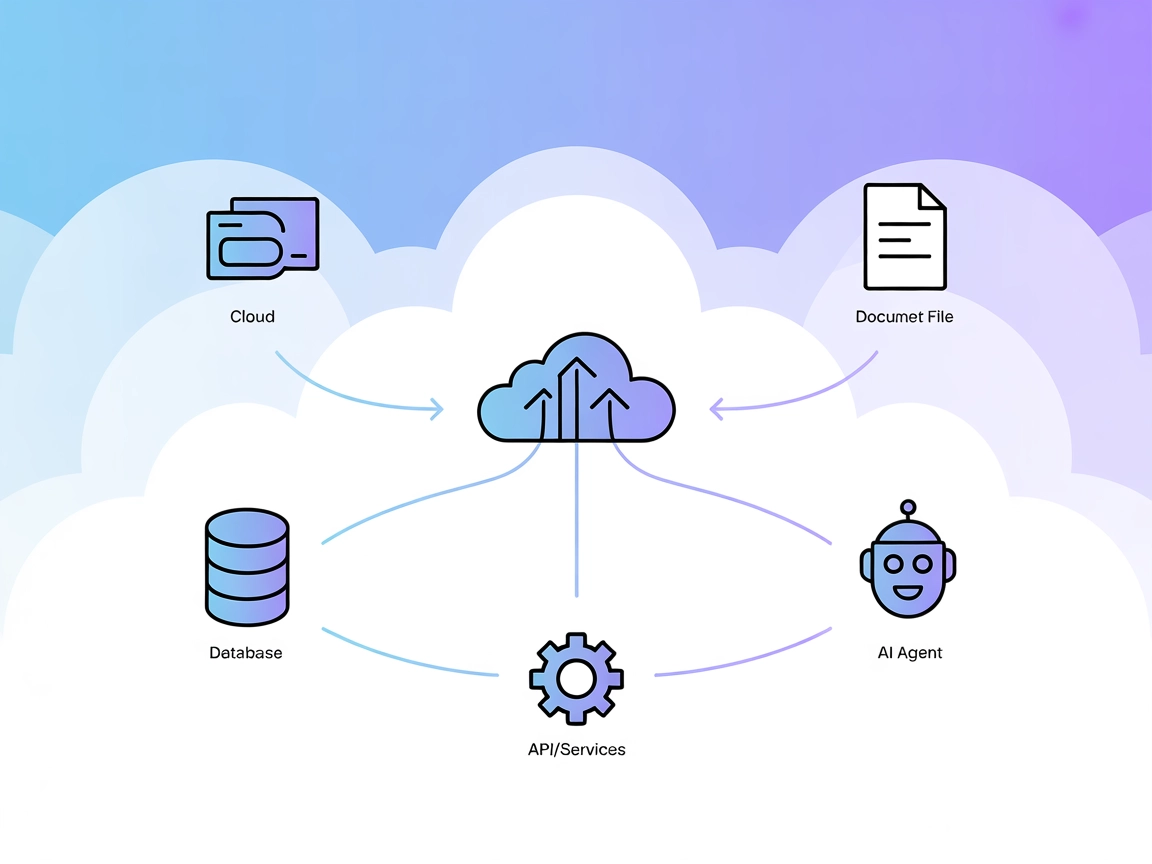
Model Context Protocol (MCP) Server
The Model Context Protocol (MCP) Server bridges AI assistants with external data sources, APIs, and services, enabling streamlined integration of complex workfl...
3 min read
AI
MCP
+4
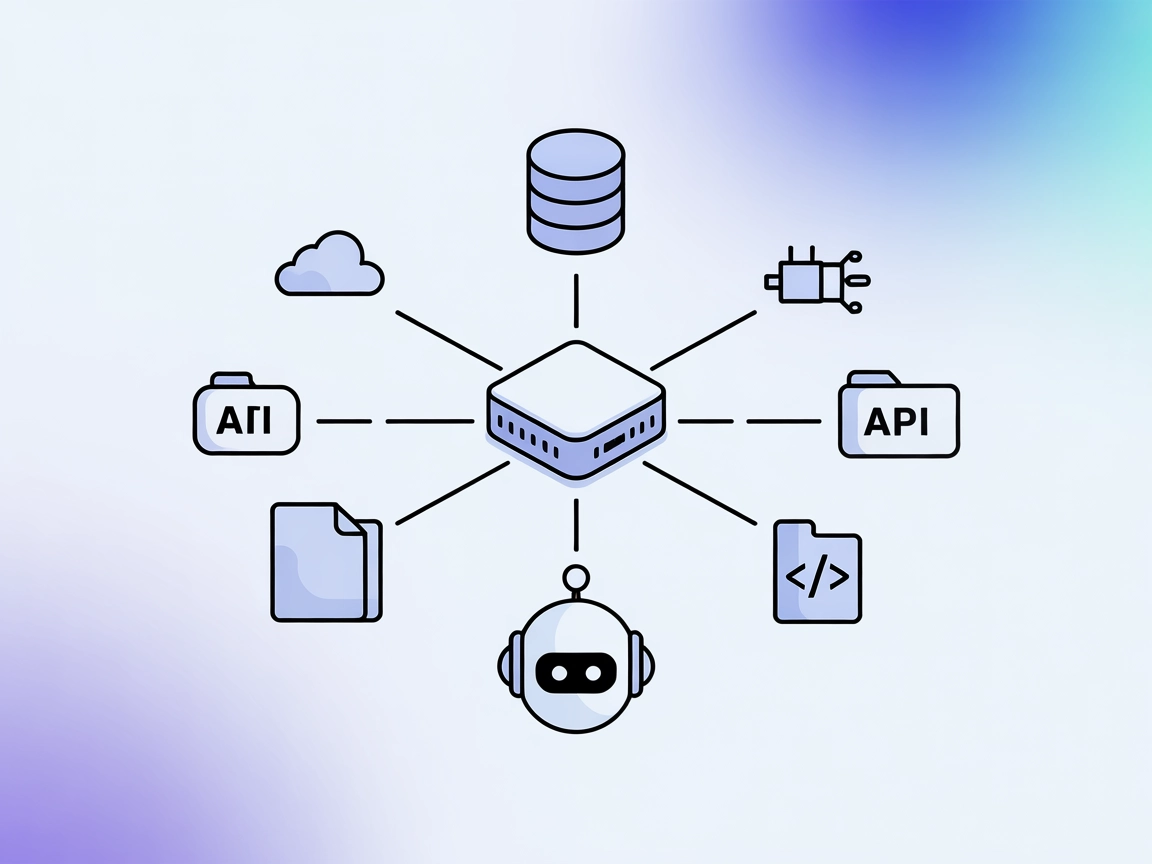
The UnifAI MCP Server bridges AI agents with external APIs and services for enhanced automation, though its current documentation is sparse.
The UnifAI MCP (Model Context Protocol) Server is part of the UnifAI SDK ecosystem, designed to connect AI assistants with external data sources, APIs, and services to enhance development workflows. By serving as a bridge, the UnifAI MCP Server enables AI-powered tools and agents to perform tasks such as database queries, file operations, and API interactions seamlessly. This expands the capabilities of AI assistants, allowing developers to automate complex workflows, orchestrate external actions, and standardize key interactions between AI and real-world systems. UnifAI MCP servers are available in both Python and TypeScript implementations as part of the UnifAI SDKs.
No information about prompt templates was found in the repository.

Start your free trial today and see results within days.
No information about specific resources exposed by the UnifAI MCP Server was found in the repository.
No information about specific tools provided by the UnifAI MCP Server was found in the repository.
Get latest tips, trends, and deals for free.
No explicit use cases were provided in the repository. However, based on general MCP server capabilities, possible use cases may include:
No setup instructions or configuration examples for Windsurf, Claude, Cursor, or Cline were found in the repository.
Using MCP in FlowHunt
To integrate MCP servers into your FlowHunt workflow, start by adding the MCP component to your flow and connecting it to your AI agent:

Click on the MCP component to open the configuration panel. In the system MCP configuration section, insert your MCP server details using this JSON format:
{
  "MCP-name": {
    "transport": "streamable_http",
    "url": "https://yourmcpserver.example/pathtothemcp/url"
  }
}
Once configured, the AI agent is now able to use this MCP as a tool with access to all its functions and capabilities. Remember to change “MCP-name” to whatever the actual name of your MCP server is (e.g., “github-mcp”, “weather-api”, etc.) and replace the URL with your own MCP server URL.
| Section | Availability | Details/Notes |
|---|---|---|
| Overview | ✅ | Overview inferred from repo and linked SDKs |
| List of Prompts | ⛔ | No prompt templates found |
| List of Resources | ⛔ | No resources found |
| List of Tools | ⛔ | No tools found |
| Securing API Keys | ⛔ | No details found |
| Sampling Support (less important in evaluation) | ⛔ | No details found |
There is no information in the repository about Roots or Sampling support.
Based on the lack of concrete information and documentation in the repository, the UnifAI MCP Server’s usability is currently limited from a developer perspective. The concept is promising, but the absence of details on tools, prompts, resources, and setup lowers its practical evaluation.
| Has a LICENSE | ⛔ |
|---|---|
| Has at least one tool | ⛔ |
| Number of Forks | 3 |
| Number of Stars | 3 |
Overall, this MCP server rates a 2/10 for usability and documentation. The core idea is solid, but the lack of setup, usage, or implementation details makes it impractical for developers as-is.
The Model Context Protocol (MCP) Server bridges AI assistants with external data sources, APIs, and services, enabling streamlined integration of complex workfl...

Integrate FlowHunt’s AI Agent with the UnifAI MCP Server for secure, scalable, and efficient AI orchestration. Enable advanced multi-agent workflows, Python and...

The edwin MCP Server bridges AI assistants and external data sources, APIs, and services, enabling smarter, context-aware agents in FlowHunt by exposing resourc...
Cookie Consent
We use cookies to enhance your browsing experience and analyze our traffic. See our privacy policy.