


ZenML MCP Integration
Integrate FlowHunt with ZenML via the Model Context Protocol (MCP) to standardize, secure, and streamline ML pipeline access. Enable real-time workflow monitori...
4 min read
AI
ZenML
+4

Connect your AI agents to ZenML’s MLOps infrastructure using the ZenML MCP Server for real-time pipeline control, artifact exploration, and streamlined ML workflows.
The ZenML MCP Server is an implementation of the Model Context Protocol (MCP) that acts as a bridge between AI assistants (such as Cursor, Claude Desktop, and others) and your ZenML MLOps and LLMOps pipelines. By exposing ZenML’s API via the MCP standard, it enables AI clients to access live information about users, pipelines, pipeline runs, steps, services, and more from a ZenML server. This integration empowers developers and AI workflows to query metadata, trigger new pipeline runs, and interact with ZenML’s orchestration features directly through supported AI tools. The ZenML MCP Server is especially useful in enhancing productivity by connecting LLM-powered assistants to robust MLOps infrastructure, facilitating tasks across the ML lifecycle.
No information found about prompt templates in the repository.

Start your free trial today and see results within days.
Get latest tips, trends, and deals for free.
No explicit instructions for Windsurf found; use generic MCP configuration:
uv are installed.{
"mcpServers": {
"zenml": {
"command": "/usr/local/bin/uv",
"args": ["run", "/path/to/zenml_server.py"],
"env": {
"LOGLEVEL": "INFO",
"NO_COLOR": "1",
"PYTHONUNBUFFERED": "1",
"PYTHONIOENCODING": "UTF-8",
"ZENML_STORE_URL": "https://your-zenml-server-goes-here.com",
"ZENML_STORE_API_KEY": "your-api-key-here"
}
}
}
}
Note: Secure your API keys by setting them in the env section as shown above.
{
  "mcpServers": {
    "zenml": {
      "command": "/usr/local/bin/uv",
      "args": ["run", "/path/to/zenml_server.py"],
      "env": {
        "LOGLEVEL": "INFO",
        "NO_COLOR": "1",
        "PYTHONUNBUFFERED": "1",
        "PYTHONIOENCODING": "UTF-8",
        "ZENML_STORE_URL": "https://your-zenml-server-goes-here.com",
        "ZENML_STORE_API_KEY": "your-api-key-here"
      }
    }
  }
}
Note: Always store your API keys securely in the environment variables, as above.
{
  "mcpServers": {
    "zenml": {
      "command": "/usr/local/bin/uv",
      "args": ["run", "/path/to/zenml_server.py"],
      "env": {
        "LOGLEVEL": "INFO",
        "NO_COLOR": "1",
        "PYTHONUNBUFFERED": "1",
        "PYTHONIOENCODING": "UTF-8",
        "ZENML_STORE_URL": "https://your-zenml-server-goes-here.com",
        "ZENML_STORE_API_KEY": "your-api-key-here"
      }
    }
  }
}
Note: API keys should be set using environment variables in the env section for security.
No explicit instructions for Cline found; use generic MCP configuration:
{
  "mcpServers": {
    "zenml": {
      "command": "/usr/local/bin/uv",
      "args": ["run", "/path/to/zenml_server.py"],
      "env": {
        "LOGLEVEL": "INFO",
        "NO_COLOR": "1",
        "PYTHONUNBUFFERED": "1",
        "PYTHONIOENCODING": "UTF-8",
        "ZENML_STORE_URL": "https://your-zenml-server-goes-here.com",
        "ZENML_STORE_API_KEY": "your-api-key-here"
      }
    }
  }
}
Note: Secure API keys in the env section as above.
Securing API Keys:
Set your ZenML API key and server URL securely using environment variables in the env section of the config, as in the JSON examples above.
Using MCP in FlowHunt
To integrate MCP servers into your FlowHunt workflow, start by adding the MCP component to your flow and connecting it to your AI agent:

Click on the MCP component to open the configuration panel. In the system MCP configuration section, insert your MCP server details using this JSON format:
{
  "zenml": {
    "transport": "streamable_http",
    "url": "https://yourmcpserver.example/pathtothemcp/url"
  }
}
Once configured, the AI agent is now able to use this MCP as a tool with access to all its functions and capabilities. Remember to change “zenml” to whatever the actual name of your MCP server is and replace the URL with your own MCP server URL.
| Section | Availability | Details/Notes |
|---|---|---|
| Overview | ✅ | |
| List of Prompts | ⛔ | Not found in repo |
| List of Resources | ✅ | Covers resources exposed by ZenML’s API |
| List of Tools | ✅ | Trigger pipeline, read metadata, etc. |
| Securing API Keys | ✅ | Example config provided |
| Sampling Support (less important in evaluation) | ⛔ | Not mentioned |
Based on the tables above, the ZenML MCP server provides thorough documentation, clear setup guidance, and exposes a wide range of resources and tools. However, it lacks documentation for prompt templates and no explicit mention of sampling or roots support. The repository is active, with a permissive number of stars and forks, but some MCP advanced features are not covered.
| Has a LICENSE | ⛔ (not shown in available files) |
|---|---|
| Has at least one tool | ✅ |
| Number of Forks | 8 |
| Number of Stars | 18 |
Enable your AI assistants to orchestrate, monitor, and manage ML pipelines instantly by connecting FlowHunt to ZenML’s MCP Server.
Integrate FlowHunt with ZenML via the Model Context Protocol (MCP) to standardize, secure, and streamline ML pipeline access. Enable real-time workflow monitori...
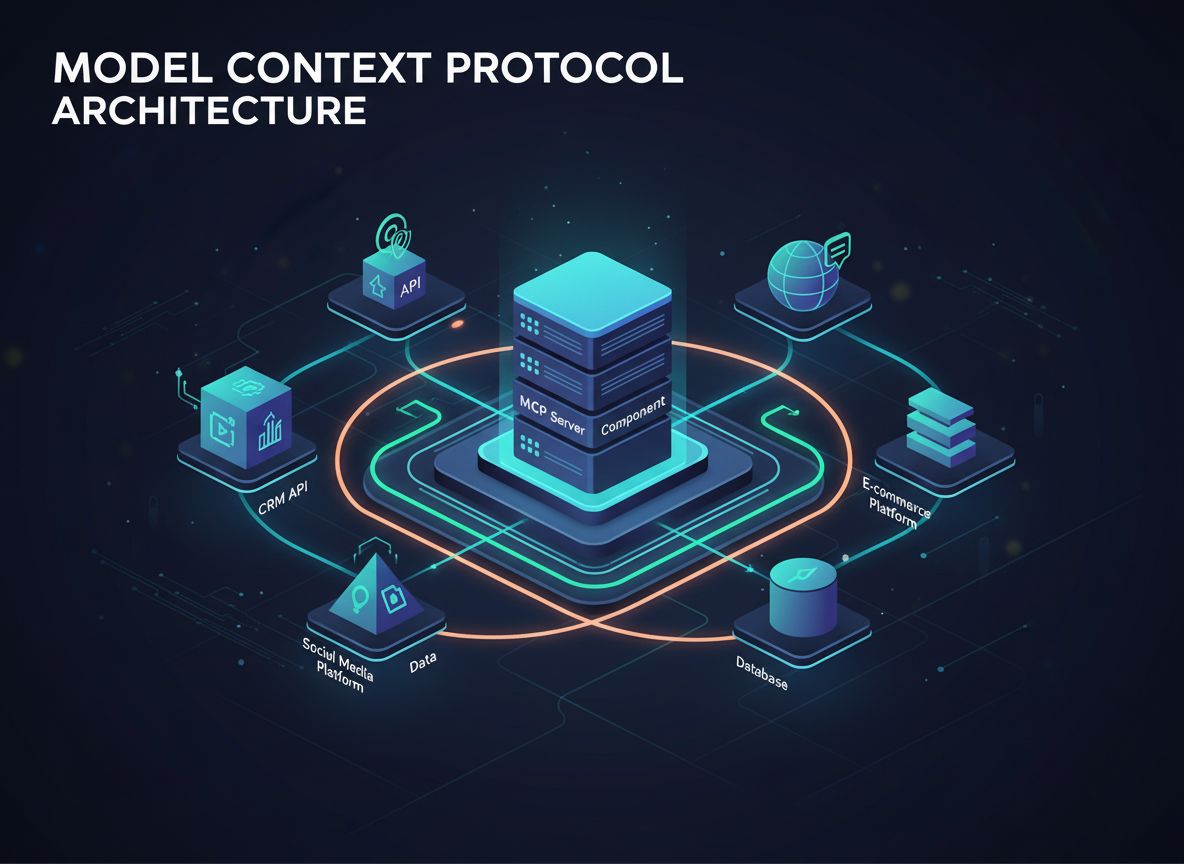
Learn what MCP (Model Context Protocol) servers are, how they work, and why they're revolutionizing AI integration. Discover how MCP simplifies connecting AI ag...
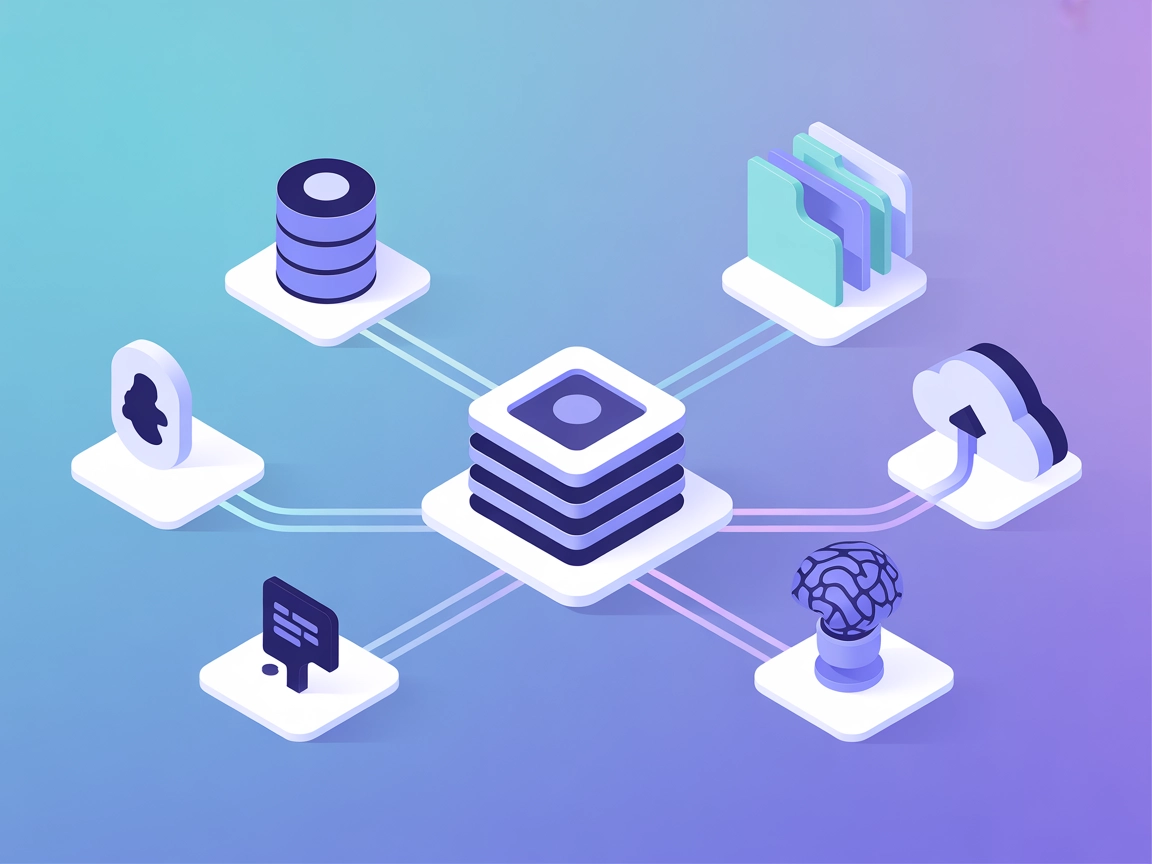
The Grafbase MCP Server bridges AI assistants and external data sources or APIs, enabling LLMs to access real-time data, automate workflows, and extend capabili...
Cookie Consent
We use cookies to enhance your browsing experience and analyze our traffic. See our privacy policy.