15 Melhores Ferramentas de Produtividade com IA em 2026 (Por Caso de Uso)
As melhores ferramentas de produtividade com IA em 2026, classificadas por caso de uso. De assistentes de escrita com IA a automação de workflows — encontre as ferramentas que realmente economizam tempo para seu papel.
AI Productivity
AI Tools
Productivity
Work Automation
The best AI productivity tools of 2026 have one thing in common: they reduce the time between having a goal and achieving it. Whether that’s drafting a document, scheduling a meeting, finding information, or completing a multi-step workflow — AI tools are collapsing the time cost of knowledge work at every level.
But “AI productivity tool” now covers an enormous range of products. There’s a meaningful difference between an AI writing assistant (Jasper, Grammarly), an AI meeting tool (Otter.ai, Fireflies), an AI scheduler (Reclaim, Motion), and an AI automation platform (FlowHunt) that connects everything else and handles the workflows that don’t fit neatly into any single category.
This guide covers 12 of the best AI productivity tools in 2026, organised by what they actually do — so you can find the right tool for your specific productivity challenge.
Resposta rápida: The highest-ROI AI productivity tool for most knowledge workers is the one that automates the most repetitive part of their specific job. For multi-tool workflows, FlowHunt
is the category leader. For coding, it’s GitHub Copilot. For meetings, it’s Fireflies or Otter.ai.
Comparação Rápida: Best AI Productivity Tools
Ferramenta
Categoria
Ideal Para
Plano Grátis
Preço Inicial
FlowHunt
AI Workflow Automation
Multi-step cross-tool workflows
Sim
Freemium
Notion AI
Knowledge Management
Docs, wikis, writing
Limitado
$10/mo
GitHub Copilot
Development
Code completion & generation
Yes (individual)
$10/mo
Grammarly
Writing
Grammar, tone, clarity
Sim
$12/mo
Otter.ai
Meetings
Transcription, summaries
Sim
$16.99/mo
Fireflies.ai
Meetings
Notes, action items
Sim
$10/mo
Reclaim.ai
Scheduling
Focus time, habits
Sim
$8/mo
Motion
Task Management
Auto-scheduling tasks
Não
$19/mo
Jasper
Content Marketing
AI writing at scale
Não
$49/mo
Copy.ai
Sales/Marketing Copy
Ad copy, email, landing pages
Sim
$36/mo
Perplexity
Research
Cited AI search
Sim
$20/mo
Raycast AI
macOS Productivity
AI commands via launcher
Yes (Raycast free)
$8/mo (AI)
1. FlowHunt — Best for Automating Multi-Step Workflows
FlowHunt
is the AI productivity tool that sits above all the others — not because it replaces them, but because it connects them and automates the manual steps between them. Every knowledge worker loses hours each week to tasks that aren’t high-value but can’t easily be delegated: moving data between tools, formatting reports, coordinating follow-ups, routing information to the right person.
FlowHunt handles this connective tissue. A marketing team uses FlowHunt to automatically pull meeting transcripts from Fireflies, extract action items, create Notion tasks, assign them in Linear, and notify the team in Slack — without anyone manually doing any of those steps. A sales team uses it to monitor inbound form submissions, research each company, draft a personalised follow-up, and create a CRM deal record.
The productivity gain isn’t from any single step — it’s from eliminating the entire workflow of copy-pasting, switching tabs, and manually triggering downstream tools.
Ideal para: Operations teams, marketing teams, sales teams, and anyone running repetitive multi-tool workflows that eat time without adding value
Prós:
Automates entire workflows across 1,400+ apps — not just individual tasks
AI agents handle research, drafting, and decision steps — not just routing
Visual canvas — non-technical users can build and modify workflows
Multi-agent support for complex, branched workflows
Connects to all the other productivity tools on this list
Contras:
Requires upfront workflow design — not instant out of the box
More powerful than necessary for single-task productivity needs
Pronto para expandir seu negócio?
Comece seu teste gratuito hoje e veja resultados em dias.
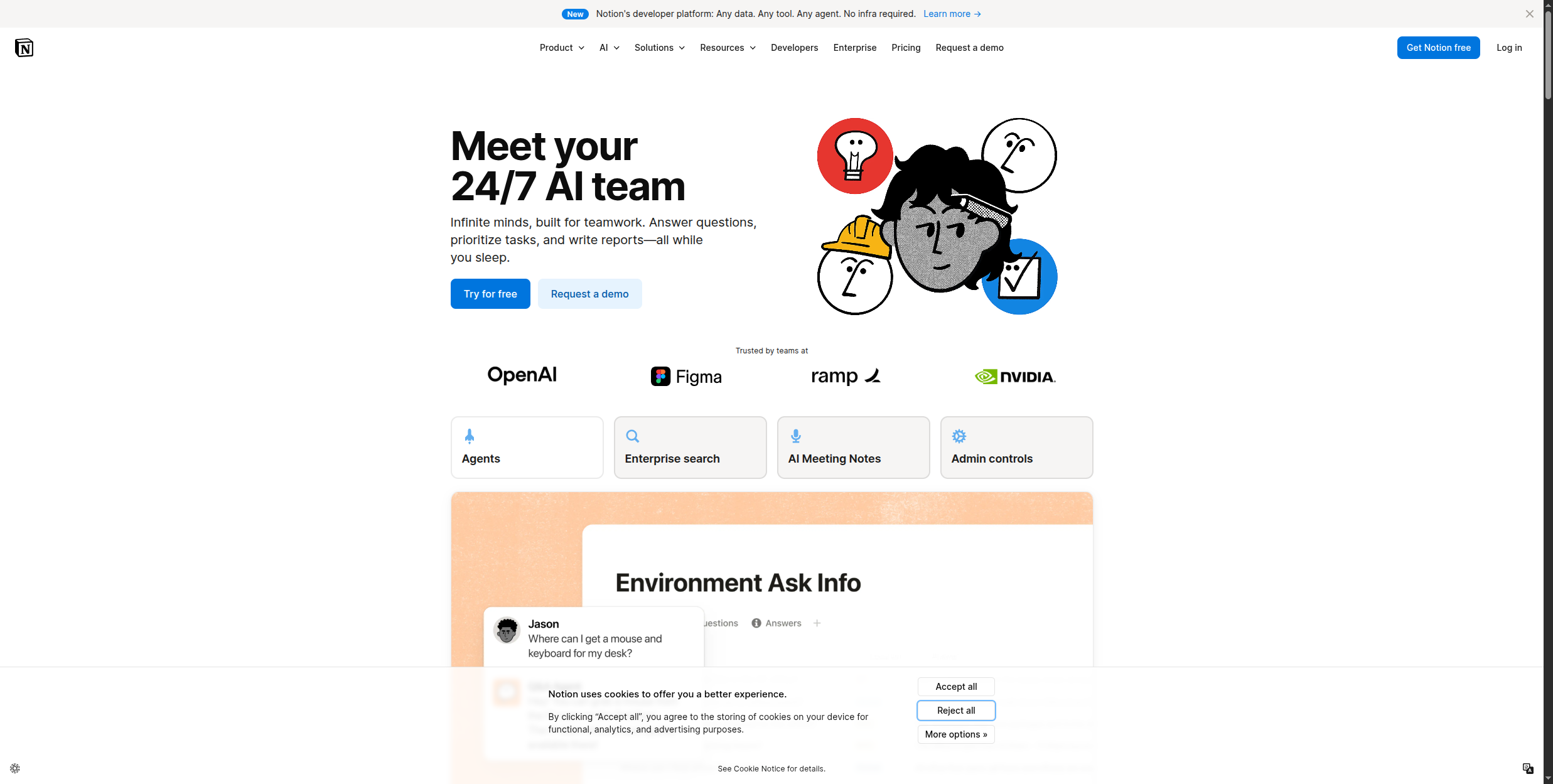
Notion AI brings AI writing and search directly into Notion’s workspace — where many teams already keep their documentation, project plans, and knowledge base. It can summarise long documents, generate first drafts from bullet points, answer questions based on your workspace content, and translate or rewrite existing text.
Ideal para: Teams already using Notion for documentation, project management, or knowledge management
Prós:
Native to Notion — no context switching to use it
Searches and synthesises across your entire workspace
Handles drafting, summarising, and Q&A in one tool
Available on all Notion plans for an add-on fee
Contras:
Only useful if you’re already in Notion
AI capabilities are broad rather than deep
Expensive when added to multiple-seat Notion plans
3. GitHub Copilot — Best AI Tool for Developers
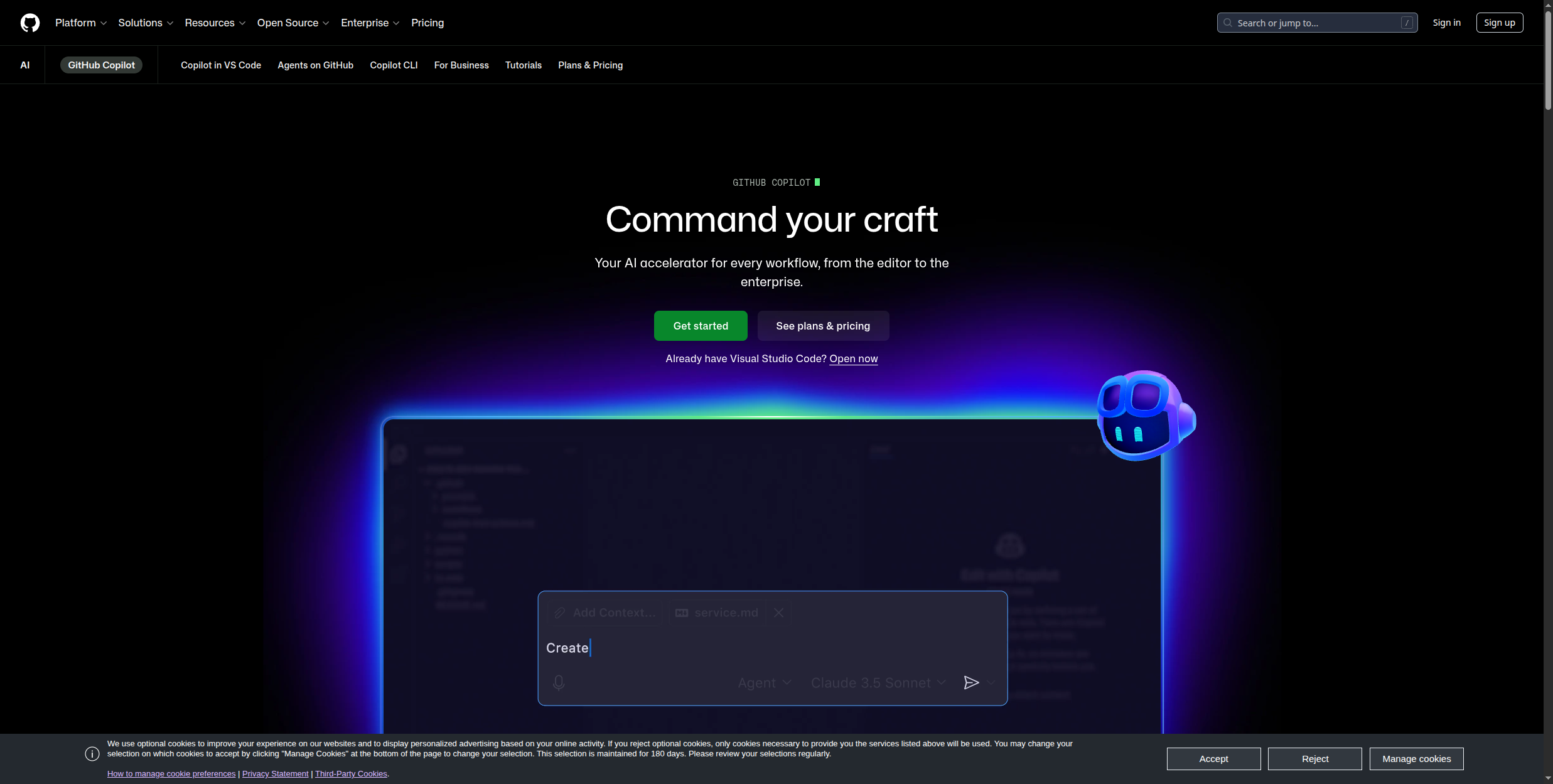
GitHub Copilot is the most widely adopted developer productivity tool in history, with over 1 million paid subscribers. It autocompletes code in real time, generates entire functions from a comment describing what you want, explains unfamiliar code, and catches bugs before they hit CI. For developers, the ROI is clear: studies consistently show 30-55% faster coding time.
Ideal para: Software developers across all languages and frameworks
Prós:
Works in VS Code, JetBrains, Vim, and most major editors
Understands context from surrounding code — not just line-by-line completion
Copilot Chat handles explanation, refactoring, and debugging queries
Now free for individual developers (limited version)
Contras:
Quality varies significantly by language and framework
Can generate plausible-looking but incorrect code — review is essential
Enterprise licensing costs add up at scale
Junte-se à nossa newsletter
Receba gratuitamente as últimas dicas, tendências e ofertas.
4. Grammarly — Best AI Writing Assistant
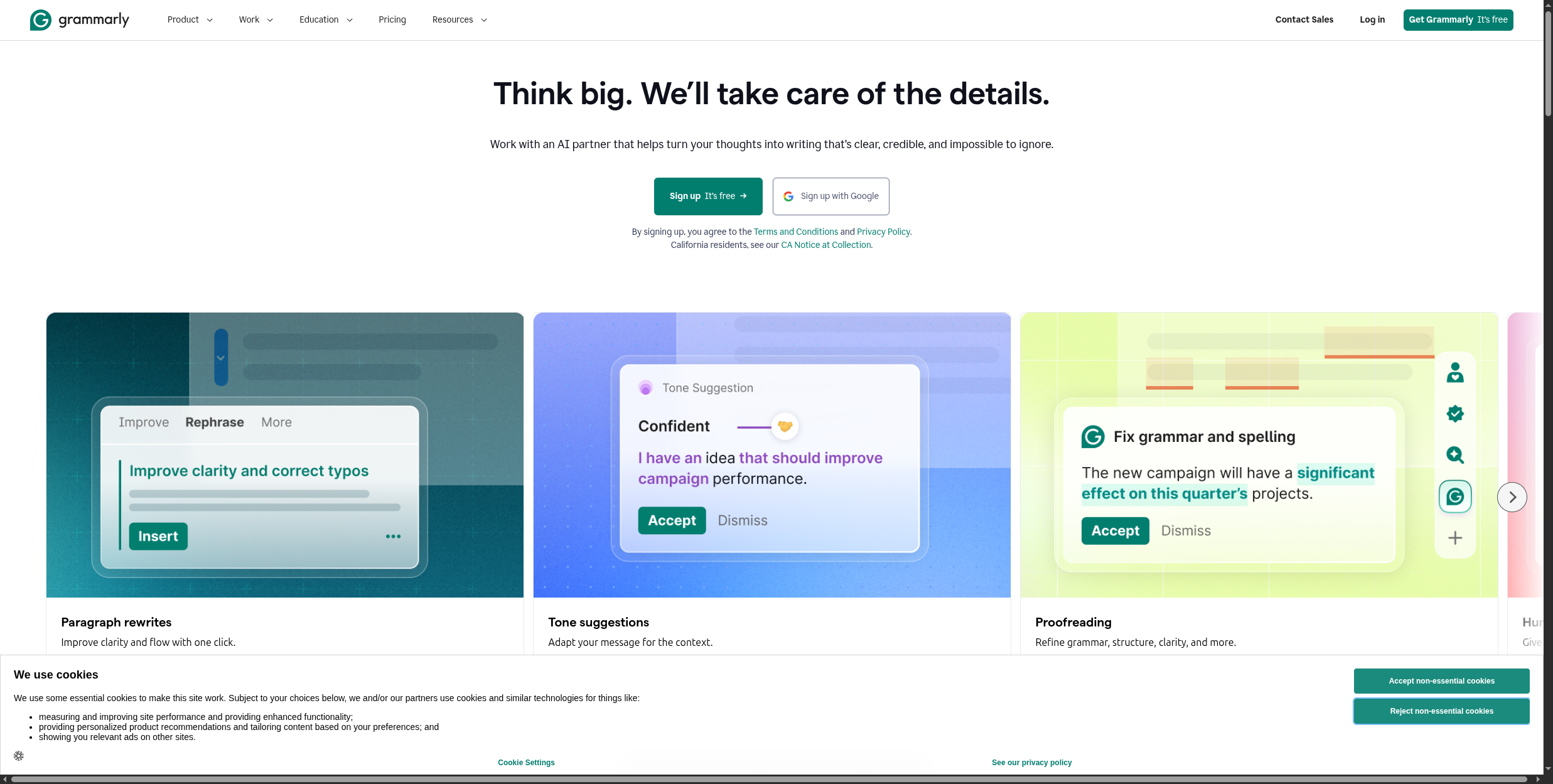
Grammarly is the most mature AI writing assistant, with over 30 million daily active users. It operates as a browser extension, desktop app, and API integration — catching grammar errors, improving sentence clarity, adjusting tone for context, and suggesting rewrites across every text input you encounter online.
Works everywhere — browser, email, Google Docs, Microsoft Word
Tone detection suggests adjustments before you send
Brand voice consistency for teams on Business plan
Free tier covers core grammar and spelling fixes
Contras:
Suggestions can homogenise writing style if accepted uncritically
Business plan required for team features
Struggles with highly technical or domain-specific writing
5. Otter.ai — Best for Meeting Transcription
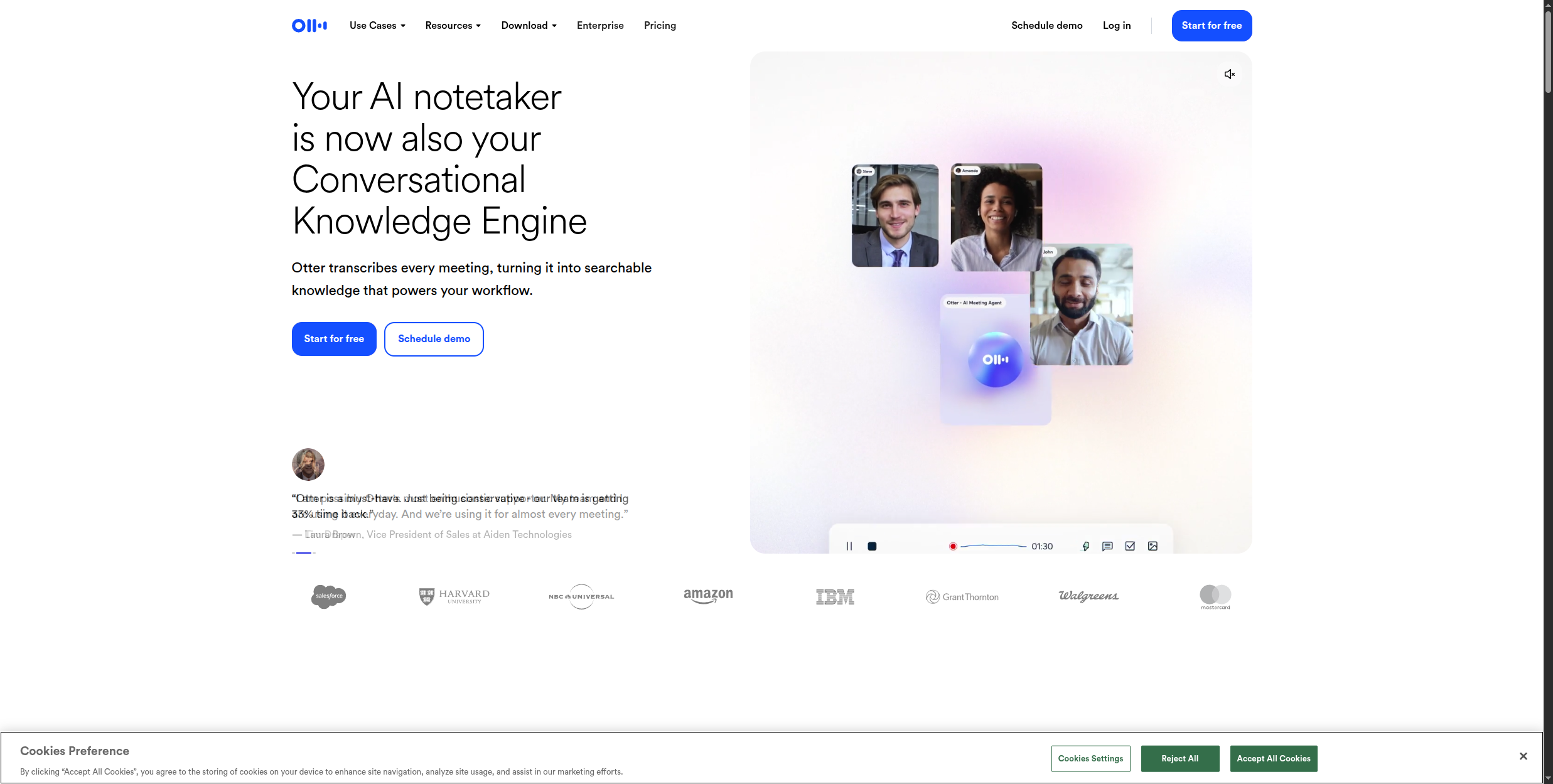
Otter.ai provides real-time transcription for Zoom, Google Meet, and Microsoft Teams calls, with automated meeting summaries and action item extraction available immediately after the call ends. For teams with heavy meeting loads, the ROI is immediate: no more manual note-taking, no more “what did we decide?” follow-ups.
Ideal para: Teams with high meeting volume who want async-friendly meeting documentation
Prós:
Real-time captions during calls — accessible for attendees too
Automated summary and action item extraction post-call
300 minutes/month free — generous for individual use
Integrates with major calendar and video tools
Contras:
Transcription accuracy varies with accents and audio quality
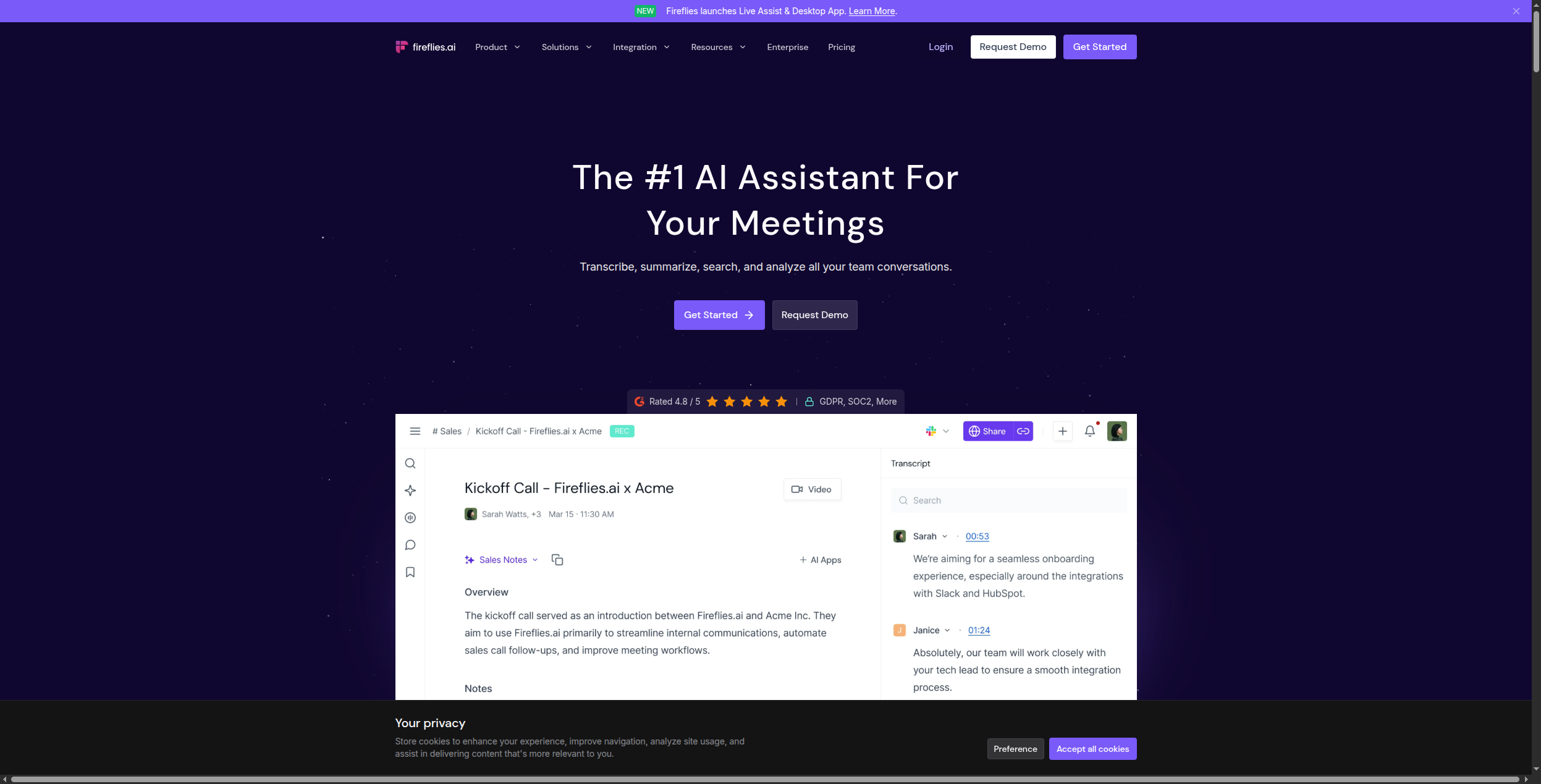
Fireflies joins calls as a bot participant, records and transcribes, and generates structured meeting notes with chapters, topics, and action items — automatically pushed to connected tools like HubSpot, Salesforce, Notion, or Slack after the meeting.
Ideal para: Sales and ops teams that need meeting intelligence to flow automatically into their CRM and task tools
Prós:
Automatic push of notes and action items to connected tools
Better CRM integration than Otter.ai (native HubSpot and Salesforce sync)
Bot participant in meetings can feel intrusive for some clients
Accuracy on technical topics requires vocabulary configuration
Real-time captions less developed than Otter.ai
7. Reclaim.ai — Best for Calendar Optimisation
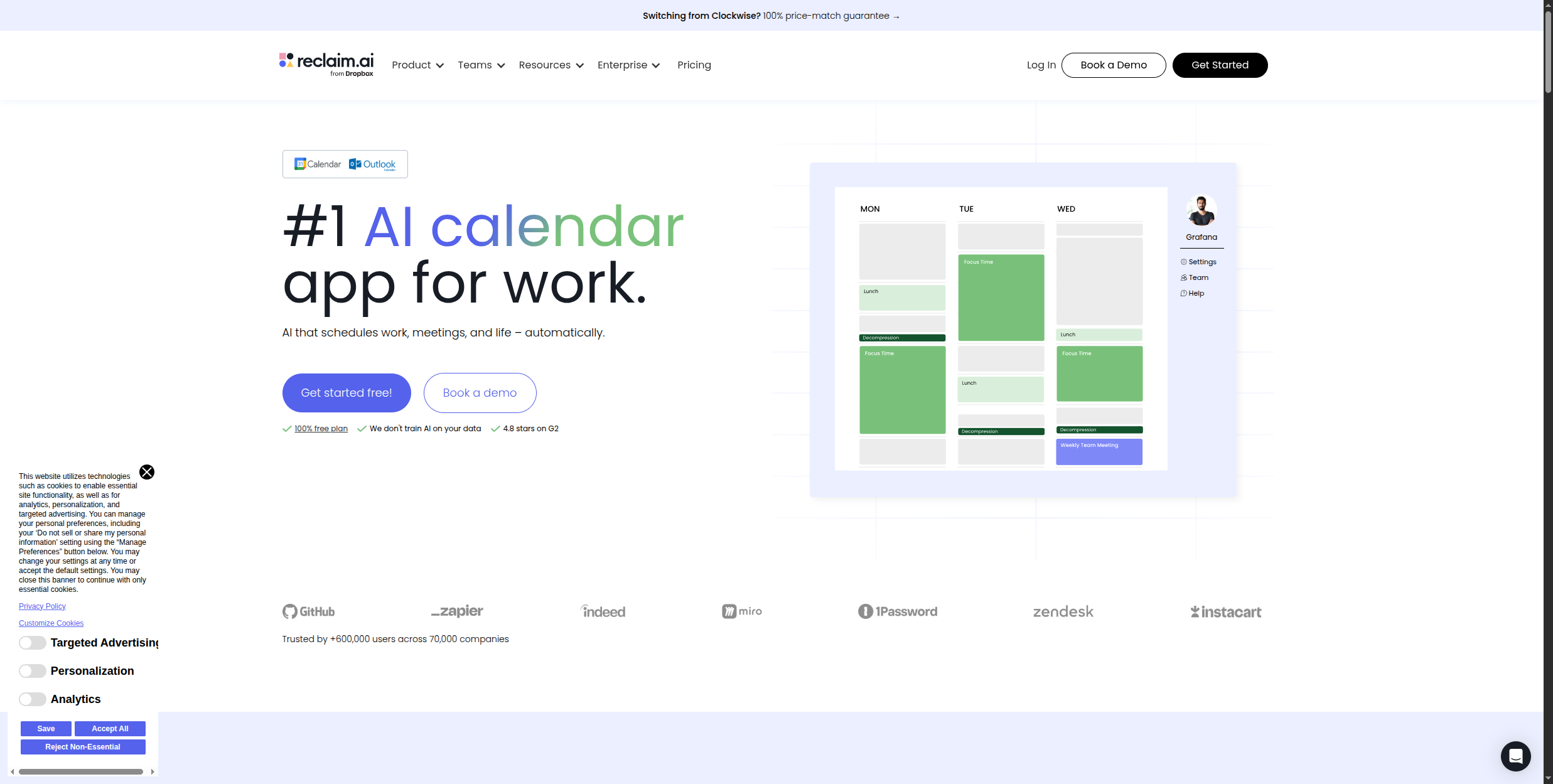
Reclaim.ai automatically schedules your focus time, habits, breaks, and meetings by learning your priorities and protecting the calendar space for what matters most. When a new meeting is scheduled that conflicts with protected time, Reclaim automatically finds the next best slot rather than just double-booking.
Ideal para: Professionals who struggle with calendar fragmentation and protecting deep work time
Prós:
Intelligent scheduling that prioritises based on your stated goals
Habits feature ensures recurring blocks (exercise, deep work) stay on the calendar
Sync with Slack status and task managers (Asana, Linear)
Free plan covers core scheduling automation
Contras:
Requires sharing calendar access and configuration time upfront
Works best for individual use — team coordination is more complex
Less useful for roles with heavily externally-driven schedules
8. Motion — Best for Auto-Scheduling Tasks and Projects
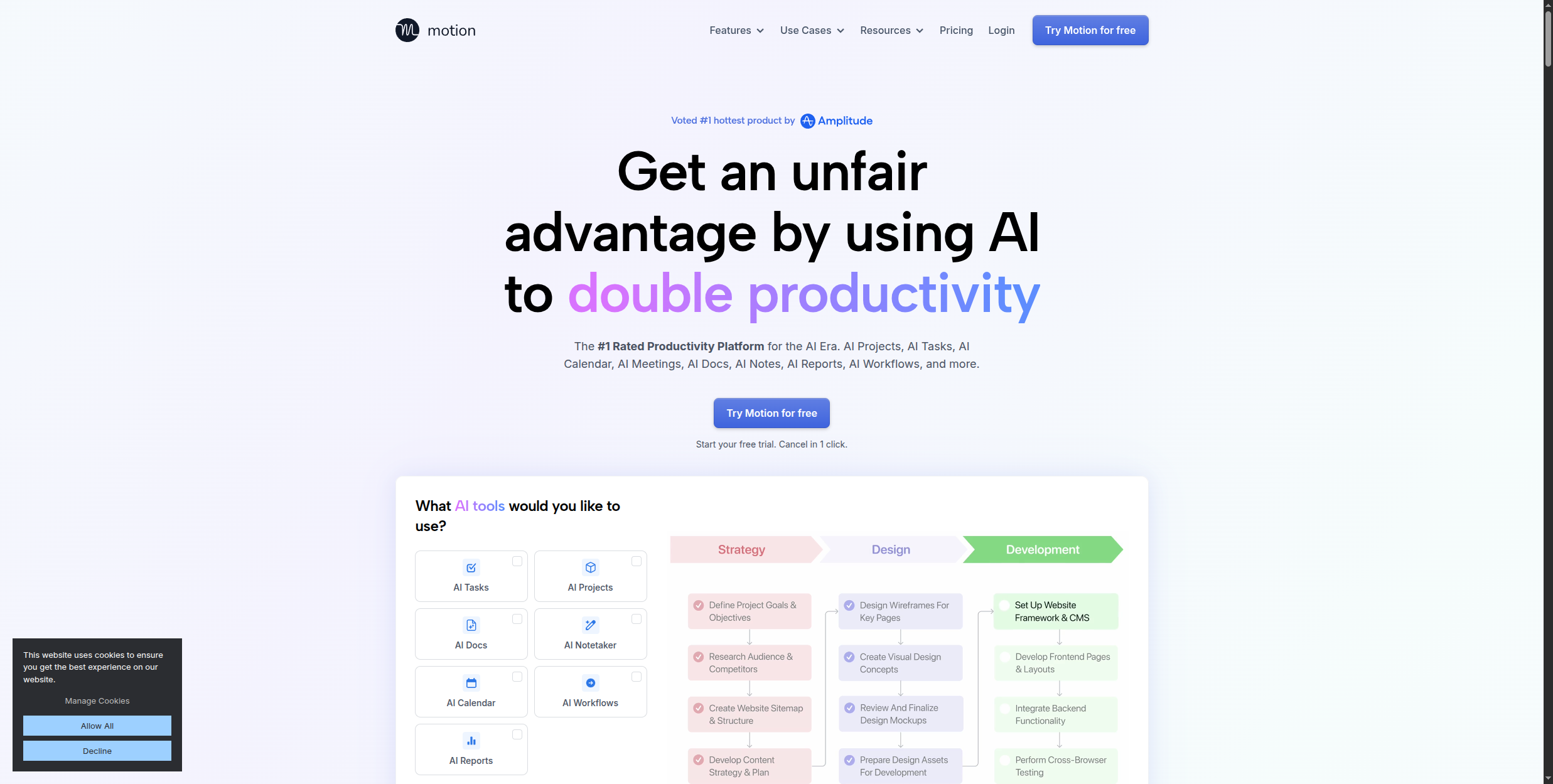
Motion is more ambitious than Reclaim: it automatically schedules not just time blocks but individual tasks from your project list, rebuilding your daily schedule in real time when priorities shift or a meeting runs long. For project managers and individual contributors juggling multiple workstreams, Motion can replace both a task manager and a calendar assistant.
Automatically prioritises and schedules tasks — not just time blocks
Rebuilds the day’s schedule when disruptions occur
Project management built in — no separate tool needed
Meeting scheduling assistant included
Contras:
No free plan — $19/month per user
Learning period of 2-3 weeks before scheduling is well-calibrated
Heavy upfront task entry required to capture full workload
9. Jasper — Best AI Writing Tool for Marketing Teams
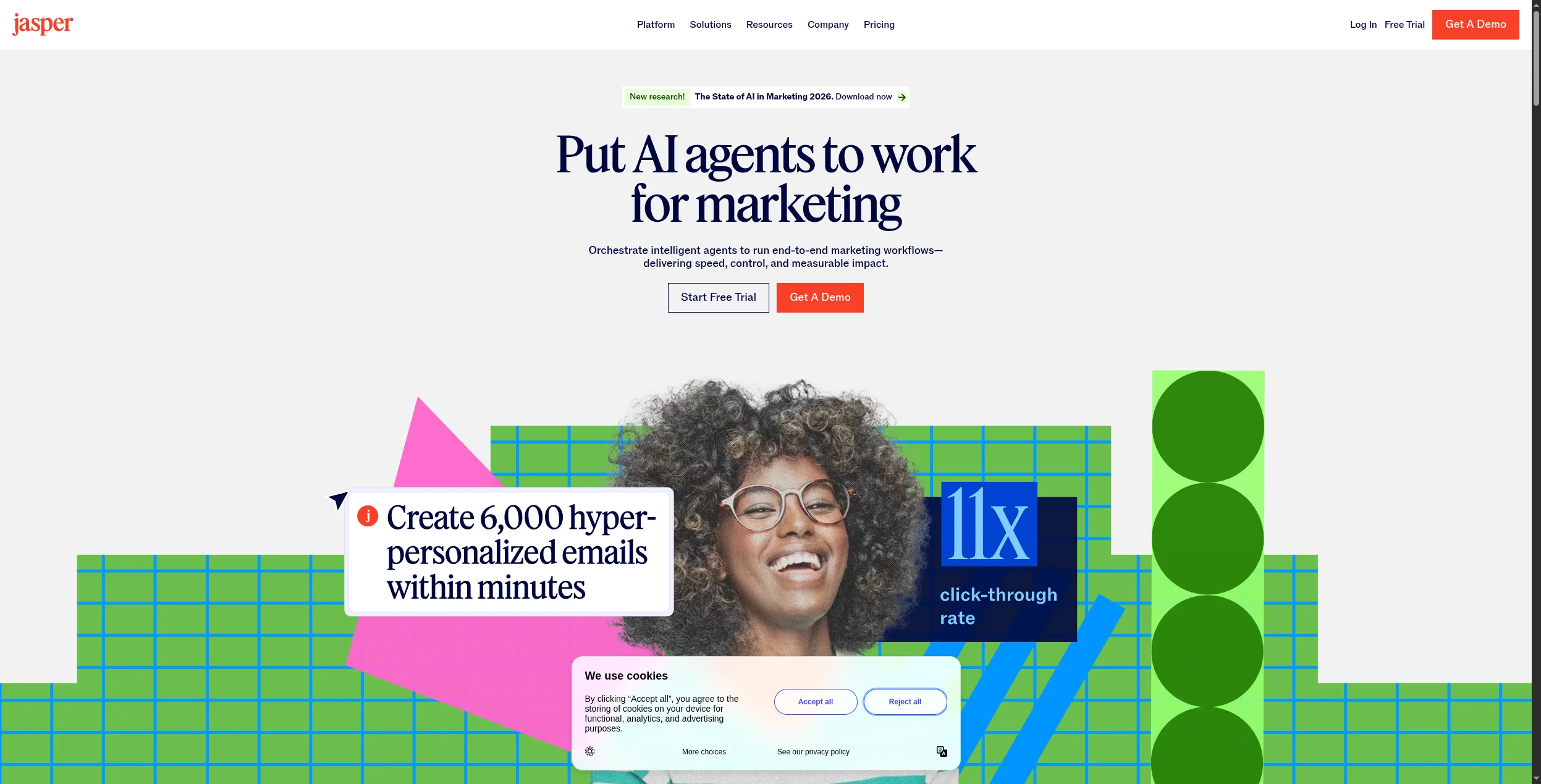
Jasper is the most capable AI writing platform for marketing teams, with deep support for brand voice consistency, campaign-level content planning, and templates for every marketing format — blog posts, ads, email sequences, social copy, and landing pages. Its integration with SEO tools (Surfer SEO) makes it more useful for content teams than generic LLM chatbots.
Ideal para: Content marketing teams and brand managers producing high-volume, on-brand content
Prós:
Brand voice configuration ensures output matches your style
Surfer SEO integration for SEO-optimised content
Team collaboration features for content review and approval
Templates for every marketing format
Contras:
Expensive for individual users — better value for teams
AI output still requires significant editing for quality
Not a replacement for human strategy and judgment
10. Copy.ai — Best for Sales and Marketing Copy
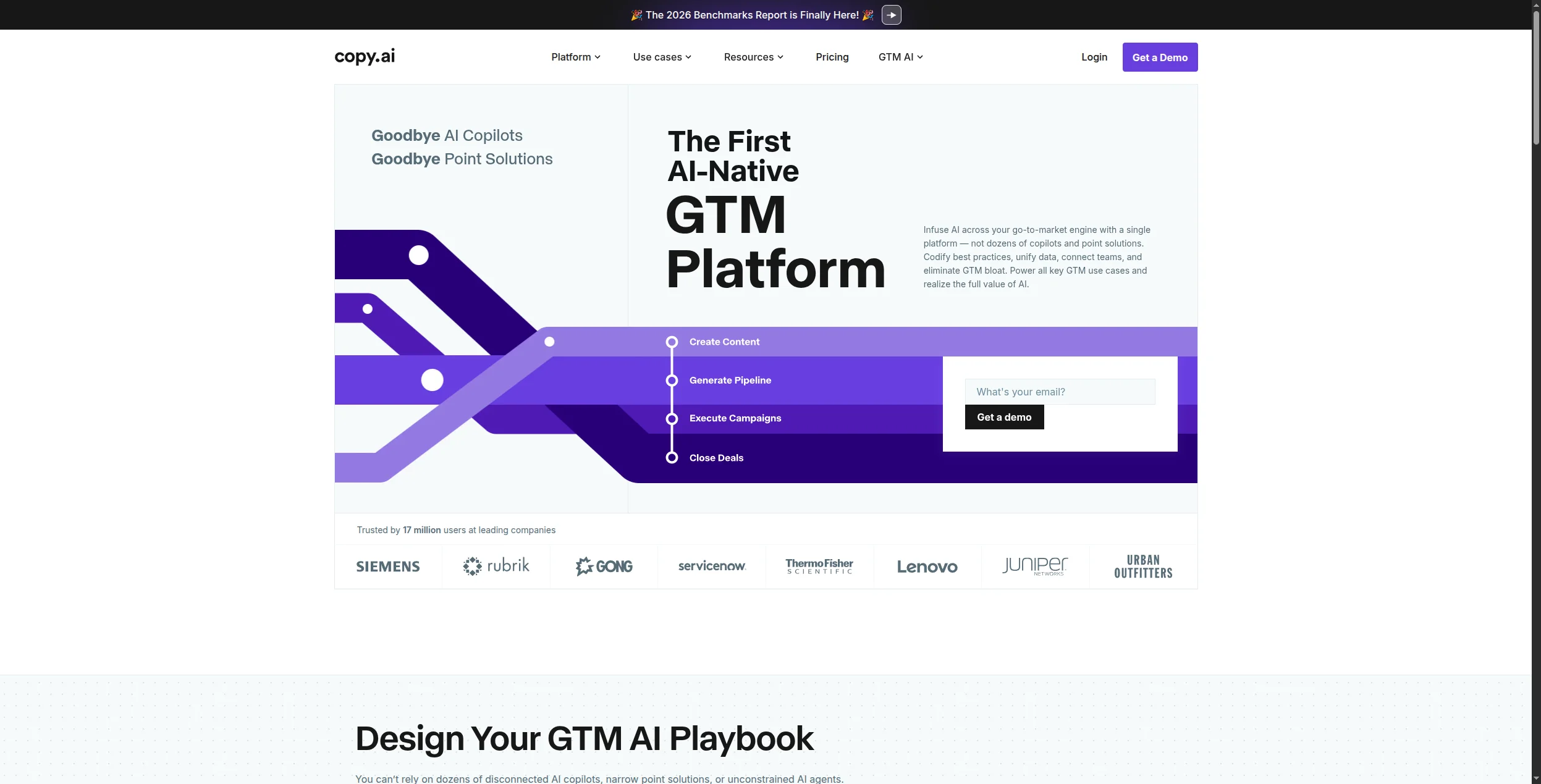
Copy.ai focuses specifically on conversion-oriented copy: ad headlines, email subject lines, landing page copy, sales sequences, and social media posts. Its “GTM AI Platform” positions it as an end-to-end AI tool for go-to-market teams rather than a general writing assistant.
Ideal para: Sales and marketing teams generating high volumes of copy across multiple channels
Prós:
Purpose-built for GTM teams — templates match real sales/marketing needs
Workflow automation for multi-step content generation
Brand voice and messaging framework configuration
Generous free tier for initial use
Contras:
Output quality is high for formulaic copy, lower for nuanced pieces
Not ideal for long-form editorial content
Less suitable for technical writing or documentation
11. Perplexity — Best AI Research Tool
Perplexity is an AI search engine that answers questions with cited, verifiable sources — making it dramatically more useful than traditional search for research tasks and far more accurate than uncited LLM responses. For knowledge workers who spend significant time on research and fact-finding, Perplexity reduces the time from question to verified answer by 60-80%.
Ideal para: Researchers, analysts, journalists, and anyone with heavy research workloads
Prós:
Every answer includes cited sources — fact-checking is easy
More accurate and current than relying on LLM training data alone
Pro version accesses multiple AI models including GPT-4o and Claude
Handles complex, multi-part research questions
Contras:
Source quality varies — not all citations are equally reliable
Less useful for creative tasks or subjective questions
Free tier limits use of advanced models
12. Raycast AI — Best for macOS Power Users
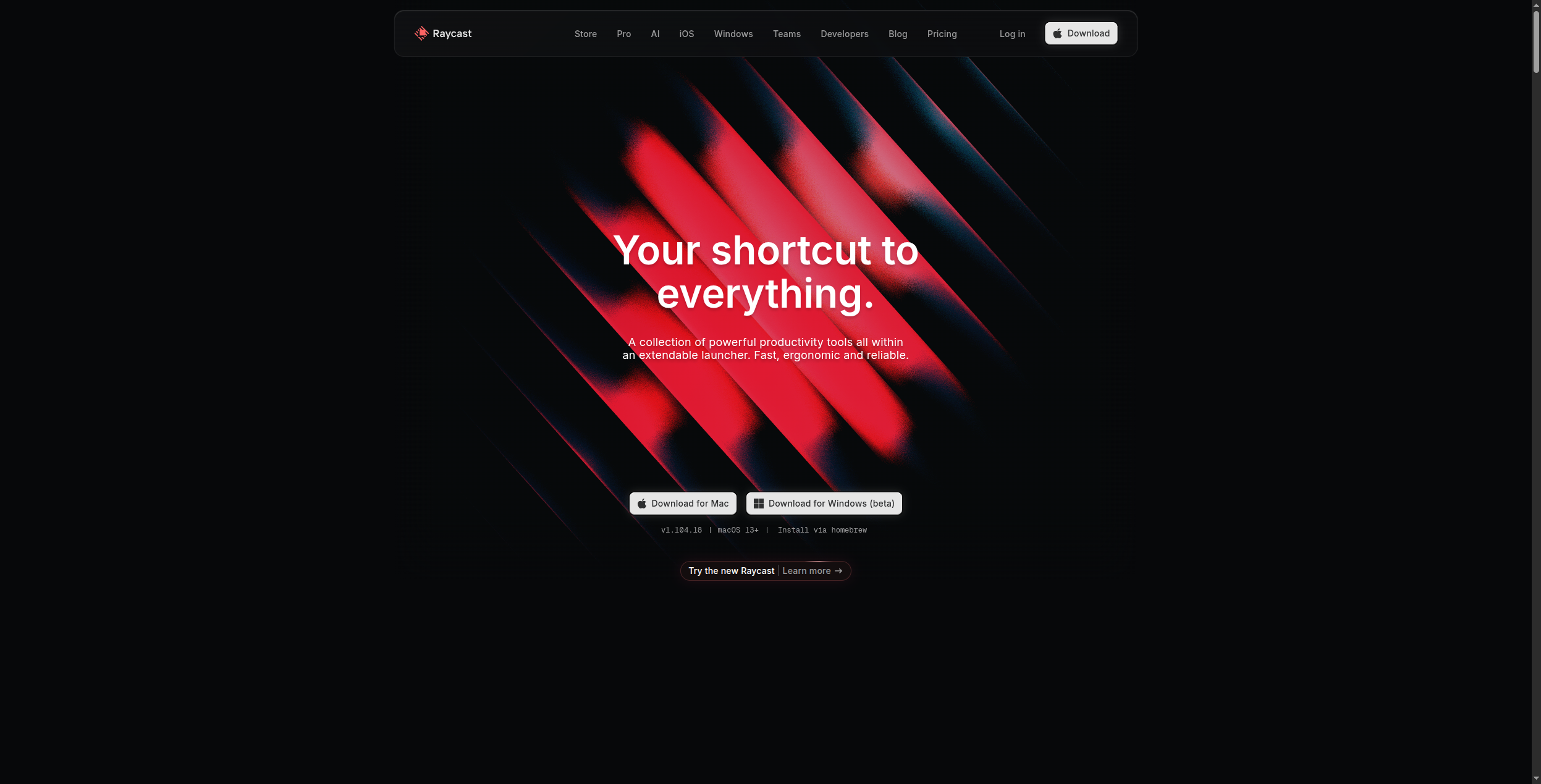
Raycast is a keyboard-driven Mac launcher that’s been extended with AI capabilities — letting you query Claude, GPT-4o, or other models from a global keyboard shortcut, summarise pages, generate code, and trigger custom AI commands without switching context. For power users who want AI integrated into their existing Mac workflow rather than through a separate browser tab, Raycast is the most seamless option.
Ideal para: macOS power users who want AI integrated into their existing workflow
Prós:
AI accessible from any application via keyboard shortcut
Custom AI commands for repeatable tasks
Connects to notes, calendar, files, and other Mac data
Fast — no browser tab switching required
Contras:
macOS only — no Windows or Linux support
Requires Raycast subscription in addition to AI model costs
Best suited to power users comfortable with keyboard-driven tools
Como Construir Seu Stack de Produtividade com IA
The most productive teams in 2026 don’t use one AI tool — they use a curated stack where each tool handles what it does best, connected by FlowHunt to automate the handoffs between them.
A typical high-performing stack:
FlowHunt — automates multi-step workflows across all other tools
GitHub Copilot — if there are developers on the team
Grammarly — for all written external communications
Fireflies — for meeting intelligence and CRM sync
Reclaim or Motion — for calendar and task scheduling
Perplexity — for research and fact-finding
Jasper or Copy.ai — for marketing and sales content at scale
The key principle: use specialist tools for specialist tasks, and use FlowHunt’s workflow automation
to connect them so information flows automatically rather than requiring manual hand-off.
Conclusão
AI productivity tools are no longer optional for knowledge workers — teams not using them are operating at a structural disadvantage in both speed and quality. The tools on this list represent the best in their respective categories.
Start with the tool that addresses your biggest time sink: if it’s meetings, start with Fireflies. If it’s content, start with Jasper or Grammarly. If it’s multi-tool workflows, start with FlowHunt’s free tier
.
The best AI productivity tools depend on your role: for developers, GitHub Copilot is essential. For writers and marketers, Jasper or Copy.ai accelerate content production. For meeting-heavy roles, Otter.ai or Fireflies saves hours of note-taking. For anyone with complex, multi-tool workflows, FlowHunt automates the connective tissue between tools — handling the manual steps that don't belong to any single productivity app.
Yes. Many leading AI productivity tools offer free tiers: Grammarly (free for basic writing assistance), Notion AI (limited free usage), Otter.ai (300 minutes/month free), Perplexity (free basic search), FlowHunt (free tier for workflow automation), and GitHub Copilot (free for individual developers). Quality free options exist across every productivity category.
Remote teams benefit most from: Otter.ai or Fireflies for async meeting intelligence, Notion AI for shared knowledge management, FlowHunt for automating cross-team workflows, Reclaim.ai for cross-timezone scheduling, and Slack with AI features for async communication. The most impactful AI tools for remote teams are those that create shared context and reduce the need for synchronous coordination.
AI productivity tools save time in three ways: by eliminating repetitive tasks (transcription, formatting, data entry), by accelerating skilled work (first drafts, code completion, research), and by reducing coordination overhead (automated scheduling, meeting summaries, status updates). The highest ROI typically comes from automating repetitive multi-step workflows — which is what FlowHunt specialises in.
AI productivity tools (Grammarly, GitHub Copilot, Jasper) assist individual tasks by augmenting human work — you still initiate and oversee each action. AI automation tools (FlowHunt, n8n, Zapier) run workflows automatically without human initiation — they watch for triggers and execute multi-step processes end-to-end. The most productive teams use both: individual productivity tools for skilled work and automation tools to handle the connective tissue between tasks.
Arshia é Engenheira de Fluxos de Trabalho de IA na FlowHunt. Com formação em ciência da computação e paixão por IA, ela se especializa em criar fluxos de trabalho eficientes que integram ferramentas de IA em tarefas do dia a dia, aumentando a produtividade e a criatividade.
Arshia Kahani
Engenheira de Fluxos de Trabalho de IA
Automate Your Work with AI — Experimente o FlowHunt Grátis
O FlowHunt conecta seus modelos de IA, ferramentas existentes e dados reais em fluxos de trabalho automatizados. Construa seu primeiro fluxo em minutos — sem código necessário.
12 Melhores Aplicativos de IA em 2026: Ranking e Análise por Caso de Uso
Os 12 melhores aplicativos de IA em 2026, classificados por capacidade, facilidade de uso e custo-benefício. De automação de workflows com IA a escrita, design ...
Melhor Construtor de Agentes de IA em 2026: 12 Ferramentas Classificadas e Analisadas
Classificadas e analisadas: as 12 melhores plataformas de construção de agentes de IA em 2026. Tabela de comparação, preços, camadas gratuitas e um veredicto cl...
Melhores Ferramentas de Automação de Fluxo de Trabalho em 2026: 12 Plataformas Classificadas e Analisadas
Classificadas e analisadas: as 12 melhores ferramentas de automação de fluxo de trabalho em 2026. Tabela de comparação, preços, planos gratuitos e um parecer cl...
15 min de leitura
Automation
AI Tools
+3
Consentimento de Cookies Usamos cookies para melhorar sua experiência de navegação e analisar nosso tráfego. See our privacy policy.