15 Best AI Productivity Tools in 2026 (Ranked by Use Case)
The best AI productivity tools in 2026, ranked by use case. From AI writing assistants to workflow automation — find the tools that actually save time for your specific role.
AI Productivity
AI Tools
Productivity
Work Automation
The best AI productivity tools of 2026 have one thing in common: they reduce the time between having a goal and achieving it. Whether that’s drafting a document, scheduling a meeting, finding information, or completing a multi-step workflow — AI tools are collapsing the time cost of knowledge work at every level.
But “AI productivity tool” now covers an enormous range of products. There’s a meaningful difference between an AI writing assistant (Jasper, Grammarly), an AI meeting tool (Otter.ai, Fireflies), an AI scheduler (Reclaim, Motion), and an AI automation platform (FlowHunt) that connects everything else and handles the workflows that don’t fit neatly into any single category.
This guide covers 12 of the best AI productivity tools in 2026, organised by what they actually do — so you can find the right tool for your specific productivity challenge.
Quick answer: The highest-ROI AI productivity tool for most knowledge workers is the one that automates the most repetitive part of their specific job. For multi-tool workflows, FlowHunt
is the category leader. For coding, it’s GitHub Copilot. For meetings, it’s Fireflies or Otter.ai.
1. FlowHunt — Best for Automating Multi-Step Workflows
FlowHunt
is the AI productivity tool that sits above all the others — not because it replaces them, but because it connects them and automates the manual steps between them. Every knowledge worker loses hours each week to tasks that aren’t high-value but can’t easily be delegated: moving data between tools, formatting reports, coordinating follow-ups, routing information to the right person.
FlowHunt handles this connective tissue. A marketing team uses FlowHunt to automatically pull meeting transcripts from Fireflies, extract action items, create Notion tasks, assign them in Linear, and notify the team in Slack — without anyone manually doing any of those steps. A sales team uses it to monitor inbound form submissions, research each company, draft a personalised follow-up, and create a CRM deal record.
The productivity gain isn’t from any single step — it’s from eliminating the entire workflow of copy-pasting, switching tabs, and manually triggering downstream tools.
Best for: Operations teams, marketing teams, sales teams, and anyone running repetitive multi-tool workflows that eat time without adding value
Pros:
Automates entire workflows across 1,400+ apps — not just individual tasks
AI agents handle research, drafting, and decision steps — not just routing
Visual canvas — non-technical users can build and modify workflows
Multi-agent support for complex, branched workflows
Connects to all the other productivity tools on this list
Cons:
Requires upfront workflow design — not instant out of the box
More powerful than necessary for single-task productivity needs
Ready to grow your business?
Start your free trial today and see results within days.
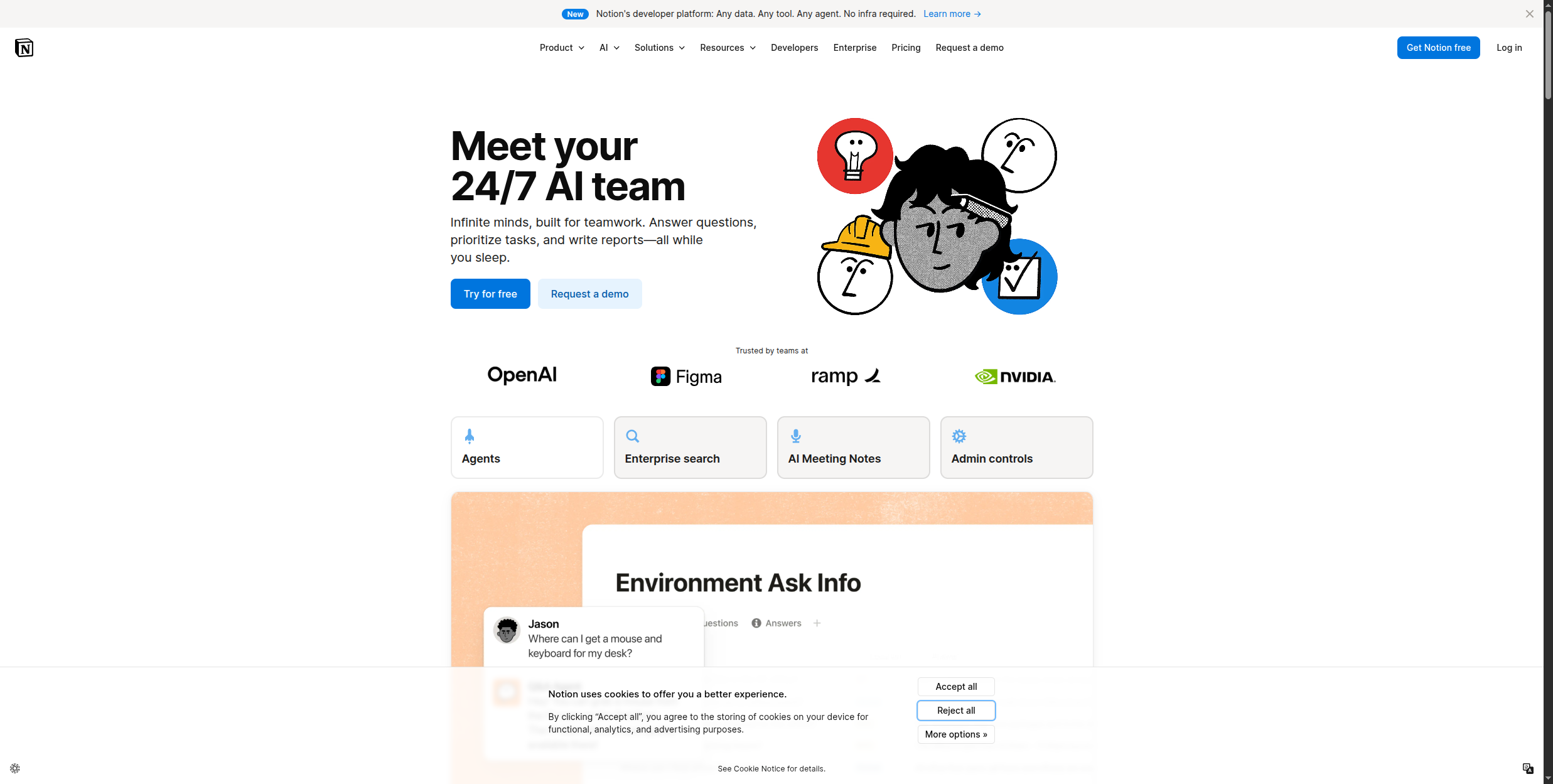
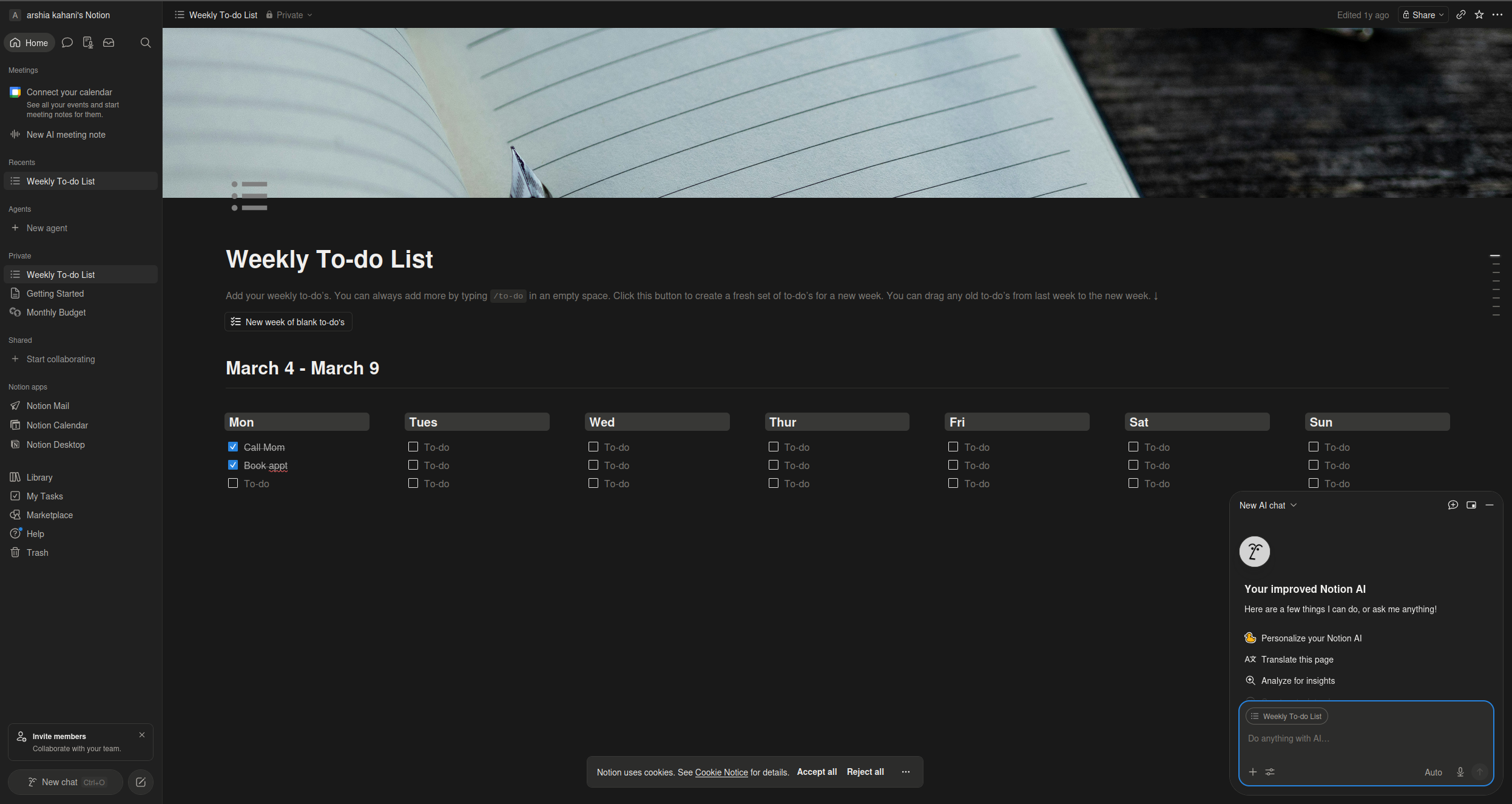
Notion AI brings AI writing and search directly into Notion’s workspace — where many teams already keep their documentation, project plans, and knowledge base. It integrates at every level of the Notion experience: inside page editors, database views, and the global search bar.
The writing assistance covers the full editing lifecycle — draft from scratch, continue writing, improve, shorten, or lengthen any existing content. The Q&A feature is where Notion AI becomes genuinely powerful for teams: ask a natural language question and Notion AI searches your entire workspace to synthesise an answer, pulling from meeting notes, wikis, and project pages simultaneously.
Autofill is another standout feature — it can populate database properties automatically based on page content or related data, saving significant manual effort in structured wikis and project trackers. Meeting notes can be summarised into action items in one click, and content can be translated to 14 languages directly within Notion.
Pricing:
Add-on to any Notion plan: $8/member/mo (annual) or $10/member/mo (monthly)
Works on top of Free, Plus ($10/mo), Business ($15/mo), and Enterprise plans
Best for: Teams already using Notion for documentation, project management, or knowledge management
Pros:
Native to Notion — no context switching, AI is available inline wherever you write
Workspace Q&A searches and synthesises across all pages, wikis, and meeting notes
Autofill database properties automatically from related content or structured data
Summarise pages and extract action items from meeting notes with a single command
Translates content to 14 languages directly inside the editor
AI capabilities are broad rather than deep; not a replacement for dedicated writing tools
Add-on cost becomes significant at scale — $8/seat stacks on top of existing Notion plan pricing
Q&A quality depends on how well-maintained and structured your workspace content is
3. GitHub Copilot — Best AI Tool for Developers
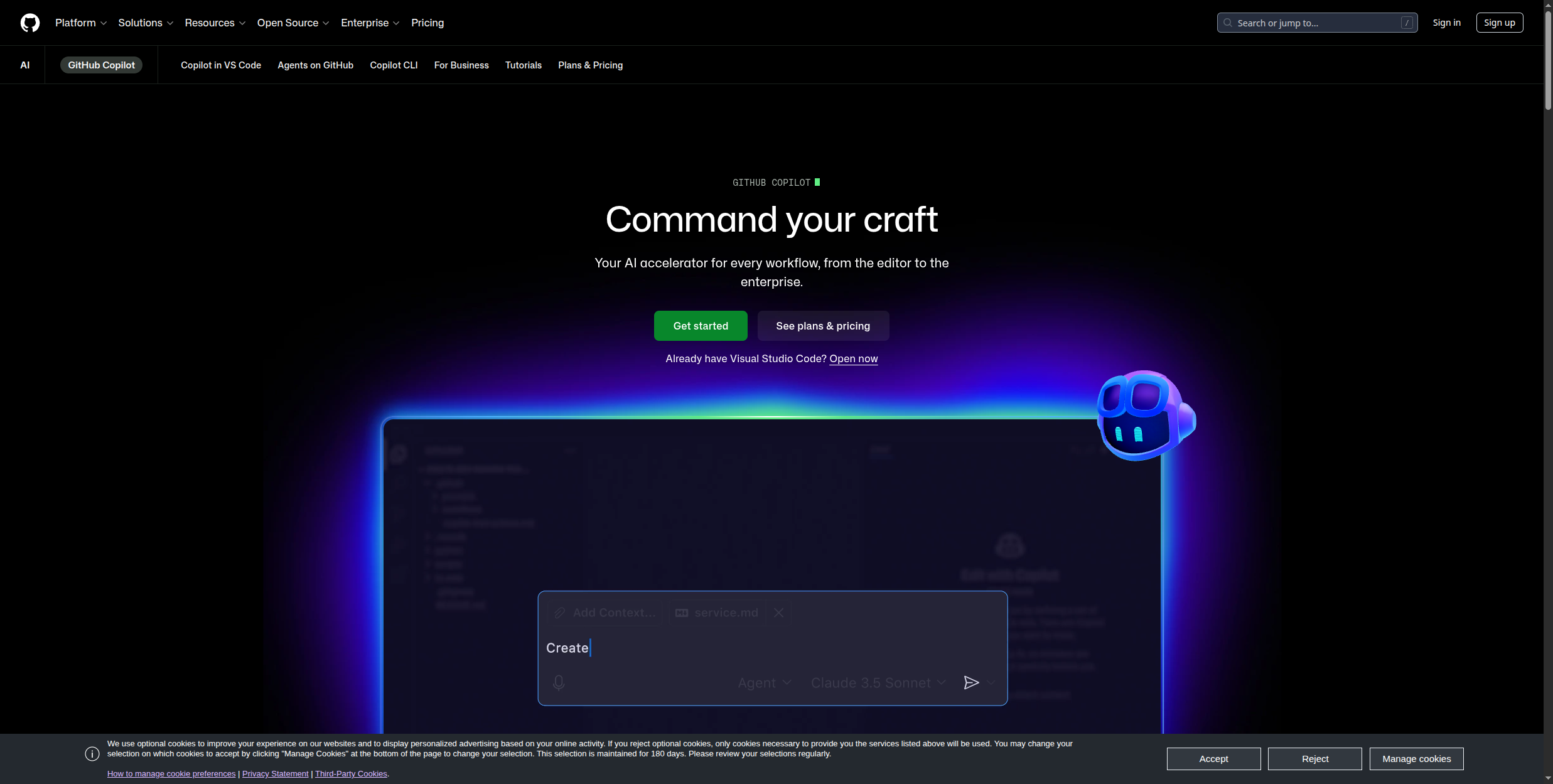
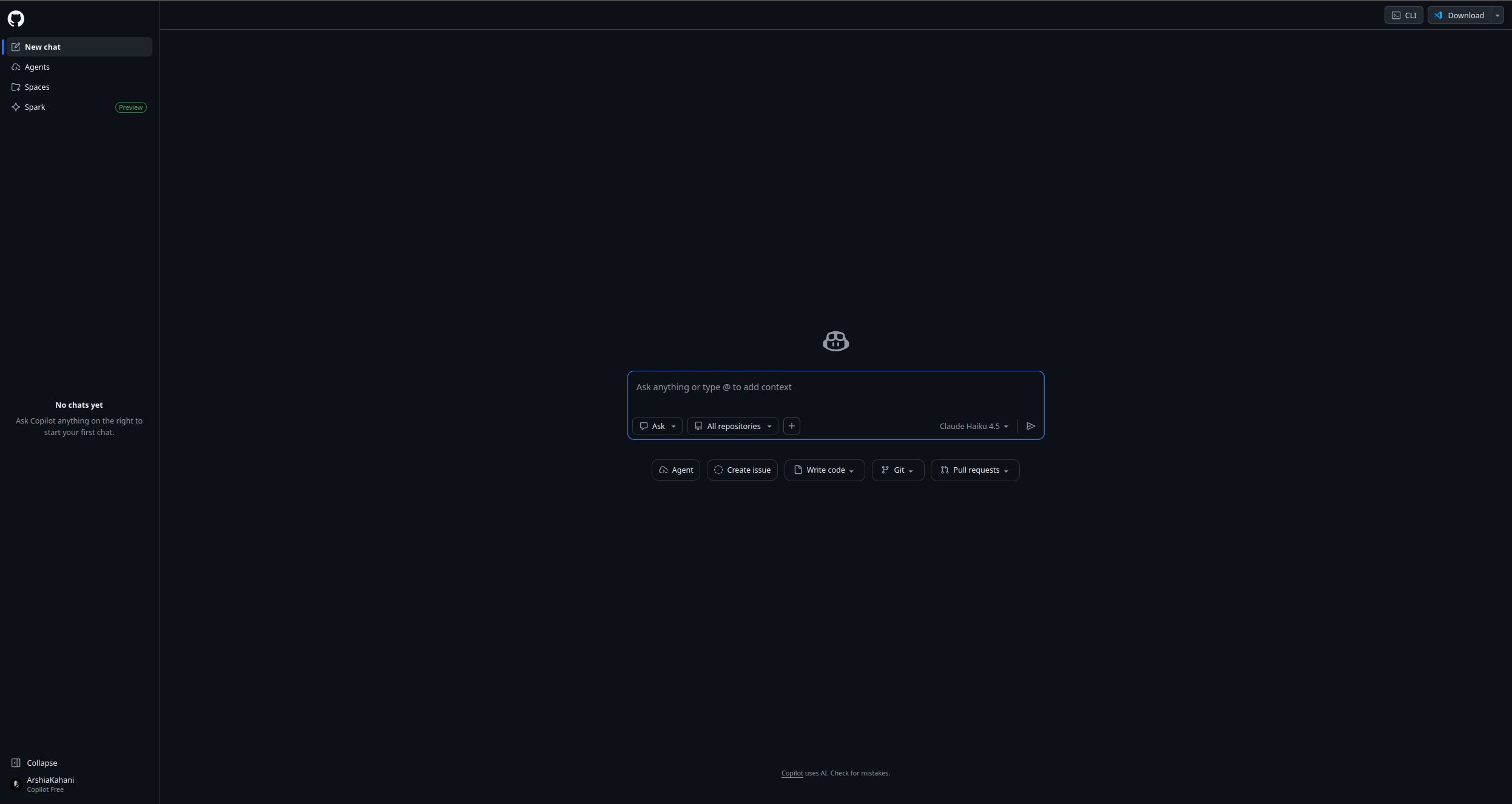
GitHub Copilot is the most widely adopted developer productivity tool in history, with over 1 million paid subscribers. It autocompletes code in real time, generates entire functions from a comment describing what you want, explains unfamiliar code, and catches bugs before they hit CI. For developers, the ROI is clear: studies consistently show 30-55% faster coding time.
Copilot’s code completion works across 40+ programming languages, offering real-time multi-line suggestions as you type — understanding not just the current line but the full context of the file and open tabs. Copilot Chat extends this into a conversational assistant within the IDE: ask it to explain a function, refactor for readability, write tests, or debug an error, all without leaving your editor.
Copilot Workspace takes the concept further — describe a task or issue in plain English and Copilot generates a full implementation plan with file-level edits you can review and apply. Copilot Extensions allow integration of external services (databases, documentation, APIs) directly into the Copilot Chat interface, turning it into a unified developer hub. It runs in VS Code, JetBrains IDEs, Vim, Neovim, Azure Data Studio, and directly on GitHub.com.
Pricing:
Free individual: Limited completions and chat messages per month
Individual: $10/mo
Business: $19/user/mo (includes policy management and audit logs)
Enterprise: $39/user/mo (custom models, fine-tuning, and enterprise controls)
Free for verified students and open-source maintainers
Best for: Software developers across all languages and frameworks
Pros:
Real-time multi-line code in real completions that understand full file and workspace context
Copilot Chat handles explanation, refactoring, test generation, and debugging queries inline
Copilot Workspace generates full implementation plans from a plain-English task description
Supports 40+ languages across VS Code, JetBrains, Vim, Neovim, and GitHub.com
Free tier available — including at no cost for verified students and open-source maintainers
Cons:
Quality varies significantly by language — strongest in Python, TypeScript, JavaScript; weaker in niche languages
Can generate plausible-looking but incorrect code; review and testing remain essential
Enterprise licensing at $39/user/mo adds meaningful cost to large engineering organisations
Copilot Workspace is still maturing — complex multi-file refactors need careful validation
Join our newsletter
Get latest tips, trends, and deals for free.
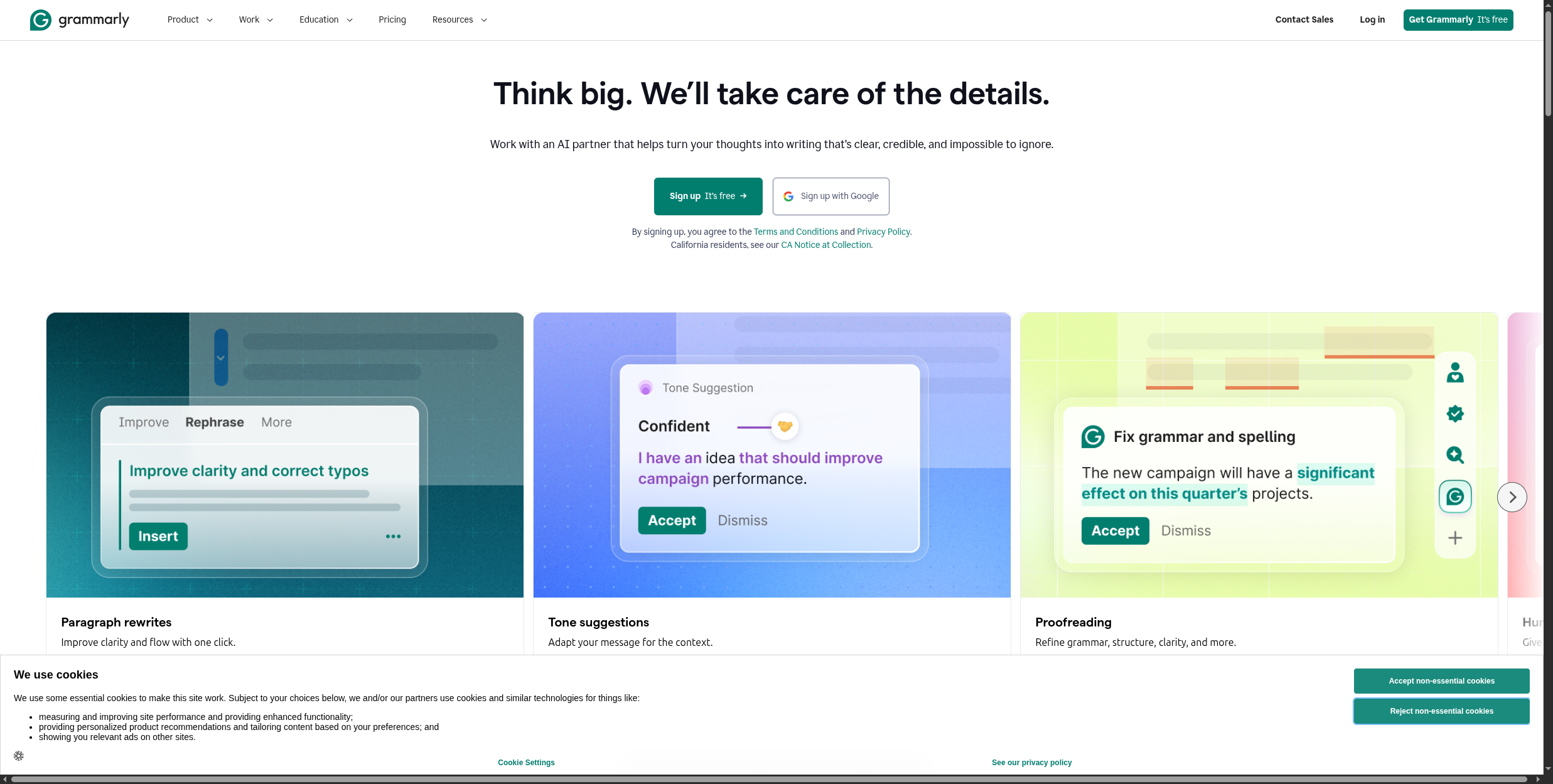
4. Grammarly — Best AI Writing Assistant
Grammarly is the most mature AI writing assistant, with over 30 million daily active users. It operates as a browser extension, desktop app, and API integration — catching grammar errors, improving sentence clarity, adjusting tone for context, and suggesting rewrites across every text input you encounter online. It works in 500,000+ apps without requiring you to copy text into a separate editor.
GrammarlyGO extends beyond corrections into full AI generation — draft emails from a brief prompt, rewrite existing text in a different tone, or generate responses to messages you’ve received. The tone detector analyses how your writing actually sounds (confident, formal, friendly, apologetic) before you send, so you can course-correct before a message lands wrong.
Clarity improvements go beyond grammar — Grammarly flags overly complex sentences and suggests shorter, more direct alternatives. Consistency checks catch things most writers miss: inconsistent hyphenation, capitalisation variations, and Oxford comma usage across a long document. On the Business plan, the Brand Voice feature learns your company’s preferred writing style from existing content, then applies it automatically across your team’s writing.
Pricing:
Free: Core grammar, spelling, and punctuation corrections
Premium: $12/mo (annual) — full clarity, tone, and GrammarlyGO features including plagiarism detection
Business: $15/user/mo (annual) — adds Brand Voice, style guide enforcement, and team analytics
Best for: Anyone who writes professionally — emails, reports, proposals, customer communications
Pros:
Works everywhere via browser extension — email, Google Docs, Notion, LinkedIn, Slack, and 500,000+ other apps
Tone detector shows how your writing sounds before you send — helps calibrate for audience and context
GrammarlyGO generates drafts and rewrites from prompts without leaving your current application
Consistency checks catch hyphenation, capitalisation, and style variations across long documents
Brand Voice on Business plan enforces company writing style across all team members’ output
Cons:
Suggestions can flatten distinctive writing voices if accepted without critical review
Business plan required for any meaningful team features — per-seat cost adds up quickly
Struggles with highly technical, legal, or domain-specific writing where precision overrides clarity
GrammarlyGO output quality varies; generated drafts often need significant editing for nuanced pieces
5. Otter.ai — Best for Meeting Transcription
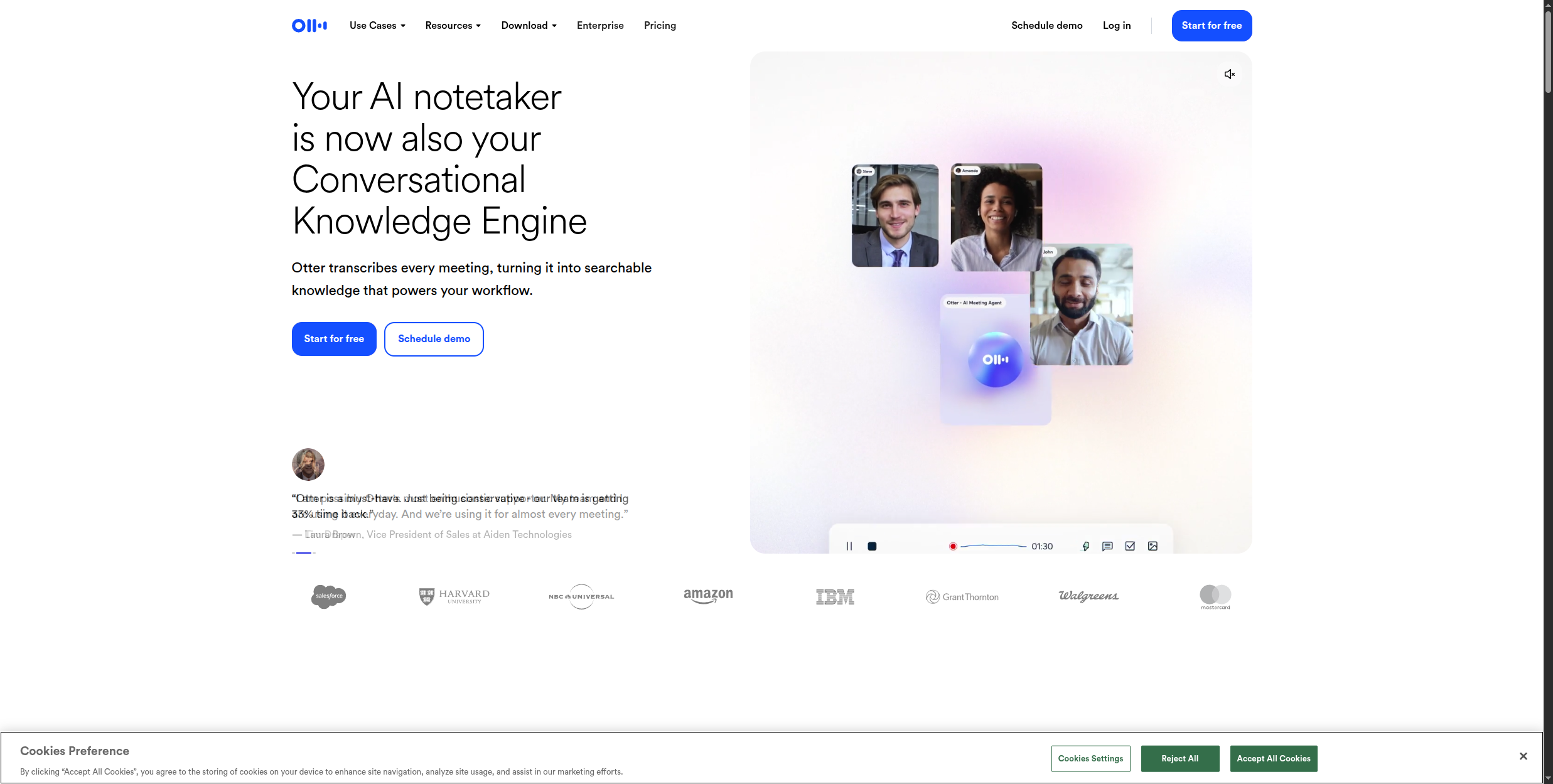
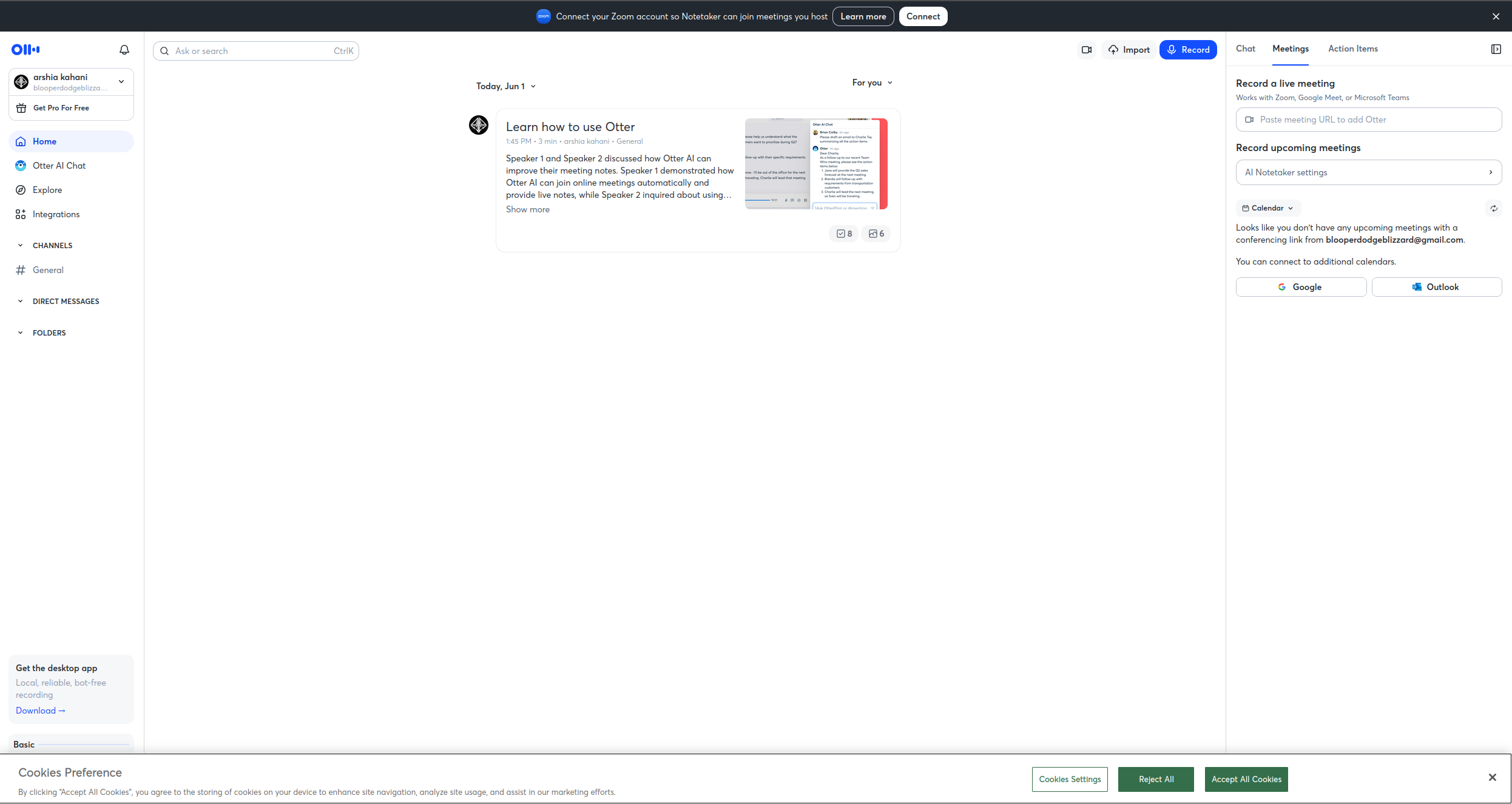
Otter.ai provides real-time transcription for Zoom, Google Meet, and Microsoft Teams calls, with automated meeting summaries and action item extraction available immediately after the call ends. For teams with heavy meeting loads, the ROI is immediate: no more manual note-taking, no more “what did we decide?” follow-ups.
OtterPilot is the core automation feature — a bot that auto-joins meetings via calendar integration, records audio, and begins transcribing in real time with speaker identification and labelling. Attendees see live captions during the call, which also makes Otter a practical accessibility tool. At the end of the call, Otter automatically generates a summary and extracts action items, available within minutes of the meeting ending.
Otter AI Chat lets you ask questions about past meeting transcripts — “What did the product team decide about the Q3 roadmap?” — so institutional knowledge buried in recordings becomes searchable and queryable. The Slide Capture feature syncs screenshots of shared slides with transcript timing, so the written record maps to exactly what was on screen when something was said.
Pricing:
Free: 300 minutes/month, 30-minute maximum per meeting
Business: $30/user/mo — custom vocabulary, admin controls, priority support
Enterprise: Custom pricing with SSO, compliance features, and dedicated support
Best for: Teams with high meeting volume who want async-friendly meeting documentation
Pros:
OtterPilot joins meetings automatically via calendar — no manual recording required
Real-time captions during calls are accessible for attendees with hearing needs
Speaker identification and labelling makes transcripts readable without audio
Otter AI Chat lets you query past meeting content with natural language questions
Slide Capture syncs presentation screenshots with transcript timestamps for full context
Cons:
Transcription accuracy drops with heavy accents, fast speakers, or poor audio quality
Meeting summaries require review — action items can be misattributed or missed entirely
Free plan’s 30-minute meeting cap is too short for most professional meetings
Business plan at $30/user/mo is expensive for organisations with many occasional users
6. Fireflies.ai — Best for Action Item Tracking
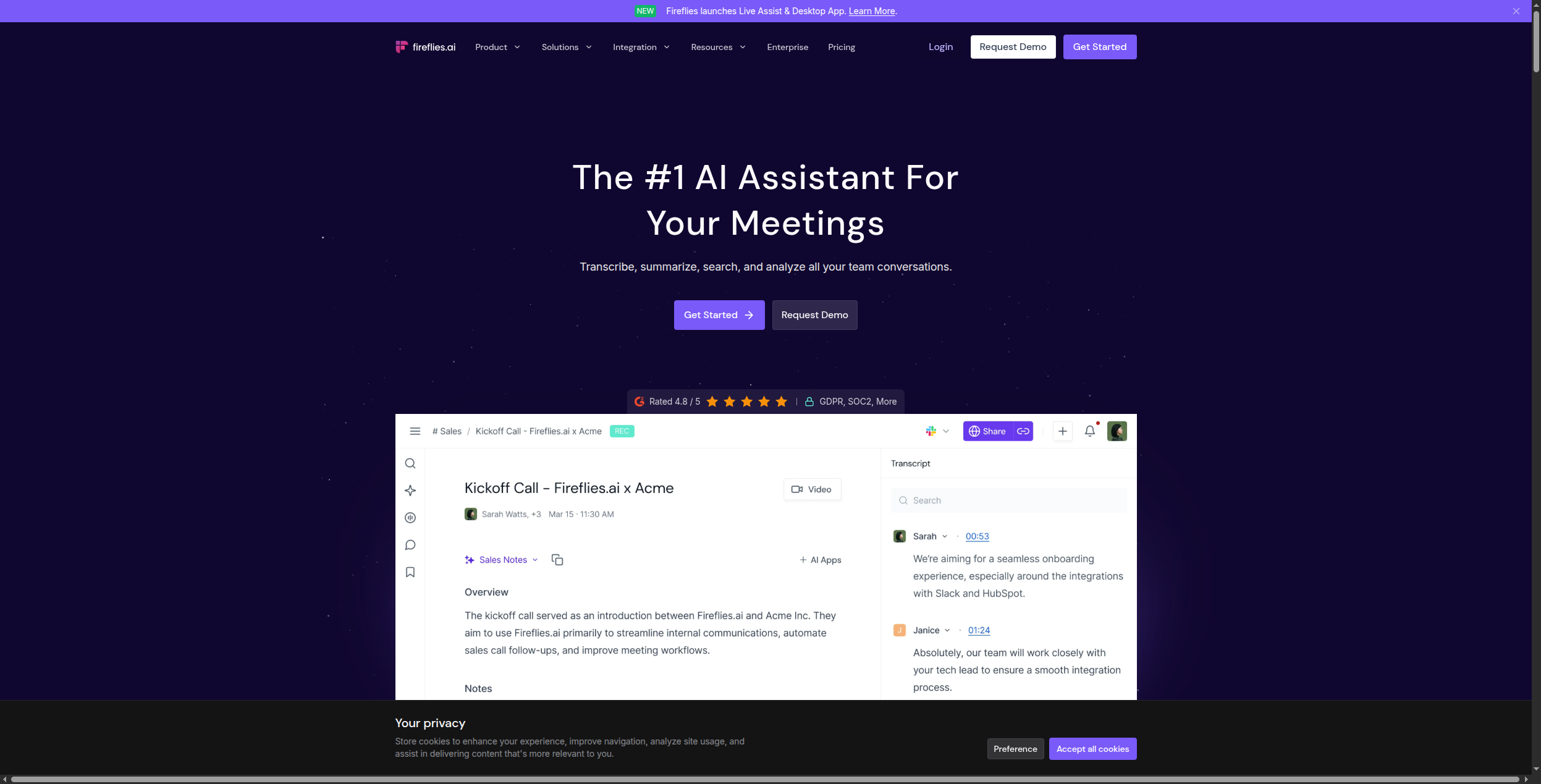
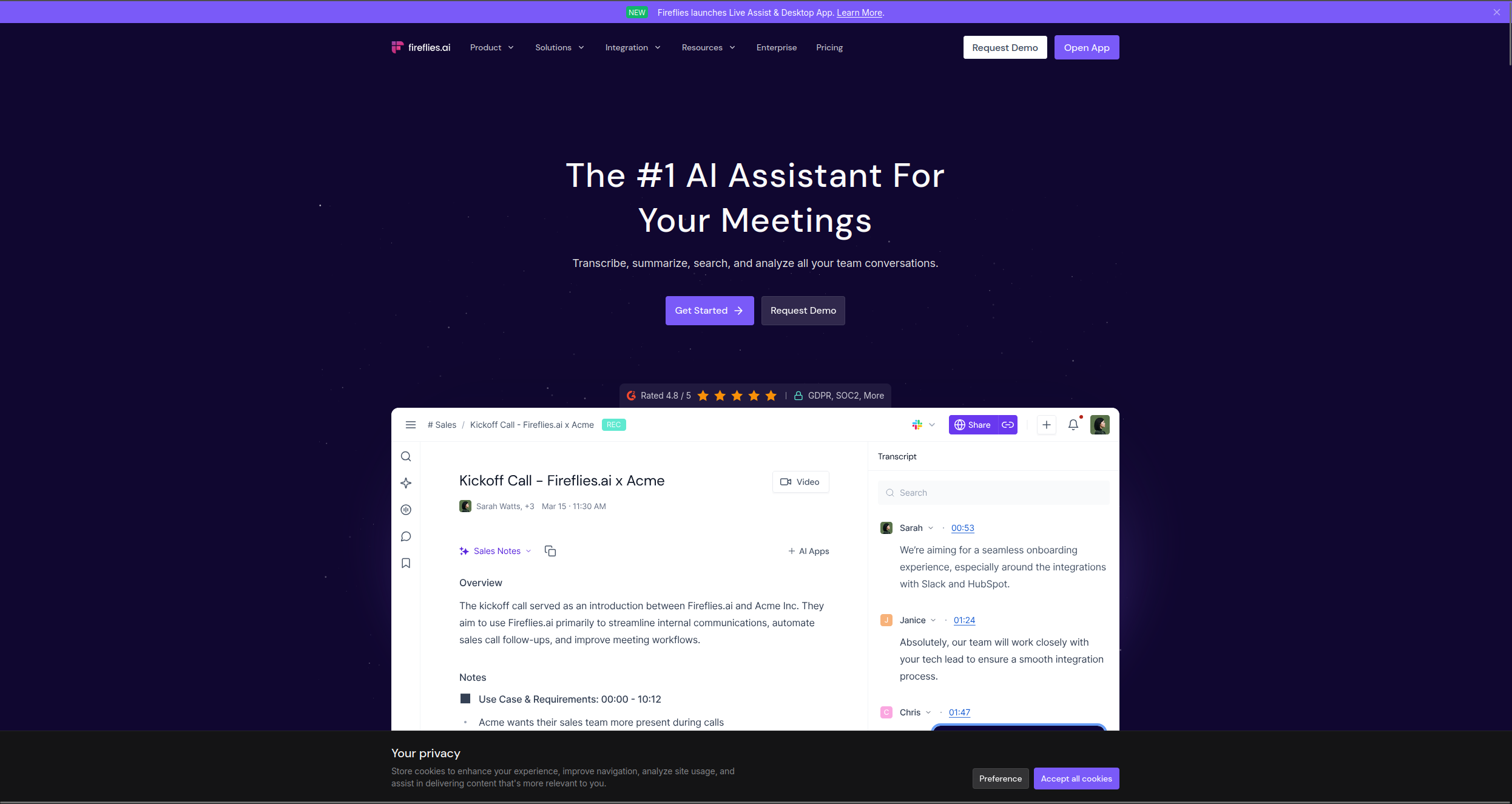
Fireflies joins calls as a bot participant, records and transcribes, and generates structured meeting notes with chapters, topics, and action items — automatically pushed to connected tools like HubSpot, Salesforce, Notion, or Slack after the meeting.
Where Otter focuses on transcription quality and real-time captions, Fireflies focuses on what happens after the meeting. Topic tracking automatically tags sections of conversation by subject matter, so a 45-minute sales call can be broken down into “pricing discussion,” “objections,” and “next steps” without manual tagging. Conversation intelligence surfaces analytics beyond the transcript: talk time per speaker, number of questions asked, filler word counts — data that helps sales managers coach their teams.
The CRM integration is Fireflies’ strongest differentiator. Native connectors for HubSpot, Salesforce, Pipedrive, and Zoho push meeting summaries, action items, and deal updates directly into CRM records without manual entry. Custom vocabulary support lets teams add industry-specific terms and product names to improve transcription accuracy for technical conversations. Smart Search across all recordings means you can find any conversation about a specific customer or topic in seconds.
Pricing:
Free: 800 minutes of storage, limited AI summaries
Pro: $10/mo — unlimited transcription, AI summaries, and search
Enterprise: Custom pricing with HIPAA compliance, SSO, and dedicated support
Best for: Sales and ops teams that need meeting intelligence to flow automatically into their CRM and task tools
Pros:
Automatic push of summaries and action items to HubSpot, Salesforce, Pipedrive, and Zoho after every call
Topic tracking tags conversations by subject automatically — no manual categorisation required
Conversation intelligence reports talk time ratios, questions asked, and filler word counts for coaching
Smart Search finds any moment across all past recordings with keyword or topic queries
Custom vocabulary improves accuracy for technical, medical, or industry-specific terminology
Cons:
Bot participant in meetings can feel intrusive in client-facing calls — some participants react negatively
Accuracy on dense technical topics still requires custom vocabulary configuration upfront
Real-time captions are less developed than Otter.ai — not suitable as a primary accessibility tool
Conversation intelligence analytics are on the Business plan, adding cost for the most useful features
7. Reclaim.ai — Best for Calendar Optimisation
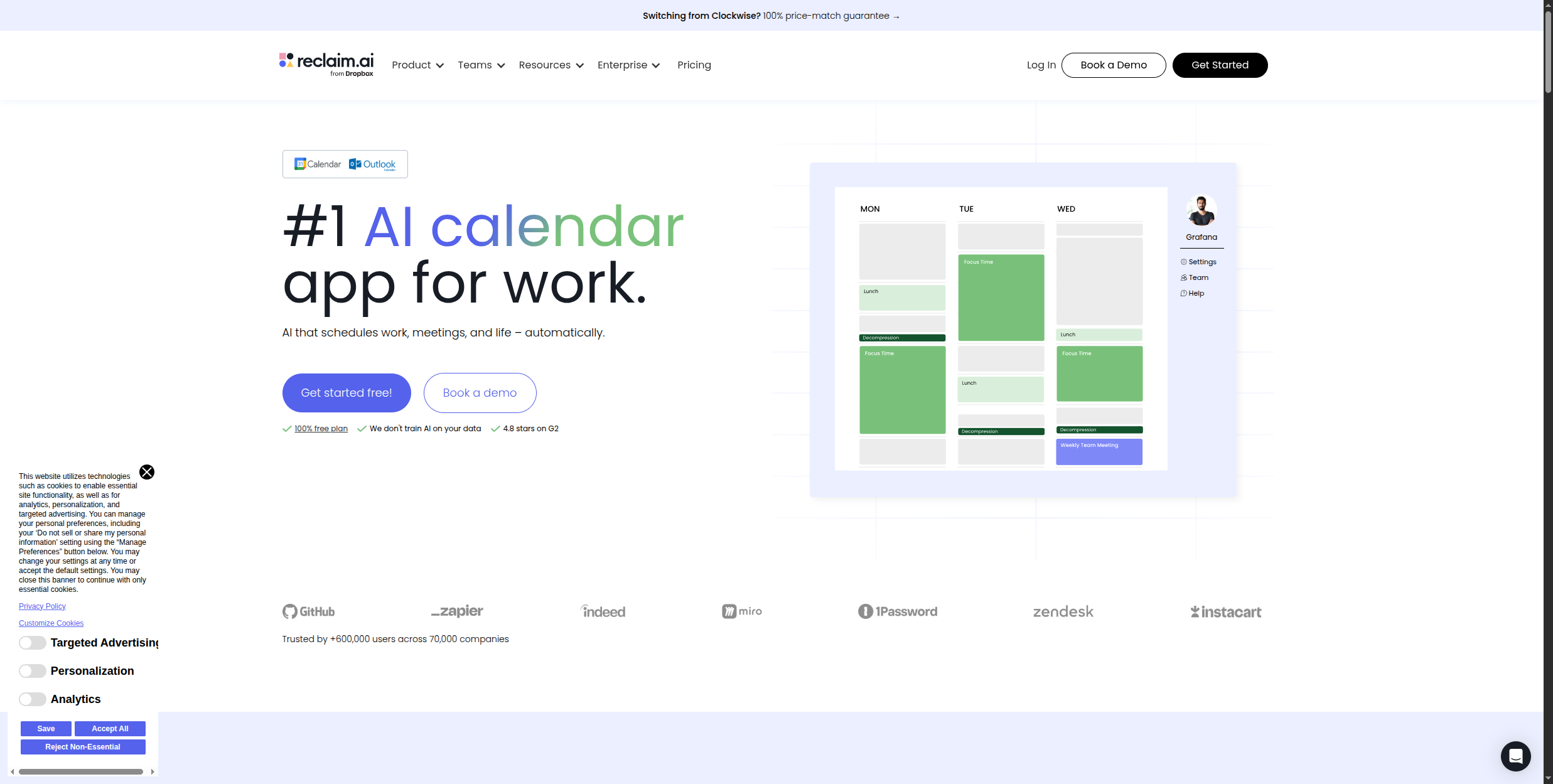
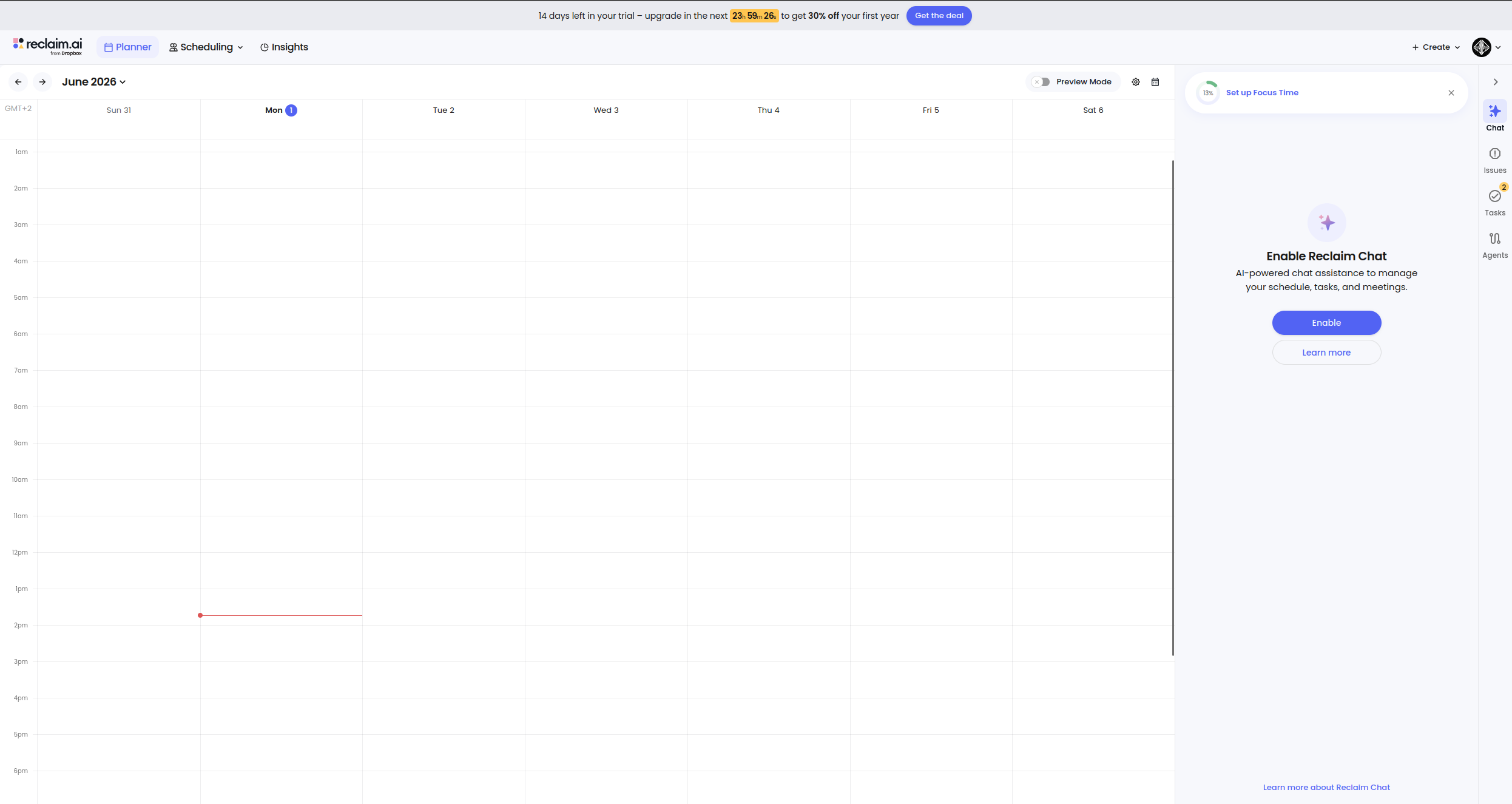
Reclaim.ai automatically schedules your focus time, habits, breaks, and meetings by learning your priorities and protecting the calendar space for what matters most. When a new meeting is scheduled that conflicts with protected time, Reclaim automatically finds the next best slot rather than just double-booking.
The core concept is that your calendar should reflect your priorities, not just the last person who grabbed a slot. Reclaim’s Habits feature automatically reschedules recurring personal commitments — gym sessions, deep work blocks, lunch — around new meetings, treating them as flexible but non-negotiable events that always find their way back onto the calendar. When a meeting is added that would consume your focus block, Reclaim moves the block rather than deleting it.
Task scheduling connects to ClickUp, Asana, Linear, and Todoist — Reclaim reads your task list, estimates duration, checks your calendar, and automatically blocks time to complete work before deadlines. Smart 1:1 scheduling finds optimal recurring meeting times for team check-ins across multiple people’s calendars. Scheduling links work like Calendly, but Reclaim considers your habit and task commitments when showing availability, protecting productive time from being booked away.
Business: $12/mo — team features, smart 1:1s, advanced task integration
Enterprise: $18/mo — SSO, advanced controls, priority support
Best for: Professionals who struggle with calendar fragmentation and protecting deep work time
Pros:
Habits feature automatically reschedules recurring blocks (gym, focus time) around new meetings — they never just disappear
Task scheduling pulls from ClickUp, Asana, Linear, and Todoist to block time for work before deadlines hit
Slack status sync updates automatically based on current calendar event — no manual status changes needed
Smart 1:1 scheduling finds optimal recurring meeting times across multiple people’s busy calendars
Scheduling links respect task and habit commitments when surfacing available times to others
Cons:
Requires meaningful upfront configuration — habits, task integrations, and priorities all need to be set correctly to deliver value
Works best for individuals; coordinating across a full team adds complexity and requires everyone to adopt it
Less effective for roles where external stakeholders control the majority of calendar time
Buffer time automation between meetings is useful but needs calibrating to avoid over-blocking
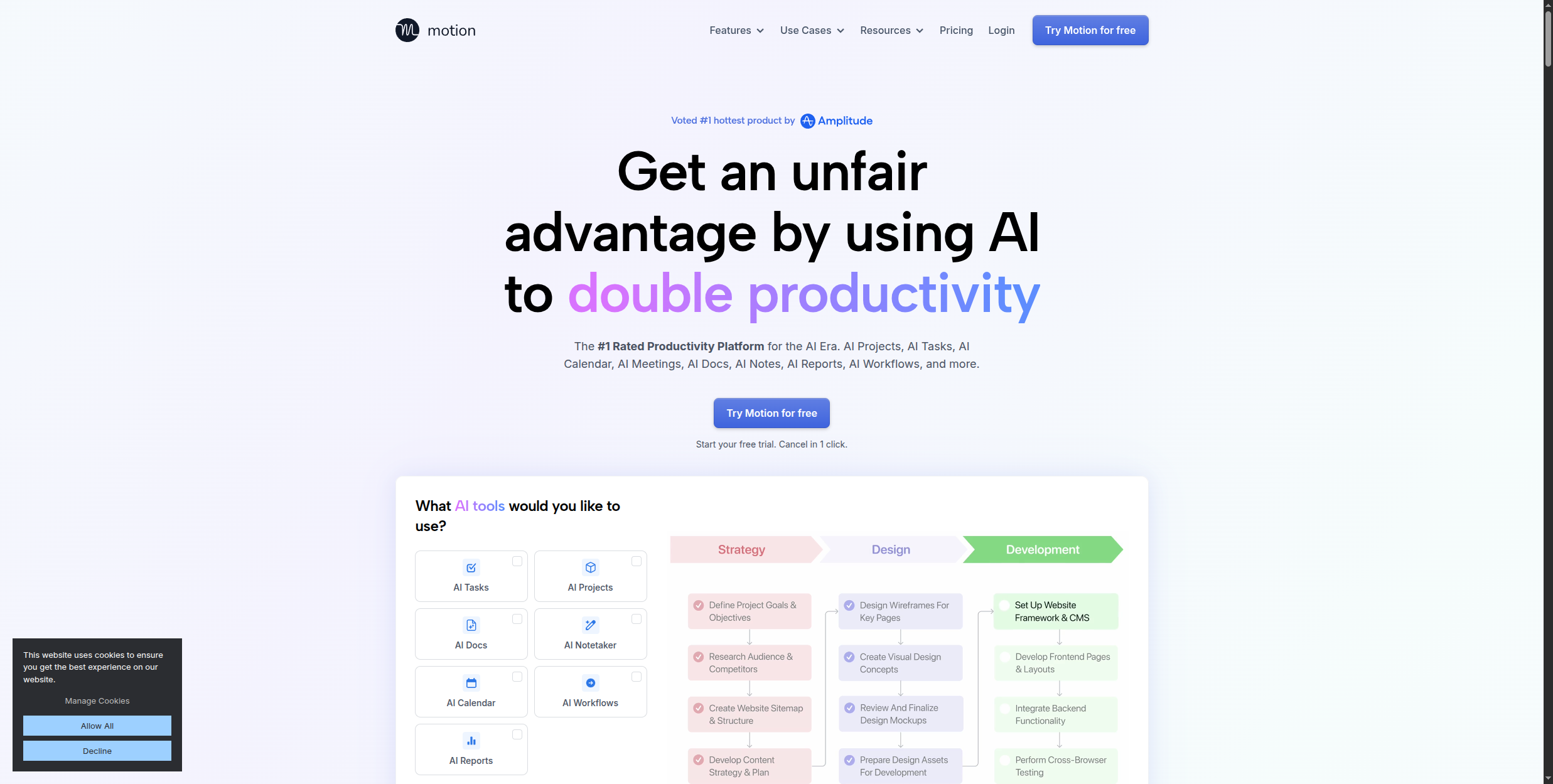
8. Motion — Best for Auto-Scheduling Tasks and Projects
Motion is more ambitious than Reclaim: it automatically schedules not just time blocks but individual tasks from your project list, rebuilding your daily schedule in real time when priorities shift or a meeting runs long. For project managers and individual contributors juggling multiple workstreams, Motion can replace both a task manager and a calendar assistant.
The core difference from a standard task manager is that Motion doesn’t just show you what needs to be done — it decides when you will do it and puts it on your calendar automatically. When you add a task with a deadline and an estimated duration, Motion finds an open slot before the deadline and blocks it. When a meeting is booked over that slot, Motion reschedules the task rather than losing it. When a meeting runs long, Motion recalculates the rest of the day.
Intelligent prioritisation factors in deadline urgency, stated priority level, and available time — so if a high-priority task and a low-priority task both need time, Motion fills the next slot with the more important one. Built-in project management means you can create project boards with tasks, dependencies, and deadlines without needing a separate tool. Meeting booking pages work similarly to Calendly but respect Motion’s task scheduling, preventing bookings that would consume committed work time.
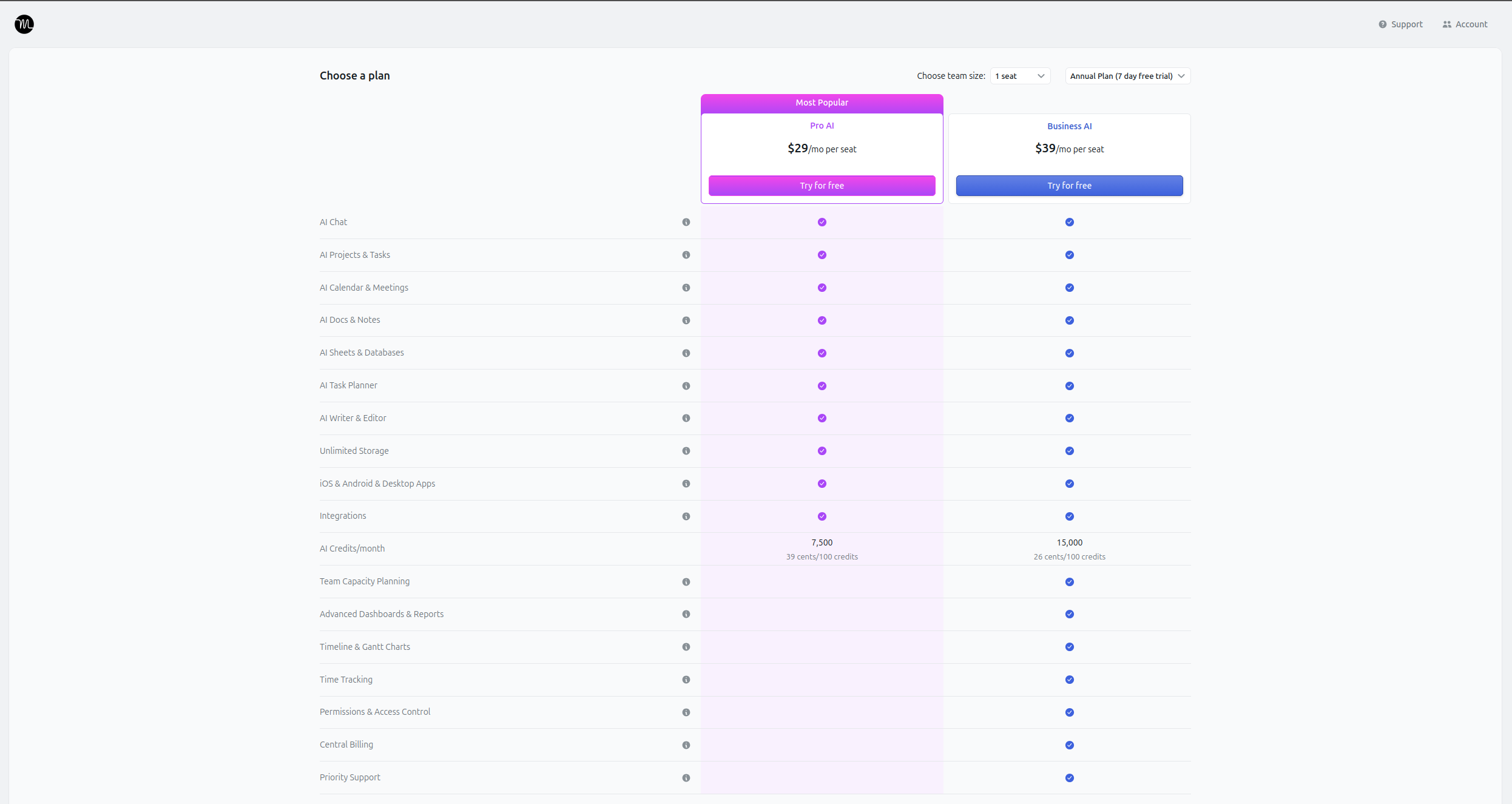
Pricing:
Individual: $19/mo — full task and calendar auto-scheduling
Team: $12/user/mo — shared projects, team scheduling, collaborative task management
No free plan available
Best for: Project managers and individual contributors managing multiple simultaneous workstreams
Pros:
Automatically schedules individual tasks onto your calendar with deadlines and duration in mind — not just time blocks
Rebuilds the day’s schedule in real time when meetings run over or new urgent tasks are added
Intelligent prioritisation weighs deadline, urgency, and available time to sequence work correctly
Project management is built in — track tasks, set dependencies, and manage projects without a separate tool
Meeting booking pages prevent external bookings from overrunning committed task time
Cons:
No free plan — $19/mo per individual is a high entry cost relative to Reclaim
Requires 2-3 weeks of use before scheduling quality is well-calibrated to your actual work patterns
Heavy upfront task entry is required — Motion only knows what it’s been told, so incomplete task lists produce incomplete schedules
Auto-rescheduling can occasionally produce plans that feel unrealistic — tasks moved to late evening or tight back-to-back slots
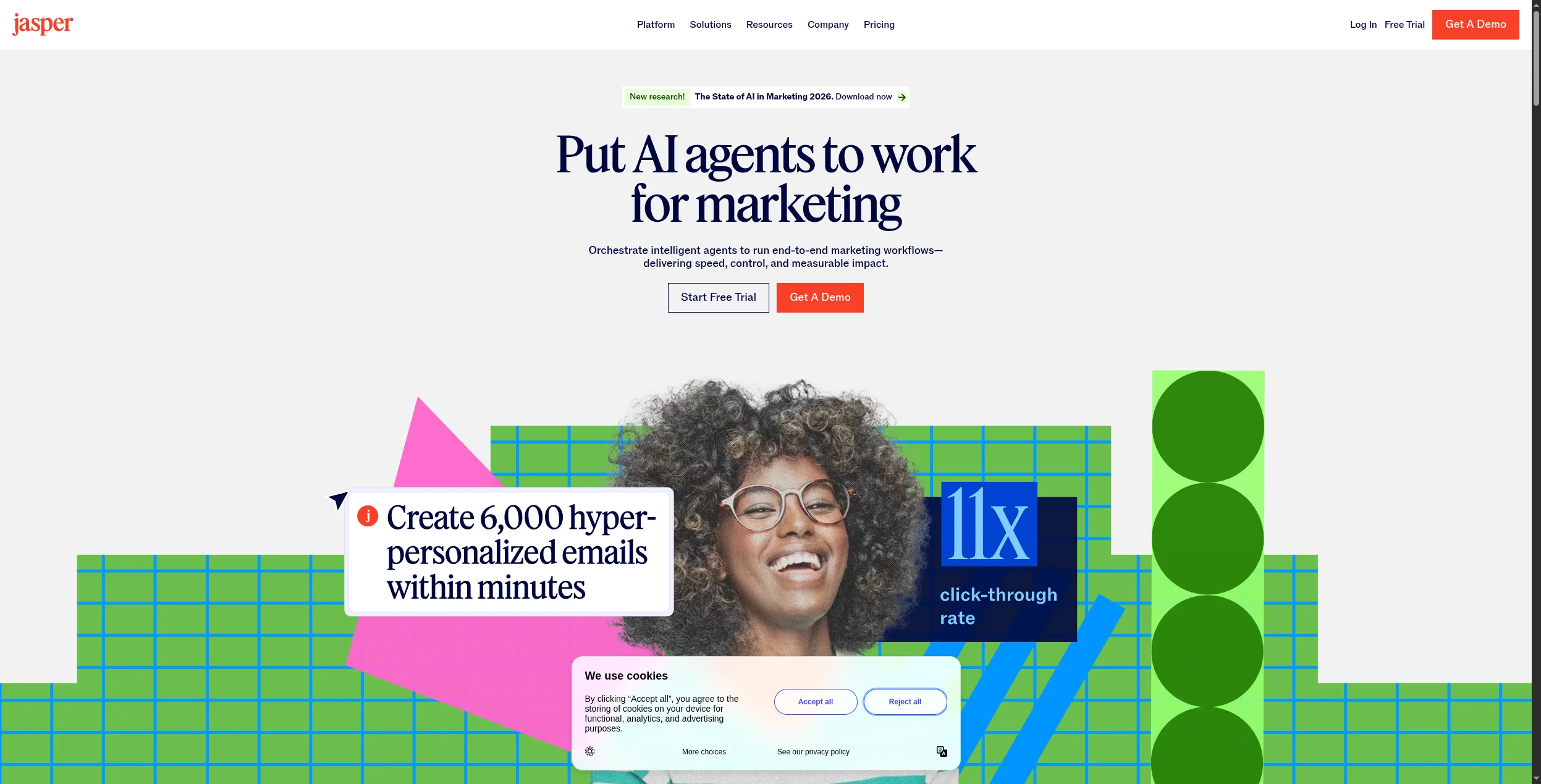
9. Jasper — Best AI Writing Tool for Marketing Teams
Jasper is the most capable AI writing platform for marketing teams, with deep support for brand voice consistency, campaign-level content planning, and templates for every marketing format — blog posts, ads, email sequences, social copy, and landing pages. Its integration with SEO tools (Surfer SEO) makes it more useful for content teams than generic LLM chatbots.
Jasper’s Brand Voice feature is the foundation for team use: you train it on a sample of your existing content and it learns your tone, vocabulary preferences, and stylistic patterns — then applies that consistently across all AI output. With 80+ templates covering every major marketing format, a blog post structure, an email nurture sequence, and a set of Google Ads variations can all be generated in the same session without rebuilding prompts each time.
The Campaigns feature moves Jasper from individual asset creation to full campaign planning — describe a campaign goal and target audience, and Jasper generates all the required content assets (social posts, ad copy, email sequences, landing page variants) in one session with consistent messaging across formats. Jasper Chat works conversationally for brainstorming, briefing, and iteration. The Surfer SEO integration scores content for keyword optimisation in real time as you write, making it practical for SEO-focused content teams. Image generation via DALL-E is also built in for teams that need visual assets alongside copy.
Best for: Content marketing teams and brand managers producing high-volume, on-brand content
Pros:
Brand Voice trains on your existing content to ensure AI output matches your company’s tone and style
80+ templates cover every major marketing format — ads, emails, blogs, social, and landing pages
Campaigns feature generates all assets for a campaign in one session with consistent cross-format messaging
Surfer SEO integration scores content for keyword optimisation as you write — no separate tool needed
DALL-E image generation built in for teams that need visuals alongside copy
Cons:
Expensive for individual users — Creator plan at $49/mo is a high bar versus general-purpose AI tools
AI output requires significant editing for quality — Jasper accelerates drafting but doesn’t replace skilled writers
Not suitable for technical writing, documentation, or long-form editorial content requiring deep research
Brand Voice quality depends on the quality and volume of training content provided
10. Copy.ai — Best for Sales and Marketing Copy
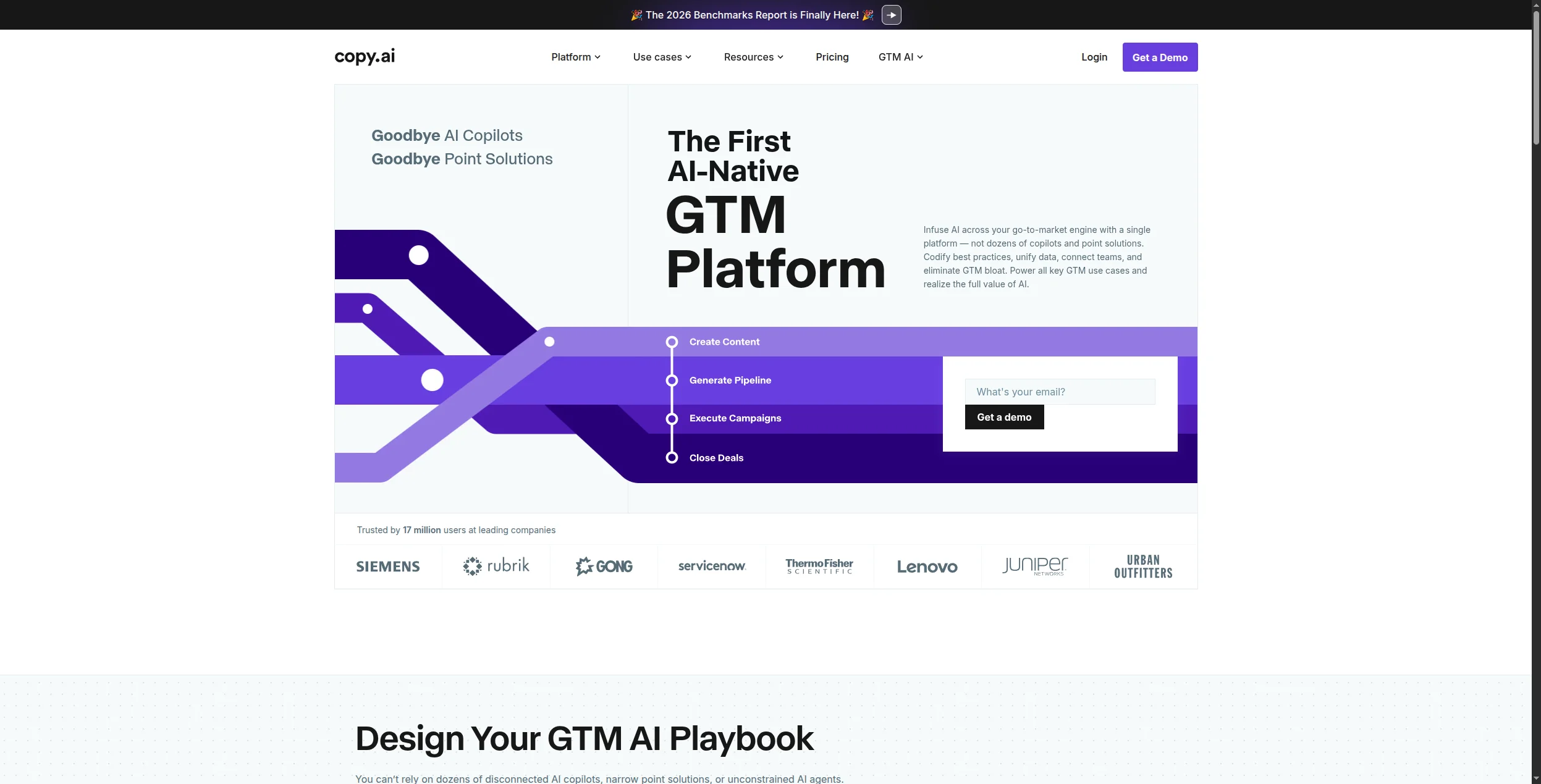
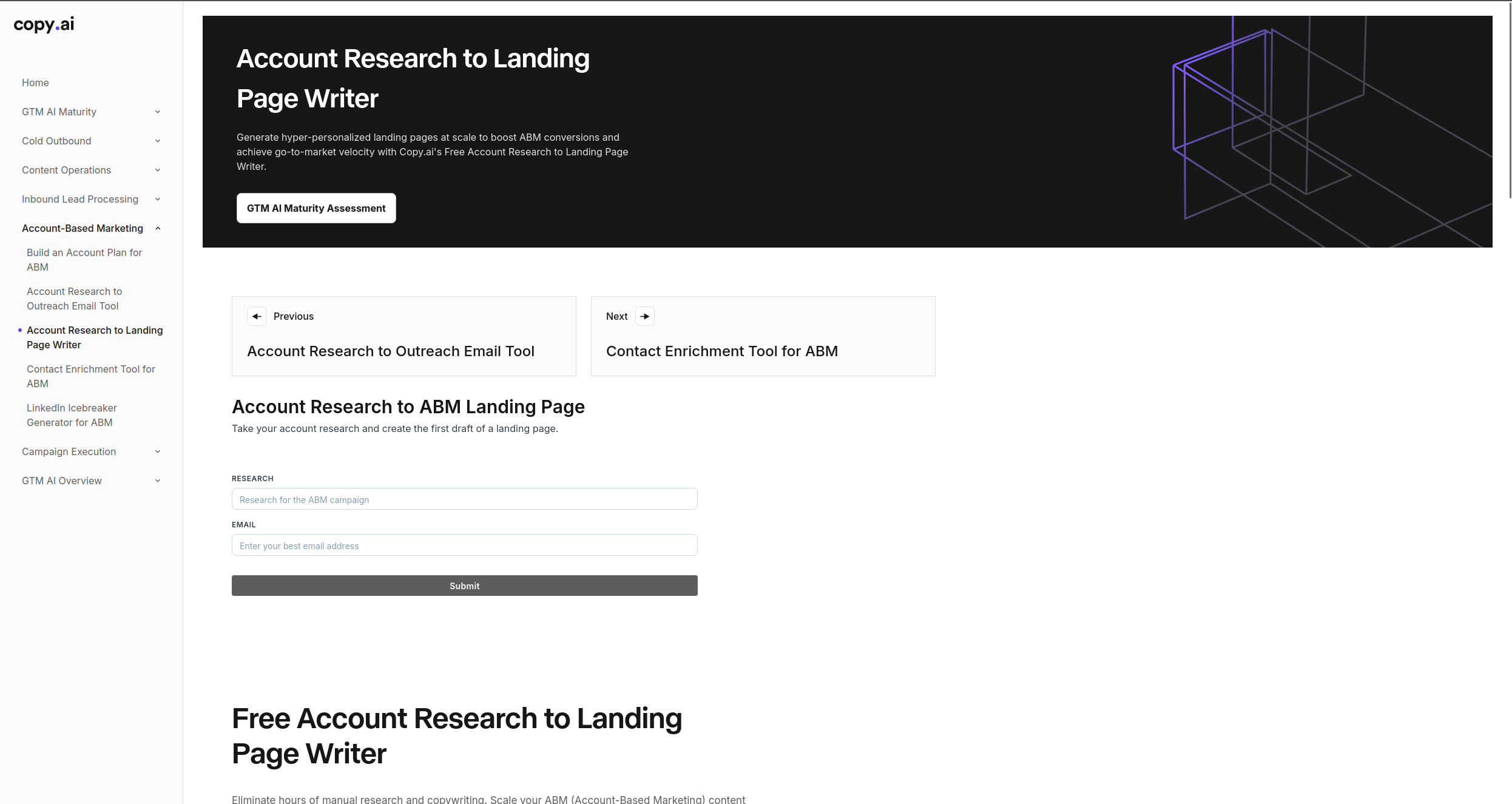
Copy.ai focuses specifically on conversion-oriented copy: ad headlines, email subject lines, landing page copy, sales sequences, and social media posts. Its “GTM AI Platform” positions it as an end-to-end AI tool for go-to-market teams rather than a general writing assistant.
The Workflows feature is Copy.ai’s most distinctive capability — multi-step AI automation that strings together research, writing, and formatting steps into a single automated pipeline. A workflow can take a prospect’s company name, research their industry and recent news, generate a personalised cold email, and format it for outreach — with a single trigger and no manual steps in between.
Infobase acts as a central knowledge store for brand information, product details, competitor positioning, and buyer personas — Copy.ai pulls from Infobase automatically when generating content, ensuring consistency without requiring repeated prompting. The 90+ tools cover every common sales and marketing format, while Batch mode lets you generate hundreds of variations at scale (useful for ad creative testing or large outreach sequences). Native integrations with HubSpot, Salesforce, and Zapier make it practical to insert Copy.ai into existing sales and marketing workflows.
Pricing:
Free: 2,000 words/month, limited tools
Starter: $49/mo (up to 5 users) — unlimited words, all tools, Workflows
Advanced: $249/mo — Infobase, Batch mode, priority support
Enterprise: Custom — dedicated workflows, SSO, API access, custom integrations
Best for: Sales and marketing teams generating high volumes of copy across multiple channels
Pros:
Workflows automate multi-step content generation — from research to draft to formatted output in one pipeline
Infobase stores brand, product, and persona data centrally so AI output stays consistent without repeated prompting
90+ purpose-built tools cover every common sales and marketing format out of the box
Batch mode generates hundreds of content variations at scale for ad testing or large outreach campaigns
Native HubSpot, Salesforce, and Zapier integrations embed Copy.ai directly into existing GTM workflows
Cons:
Output quality is strong for formulaic, short-form copy but drops significantly for nuanced or long-form pieces
Not suitable for editorial content, technical writing, or documentation requiring depth and accuracy
Advanced plan at $249/mo is a significant step up for teams that need Batch mode and Infobase
Workflows require configuration upfront — teams need to build and test automation before seeing efficiency gains
11. Perplexity — Best AI Research Tool
Perplexity is an AI search engine that answers questions with cited, verifiable sources — making it dramatically more useful than traditional search for research tasks and far more accurate than uncited LLM responses. For knowledge workers who spend significant time on research and fact-finding, Perplexity reduces the time from question to verified answer by 60-80%.
Every Perplexity answer includes numbered inline citations linked to source pages, so you can verify claims immediately without a separate search. Focus modes let you narrow the search domain — web, academic papers, YouTube, Reddit, or news — which dramatically improves answer quality for specialised queries. Academic mode pulls from research papers and scholarly sources; Reddit mode surfaces community discussions; YouTube mode finds and summarises video content.
Spaces allow you to organise ongoing research into projects with shared context — useful for analysts tracking a market or journalists covering a beat. File uploads on Pro let you analyse PDFs, spreadsheets, and images alongside web searches. Perplexity Pages lets you publish polished, shareable research documents from your findings. The Pro plan’s model selection lets you choose between GPT-4o, Claude 3.7, Gemini 2.0, and Sonar depending on which suits the task — something no standard AI chatbot offers.
Pricing:
Free: Unlimited basic searches, 5 Pro searches/day
Pro: $20/mo — unlimited Pro searches, model choice (GPT-4o, Claude, Gemini), file uploads, API access
Best for: Researchers, analysts, journalists, and anyone with heavy research workloads
Pros:
Every answer cites numbered inline sources — fact-checking takes seconds, not separate searches
Pro plan model selection lets you choose GPT-4o, Claude 3.7, or Gemini 2.0 per query
Spaces organise ongoing research into persistent projects with shared context across sessions
Perplexity Pages publishes research as polished, shareable documents without additional formatting work
Cons:
Source quality varies — Perplexity searches the web, so low-quality sources can appear alongside authoritative ones
Less useful for creative, subjective, or generative tasks where search-grounded answers aren’t the goal
Free tier’s 5 Pro searches/day is genuinely limiting for users who need deep research daily
File upload and API access require the Pro plan — free tier is read-only web search
12. Raycast AI — Best for macOS Power Users
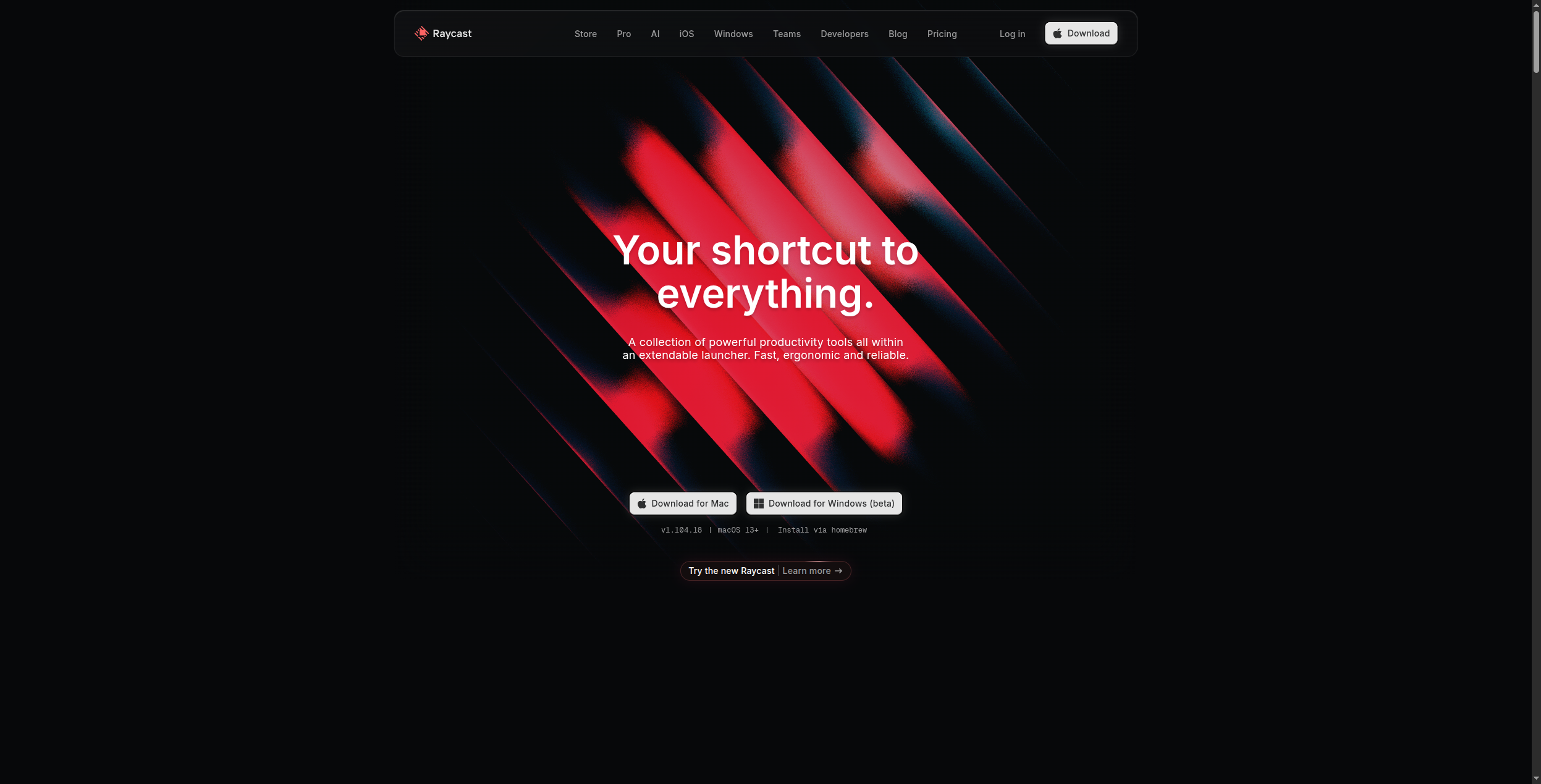
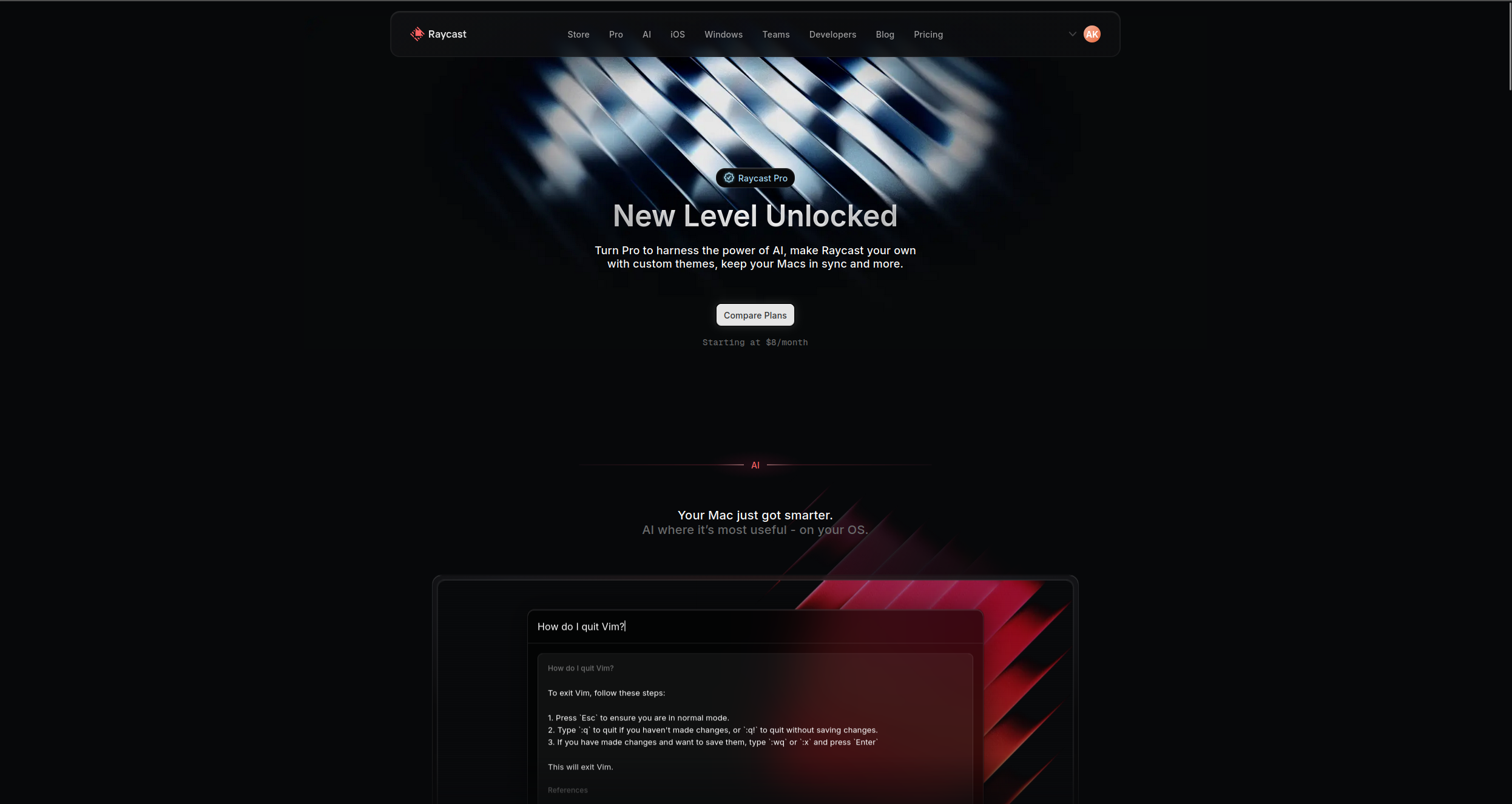
Raycast is a keyboard-driven Mac launcher that’s been extended with AI capabilities — letting you query Claude, GPT-4o, or other models from a global keyboard shortcut, summarise pages, generate code, and trigger custom AI commands without switching context. For power users who want AI integrated into their existing Mac workflow rather than through a separate browser tab, Raycast is the most seamless option.
The key principle behind Raycast AI is that the tool comes to you — not the other way around. With a single keyboard shortcut, you open an AI chat window directly on top of whatever you’re working on, without switching tabs, opening a browser, or breaking focus. AI commands let you select any text on screen and immediately improve, fix grammar, translate, summarise, or transform it with a shortcut, all without copying to a separate app.
Custom AI commands let you build your own repeatable shortcuts: a single keystroke can take a selected block of text, send it to your preferred model with a specific system prompt, and paste the result inline. Community-built AI extensions extend this further to specialised tasks like code review, email drafting, and meeting prep. The clipboard history with AI can summarise long copied content or transform it on the fly. Multiple model support means you can pick GPT-4o, Claude, or Perplexity depending on the task without managing separate subscriptions in separate windows.
Pricing:
Raycast (base app): Free — app launcher, extensions, clipboard history
Raycast AI add-on: $8/mo — AI chat, custom AI commands, model access (GPT-4o, Claude, Perplexity)
Best for: macOS power users who want AI integrated into their existing workflow
Pros:
AI accessible from any application via global keyboard shortcut — no context switching required
Custom AI commands create reusable one-keystroke shortcuts for repeated AI tasks with specific prompts
Multiple model support (GPT-4o, Claude, Perplexity) in one interface without managing separate subscriptions
AI writing improvements work on selected text in any app — fix, improve, translate, or summarise inline
Base Raycast app is free and genuinely useful; AI is an affordable $8/mo add-on on top
Cons:
macOS only — no Windows or Linux support, which excludes a large portion of professional users
Power-user learning curve — full value requires building custom commands and learning the keyboard-driven interface
AI add-on is a separate cost on top of the free Raycast base — teams may prefer a single unified AI tool
Community extensions vary significantly in quality and maintenance status
How to Build Your AI Productivity Stack
The most productive teams in 2026 don’t use one AI tool — they use a curated stack where each tool handles what it does best, connected by FlowHunt to automate the handoffs between them.
A typical high-performing stack:
FlowHunt — automates multi-step workflows across all other tools
GitHub Copilot — if there are developers on the team
Grammarly — for all written external communications
Fireflies — for meeting intelligence and CRM sync
Reclaim or Motion — for calendar and task scheduling
Perplexity — for research and fact-finding
Jasper or Copy.ai — for marketing and sales content at scale
The key principle: use specialist tools for specialist tasks, and use FlowHunt’s workflow automation
to connect them so information flows automatically rather than requiring manual hand-off.
Bottom Line
AI productivity tools are no longer optional for knowledge workers — teams not using them are operating at a structural disadvantage in both speed and quality. The tools on this list represent the best in their respective categories.
Start with the tool that addresses your biggest time sink: if it’s meetings, start with Fireflies. If it’s content, start with Jasper or Grammarly. If it’s multi-tool workflows, start with FlowHunt’s free tier
.
The best AI productivity tools depend on your role: for developers, GitHub Copilot is essential. For writers and marketers, Jasper or Copy.ai accelerate content production. For meeting-heavy roles, Otter.ai or Fireflies saves hours of note-taking. For anyone with complex, multi-tool workflows, FlowHunt automates the connective tissue between tools — handling the manual steps that don't belong to any single productivity app.
Yes. Many leading AI productivity tools offer free tiers: Grammarly (free for basic writing assistance), Notion AI (limited free usage), Otter.ai (300 minutes/month free), Perplexity (free basic search), FlowHunt (free tier for workflow automation), and GitHub Copilot (free for individual developers). Quality free options exist across every productivity category.
Remote teams benefit most from: Otter.ai or Fireflies for async meeting intelligence, Notion AI for shared knowledge management, FlowHunt for automating cross-team workflows, Reclaim.ai for cross-timezone scheduling, and Slack with AI features for async communication. The most impactful AI tools for remote teams are those that create shared context and reduce the need for synchronous coordination.
AI productivity tools save time in three ways: by eliminating repetitive tasks (transcription, formatting, data entry), by accelerating skilled work (first drafts, code completion, research), and by reducing coordination overhead (automated scheduling, meeting summaries, status updates). The highest ROI typically comes from automating repetitive multi-step workflows — which is what FlowHunt specialises in.
AI productivity tools (Grammarly, GitHub Copilot, Jasper) assist individual tasks by augmenting human work — you still initiate and oversee each action. AI automation tools (FlowHunt, n8n, Zapier) run workflows automatically without human initiation — they watch for triggers and execute multi-step processes end-to-end. The most productive teams use both: individual productivity tools for skilled work and automation tools to handle the connective tissue between tasks.
Arshia is an AI Workflow Engineer at FlowHunt. With a background in computer science and a passion for AI, he specializes in creating efficient workflows that integrate AI tools into everyday tasks, enhancing productivity and creativity.
Arshia Kahani
AI Workflow Engineer
Automate Your Work with AI — Try FlowHunt Free
FlowHunt connects your productivity tools and builds AI workflows that handle the repetitive work — so you can focus on the work that actually matters.
12 Best AI Apps in 2026: Ranked and Reviewed for Every Use Case
The 12 best AI apps in 2026, ranked by capability, ease of use, and value. From AI workflow automation to writing, design, and coding — find the right tool for ...
Best Workflow Automation Tools in 2026: 12 Platforms Ranked and Reviewed
Ranked and reviewed: the 12 best workflow automation tools in 2026. Comparison table, pricing, free tiers, and a clear verdict on which platform fits your team.
Best AI Agent Builder in 2026: 12 Tools Ranked and Reviewed
Ranked and reviewed: the 12 best AI agent builders in 2026. Comparison table, pricing, free tiers, and a clear verdict on which platform fits your use case.
30 min read
AI Agents
Automation
+3
Cookie Consent We use cookies to enhance your browsing experience and analyze our traffic. See our privacy policy.