


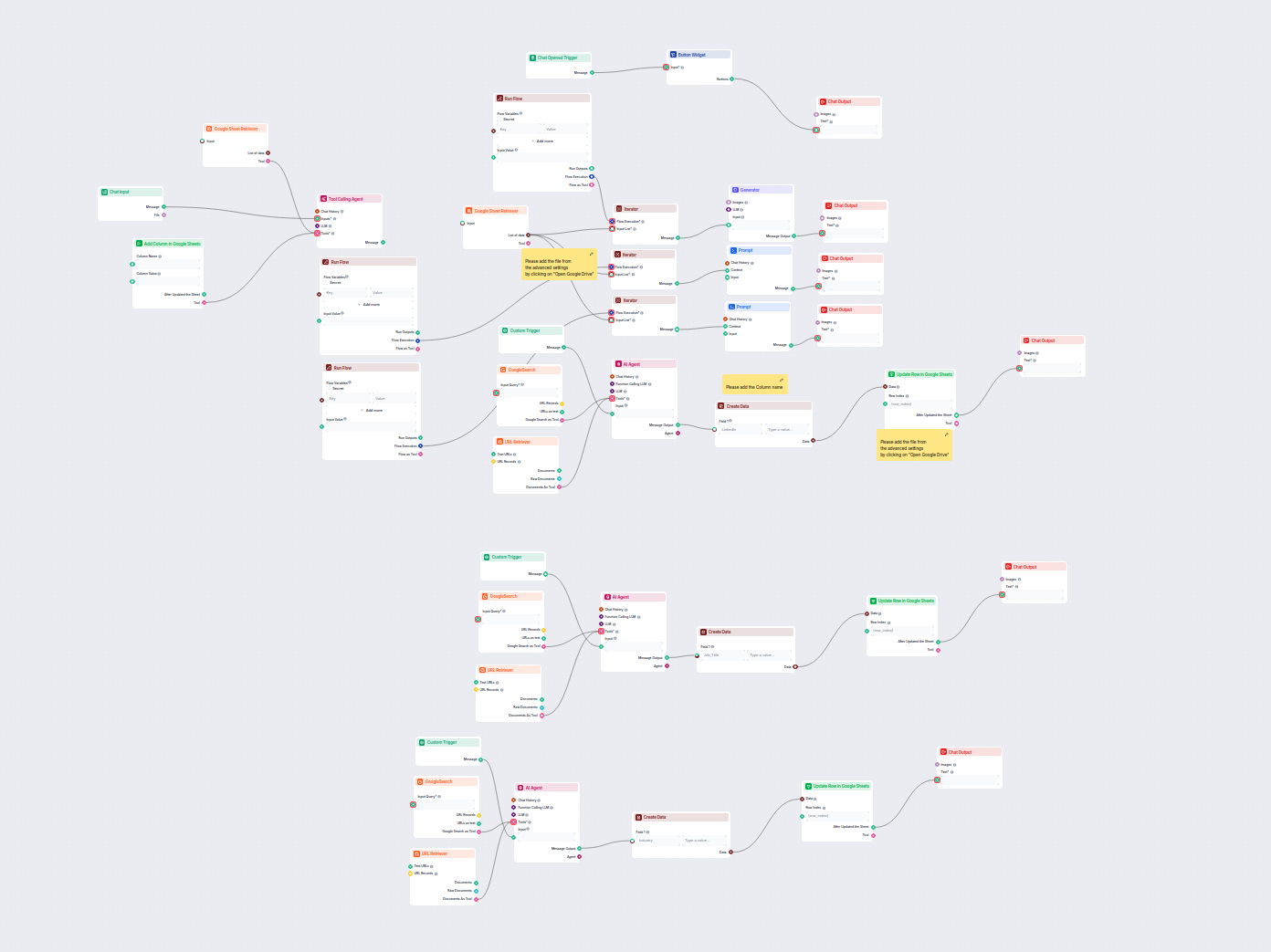
Enriquecimento Automatizado de Dados de Leads no Google Sheets
Este fluxo de trabalho orientado por IA enriquece dados de leads no Google Sheets ao recuperar automaticamente perfis do LinkedIn, cargos e setores ausentes da ...
5 min de leitura
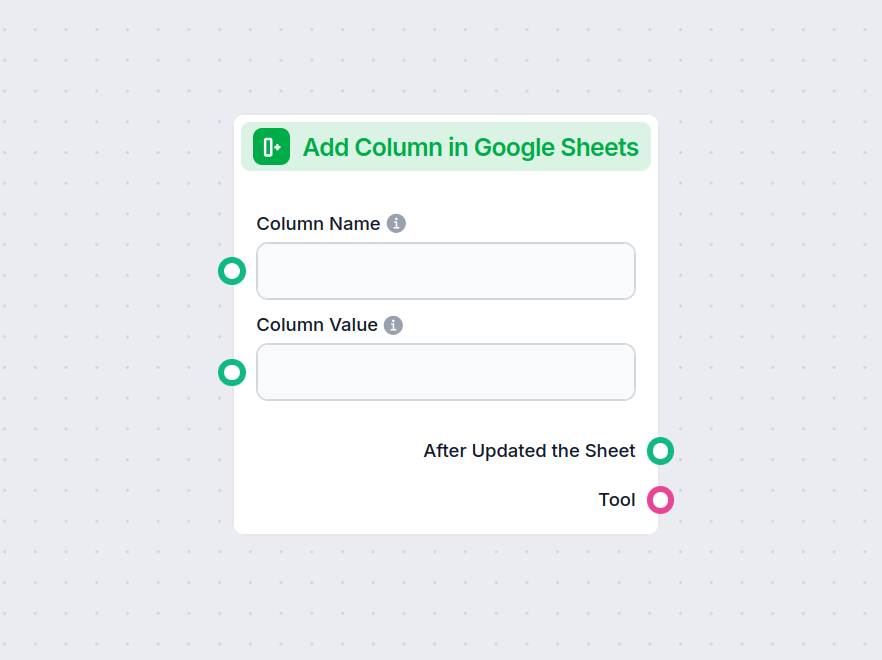
Automatize o processo de adicionar novas colunas ao Google Sheets, preenchendo-as com valores personalizados diretamente do seu fluxo de trabalho.
Descrição do componente
This component allows you to add a new column to an existing Google Sheets document and populate it with values you provide. It is designed to automate and streamline the process of updating Google Sheets, making it particularly useful in AI workflows that involve data manipulation, reporting, or dynamic spreadsheet updates.
The component accepts the following inputs:
| Input Name | Type | Required | Description |
|---|---|---|---|
| Column Name | String (text input) | No | The name of the new column to be added. |
| Column Value | String (text input) | No | The values to populate the new column. Accepts a comma-separated string or a list of strings. |
| Document | Google Drive Picker | Yes | The Google Sheets document to which the column will be added. |
| Separator | String (text input) | No | (Advanced) Custom separator for parsing the column values. |
| Tool Description | Multiline text | No | (Advanced) Description of the tool for agent understanding. |
| Tool Name | String (text input) | No | (Advanced) Name to refer to the tool in agent-based workflows. |
| Verbose | Boolean | No | (Advanced) Whether to print verbose output for debugging or detailed logs. |
After execution, the component produces the following outputs:
| Output Name | Type | Description |
|---|---|---|
| After Updated the Sheet | Message | Confirmation and details after the sheet has been successfully updated. |
| Tool | Tool | The tool instance for further use or integration in agent-based workflows. |
| Feature | Details |
|---|---|
| Sheet Selection | Via Google Drive Picker |
| Custom Column Name | Yes |
| Populate with Data | Yes (comma-separated string or list) |
| Optional Advanced Fields | Separator, Tool Description, Tool Name, Verbose Mode |
| Outputs | Confirmation message, Tool instance |
This component is a versatile building block for anyone automating processes involving Google Sheets, especially in data-driven or AI-powered workflows.
Para ajudá-lo a começar rapidamente, preparamos vários modelos de fluxo de exemplo que demonstram como usar o componente Adicionar Coluna no Google Sheets de forma eficaz. Esses modelos apresentam diferentes casos de uso e melhores práticas, tornando mais fácil para você entender e implementar o componente em seus próprios projetos.
Este fluxo de trabalho orientado por IA enriquece dados de leads no Google Sheets ao recuperar automaticamente perfis do LinkedIn, cargos e setores ausentes da ...

Integre o FlowHunt com o Google Sheets para automatizar a criação de planilhas, a recuperação de dados e atualizações dinâmicas em seus fluxos de trabalho orien...
Experimente adicionar colunas automaticamente às suas planilhas—economize tempo e otimize seus fluxos de dados com o FlowHunt.
Integre o FlowHunt com o Google Sheets para automatizar a criação de planilhas, a recuperação de dados e atualizações dinâmicas em seus fluxos de trabalho orien...
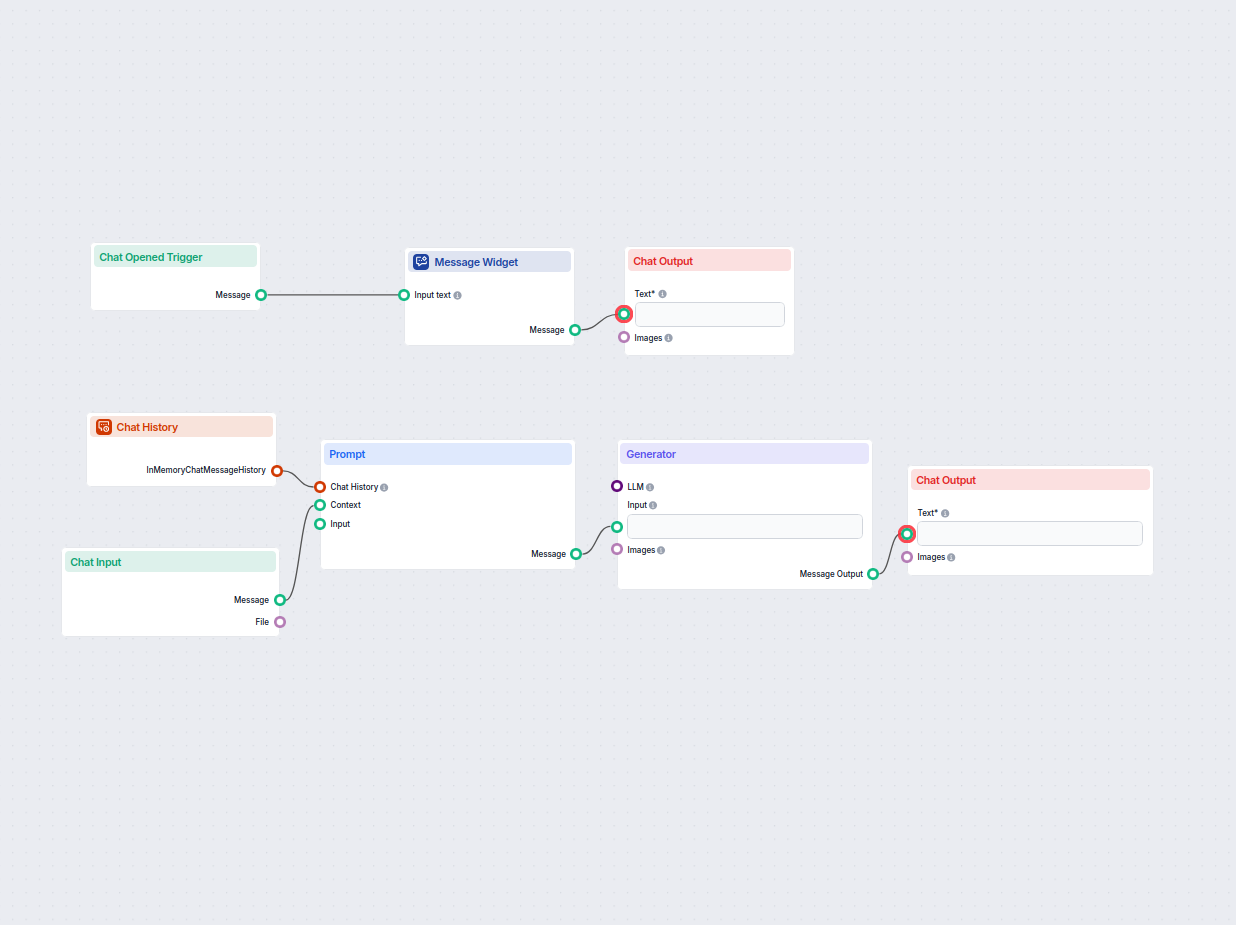
Gere fórmulas do Google Sheets instantaneamente a partir de solicitações em linguagem natural. Este fluxo de trabalho com IA ajuda os usuários a criarem fórmula...
Consentimento de Cookies
Usamos cookies para melhorar sua experiência de navegação e analisar nosso tráfego. See our privacy policy.