5 Content Types That Benefit Most from AI Text Humanization (With Examples)
Not all AI content needs the same level of humanization. Blog posts, LinkedIn posts, product descriptions, and email newsletters each have different requirements. Here’s which five types benefit most.
AI
Content Writing
Content Marketing
Text Enhancement
Writing
Not all AI content needs the same level of humanization. A LinkedIn post fails differently than a product description, and an email newsletter triggers different red flags than an SEO blog post.
An AI humanizer for content marketing only delivers its full value when you know exactly what to fix in each format. Here are the five content types that benefit the most, and the specific patterns to target in each.
Content Type 1: SEO Blog Posts
SEO blog posts are where AI content production is most widespread, and where the robotic patterns are most visible. Search engines reward content that demonstrates genuine expertise and keeps readers engaged. Raw and vague AI blog output often fails both tests, not because it’s inaccurate, but because it reads formulaically and doesn’t provide any added value.
What makes AI blog drafts recognizable:
Opening lines that start with “In today’s rapidly evolving landscape…” or “Content marketing has transformed how businesses operate…”
Section transitions that read like a slide deck: “Furthermore,” “In addition,” “It is worth noting that”
Generic claims with no specific examples, data, or named sources
Em dash and colon overuse
Too many lists or enumerative sentences
Conclusions that restate the intro instead of adding a new perspective
What to humanize:
The opening paragraph — rewrite to lead with a specific problem, a surprising fact, or a direct question. Drop the contextualizing preamble.
Transitions between sections — replace mechanical connectors that fall flat with sentences that explain why the next idea follows from the previous one.
Unsupported claims — flag any “studies show” or “many experts believe” without a source. Also flag any numbers or strong statements that should be cited but aren’t. Replace with specific data (the humanizer itself cannot search for data on its own, but other workflows can) or reframe as the author’s perspective.
The conclusion — add one concrete takeaway or a genuine call to action that wasn’t already in the introduction.
If you’re generating blog drafts at scale, the AI Blog Writer
produces research-backed first drafts. It does live research, analysis, and structured writing for a ready to publish article. Running those outputs through the AI Text Humanizer
covers the voice and readability layer that the generation step doesn’t handle.
Content Type 2: LinkedIn Thought Leadership
LinkedIn is the most personality-driven professional platform. Audiences there expect opinions, personal experience, and a distinctive voice. AI-generated LinkedIn posts deliver the opposite. The basic generated LinkedIn post will return classic insights in the very common tell-tale phrasing, with no real value or numbers.
The platform has a specific constraint that makes AI patterns especially damaging. Only the first two or three lines show before “see more”. If those lines read like basic generated content, the post gets scrolled past before the argument even starts.
Openers like “Excited to share that…” or “The future of [industry] is officially here…”
No specific professional experience, only general observations about trends
Bullet lists that sound like a corporate handbook
Sign-offs with “Thoughts?” as the only engagement prompt
What to humanize:
The opening hook — start with a concrete situation you observed, a counterintuitive claim, or a specific question. Not a statement about industry trends.
Replace abstractions — “digital transformation,” “synergies,” and “value proposition” each need replacing with the specific thing you actually mean.
Add a clear point of view — where the AI hedges (“it depends,” “there are multiple perspectives”), take a position and explain the reasoning behind it.
The engagement prompt — instead of “Thoughts?” ask something specific enough to have an actual answer.
To humanize AI LinkedIn posts effectively, specify the professional tone and the target audience when running the text through the tool. A C-suite audience needs different register than a community of practitioners.
Ready to grow your business?
Start your free trial today and see results within days.
Subscribers opt into email newsletters for a specific voice and real insights. If that voice suddenly reads like it was generated, and the quality of insights drops, unsubscribes follow. AI-written email copy has a particular tell in that it sounds like an over-excited broadcast, not a friendly conversation.
Subject lines that describe but don’t compel: “Our latest updates on [topic]”
Openers like “I hope this email finds you well” or “As we head into Q3…”
Body paragraphs that list features or announcements without explaining why they matter to this specific reader
CTAs that instruct rather than invite: “Click here to learn more”
What to humanize:
Subject line and preview text — write as if you’re texting a colleague, not writing a press headline. Specific and slightly informal beats formal and vague.
The personal opener — one sentence that acknowledges the reader’s actual context, not a seasonal greeting.
Benefit framing in the body — for every feature or announcement, add a sentence that explains what it changes for the reader specifically.
The CTA — replace “Learn more” with something that describes what happens after the click: “See how it works in 60 seconds” or “Read the case study.”
AI content polish matters most in email because the list relationship is the most personal content channel. One noticeably robotic issue can erode the trust that took months to build.
Content Type 4: Product Descriptions
AI defaults to describing products in terms of features and capabilities, appending that with some vaguely stated benefits. Buyers often make decisions based on emotions, outcomes and recognition. In other words, whether the description reflects their specific problem. The gap between the two is where AI product copy consistently fails.
Words like “robust,” “seamless,” “cutting-edge,” and “powerful” used as substitutes for specifics
No indication of who the product is actually for
What to humanize:
The lead sentence — start with the problem the product solves, not what the product is.
Replace capability language — “seamless integration” becomes “connects to your existing tools without a support ticket”, “comprehensive analytics” becomes “shows you exactly which campaigns drove revenue.”
Add a specific user — “For teams that manage…” or “If you’re responsible for…” makes a description feel targeted rather than generic.
Ground any claims — not invented numbers, but any real benchmarks, time savings, or comparison points the product actually delivers.
Join our newsletter
Get latest tips, trends, and deals for free.
Content Type 5: Academic and Research Writing
Academic and research writing uses AI humanization in a different context than the others. It’s not meant to polish generated drafts for submission (where AI use may be prohibited by institutional policy), but to make dense technical content accessible to a broader audience. White papers, research summaries, and technical documentation all benefit from this application.
What makes technical writing hard for non-specialists:
Passive voice throughout: “It was found that,” “It has been demonstrated that”
Nominalization: “The implementation of the methodology” instead of “Implementing the methodology”
Conclusions buried in qualifications and hedged language
Jargon used without definition for readers outside the field
What to humanize:
Passive to active voice — assign each action to a clear subject. “The team found” instead of “It was found.”
Noun phrases to verbs — “The analysis of the results” becomes “Analyzing the results.”
The abstract and executive summary — these are the highest-leverage targets. The readers decide whether to continue based on them alone, and they carry the strongest AI signature in research documents.
TIP: After humanizing technical content, run the output through the AI Grammar Checker
to catch any errors introduced during rewriting, particularly in sentences with complex syntax.
How Much Humanization Does Each Type Actually Need?
The degree of humanization needed depends on how much AI signature the content carries initially, and how much personality and voice the format demands from readers.
Content Type
AI Signature Level
Personality Demand
Humanization Priority
SEO Blog Posts
High
Medium
High
LinkedIn Posts
High
Very high
Very high
Email Newsletters
Medium
High
High
Product Descriptions
High
Medium
High
Academic / Technical
Medium
Low–Medium
Selective
LinkedIn and email are the most sensitive formats. Given how short and information packed they are, it gets much easier to spot classic AI phrases. But even more importantly, these formats heavy rely on unique voice. The readers have formed expectations about voice and quality, and a single noticeably generated post can break that relationship.
Product descriptions and blog posts have somewhat more tolerance for polished but impersonal language, but both compete for attention in environments where naturally written content outperforms generated content on engagement.
Technical writing needs selective humanization. The usual pain points are summaries, introductions, and reader-facing sections.
Humanization + Human Editing: The Optimal Workflow
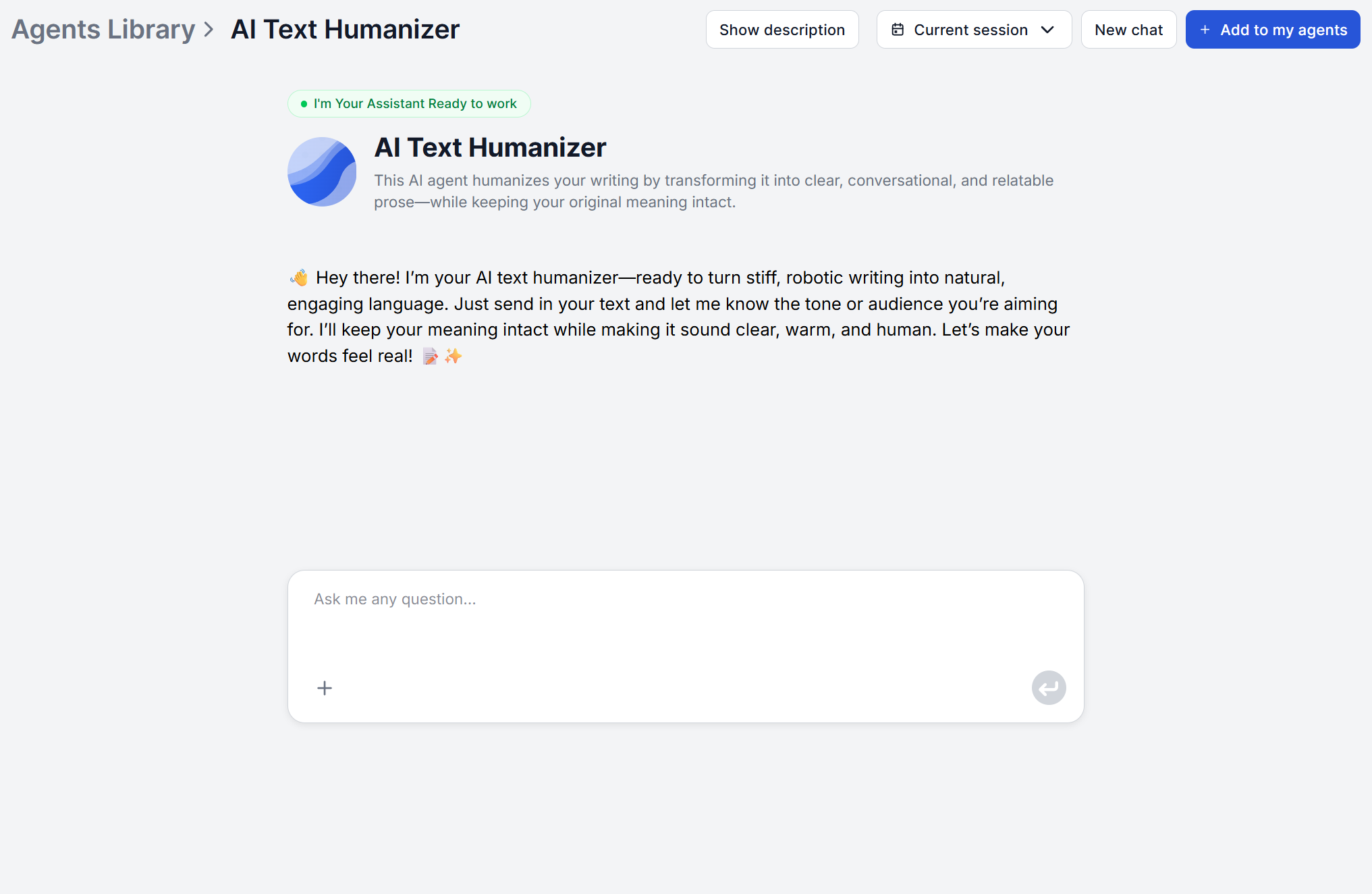
The most efficient content workflow is AI for generation, the AI Text Humanizer
for voice and readability, and a final human pass for judgment calls.
A practical three-step process:
Generate the first draft. Use a tool built for the content type. For blog posts, the AI Blog Writer
produces research-backed, structured Markdown articles using live sources.
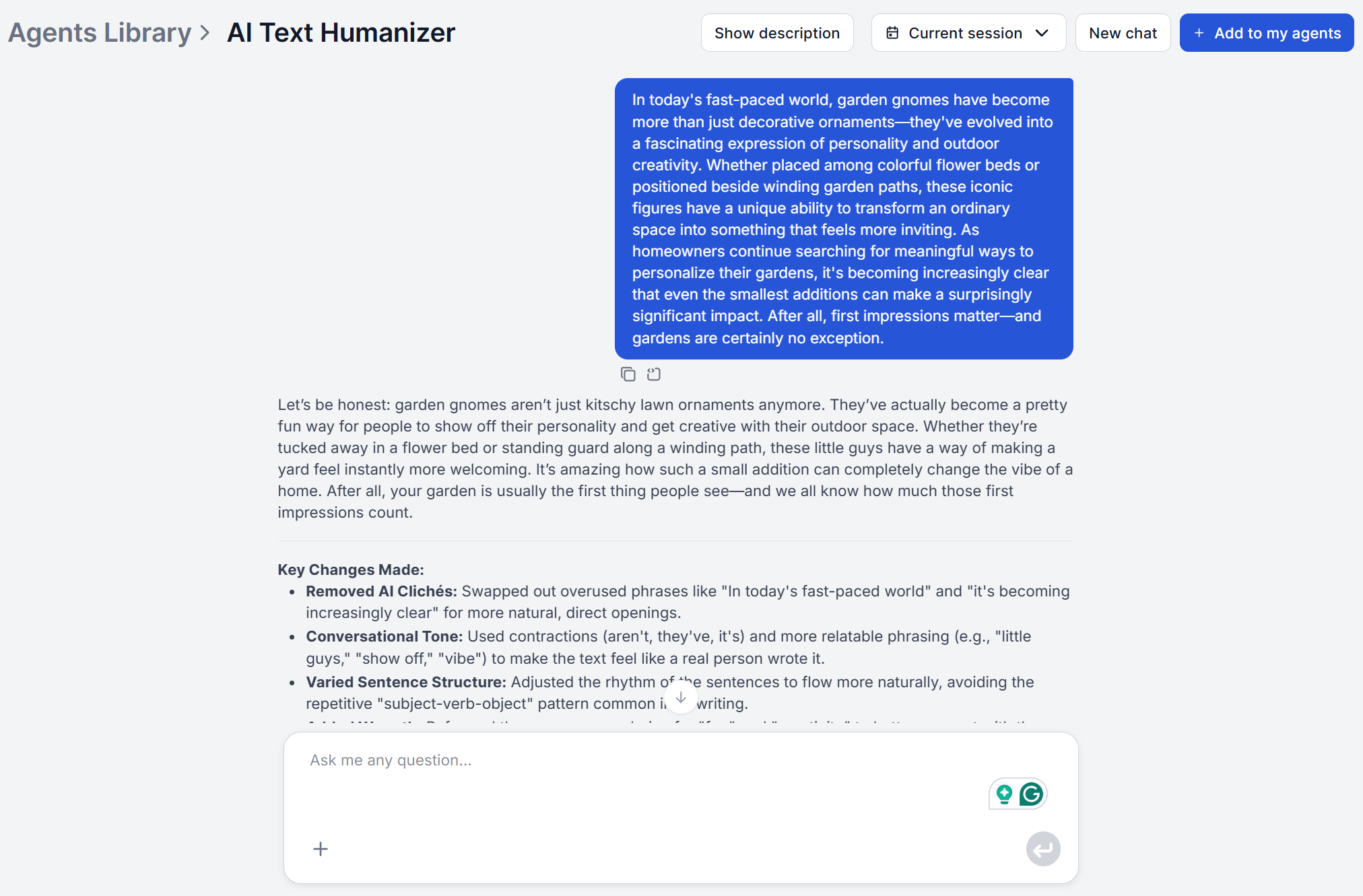
Humanize. Run the draft through the AI Text Humanizer with the target tone and audience specified. Review the output for any meaning drift. It should preserve meaning by default, but a light sanity check on critical content takes just a while.
Grammar pass and final edit. The AI Grammar Checker
catches errors introduced during rewriting. Then a human reviewer handles the judgment calls that require a person. If you’ve already taught FlowHunt your brand voice through knowledge sources
and agent instructions
, this review narrows down to checking whether every claim is defensible and the CTA fits the specific context.
This workflow handles the mechanical layer automatically and reserves human attention for the decisions that actually require it, which is how AI content teams scale without losing quality.
Frequently asked questions
AI humanization removes the patterns that make content feel generated, which affects how search engines evaluate quality signals. More natural language improves readability and engagement metrics, such as time on page, scroll depth or return visits, which all feed into how content is ranked. No tool can guarantee ranking improvements, but humanized content consistently outperforms robotic AI drafts on user engagement.
Yes. Simply tell the AI Text Humanizer what tone and audience you're looking for. The tool will adjust the vocabulary, sentence structure, and idiom accordingly. If no tone is specified, it defaults to warm and conversational.
Specify your tone and voice requirements explicitly. Describe whether your brand is formal or conversational, technical or accessible, direct or warm. For teams with documented brand guidelines, include key voice descriptors. Ideally, upload these as a document and edit the workflow to always respect them. That way, you will greatly reduce or completely remove the need to adjust for brand manually. Either way, review outputs against those guidelines before publishing, particularly for high-visibility content.
Quality humanization significantly reduces the patterns professional editors associate with AI output, such as uniform sentence structure, formulaic transitions, em dash overuse, absence of specific examples and named sources. Whether a trained editor can still detect AI origins depends on how heavily the original relied on AI defaults and how thoroughly the humanization pass addressed each pattern.
This varies by content type and the degree to which the original relied on AI defaults. Introductions and conclusions typically carry the strongest AI signature and benefit from humanization the most. Technical middle sections with specific data and examples often need less work. Rather than targeting a percentage, focus on the specific patterns described for each content type in this guide.
Maria is a copywriter at FlowHunt. A language nerd active in literary communities, she's fully aware that AI is transforming the way we write. Rather than resisting, she seeks to help define the perfect balance between AI workflows and the irreplaceable value of human creativity.
Maria Stasová
Copywriter & Content Strategist
Try the AI Text Humanizer
Transform AI-generated drafts into natural, human-sounding content in one pass — for any content type, any tone, any audience.
AI Humanizer: How to Make AI Text Sound More Human (2026 Guide)
Learn 7 proven techniques to humanize AI-generated text. Plus: best AI humanizer tools compared and how to automate humanization at scale with FlowHunt workflow...
AI-written content has telltale patterns. It uses way to many em dashes and colons, repetitive phrasing, robotic transitions, voice low on personality, and much...
How to Use AI to Generate SEO-Optimized Blog Content Automatically
Discover how to leverage AI tools to automatically generate SEO-optimized blog content that ranks higher, saves time, and drives organic traffic to your website...
16 min read
AI
SEO
+3
Cookie Consent We use cookies to enhance your browsing experience and analyze our traffic. See our privacy policy.