The complete guide to customer service automation: what it is, how AI powers it, key features, top tools, and realistic outcomes for support teams in 2026.
Customer service teams are in an awkward position right now. According to AmplifAI’s customer service statistics roundup
, 88% of contact centers now use AI-powered solutions, yet only 25% have fully integrated automation into their daily workflows. The tools exist. Budgets have been approved. But the gap between “we have AI” and “our support operation is genuinely faster and cheaper” remains wide.
This guide is for teams past the “should we automate?” question. It covers what customer service automation actually means in practice, which AI features deliver the most ROI, where automation still struggles, and which platforms are worth evaluating—including honest notes on what each does well.
What Is Customer Service Automation?
Customer service automation is the use of AI, workflows, and software to handle routine support tasks without requiring a human agent for every interaction. This definition is deliberately broad, because the tasks and their severity are a wide spectrum.
At one end are very simple rule-based autoresponders that simply confirm a ticket was received. At the other end are fully autonomous AI agents that can check an order status, issue a refund, update account details, and close the ticket without any human involvement. Most teams today sit somewhere in the middle. They use various mixes of rule-based routing, AI-powered chatbots, and agent-assist tools.
The critical distinction from older automation is intent understanding. Legacy chatbots matched keywords. Modern customer support automation uses natural language processing (NLP) to understand what a customer actually means. This allows them to understand ambiguous phrasing, informal, or multilingual. That shift is the difference between a frustrating answer loop and an actually useful chat.
How AI Customer Service Automation Actually Works
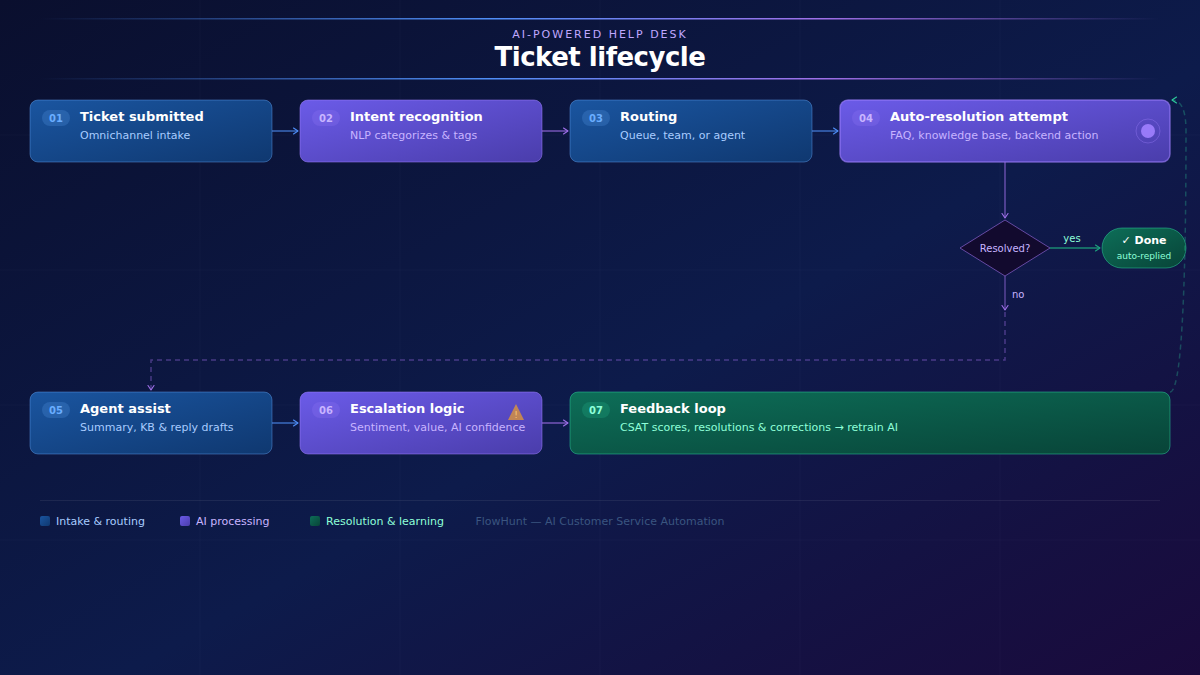
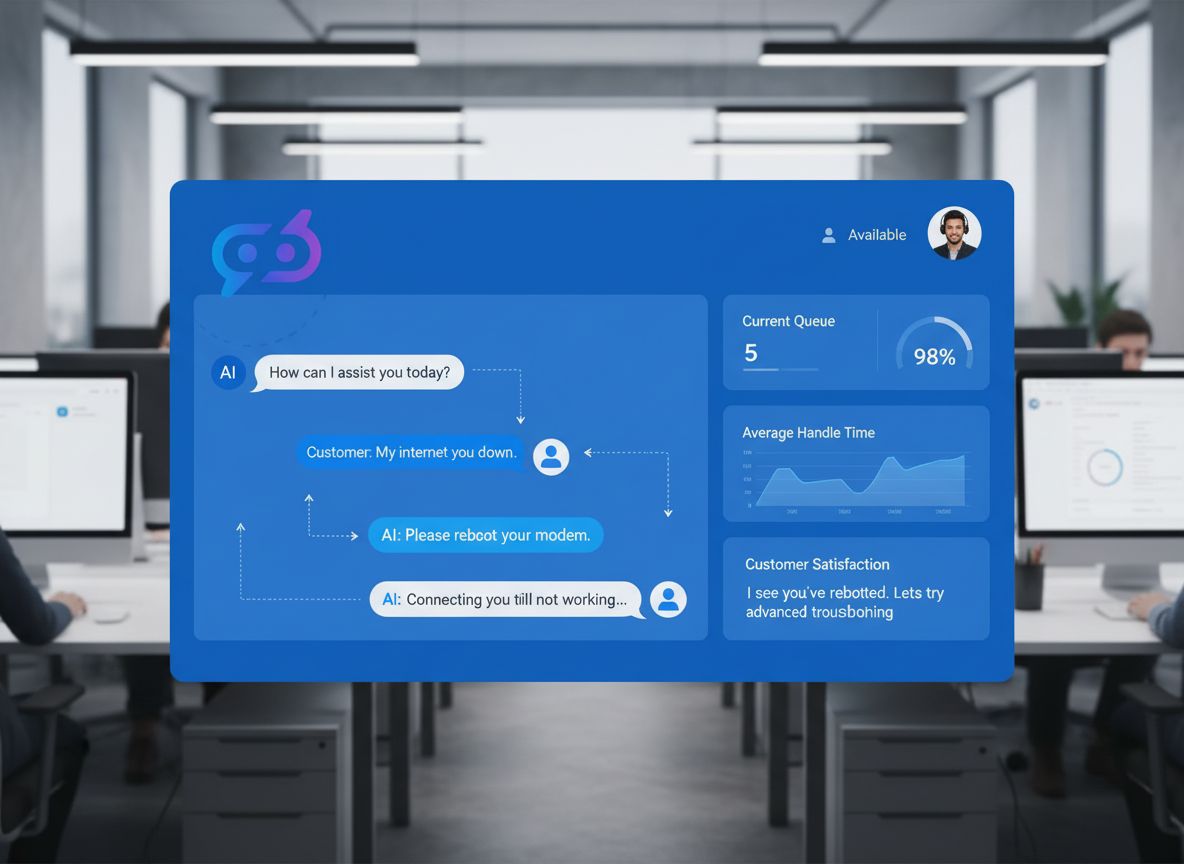
Here is the end-to-end lifecycle of a ticket in a modern AI-powered help desk:
Intent recognition and categorization.NLP parses the message to identify what the customer wants (refund request, billing question, technical issue, etc.) and assigns a category, priority, and relevant tags automatically.
Routing. Based on category and urgency, the ticket goes to the right queue, team, or individual agent. Alternatively, it may be flagged for manual review and triage, or immediate AI handling.
Auto-resolution attempt. The AI checks whether the issue can be resolved without a human. It tries to match an FAQ, searches the knowledge base, or identifies a direct backend action (check order status, trigger a password reset, apply an account credit). If yes, the customer gets an immediate response.
Agent assist (if escalated). For tickets requiring a human, the AI surfaces a conversation summary, relevant knowledge base articles, and suggested reply drafts, so the agent can respond faster and more consistently.
Escalation logic. If sentiment is negative, the issue is high-value, or AI confidence is low, the ticket escalates with full context intact, so the customer doesn’t have to repeat themselves.
Feedback loop. Resolution outcomes, CSAT scores, and agent corrections feed back into the AI to improve categorization accuracy and response quality over time.
Ready to grow your business?
Start your free trial today and see results within days.
The practical argument for automation is that volume grows faster than headcount budgets, and customers expect speed that manual processes cannot consistently deliver. Freshworks’ 2025 CX Benchmark Report
, analyzing over 32,000 teams, found that first response times dropped from over six hours to under four minutes with AI-powered support.
The cost picture is equally compelling. Gartner benchmarks
the median cost of a self-service interaction at $1.84 versus $13.50 for an assisted one. At scale, shifting even 30% of contacts to self-service changes the economics of a support operation significantly.
Other tangible benefits:
24/7 coverage without staffing for overnight shifts or holiday spikes
Consistency — automated responses don’t have bad days, and they apply policies uniformly
Scalability — a product launch that triples ticket volume doesn’t require emergency hiring
Agent experience — AmplifAI’s data
notes that 76% of agents report burnout from repetitive tasks; automation removes the dull work and leaves agents the complex, interesting cases
Cost per ticket reduction — AI-native platforms report 30–50% reductions in total support costs when AI genuinely resolves tickets rather than just deflecting them
Key AI Features That Power Customer Support Automation
Ticket Categorization and Routing
AI reads incoming tickets and automatically classifies them by topic, urgency, and department, then routes to the right queue or agent. Good categorization models learn from historical ticket data to improve accuracy over time. This eliminates manual triage, reduces misrouted or overlooked tickets, and ensures SLA timers start from the right baseline.
Sentiment Analysis
AI can detect the emotional tone of messages in real time, and uses that signal to prioritize tickets, flag escalations, or adjust tone. A customer whose messages contain escalating frustration across multiple interactions is a churn risk. Identifying that signal before a human reads the ticket is the difference between proactive recovery and a lost account.
AI Chatbots and Conversational AI
Modern customer service chatbots
handle far more than FAQ lookups. They can process refund requests, check order status, reset passwords, and walk customers through troubleshooting steps conversationally. The key differentiator from legacy bots is intent understanding via NLP instead of simple keyword matching.
The current landscape has three meaningful tiers: scripted bots (decision trees, predictable but brittle), retrieval-augmented chatbots (knowledge base + LLM, flexible and accurate within a defined domain), and fully autonomous AI agents that can take backend actions without human approval. Most enterprise deployments combine all three depending on the use case.
Automated Ticket Resolution and Self-Service
AI can resolve a significant share of tickets end-to-end without agent involvement. These range from answering common queries and checking status, all the way to autonomous actions such as account updates. Self-service portals powered by semantic AI search (not keyword matching) let customers find answers themselves without opening a ticket at all.
The containment rate—the percentage of contacts resolved without human intervention—is the key metric here. AI-native support implementations
are achieving 55–70% first contact resolution at under $3 per resolution.
AI-Powered Agent Assist
Not all automation is customer-facing. Agent assist tools suggest responses, pull relevant knowledge base articles, and summarize long ticket threads in real time. A human agent inheriting a complex, multi-message thread no longer needs to read the entire history. The AI will produce a one-paragraph summary and a suggested next action.
This is often the first thing teams reach for when they aren’t ready to deploy fully autonomous automation just yet. It’s a big win with a fairly simple implementation process. It’s also easier for human agents to stomach, since the AI supports their judgment rather than replacing it.
Predictive Analytics and Proactive Support
Rather than waiting for customers to complain, AI can predict which customers are likely to have a problem based on usage patterns, order data, or prior contact history, and trigger proactive outreach before the issue becomes a ticket. It can also identify recurring ticket drivers, for example a confusing feature or a faulty integrations.
Omnichannel Orchestration
Automated customer service that works across email, live chat, social DMs, WhatsApp, and voice—maintaining context across channels so customers don’t have to repeat themselves—is increasingly a baseline expectation rather than a premium feature. See our broader piece on omnichannel support strategies
for implementation specifics.
Join our newsletter
Get latest tips, trends, and deals for free.
How to Implement Customer Support Automation Without Breaking Your CX
The most common implementation mistake is automating before auditing. Before deploying any AI, pull three to six months of ticket data and identify your top categories by volume. The highest-volume, lowest-complexity categories are your first automation targets. Don’t start with the edge cases.
A practical sequence:
1. Audit your ticket data. What are your top 10 ticket categories? What percentage of each could be resolved with information alone (no backend action needed)? Those are the low-hanging fruit that can be automated first.
2. Map escalation logic before automating. Define explicitly what the AI can and cannot handle. Every automated flow needs a “talk to a human” exit, and that exit must be easy to reach, be it via trigger words or an always present button.
3. Build and maintain your knowledge base. AI is only as good as the content it draws from. An outdated knowledge base means AI will produce wrong answers confidently. Budget for ongoing knowledge base maintenance as part of the automation investment.
4. Train on your data, not generic models. Pre-trained models give you a starting point of general recent knowledge. The actual relevance and accuracy come from your sources. Besides knowledge-base, you should fine-tune your AI on your actual ticket history, rules, and resolution patterns.
5. Measure the right metrics. Automation rate (percentage of tickets with AI involved), containment rate (percentage resolved without human), CSAT delta (did it go up or down after deployment?), and average handle time. Track all four, because a high containment rate that tanks CSAT is not a success.
Most modern help desk platforms handle the basics. Custom orchestration platforms like FlowHunt
let teams go further with bespoke workflows, connecting multiple data sources, building multi-step resolution logic, and integrating automation across tools that don’t natively talk to each other.
Help Desk Tools With Strong AI Automation Capabilities
Most customer service software solutions are implementing AI at this point, so your current platform may already cover the basics. But here are some notable picks to get you started.
Zendesk
The category default for mid-to-large teams. Broad ecosystem, strong reporting, and a well-developed AI layer (Zendesk AI) for auto-triage, suggested responses, and intent detection. The most complete option for teams that want everything in one platform with minimal custom integration work. Pricing reflects the category leadership.
LiveAgent
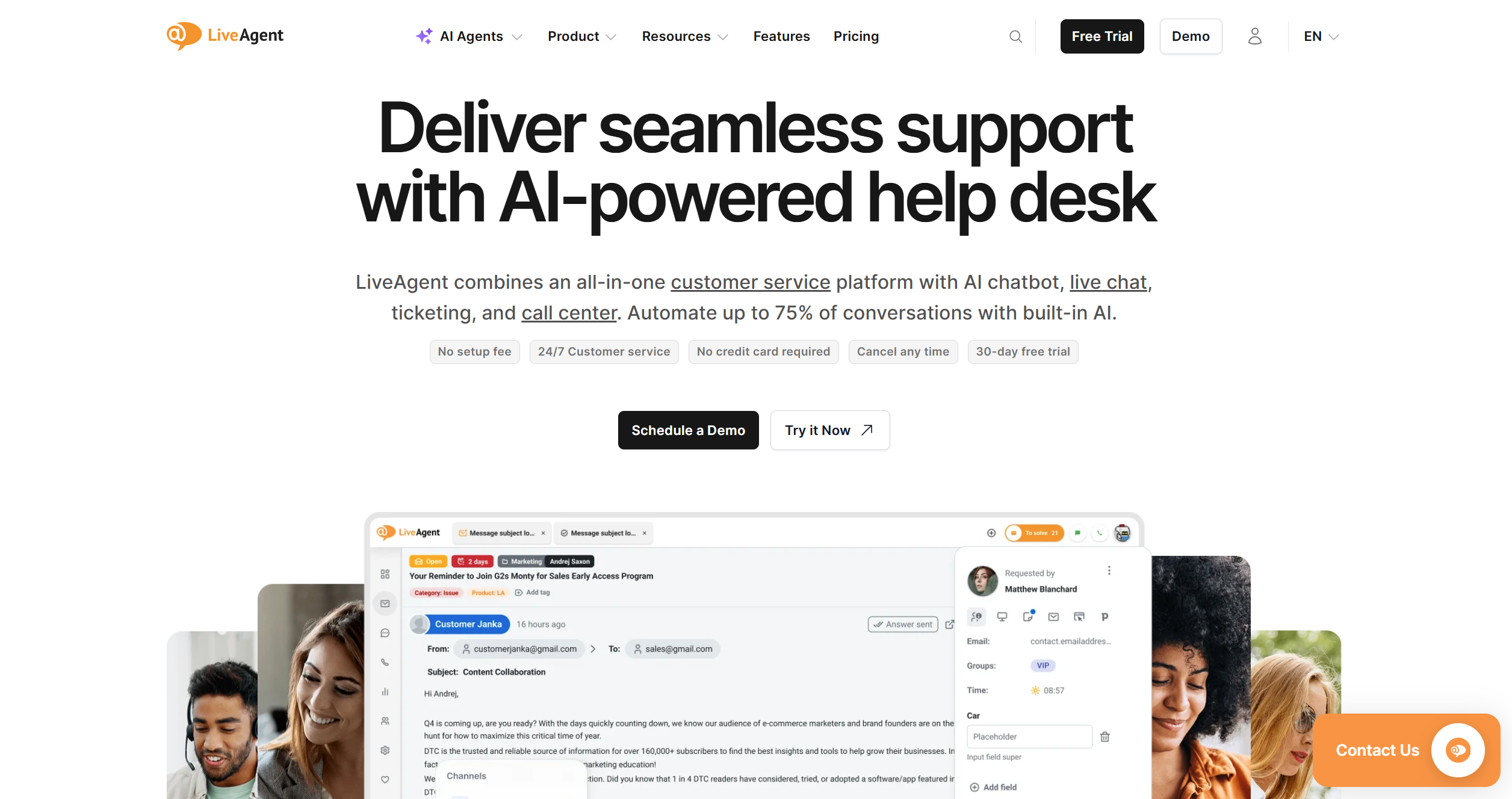
LiveAgent is a well-regarded help desk platform covering live chat, ticketing, call center, and knowledge base in one interface—particularly popular with SMBs and teams that want omnichannel coverage without enterprise pricing.
Liveagent’s AI capabilities are powered by FlowHunt
, which means teams can go well beyond out-of-the-box chatbots and build genuinely custom AI workflows, from intelligent ticket routing and sentiment-triggered escalations to fully autonomous support agents—without needing a developer for every configuration. If you want to see how this works in practice, the implementation case study from LiveAgent’s own support team
is worth a read.
For teams that want to go further than their help desk’s native AI allows, FlowHunt is available as a standalone workflow automation layer that connects to existing tools—including help desks beyond LiveAgent. It is the engine behind LiveAgent’s AI features and is built for teams constructing custom support automation stacks.
Intercom / Fin
Intercom’s
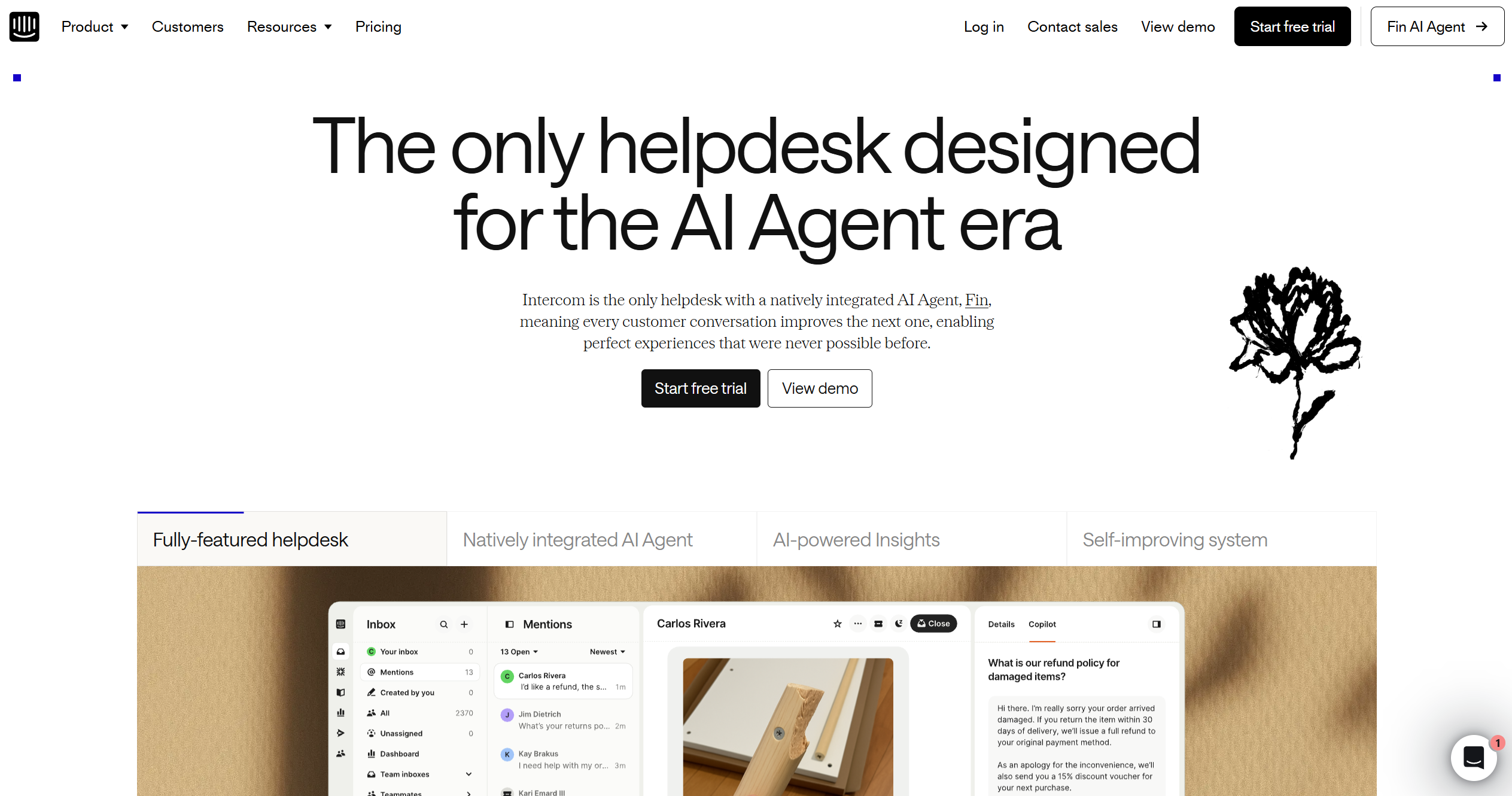
Fin AI agent is one of the more capable autonomous support bots currently available, designed to resolve queries end-to-end using the company’s knowledge base. Best suited for SaaS and product-led companies with a well-maintained knowledge base and a chat-first support model.
LiveChat
LiveChat
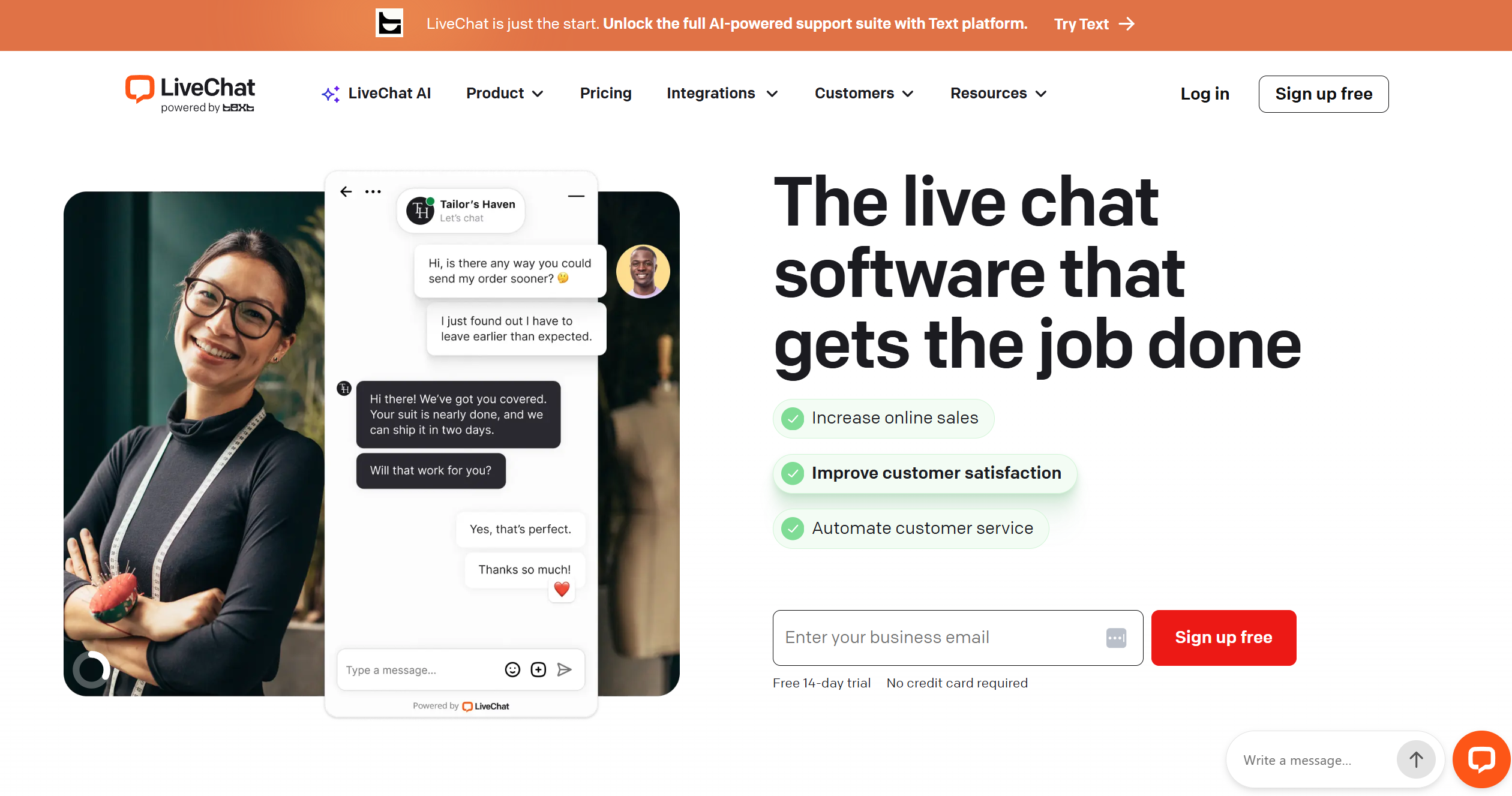
is a strong option for teams that want tight AI-to-human escalation without a complex setup. AI chatbots can hand off conversations to human agents the moment the situation calls for it—cleanly, with full context. Popular with e-commerce and service businesses that run chat as their primary support channel.
HubSpot
HubSpot
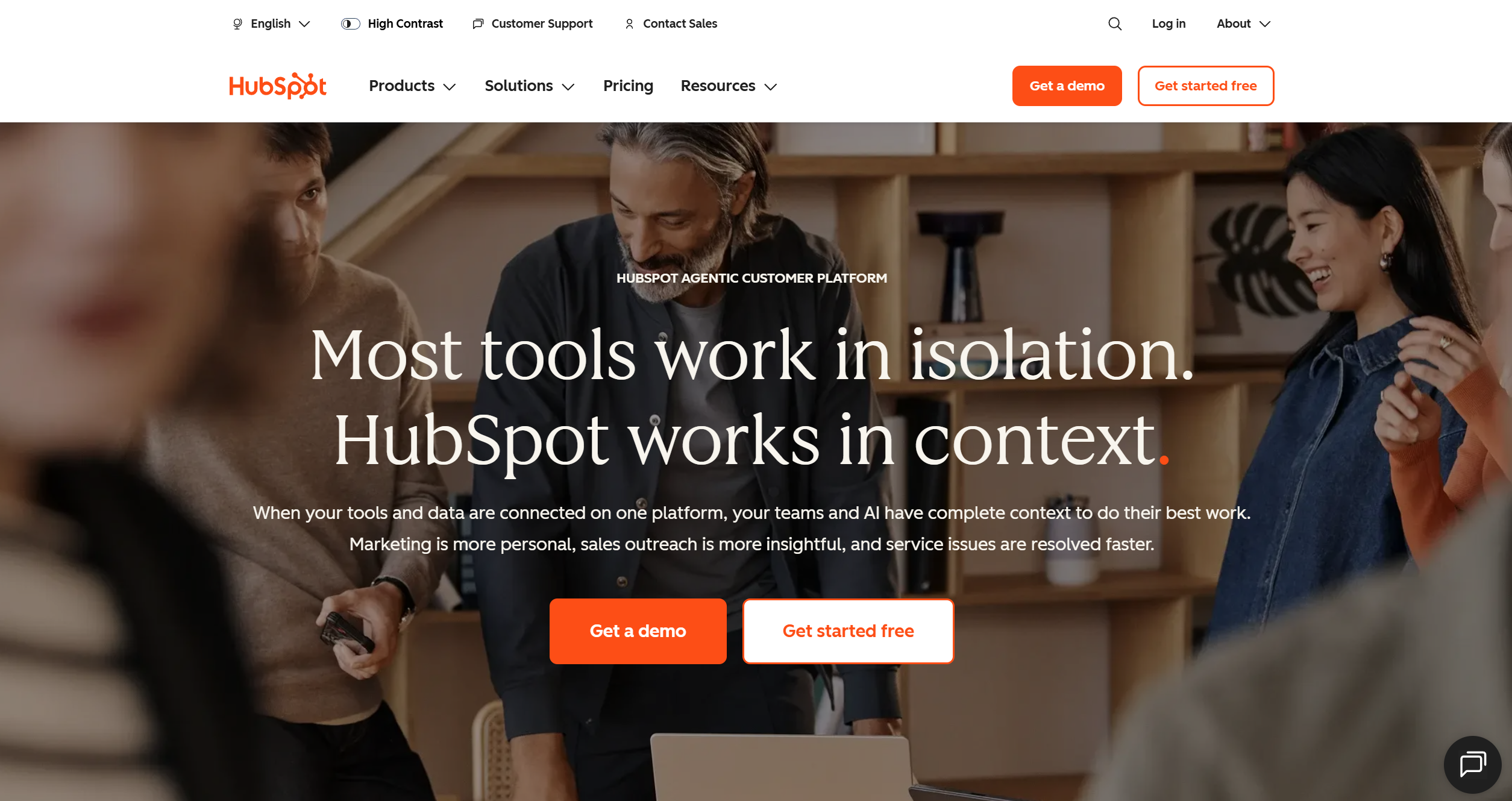
is worth considering for teams already running their CRM there. The support tooling sits inside the same platform as sales and marketing data, which makes personalized, context-aware responses easier to pull off. AI automation through FlowHunt connects into HubSpot workflows with minimal configuration.
What to Expect: Realistic Outcomes and Common Pitfalls
Realistic outcomes
Cost reduction in support operations of 30–50% is achievable, but only when AI resolves contacts, not just deflects them to a dead end (AmplifAI
). Teams also tend to underestimate the initial costs of setting up processes and preparing data.
Response time drop from over 6 hours to under 4 minutes is documented in Freshworks’ 2025 CX Benchmark Report
, but requires proper channel integration. Your actual improvement will depend on your current baseline.
Over-automating. Customers can tell when they’re talking to a system that has no escalation path. Resentment builds fast when complex issues get caught in automated loops.
Neglecting the knowledge base. The AI answers based on what it can access. Outdated, incomplete, or contradictory content produces wrong answers at scale.
No escalation path. Every automated flow needs a visible, easy way to reach a human. Hiding it creates the worst possible customer experience, and the build up of frustration could cost you important clients.
Treating automation as a one-time project. Support automation requires ongoing maintenance. As your product changes, your customer language evolves, and your resolution logic needs updating. Teams that deploy and forget see accuracy degrade steadily.
The Future of Customer Service Automation
The most significant shift underway is from chatbots to agentic AI
systems that don’t just answer questions but take actions. Agents can issue refunds, modify subscriptions, fill bug reports or schedule callbacks. It’s all about the ability to connect to backend systems and execute tasks autonomously.
At the sme time, voice AI is maturing fast. Phone support is increasingly handled by AI agents that can hold natural, contextual conversations rather than navigating rigid IVR trees.
Another fast-growing area is proactive support and predictive analytics, where AI identifies a likely problem and contacts the customer before they open a ticket. This is slowly moving from a differentiator to a standard expectation for high-touch segments.
The long-term steady state is almost certainly a hybrid model. AI handles the high-volume, low-complexity work end-to-end, and humans handle the cases where judgment, empathy, and relationship matter. Neither alone is the answer.
Conclusion
Customer service automation done well is not about removing humans from support, but about deploying them where they genuinely matter while AI handles the rest. The teams getting the most value right now are not the ones with the most AI tools. It’s the ones who did the audit work first, mapped their escalation logic clearly, and treated their knowledge base as infrastructure.
If you are evaluating platforms or building custom support workflows, try FlowHunt for free
—particularly if you need more flexibility than your help desk’s native AI provides. Beyond being the main AI provider powering LiveAgent, FlowHunt integrates with a range of popular customer service tools, including LiveChat, HubSpot, Intercom, and more, so you can build custom workflows on top of whatever stack you are already running.
Frequently asked questions
Customer service automation is the use of AI, workflows, and software to handle routine support tasks, such as answering FAQs, categorizing tickets, routing inquiries, and resolving common issues. Modern systems range from simple autoresponders to fully autonomous AI agents capable of taking backend actions on a customer's behalf.
A chatbot is one component of customer service automation. Automation is the broader concept, which includes ticket categorization, intelligent routing, sentiment analysis, and much more. A chatbot handles the conversational interface; automation orchestrates everything around it.
Well-implemented AI automation can cut support costs by 30–50%. Gartner research puts self-service cost at $1.84 per contact versus $13.50 for assisted service. AI-native platforms report cost per call reductions of up to 50%, though results depend heavily on how well the AI is trained and integrated.
No, at least not for complex or emotionally charged interactions. Industry data shows 79% of Americans still prefer a human agent for certain issues. The practical steady state is a hybrid model: AI handles high-volume, routine queries end-to-end, while humans focus on nuanced, high-stakes conversations where empathy and judgment matter.
Maria is a copywriter at FlowHunt. A language nerd active in literary communities, she's fully aware that AI is transforming the way we write. Rather than resisting, she seeks to help define the perfect balance between AI workflows and the irreplaceable value of human creativity.
Maria Stasová
Copywriter & Content Strategist
Build Custom AI Support Workflows with FlowHunt
FlowHunt lets you go beyond out-of-the-box chatbots. Build intelligent ticket routing, sentiment-triggered escalations, and fully autonomous support agents—without writing a line of code.
How to Automate Customer Support with AI While Maintaining Human Handoff
Learn how to implement AI-powered customer support automation that seamlessly transitions to human agents for complex issues, improving efficiency while maintai...
Customer Service Automation leverages AI, chatbots, self-service portals, and automated systems to manage customer inquiries and service tasks with minimal huma...
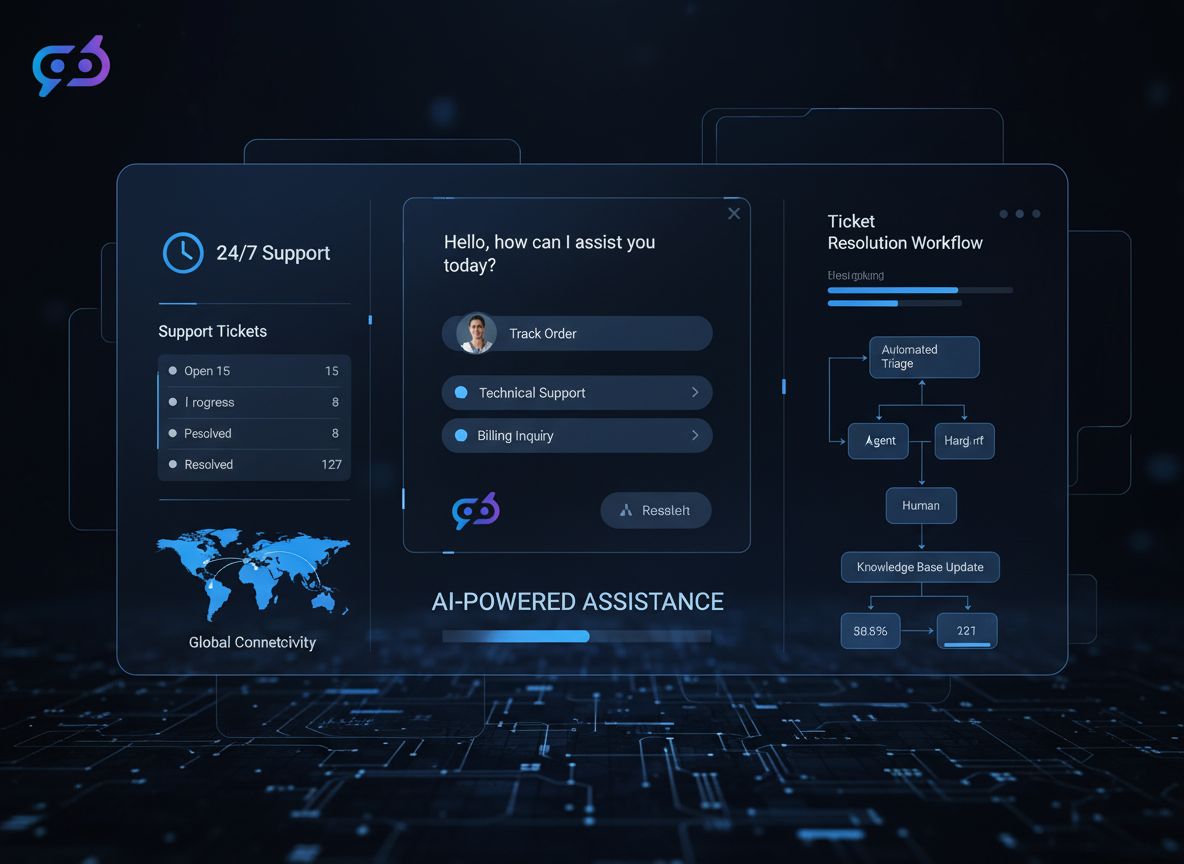
AI-Powered 24/7 Customer Service: Transforming Support Ticket Resolution
Discover how AI chatbots, intelligent routing, and automated resolution systems enable businesses to provide round-the-clock customer support while reducing cos...
18 min read
AI
Customer Service
+3
Cookie Consent We use cookies to enhance your browsing experience and analyze our traffic. See our privacy policy.