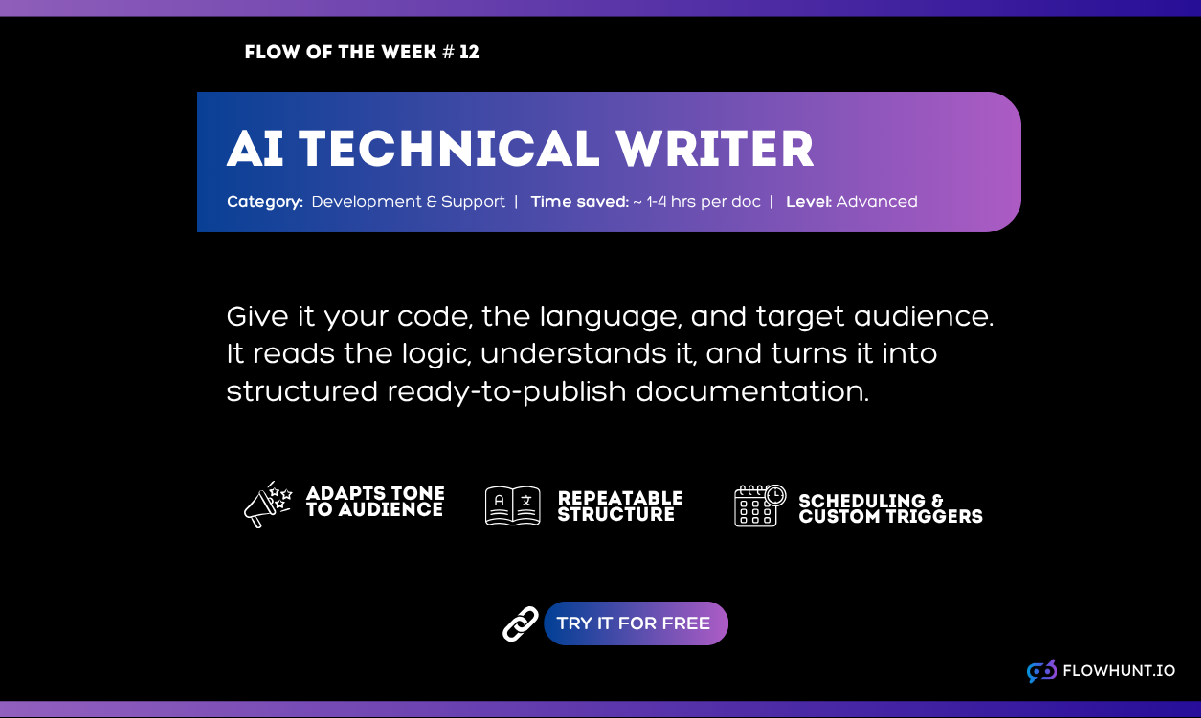
5 Documentation Types AI Writes Faster Than Any Technical Writer
From API references to onboarding guides, here are five specific documentation types where AI writing tools consistently outperform manual methods on speed without losing on accuracy or clarity.
Writing documentation manually means reading the code or the process yourself, deciding what matters, and then writing it down in whatever spare time is left after shipping.
AI for technical writing use cases removes the middle step. Instead of describing what a system does from memory, you point the AI at the actual source and it generates the explanation directly from the logic. All that’s left for you to do is check if everything fits.
But not every documentation type benefits equally. Some are almost pure code-to-explanation, where AI has a clear speed advantage. Others need more human framing around the AI-generated core. Here are five specific documentation types where FlowHunt’s AI Documentation Writer
consistently outperforms manual writing.
API references are the closest thing to a best-case scenario for an AI API docs generator, because the source of truth (the endpoint handlers, the SDK methods, the request and response shapes) already exists in the code. There’s nothing to interview a developer about that isn’t already sitting in the function signatures.
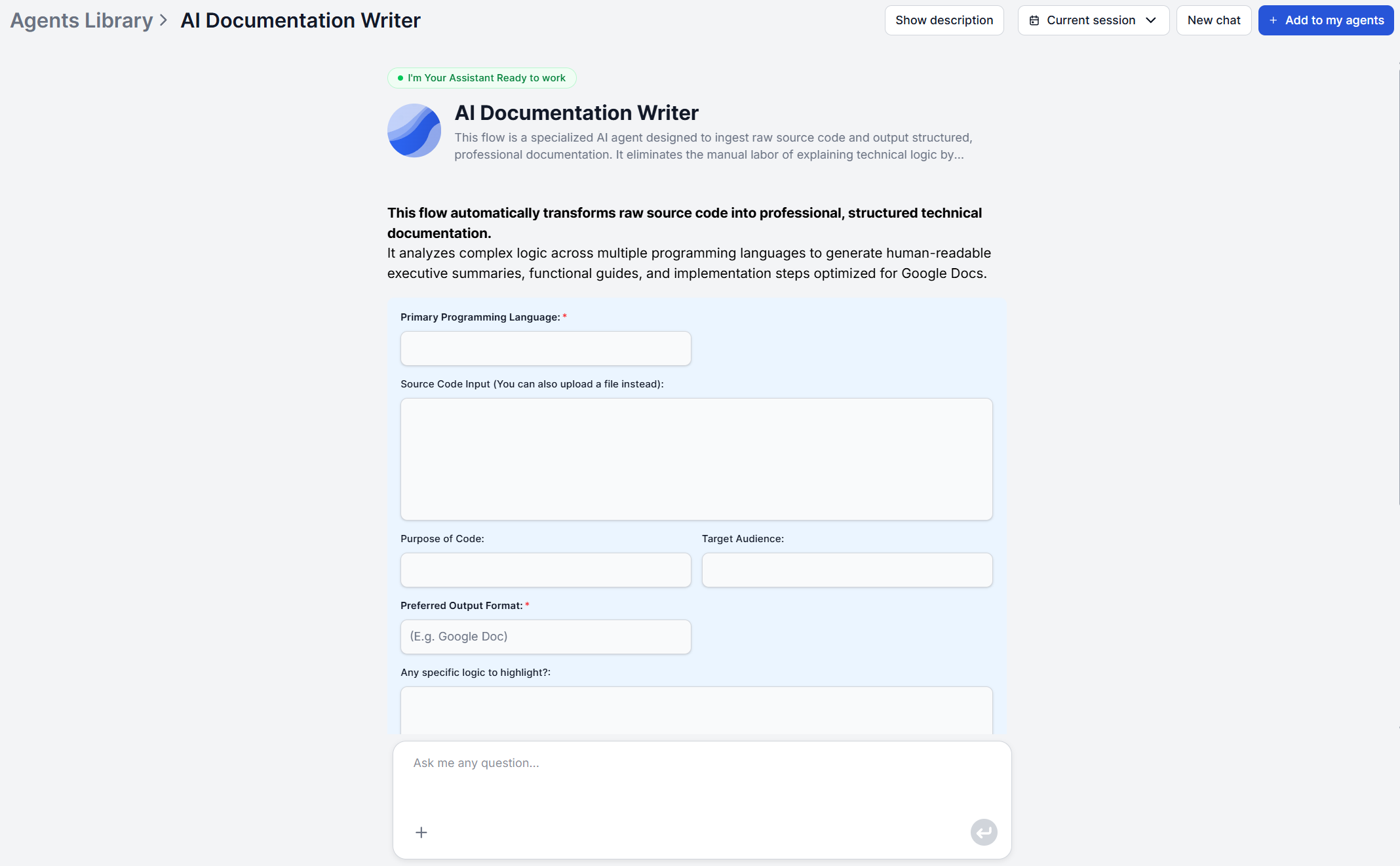
Point the AI Documentation Writer
at your API code or simply paste it in the chat, set the audience to “developers” or “API consumers,” and use the “specific logic to highlight” input to flag anything easy to miss that should get due diligence. The output’s key functions and components section becomes a working reference, and the technical architecture section covers how the pieces fit together.
The speed advantage compounds over time. API surfaces change with almost every release, a parameter gets added, an endpoint gets deprecated, and manual documentation tends to fall behind exactly on these small, frequent edits.
Writing a reference for twenty endpoints by hand is a multi-day task even for a developer who knows the codebase well. Regenerating from current code takes just a few minutes regardless of how many times the API has changed since the last version, and regardless of whether it’s twenty endpoints or two hundred.
Use Case 2: Product Release Notes
Release notes need to answer what changed and why does it matter. That maps closely to two sections the documentation writer already produces, which are the executive summary and the functional capabilities list.
Set the purpose to “release notes for this update,” the audience to “customers” or “end users,” and feed in the code for the specific feature or fix. The plain-language translation stage does the work of turning a diff into a description a non-technical customer can actually understand, without a writer having to interview the engineer who built it.
It’s still worth a light editing pass afterward. Release notes usually need a consistent voice and a specific order (breaking changes first, then new features, then fixes), and while the AI output gives you accurate raw material for each item, arranging and prioritizing them for a customer-facing changelog is a judgment call a person should make.
Ready to grow your business?
Start your free trial today and see results within days.
Product documentation AI earns its keep on onboarding guides that are really just descriptions of real configuration steps, available commands, or setup requirements that already live in the code. A CLI tool, an SDK, or an internal application are all good candidates.
Run the same source code through the documentation writer, but set the target audience to “new users” or “non-technical stakeholders.” The logic translation stage swaps developer terminology for plain language with natural flow, and the implementation and usage instructions section becomes the onboarding steps themselves, covering setup, configuration, and first use.
The tradeoff to know upfront is that this approach documents what the product does and how to configure it, not why a feature exists from a product-marketing angle. For onboarding content that’s more narrative than instructional, treat the AI output as the accurate technical backbone and add framing around it rather than expecting a finished, on-brand welcome sequence.
This matters most for developer tools, where a new user’s first hour is usually spent on installation, authentication, and running a first successful command. Generating that section directly from the actual setup code, rather than from a developer’s memory of how installation is supposed to work, catches the small inconsistencies (a renamed flag, a config option that moved) that make onboarding guides quietly wrong within a few releases.
Use Case 4: Internal SOP and Process Documentation
Internal docs automation matters most here because internal process documentation decays the fastest. It usually exists as institutional memory. A senior engineer explaining a deployment script or an onboarding automation out loud, with nobody writing it down before that person moves teams or leaves the company.
If that explanation happened in a recorded meeting, run it through the AI meeting report generator
first to capture the context as structured minutes before it’s lost. Then feed the actual script along with automation code into the documentation writer, with the audience set to new engineering hires, to produce the reference document that survives the person leaving.
This combination solves two different problems at once. The meeting report captures the informal context and reasoning that isn’t in the code (why the process works this way), while the documentation writer captures the accurate technical detail of what the code actually does.
Together, these two agents produce the kind of onboarding reference that a new hire can actually follow without pulling a senior engineer into another meeting to explain the same script a second time.
Join our newsletter
Get latest tips, trends, and deals for free.
Use Case 5: Knowledge Base Articles
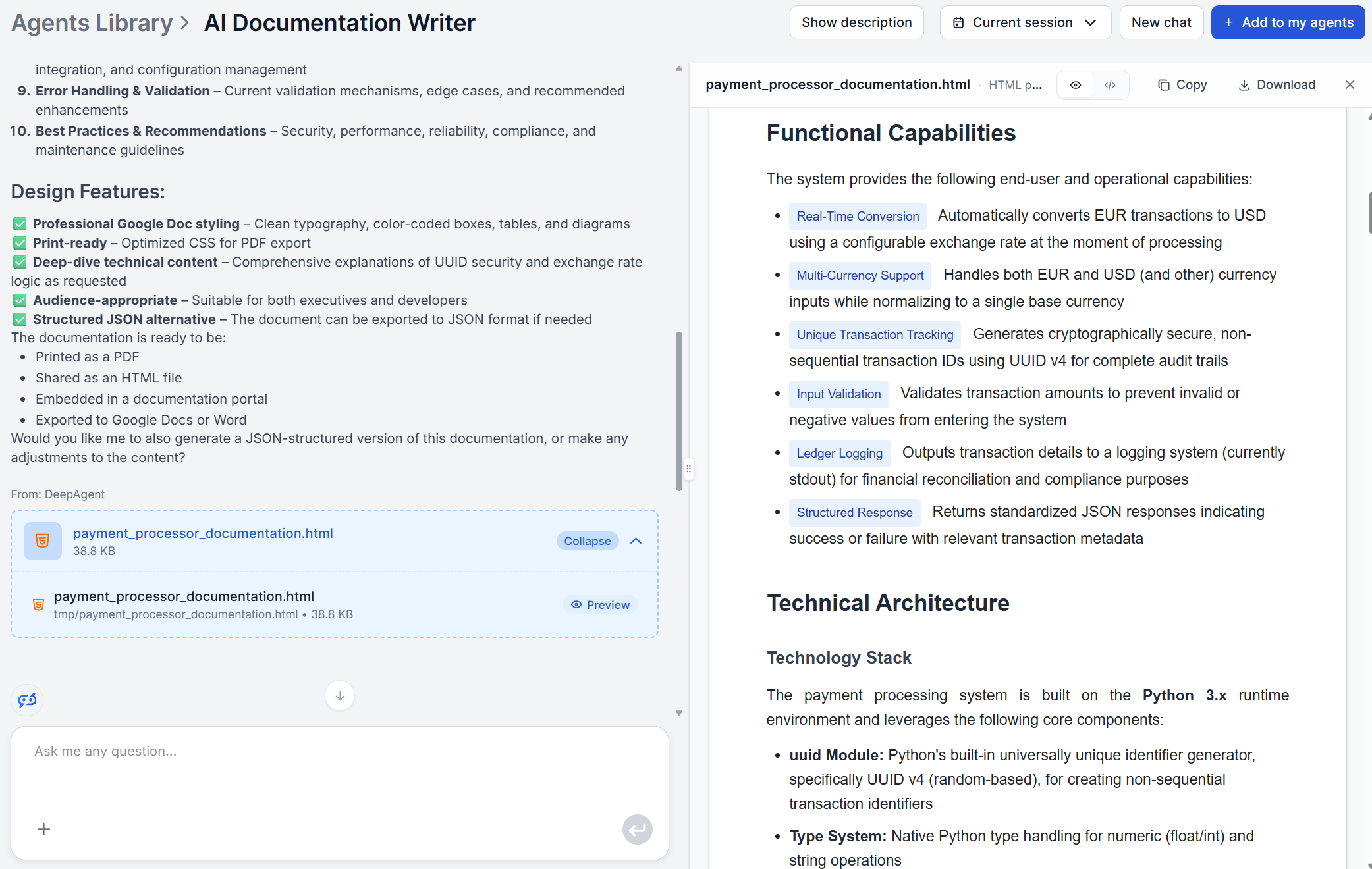
Customer-facing knowledge base articles need an accurate explanation of how a feature actually behaves, and phrasing that matches how customers already talk about the problem. The documentation writer handles the first part directly: feed it the code behind the feature, set the audience to “customers” or “support team,” and the functional capabilities and usage instructions sections become the backbone of the article.
That last point is the piece most likely to get skipped, and it’s the one that determines whether the article is actually usable. A KB article is read by someone mid-problem, not someone doing research, and the documentation writer’s six-section output is built for completeness, not brevity. Pasting all of it into a support article buries the one sentence a frustrated customer needs under an architecture explanation nobody asked for.
Before publishing, lead with a one or two sentence answer, keep the functional capabilities and usage instructions sections, and drop technical architecture and key functions and components unless your support team genuinely needs implementation detail.
How to Maintain a Living Documentation System with AI
Across all five use cases, the underlying process never changes. Code analysis, logic translation, and document structuring. What changes is only the audience, purpose, and specific logic you specify for each run. That’s worth treating deliberately rather than reinventing the input every time.
It pays to keep a short, saved input template per documentation type, one for API references (audience: developers), one for release notes (audience: customers), one for onboarding guides (audience: new users), one for internal SOPs (audience: new hires), and one for knowledge base articles (audience: support team). Reusing the same wording each time keeps tone consistent across dozens of generated documents, even though each one is produced independently.
For teams running more than one product, split each product into its own FlowHunt workspace, connect the relevant tools, and build a knowledge base scoped to that product specifically. Keeping each product’s context separate produces more focused output on every run and avoids one product’s terminology or conventions leaking into another’s documentation. And because regeneration is fast, tie it to an actual trigger, a release, a merged pull request that touches a documented module, rather than a scheduled documentation sprint that competes with everything else on the roadmap and usually loses.
Try the AI Documentation Writerwith the 7-day free trial (5 credits included) before committing to a paid plan, and see which of these five use cases saves your team the most time first.
Frequently asked questions
Documentation that's tied directly to real source code benefits the most, since the AI documentation writer works by analyzing the code itself rather than a description of it. Purely conceptual content with no underlying code, like a brand style guide or an HR policy, is better suited for different FlowHunt tools.
Terminology already present in your code, comments, and variable names carries through into the generated explanation, since the tool is working from your actual source rather than a generic template. If there's a specific term, mechanism, or edge case you want defined explicitly for readers outside the domain, use the 'specific logic to highlight' input to flag it directly rather than hoping the tool infers its importance.
Yes, as long as you keep your inputs consistent. Tone comes from the audience and purpose you specify for each run, not from randomness in the model, so if every API reference across your team is generated with the same audience description and every onboarding guide uses the same one, the tone stays consistent across documents even though each is generated independently.
Ideally split each product into a new separate workspace. Then connect your tools and build a knowledge base specific to that product. This way, you'll get focued output each time and ensure that absolutely no informational interference can happen.
A human review pass before publishing is always worth doing. Confirm setup and configuration steps actually work as described, check that any legacy component the AI couldn't infer from the code alone is described accurately, and verify the audience calibration landed the way you intended.
Maria is a copywriter at FlowHunt. A language nerd active in literary communities, she's fully aware that AI is transforming the way we write. Rather than resisting, she seeks to help define the perfect balance between AI workflows and the irreplaceable value of human creativity.
Maria Stasová
Copywriter & Content Strategist
Try the AI Documentation Writer
Stop writing documentation from scratch. Provide your source code and context, and FlowHunt's AI Documentation Writer returns a complete, structured technical manual in seconds.
How to Write Technical Documentation Automatically with AI
Technical documentation takes developers away from building. AI documentation writers generate structured, accurate docs from code in minutes. Here's how to use...
AI Documentation Writer: Generate Your First Technical Doc in 10 Minutes
Step-by-step guide from entering your source code and context to reviewing a structured technical document ready for your knowledge base or developer portal.
6 min read
AI
Tutorial
+3
Cookie Consent We use cookies to enhance your browsing experience and analyze our traffic. See our privacy policy.