


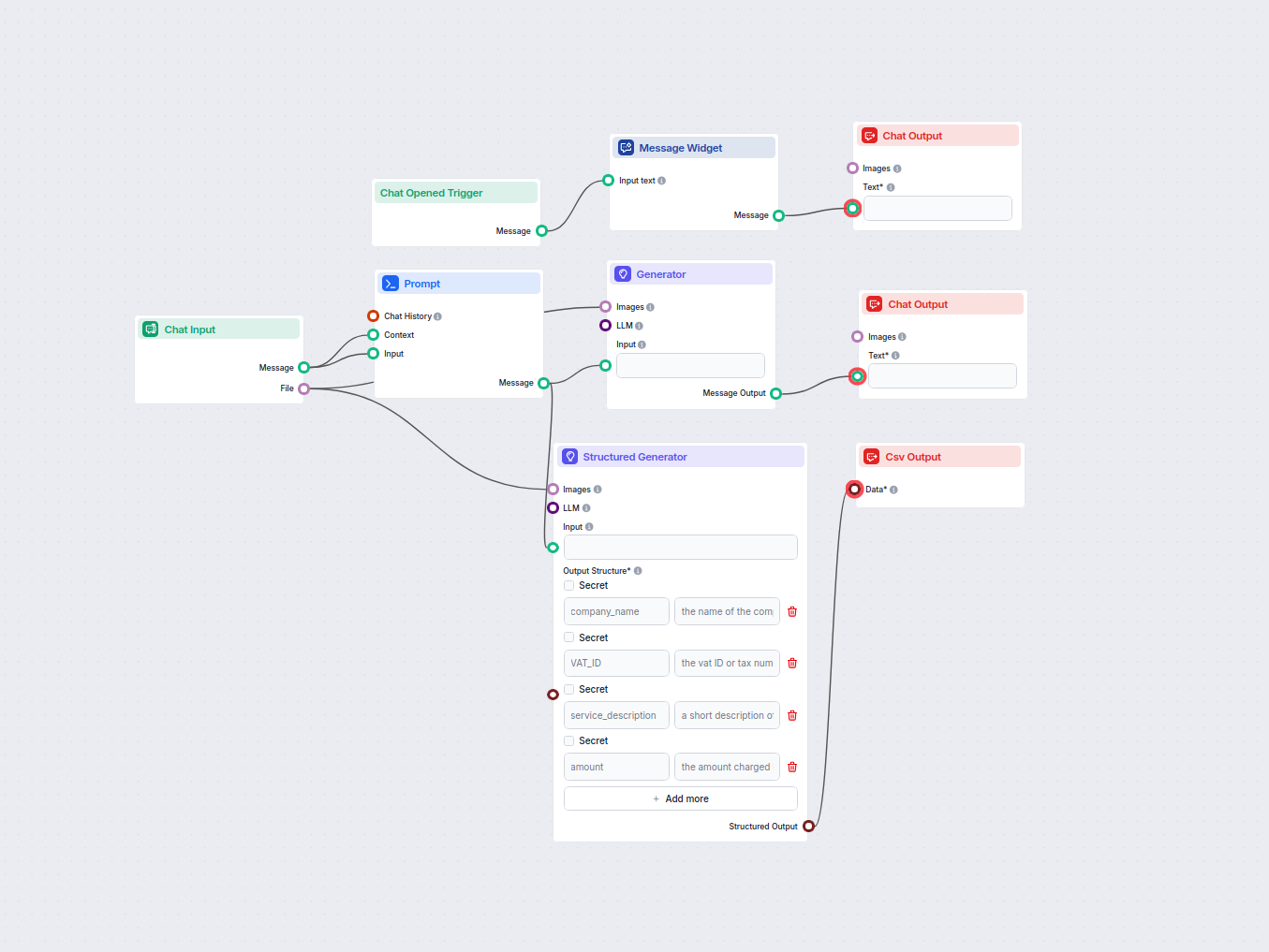
AI Invoice OCR & Data Extraction Bot
Automate invoice processing by uploading invoice images and extracting key invoice data, such as invoice number, type, language, items, prices, and total amount...
3 min read
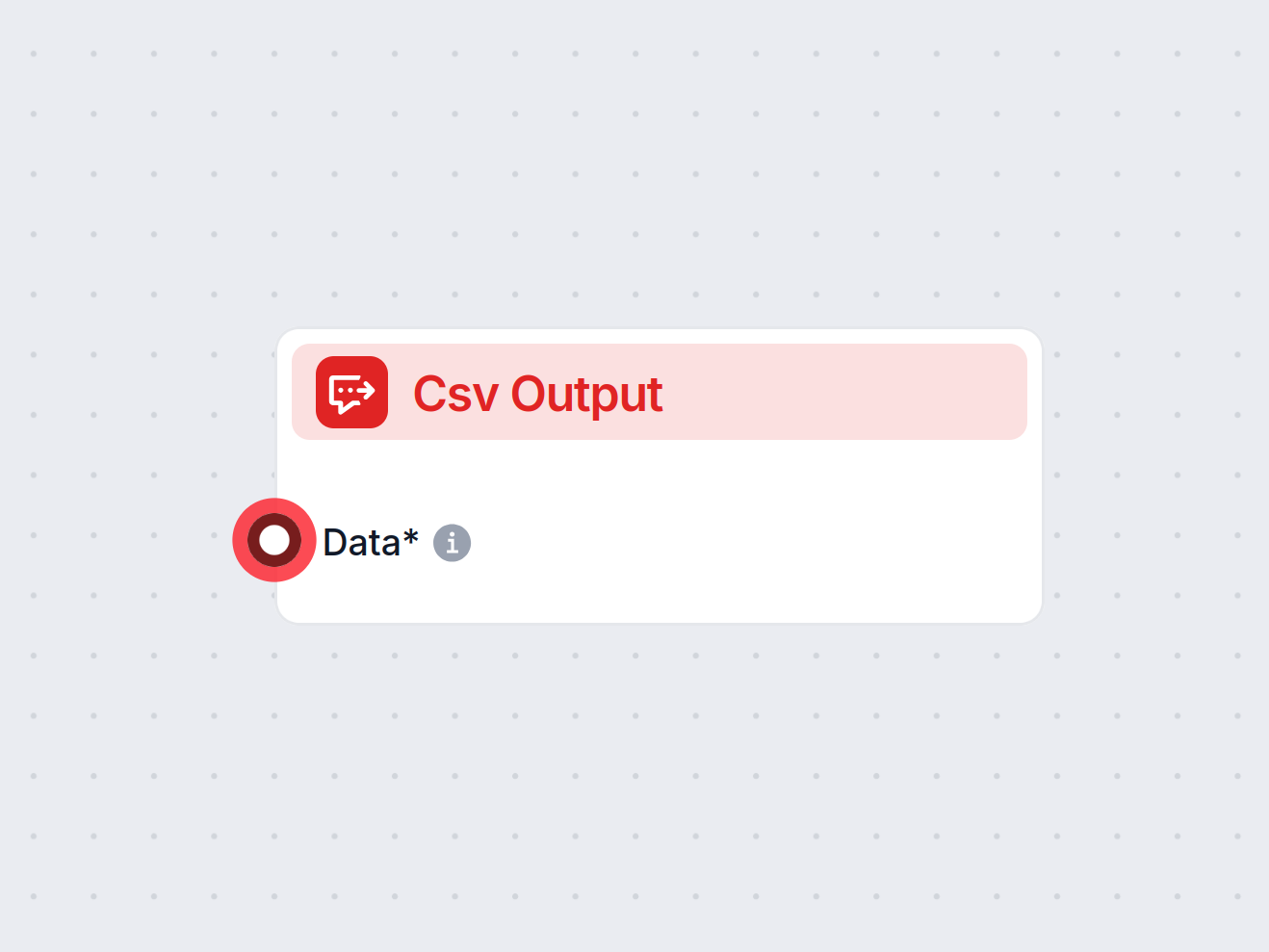
CSV Output transforms your workflow data into CSV files, making it easy to export or share structured information.
Component description
The Csv Output component is designed to convert structured data into a CSV (Comma-Separated Values) file format. It is particularly useful in AI workflows where processed data or results need to be exported, shared, or stored in a widely compatible and human-readable format.
This component takes input data—typically a list of records or objects—and transforms it into a CSV file. This file can be easily downloaded, shared, or integrated with other tools that support CSV format. The component is especially handy for summarizing results, exporting datasets, or preparing data for downstream processes that require CSV input.
| Input Name | Type | Required | Description |
|---|---|---|---|
| Data | Data | Yes | The structured data to be converted into CSV. This should be a list of records or objects. |
| Output Name | Type | Description |
|---|---|---|
| Message | Message | Contains the generated CSV as a response payload. |
| Feature | Details |
|---|---|
| Input | List of data records (required) |
| Output | Message containing CSV-formatted data |
| Use Cases | Data export, reporting, analysis, integration |
| Format | CSV (Comma-Separated Values) |
This component is essential for anyone looking to export data from an AI workflow in a universally accepted and easy-to-use format.
To help you get started quickly, we have prepared several example flow templates that demonstrate how to use the CSV Output component effectively. These templates showcase different use cases and best practices, making it easier for you to understand and implement the component in your own projects.
Automate invoice processing by uploading invoice images and extracting key invoice data, such as invoice number, type, language, items, prices, and total amount...
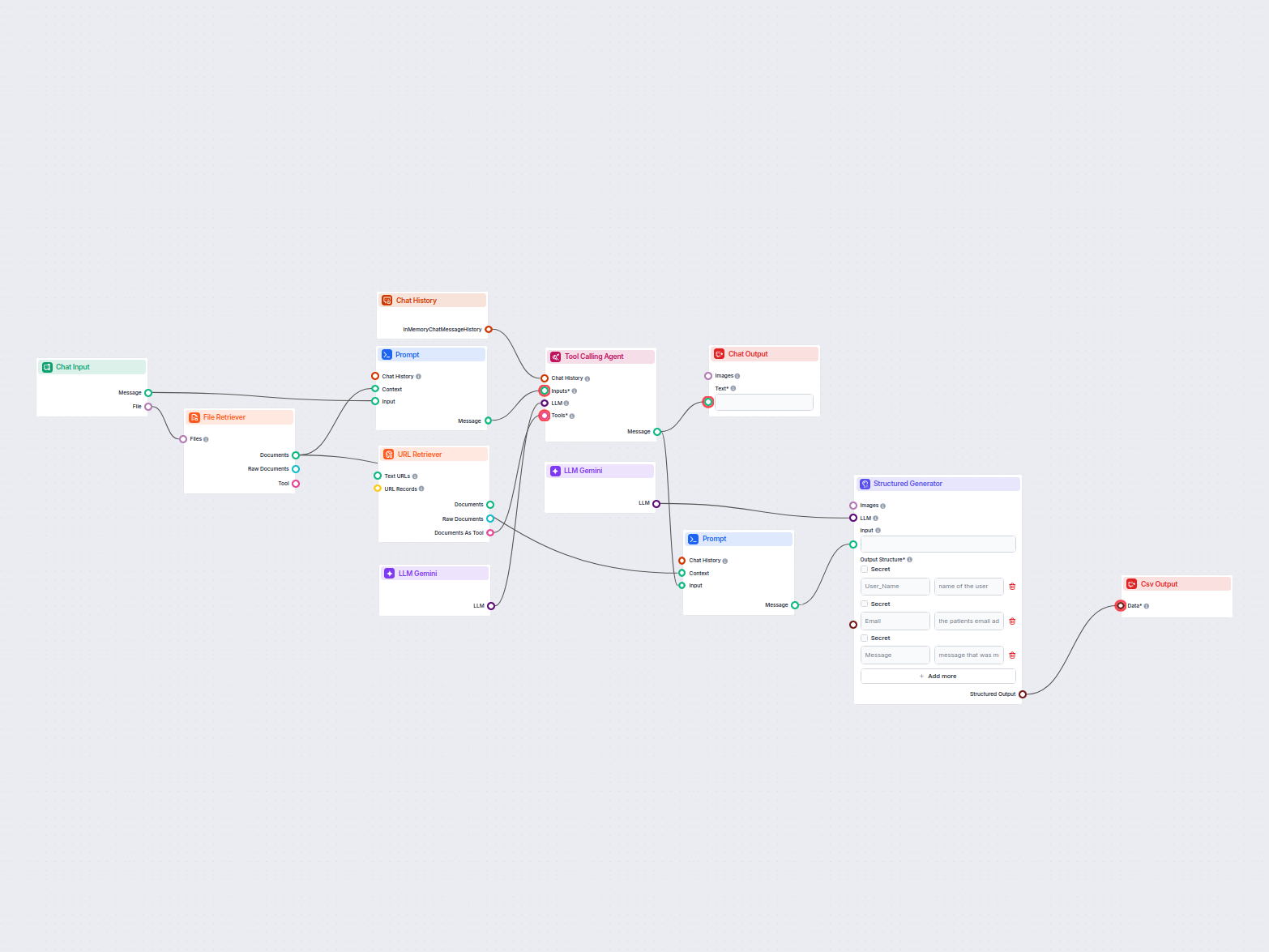
This workflow extracts and organizes key information from emails and attached files, utilizes AI to process and structure the data, and outputs the results as a...
Streamline your workflows by exporting results as CSV files. Start using CSV Output in FlowHunt today.
Cookie Consent
We use cookies to enhance your browsing experience and analyze our traffic. See our privacy policy.