


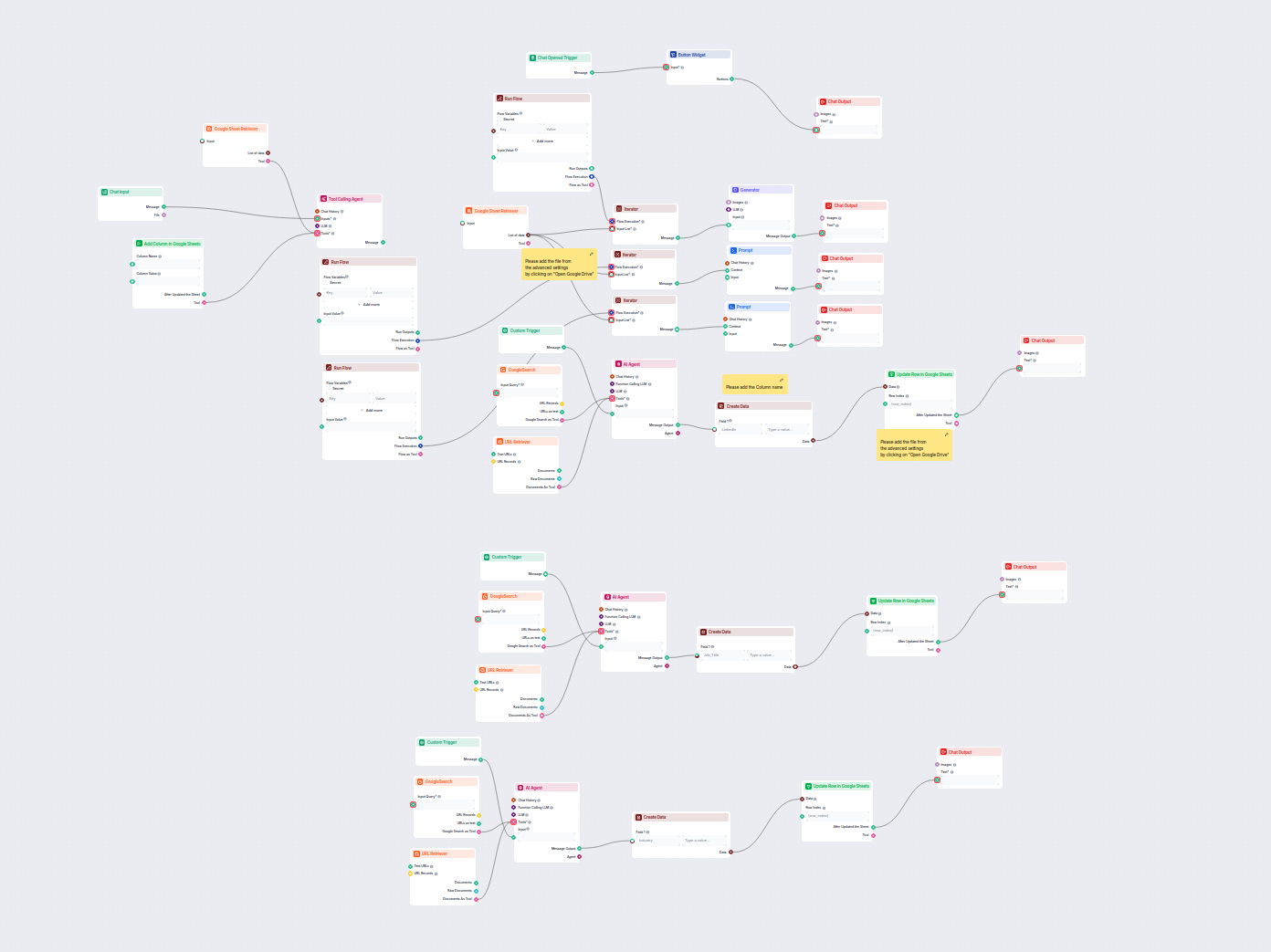
Automated Lead Data Enrichment in Google Sheets
This AI-driven workflow enriches lead data in Google Sheets by automatically retrieving missing LinkedIn profiles, job titles, and industries from the web using...
4 min read
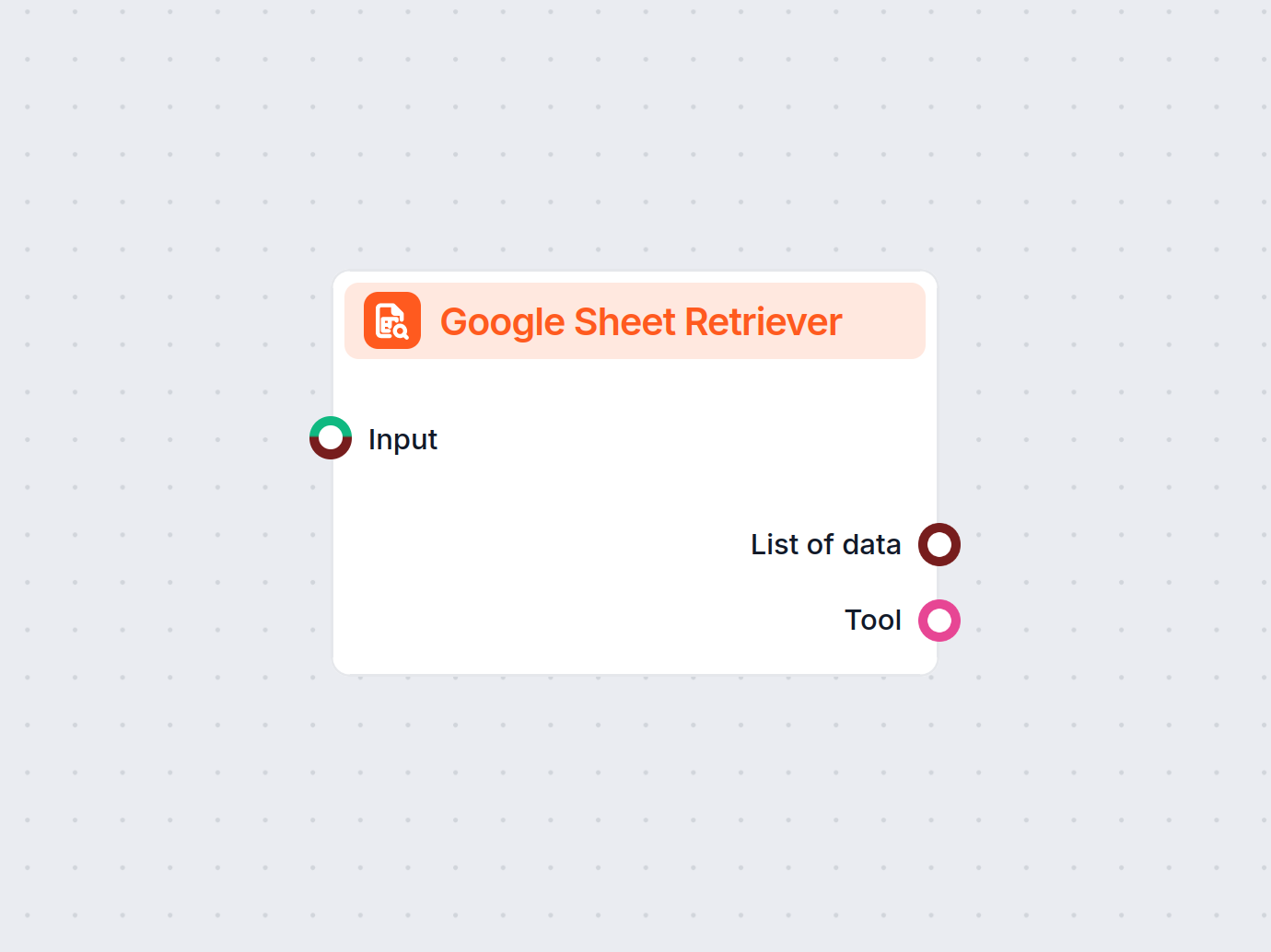
Google Sheets Retriever lets you pull data from your Google Sheets directly into your FlowHunt workflows for real-time, dynamic automations.
Component description
The Google Sheet Retriever component allows you to seamlessly retrieve content from your Google Sheets within your AI workflow. This tool is especially useful when you need to integrate data from spreadsheets into your AI processes, enabling actions such as analysis, transformation, or further automation.
| Input Name | Required | Type | Description | Advanced? |
|---|---|---|---|---|
| Input | No | Message/Data | General-purpose input for workflow context. | No |
| Document | Yes | Google Drive | Select the Google Sheet document you want to retrieve data from. | No |
| Sheets | Yes | Dynamic Select | Choose which sheet(s) within the document to extract data from. | Yes |
| Max Tokens | No | Integer | Limits the number of tokens (words/characters) in the output, useful for large datasets. | Yes |
| Tool Description | No | Text (multiline) | Description of the tool to help agents understand its purpose in the workflow. | Yes |
| Tool Name | No | Text | Reference name for the tool within agent-driven workflows. | Yes |
| Verbose | No | Boolean | Toggle to enable more detailed output for debugging or logging purposes. | Yes |
The component provides two key outputs for downstream use:
| Output Name | Type | Description |
|---|---|---|
| List of data | Data | Returns the extracted content from the specified Google Sheet(s). |
| Tool | Tool | Provides the retrieved data as a tool for agent-driven processes. |
| Name | Required | Type | Description |
|---|---|---|---|
| Document | Yes | Google Drive | Select the Google Sheet document you want to retrieve data from. |
| Sheets | Yes | Dynamic Select | Choose which sheet(s) within the document to extract data from. |
| Max Tokens | No | Integer | Limits the number of tokens (words/characters) in the output, useful for large datasets. |
| Tool Description | No | Text (multiline) | Description of the tool to help agents understand its purpose in the workflow. |
| Tool Name | No | Text | Reference name for the tool within agent-driven workflows. |
| Verbose | No | Boolean | Toggle to enable more detailed output for debugging or logging purposes. |
Automated Data Extraction:
Easily bring live data from your spreadsheets into your AI workflow, eliminating manual export or copy-paste steps.
Flexible Integration:
With options for specifying which sheet to retrieve and output formats (as raw data or as a tool), you can tailor the integration to your workflow’s needs.
Agent Compatibility:
The tool can be named and described for easy reference within agent-based AI systems, supporting advanced use cases and interaction.
Control & Customization:
Fine-tune the output with options like maximum tokens and verbosity to match your workflow requirements.
| Feature | Details |
|---|---|
| Connects to | Google Sheets (via Google Drive Picker) |
| Selects specific sheet | Yes |
| Output formats | Raw data, Tool object |
| Customizable | Tool description, tool name, max tokens, verbosity options |
The Google Sheet Retriever is a versatile component for anyone looking to integrate spreadsheet data into AI-powered workflows efficiently and reliably.
To help you get started quickly, we have prepared several example flow templates that demonstrate how to use the Google Sheets Retriever component effectively. These templates showcase different use cases and best practices, making it easier for you to understand and implement the component in your own projects.
This AI-driven workflow enriches lead data in Google Sheets by automatically retrieving missing LinkedIn profiles, job titles, and industries from the web using...
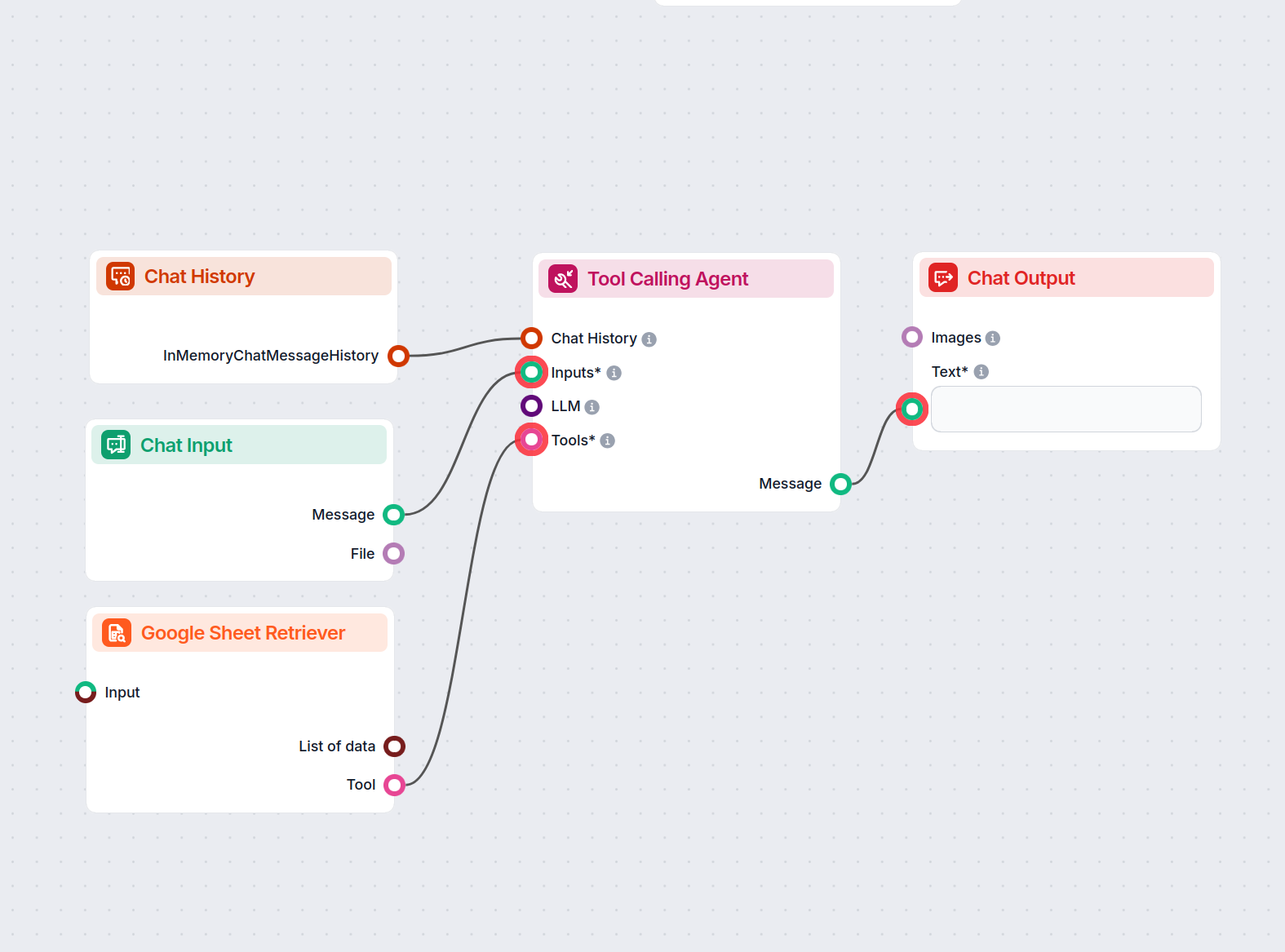
An intelligent chatbot assistant that answers user questions strictly using data from a provided Google Sheets file. Perfect for analysts, operations, auditors,...
Unlock the full power of your spreadsheets—automate, integrate, and streamline your processes with the Google Sheets Retriever.

Integrate FlowHunt with Google Sheets to automate spreadsheet operations, data processing, and reporting with AI—no coding required.
An intelligent chatbot assistant that answers user questions strictly using data from a provided Google Sheets file. Perfect for analysts, operations, auditors,...
Cookie Consent
We use cookies to enhance your browsing experience and analyze our traffic. See our privacy policy.