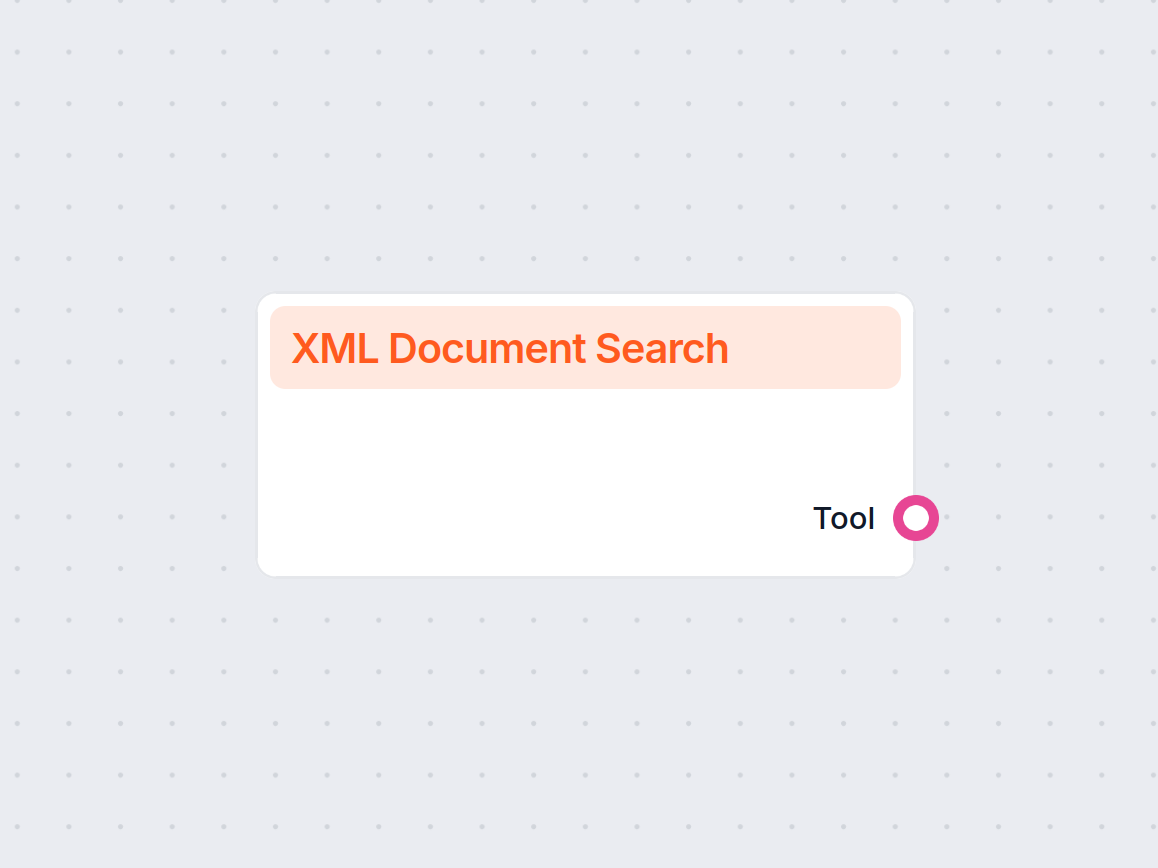
The XML Document Search component is a versatile tool designed to facilitate searching within XML documents. It supports both simple text searches and advanced queries similar to those used in pandas, making it well-suited for extracting specific information from structured data resources in AI workflows.
What Does This Component Do?
This component enables users to perform searches within XML files, either by uploading an internal document or providing a URL to an XML file. It can be used to locate specific elements or values, filter content based on various criteria, and extract relevant data for further processing in your AI pipeline.
Key Features and Capabilities
- Text and Query Search: Search XML documents using basic text matching or pandas-like query expressions for more complex data retrieval.
- Flexible Source Selection: Supports both internal document selection (by ID) and external XML files (via URL).
- Element Filtering: Optionally restrict the search to specific XML elements by specifying their paths.
- Case Sensitivity: Choose whether the search should be case sensitive.
- Result Limiting: Define the maximum number of results to return to avoid overwhelming outputs.
- Caching: Optionally cache the content of the XML file for a defined period to improve performance and reduce redundant processing.
- Verbose Output: Enable verbose mode for more detailed logs during execution.
There is no input handle for this component.
Settings
Below is a summary of the input parameters available for configuration:
| Input Name | Description | Required | Default Value | Advanced |
|---|
| XML Document ID | Select an internal XML document by its ID. | No | (empty) | Yes |
| XML File URL | Provide a URL to an external XML file if not using an internal document. | No | (empty) | Yes |
| Element Paths | Comma-separated list of XML element paths to restrict search (e.g., product,category). | No | (empty) | Yes |
| Case Sensitive | Whether the search should be case sensitive. | No | False | Yes |
| Max Results | Maximum number of results to return. | Yes | 50 | No |
| Cache TTL | Duration to cache the XML content (e.g., No cache, 5 minutes, 2 weeks, etc.). | No | 2 weeks | Yes |
| Verbose | Enable verbose output for debugging or detailed logs. | No | False | Yes |
| Tool Name | Custom name for the tool, useful for referencing in agent-based workflows. | No | (empty) | Yes |
| Tool Description | Description to help agents understand the purpose and usage of this tool. | No | (empty) | Yes |
Note: Either XML Document ID or XML File URL should be provided to specify the source XML file.
Output
- Tool: The output of this component is a tool instance that can be incorporated into larger AI workflow processes. It returns the search results based on the configured inputs.
Use Cases and Benefits
- Data Extraction: Quickly find and extract structured data from XML files for use in machine learning models or data analysis tasks.
- Content Filtering: Isolate specific sections or elements from large XML documents by specifying element paths.
- Workflow Automation: Integrate XML data searching into automated pipelines, allowing for seamless data ingestion and transformation.
- Performance Optimization: Leverage caching to avoid repeated downloads or processing of large XML files, enhancing workflow efficiency.
When to Use
This component is especially useful when your AI process requires working with information stored in XML format, such as product catalogs, configuration files, or structured reports. Its configurability makes it adaptable to simple lookups as well as complex queries, fitting a wide range of data extraction and transformation scenarios.
By incorporating the XML Document Search component, you streamline the process of interacting with and extracting value from XML data sources within your AI workflows.