

Hosted MCP Server for Microsoft Planner
The Microsoft Planner MCP Server enables seamless integration between AI tools and Microsoft Planner, allowing automated workflows to manage plans, buckets, and...
6 min read
AI
Microsoft Planner
+5

Integrate FlowHunt with Microsoft To Do via the Microsoft To Do MCP Server to automate task management, manage task lists and tasks, and connect your AI workflows to real-time To Do data.
Host MCP Servers using FlowHunt
FlowHunt’s platform lets users create AI Agents for any service without the usual hassles of MCP servers. Host MCP servers for any service, automate workflows, connect with external tools, and use analytics to improve performance. FlowHunt makes AI Agent creation simple and efficient for all users.
Access FlowHunt: Log in to your FlowHunt.io dashboard .
Navigate to Integrations: Find the “Integrations” section in the left sidebar.
Select Microsoft Planner: Click on the Microsoft Planner integration option to begin the setup process.
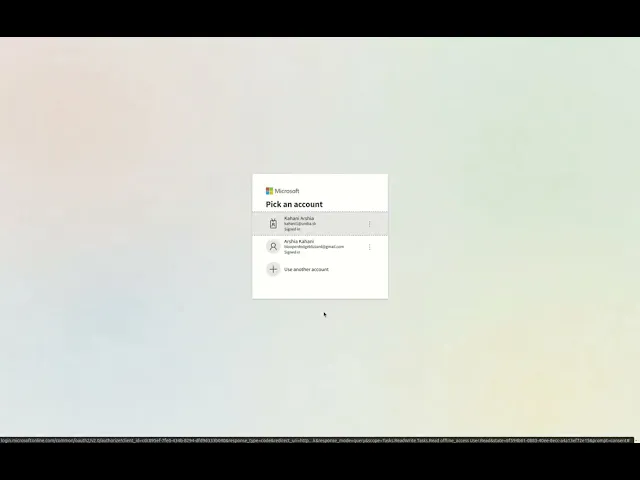
Integrate with Microsoft Planner: Click Integrate and sign in with your Microsoft account to authenticate and grant FlowHunt access to your Microsoft Planner data.
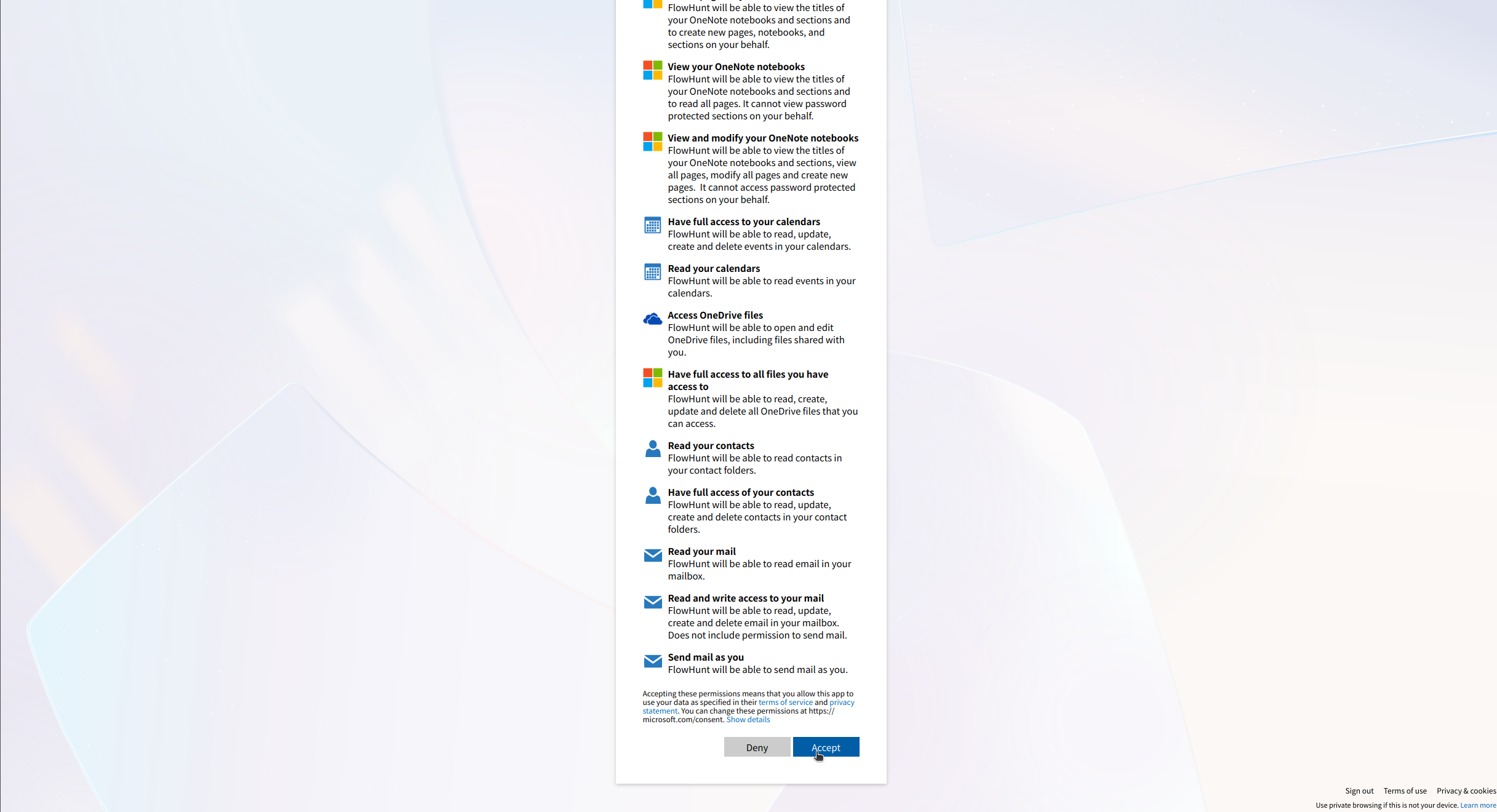
💡 Pro Tip: Ensure you use a Microsoft account with access to the Planner plans you want to integrate. Store any authentication credentials securely and avoid sharing them publicly.
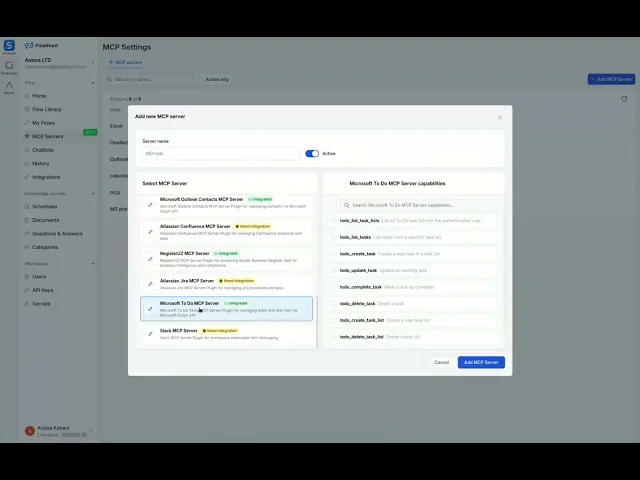
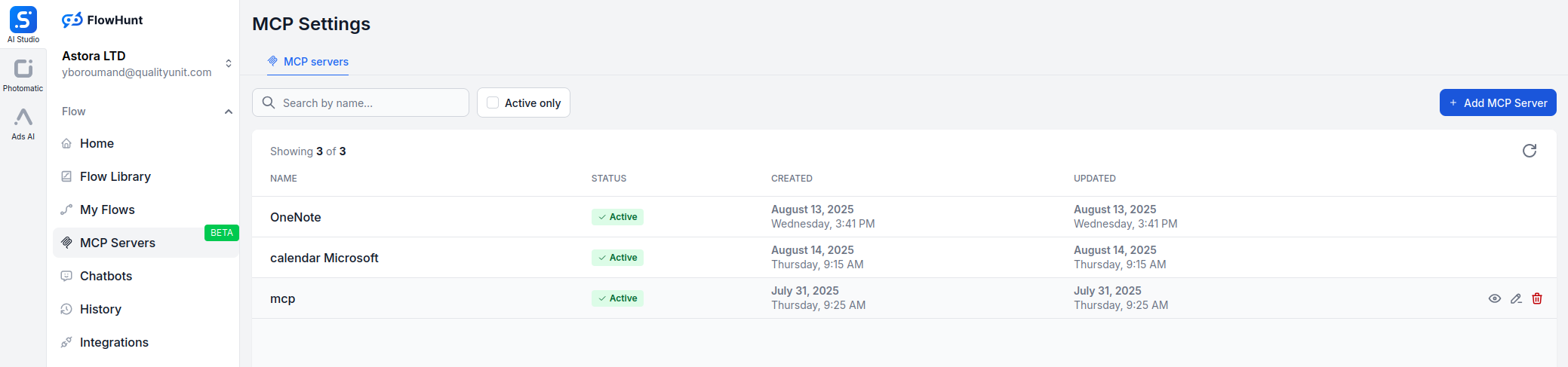
Navigate to MCP Servers: Go to the “MCP Servers” tab in your FlowHunt dashboard.
Add New Server: Click “Add New MCP Server”.
Select Microsoft Planner: Choose “Microsoft Planner MCP Server” from the available options.
Configure Server Tools: Select the tools you want to enable for your MCP server.
MCP INTEGRATION
The following tools are available as part of the Microsoft Planner MCP integration:
List all Planner plans accessible to the user to manage or organize task plans.
Get details of a specific Planner plan, including its title and owner.
Create a new Planner plan for a group to organize tasks.
List all buckets in a plan to manage task categories.
Create a new bucket in a plan to categorize tasks.
List tasks in a plan or bucket to track progress.
Get details of a specific task, including due date and assignments.
Create a new task in a plan with specified details like title and due date.
Update an existing task with new details like status or due date.
Assign or unassign users to/from a task for collaboration.
Add an attachment to a task for additional context or resources.
Get detailed information about a task, including description, references, and checklist.
Delete a task to remove outdated or completed tasks.
📝 Note: You can modify or add tools later based on your evolving automation needs.

Start your free trial today and see results within days.
{
  "mcp": {
    "transport": "streamable_http",
    "url": "https://mcp.flowhunt.io/••••••••"
  }
}
Best for: Getting started quickly with proven automation patterns
Generate Flow: In your MCP Server configuration, click “Create Preconfigured Flow”.
Select Template: Choose “AI Agent with MCP” to create a ready-to-use workflow.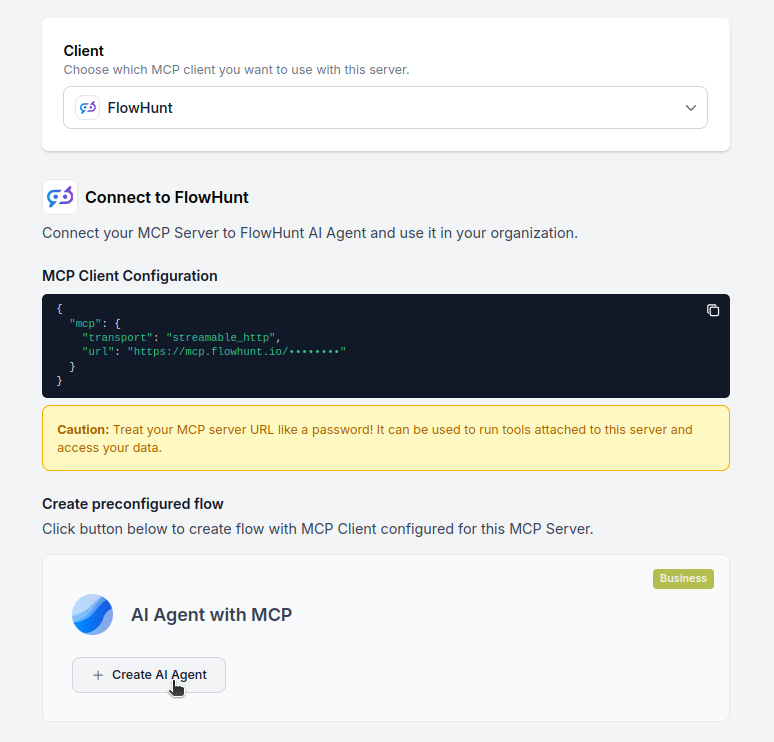
Customize Logic: Use FlowHunt’s visual flow builder to tailor the automation:
Activate: Save and activate your flow to begin automated operations.
Best for: Specific automation requirements or existing workflow enhancement
{
  "mcp": {
    "transport": "streamable_http",
    "url": "https://mcp.flowhunt.io/••••••••"
  }
}
Design Workflow: Create custom logic that leverages the MCP server tools:
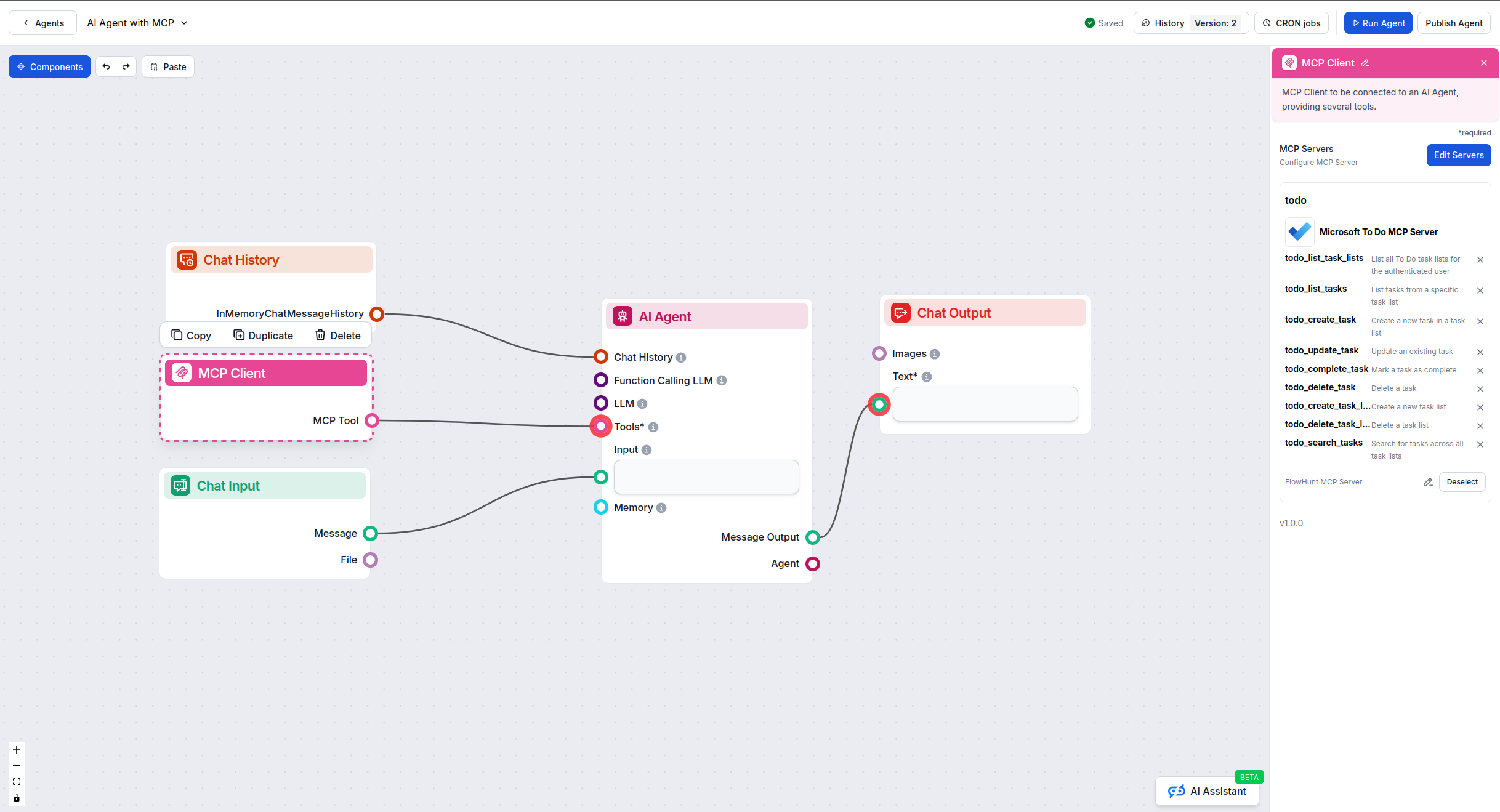
Deploy: Save your configuration and activate the flow.
Get latest tips, trends, and deals for free.
Below are practical examples showing how to manage your personal and team tasks naturally using the Microsoft To Do MCP Server.
Show me all my task lists
Create a new task list called "Personal Goals 2025"
Get all details for my "Work Projects" task list
Show me the "Shopping List" and all its items
Add a task "Buy groceries" to my Shopping List with a reminder for tomorrow at 5 PM
Create a task "Finish quarterly report" in Work Projects, mark it as important, and set the due date to Friday
Show me all tasks that are due this week across all my lists
Mark task "Call dentist" as completed
Update the "Team meeting prep" task to change the due date to next Monday
List all tasks marked as important that aren't completed yet
Show me overdue tasks in my Work Projects list
Find all tasks with "email" in the title or description
Create a task "Review budget proposal" with steps: "Download file", "Analyze numbers", "Prepare feedback", "Schedule meeting"
What tasks do I have scheduled for today?
Show me all my incomplete high-priority tasks
Add a quick task "Pick up dry cleaning" to my Errands list
List all tasks I added yesterday that are still pending
These prompts demonstrate how the Microsoft To Do MCP Server makes task management intuitive and efficient, allowing you to organize your work and personal life through simple, natural language interactions.
Integrating Microsoft Planner MCP Server with FlowHunt.io creates a powerful foundation for intelligent scheduling automation. Whether you’re streamlining event management, automating schedule updates, or enhancing time organization, this integration empowers your AI agents to work seamlessly with your critical calendar data.
Start with a simple automation and gradually expand your workflows as you become more comfortable with the platform. The combination of Microsoft Planner’s robust scheduling capabilities and FlowHunt’s AI-driven automation will transform how you manage your time and tasks.
Ready to get started? Begin your integration today and unlock the full potential of AI-powered scheduling automation!
FlowHunt provides an additional security layer between your internal systems and AI tools, giving you granular control over which tools are accessible from your MCP servers. MCP servers hosted in our infrastructure can be seamlessly integrated with FlowHunt's chatbot as well as popular AI platforms like ChatGPT, Claude, and various AI editors.
Unlock the power of AI-driven automation for your Microsoft To Do workspace. Easily manage task lists, tasks, and data from within FlowHunt.
The Microsoft Planner MCP Server enables seamless integration between AI tools and Microsoft Planner, allowing automated workflows to manage plans, buckets, and...
The Microsoft Calendar MCP Server enables seamless integration between AI tools and Microsoft Calendar, allowing automated workflows to manage events, calendars...
The Microsoft Excel MCP Server enables seamless integration between AI tools and Microsoft Excel, allowing automated workflows to manage workbooks, worksheets, ...
Cookie Consent
We use cookies to enhance your browsing experience and analyze our traffic. See our privacy policy.