


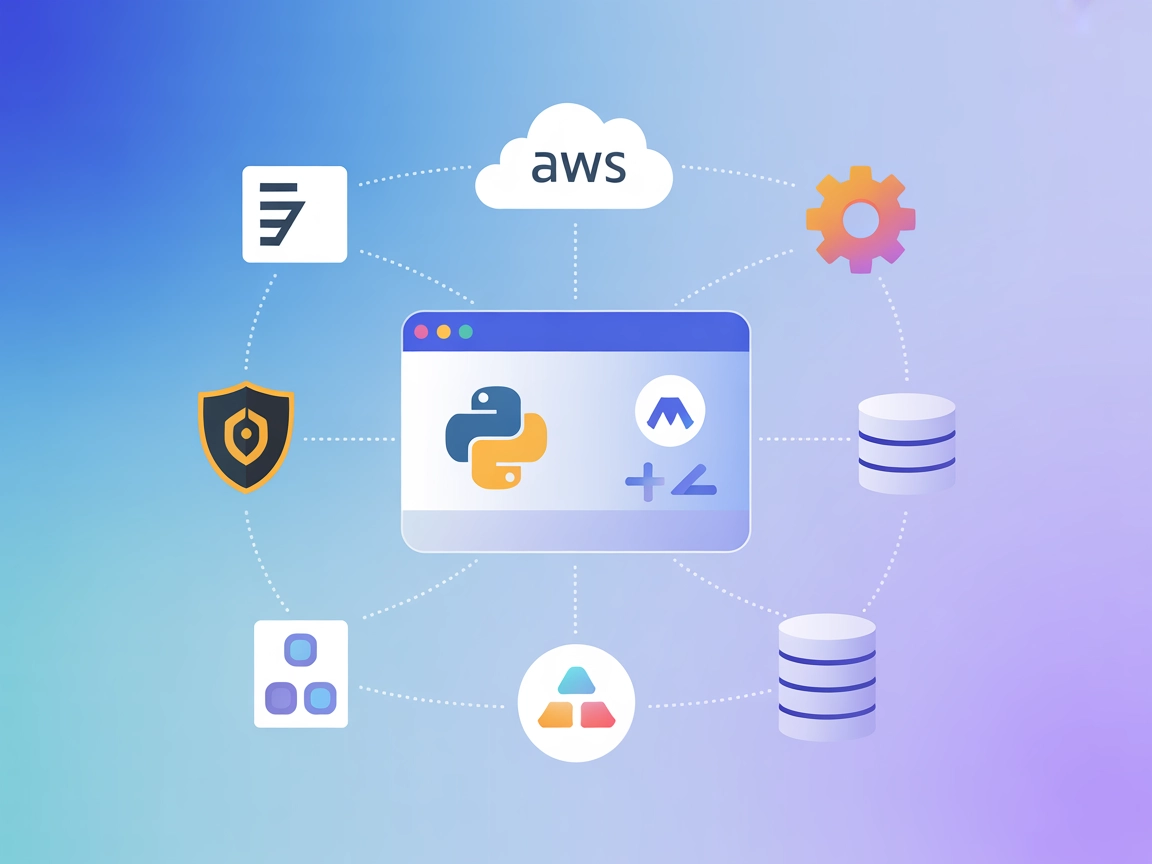
AWS Resources MCP
Integrate FlowHunt with the AWS Resources MCP Server to automate cloud management, securely query AWS resources, and execute Python (boto3) scripts in isolated ...
4 min read
AI
AWS
+5
Enable conversational AWS resource management and automation using the AWS Resources MCP Server for FlowHunt—secure, flexible, and powered by Python’s boto3.
The AWS Resources MCP Server is a Python-based implementation of the Model Context Protocol (MCP) that enables AI assistants—such as Claude—to interact directly with AWS services using boto3. This server allows the execution of generated Python code for querying and managing AWS resources, offering powerful AWS operations with appropriate sandboxing and containerization. By simply passing your AWS credentials, developers and Ops teams can manage AWS resources, perform queries, and execute management tasks, all through conversational AI interfaces without complex setups. The server is flexible, supporting both read and write operations, governed entirely by the permissions of your AWS user role.
No prompt templates are specified in the available repository files.

Start your free trial today and see results within days.
No explicit MCP resources are listed or described in the available repository files.
No explicit tool definitions (e.g., query_database, read_write_file, call_api) are listed in the available repository files.
Get latest tips, trends, and deals for free.
mcpServers object."mcpServers": {
"aws-resources": {
"command": "npx",
"args": ["@aws/mcp-server@latest"],
"env": {
"AWS_ACCESS_KEY_ID": "your-access-key-id",
"AWS_SECRET_ACCESS_KEY": "your-secret-access-key"
}
}
}
Note: Secure your AWS credentials using environment variables as shown above.
"mcpServers": {
  "aws-resources": {
    "command": "npx",
    "args": ["@aws/mcp-server@latest"],
    "env": {
      "AWS_ACCESS_KEY_ID": "your-access-key-id",
      "AWS_SECRET_ACCESS_KEY": "your-secret-access-key"
    }
  }
}
Note: Use environment variables for sensitive credentials.
"mcpServers": {
  "aws-resources": {
    "command": "npx",
    "args": ["@aws/mcp-server@latest"],
    "env": {
      "AWS_ACCESS_KEY_ID": "your-access-key-id",
      "AWS_SECRET_ACCESS_KEY": "your-secret-access-key"
    }
  }
}
"mcpServers": {
  "aws-resources": {
    "command": "npx",
    "args": ["@aws/mcp-server@latest"],
    "env": {
      "AWS_ACCESS_KEY_ID": "your-access-key-id",
      "AWS_SECRET_ACCESS_KEY": "your-secret-access-key"
    }
  }
}
Securing API Keys:
Always use environment variables to pass sensitive keys.
Example:"env": { "AWS_ACCESS_KEY_ID": "your-access-key-id", "AWS_SECRET_ACCESS_KEY": "your-secret-access-key" }
Using MCP in FlowHunt
To integrate MCP servers into your FlowHunt workflow, start by adding the MCP component to your flow and connecting it to your AI agent:

Click on the MCP component to open the configuration panel. In the system MCP configuration section, insert your MCP server details using this JSON format:
{
  "aws-resources": {
    "transport": "streamable_http",
    "url": "https://yourmcpserver.example/pathtothemcp/url"
  }
}
Once configured, the AI agent is now able to use this MCP as a tool with access to all its functions and capabilities. Remember to change “aws-resources” to whatever the actual name of your MCP server is and replace the URL with your own MCP server URL.
| Section | Availability | Details/Notes |
|---|---|---|
| Overview | ✅ | Based on README and repo description |
| List of Prompts | ⛔ | No prompt templates found |
| List of Resources | ⛔ | No explicit MCP resources listed |
| List of Tools | ⛔ | No tool definitions found |
| Securing API Keys | ✅ | Shown in setup examples |
| Sampling Support (less important in evaluation) | ⛔ | Not mentioned |
Between the available information and the missing sections (no explicit tools, resources, or prompt templates), this MCP server achieves a basic but valuable use case for AWS automation, but would need more documentation and explicit MCP features to score higher.
Given the available features and documentation, this MCP server is functional and targets a clear use case (AWS automation via conversational AI), but lacks explicit MCP standard features like prompt templates, resource definitions, or tool schemas. It is straightforward for advanced users, but could benefit from more clarity on capabilities and security for wider adoption.
Score: 5/10
| Has a LICENSE | ✅ (MIT) |
|---|---|
| Has at least one tool | ⛔ |
| Number of Forks | 10 |
| Number of Stars | 15 |
Integrate the AWS Resources MCP Server into FlowHunt to query and manage AWS resources with natural language. Accelerate DevOps, automate cloud workflows, and enable secure conversational access to your infrastructure.
Integrate FlowHunt with the AWS Resources MCP Server to automate cloud management, securely query AWS resources, and execute Python (boto3) scripts in isolated ...
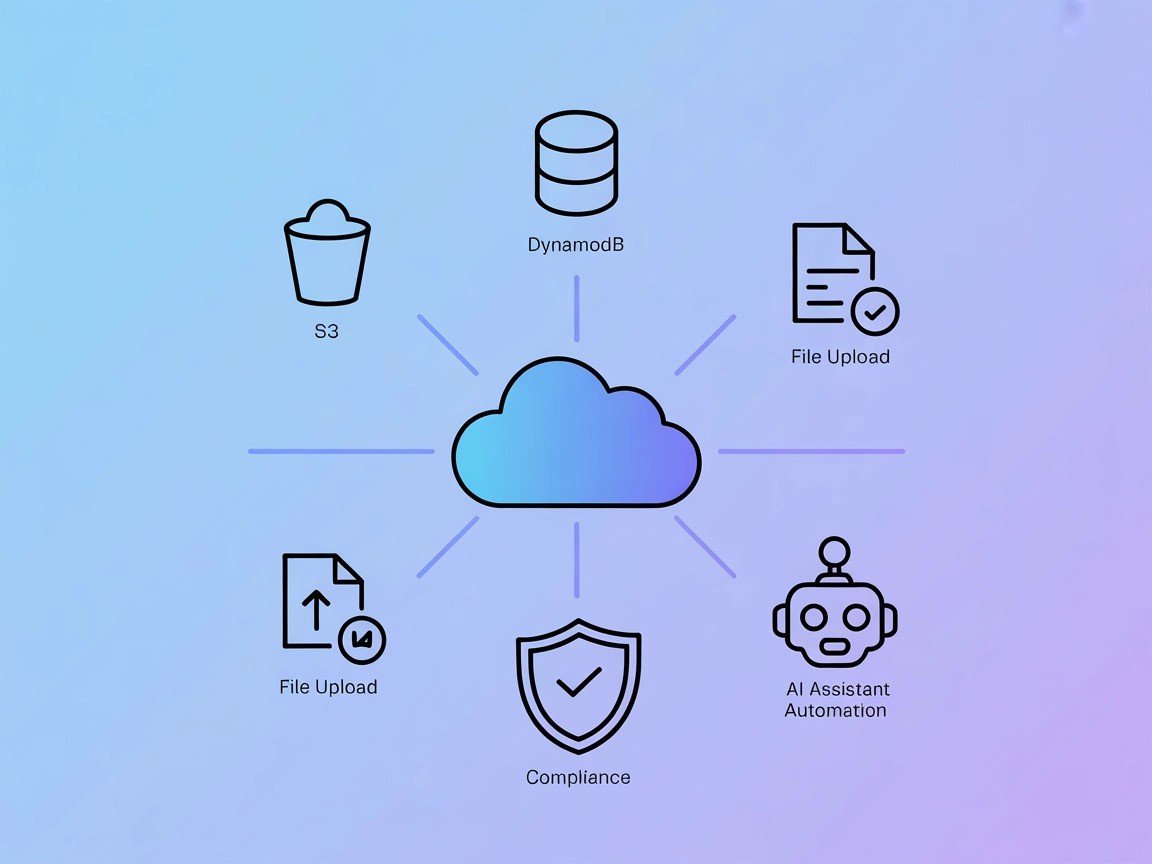
The AWS MCP Server integrates FlowHunt with AWS S3 and DynamoDB, enabling AI agents to automate cloud resource management, perform database operations, and hand...
Integrate FlowHunt with AWS MCP Servers to empower your AI agents and development workflows. Access up-to-date AWS documentation, automate cloud operations, and...
Cookie Consent
We use cookies to enhance your browsing experience and analyze our traffic. See our privacy policy.