


Sample S3 MCP Server
The Sample S3 MCP Server connects AI agents with AWS S3 buckets, exposing PDF documents as MCP resources and enabling advanced workflows like document retrieval...
4 min read
AI
Components
+6
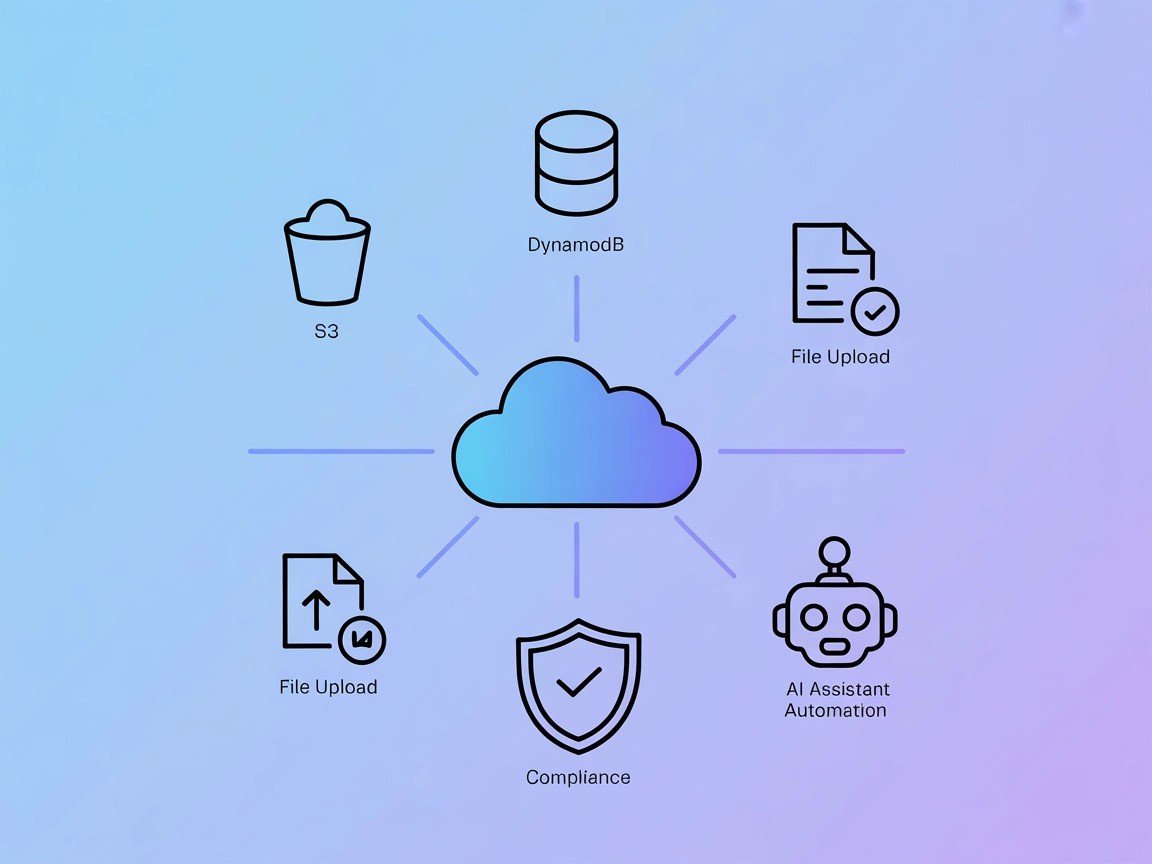
Empower your AI flows with secure, auditable AWS S3 and DynamoDB automation using the AWS MCP Server in FlowHunt.
The AWS MCP Server is a Model Context Protocol (MCP) server implementation designed for operations on AWS resources, specifically supporting S3 and DynamoDB. It acts as a bridge that enables AI assistants to interact programmatically with AWS services, allowing tasks such as creating and managing S3 buckets, uploading files, and manipulating DynamoDB tables. By exposing these AWS operations as MCP tools, the AWS MCP Server enhances development workflows and enables AI agents to automate cloud resource management, perform database queries, handle file storage, and audit actions. All operations are automatically logged and accessible via a dedicated audit resource endpoint, ensuring traceability and security in cloud-based workflows.
No prompt templates were mentioned in the available documentation.

Start your free trial today and see results within days.
No other resources were documented.
Automated Cloud Storage Management
Developers can programmatically create, list, and delete S3 buckets, automate file uploads and downloads, and manage cloud storage without manual intervention.
Database Table Provisioning
AI assistants can create DynamoDB tables as part of automated infrastructure setup or testing workflows, streamlining database provisioning.
File Management Automation
Automate uploading, reading, and deleting files in S3, enabling use cases like backup, data ingestion, and document management.
Audit and Compliance Tracking
All operations are logged to an audit resource, supporting compliance requirements and providing an accessible activity trail for review.
Integration with AI-Driven Workflows
By connecting with AI agents, complex cloud workflows (such as data processing pipelines) can be managed and triggered programmatically.
Get latest tips, trends, and deals for free.
No setup instructions available for Windsurf in the documentation.
Prerequisites:
uv installed.Clone Repository:
Configure AWS Credentials:
AWS_ACCESS_KEY_IDAWS_SECRET_ACCESS_KEYAWS_REGION (defaults to us-east-1)aws configure).Edit Claude Config:
claude_desktop_config.json file:~/Library/Application Support/Claude/claude_desktop_config.json%APPDATA%/Claude/claude_desktop_config.jsonmcpServers:"mcpServers": {
"mcp-server-aws": {
"command": "uv",
"args": [
"--directory",
"/path/to/repo/mcp-server-aws",
"run",
"mcp-server-aws"
]
}
}
Restart Claude:
"env": {
  "AWS_ACCESS_KEY_ID": "your-access-key",
  "AWS_SECRET_ACCESS_KEY": "your-secret-key",
  "AWS_REGION": "us-east-1"
}
No setup instructions available for Cursor in the documentation.
No setup instructions available for Cline in the documentation.
Using MCP in FlowHunt
To integrate MCP servers into your FlowHunt workflow, start by adding the MCP component to your flow and connecting it to your AI agent:

Click on the MCP component to open the configuration panel. In the system MCP configuration section, insert your MCP server details using this JSON format:
{
  "mcp-server-aws": {
    "transport": "streamable_http",
    "url": "https://yourmcpserver.example/pathtothemcp/url"
  }
}
Once configured, the AI agent is now able to use this MCP as a tool with access to all its functions and capabilities. Remember to change “mcp-server-aws” to whatever the actual name of your MCP server is and replace the URL with your own MCP server URL.
| Section | Availability | Details/Notes |
|---|---|---|
| Overview | ✅ | |
| List of Prompts | ⛔ | Not documented |
| List of Resources | ✅ | Only audit://aws-operations documented |
| List of Tools | ✅ | S3 (7 tools), DynamoDB (1 tool) |
| Securing API Keys | ✅ | Environment variables example provided |
| Sampling Support (less important in evaluation) | ⛔ | Not mentioned |
The AWS MCP Server offers robust AWS integration with a clear focus on S3 and DynamoDB operations, as well as proper audit logging. However, it lacks documentation for prompt templates, resource diversity, and detailed setup instructions for platforms beyond Claude. The presence of a license, stars, and forks, plus core tool support, make it a solid community server, but limited documentation for advanced MCP features (like Sampling and Roots) holds it back from a perfect score.
| Has a LICENSE | ✅ (MIT) |
|---|---|
| Has at least one tool | ✅ |
| Number of Forks | 23 |
| Number of Stars | 120 |
Overall rating: 7/10
This server is practical and developer-friendly for AWS automation but would benefit from expanded documentation and richer MCP feature support.
Connect your AWS resources—S3 and DynamoDB—with FlowHunt to supercharge AI-driven automation, secure cloud management, and audit-ready workflows.
The Sample S3 MCP Server connects AI agents with AWS S3 buckets, exposing PDF documents as MCP resources and enabling advanced workflows like document retrieval...
The AWS Resources MCP Server lets AI assistants manage and query AWS resources conversationally using Python and boto3. Integrate powerful AWS automation and ma...
Connect FlowHunt with AWS S3 using the Model Context Protocol (MCP) server. Seamlessly retrieve and manage PDF documents from Amazon S3 buckets, automate secure...
Cookie Consent
We use cookies to enhance your browsing experience and analyze our traffic. See our privacy policy.