


Azure MCP Hub
Empower your AI agents with FlowHunt's Azure MCP Hub. Rapidly build, deploy, and connect MCP servers on Azure to enable seamless API integrations, multi-languag...
4 min read
AI
Azure
+5

Azure MCP Hub lets developers discover, build, and integrate Model Context Protocol servers for AI agents, offering SDKs, samples, and instant API access.
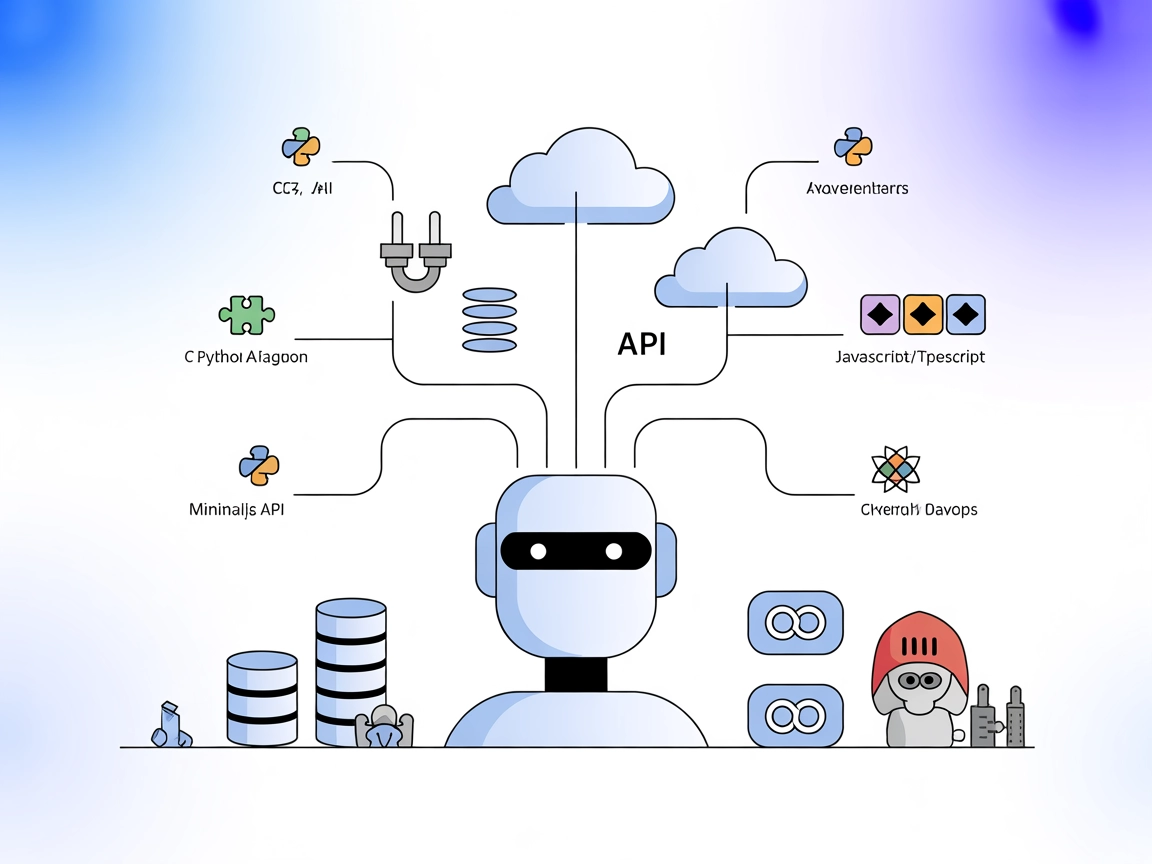
Azure MCP Hub is a central resource for developers to build, run, or reuse Model Context Protocol (MCP) servers on Azure, supporting multiple programming languages including C#, Python, Java, and JavaScript. It acts as a guide and aggregator, providing links and references to sample servers, tools, resources, and SDKs to accelerate the development of AI agents that can interact with real APIs. By leveraging MCP, developers can connect AI assistants seamlessly to external data sources, APIs, or services, enabling enhanced workflows such as database queries, file management, and integration with development and infrastructure tools. The hub also highlights plug-and-play MCP servers for instant access to common APIs, streamlining development and reducing the need for manual integration work.
No specific prompt templates are mentioned or provided in the repository.

Start your free trial today and see results within days.
No explicit MCP resources (as defined by the MCP protocol: data/content endpoints for context) are listed or described in this repository.
No server.py or equivalent implementation with tool definitions is present in the repository. This repository primarily serves as a hub of links to other MCP servers and SDKs.
Get latest tips, trends, and deals for free.
windsurf.json or a similar settings file).mcpServers section.{
"mcpServers": {
"azure-mcp-hub": {
"command": "npx",
"args": ["@azure/mcp-server@latest"]
}
}
}
Securing API keys:
{
"mcpServers": {
"azure-mcp-hub": {
"command": "npx",
"args": ["@azure/mcp-server@latest"],
"env": {
"API_KEY": "${API_KEY}"
},
"inputs": {
"apiKey": "${API_KEY}"
}
}
}
}
{
  "mcpServers": {
    "azure-mcp-hub": {
      "command": "npx",
      "args": ["@azure/mcp-server@latest"]
    }
  }
}
Securing API keys:
{
  "mcpServers": {
    "azure-mcp-hub": {
      "command": "npx",
      "args": ["@azure/mcp-server@latest"],
      "env": {
        "API_KEY": "${API_KEY}"
      },
      "inputs": {
        "apiKey": "${API_KEY}"
      }
    }
  }
}
{
  "mcpServers": {
    "azure-mcp-hub": {
      "command": "npx",
      "args": ["@azure/mcp-server@latest"]
    }
  }
}
Securing API keys:
{
  "mcpServers": {
    "azure-mcp-hub": {
      "command": "npx",
      "args": ["@azure/mcp-server@latest"],
      "env": {
        "API_KEY": "${API_KEY}"
      },
      "inputs": {
        "apiKey": "${API_KEY}"
      }
    }
  }
}
{
  "mcpServers": {
    "azure-mcp-hub": {
      "command": "npx",
      "args": ["@azure/mcp-server@latest"]
    }
  }
}
Securing API keys:
{
  "mcpServers": {
    "azure-mcp-hub": {
      "command": "npx",
      "args": ["@azure/mcp-server@latest"],
      "env": {
        "API_KEY": "${API_KEY}"
      },
      "inputs": {
        "apiKey": "${API_KEY}"
      }
    }
  }
}
Using MCP in FlowHunt
To integrate MCP servers into your FlowHunt workflow, start by adding the MCP component to your flow and connecting it to your AI agent:

Click on the MCP component to open the configuration panel. In the system MCP configuration section, insert your MCP server details using this JSON format:
{
  "azure-mcp-hub": {
    "transport": "streamable_http",
    "url": "https://yourmcpserver.example/pathtothemcp/url"
  }
}
Once configured, the AI agent is now able to use this MCP as a tool with access to all its functions and capabilities. Remember to change “azure-mcp-hub” to whatever the actual name of your MCP server is and replace the URL with your own MCP server URL.
| Section | Availability | Details/Notes |
|---|---|---|
| Overview | ✅ | Central hub for MCP resources, samples, and integrations |
| List of Prompts | ⛔ | No prompt templates found |
| List of Resources | ⛔ | No explicit MCP “resources” defined |
| List of Tools | ⛔ | No tools/server.py implementation |
| Securing API Keys | ✅ | Example configuration for env vars provided |
| Sampling Support (less important in evaluation) | ⛔ | No mention found |
Our opinion:
This MCP hub repository is highly valuable as a reference and discovery resource but does not itself implement an MCP server with prompts, tools, or resources. It is best suited for developers seeking to explore or build MCP servers with guidance and links to working examples.
| Has a LICENSE | ✅ (MIT) |
|---|---|
| Has at least one tool | ⛔ |
| Number of Forks | 4 |
| Number of Stars | 19 |
Rating:
Based on the above tables, this repository scores a 3/10 as an MCP server implementation (since it is a hub, not a server itself), but a 9/10 as a valuable reference and community resource for MCP development.
Accelerate your AI agent and API integration projects with the Azure MCP Hub—a one-stop resource for MCP server samples, SDKs, and best practices.
Empower your AI agents with FlowHunt's Azure MCP Hub. Rapidly build, deploy, and connect MCP servers on Azure to enable seamless API integrations, multi-languag...

The Azure MCP Server enables seamless integration between AI agents and Azure's cloud ecosystem, allowing AI-powered automation, resource management, and workfl...
Learn how to build and deploy a Model Context Protocol (MCP) server to connect AI models with external tools and data sources. Step-by-step guide for beginners ...
Cookie Consent
We use cookies to enhance your browsing experience and analyze our traffic. See our privacy policy.