



Qiniu MCP Server Integration
The Qiniu MCP Server bridges AI assistants and LLM clients with Qiniu Cloud’s storage and multimedia services. It enables automated file management, media proce...
5 min read
AI
Cloud Storage
+4
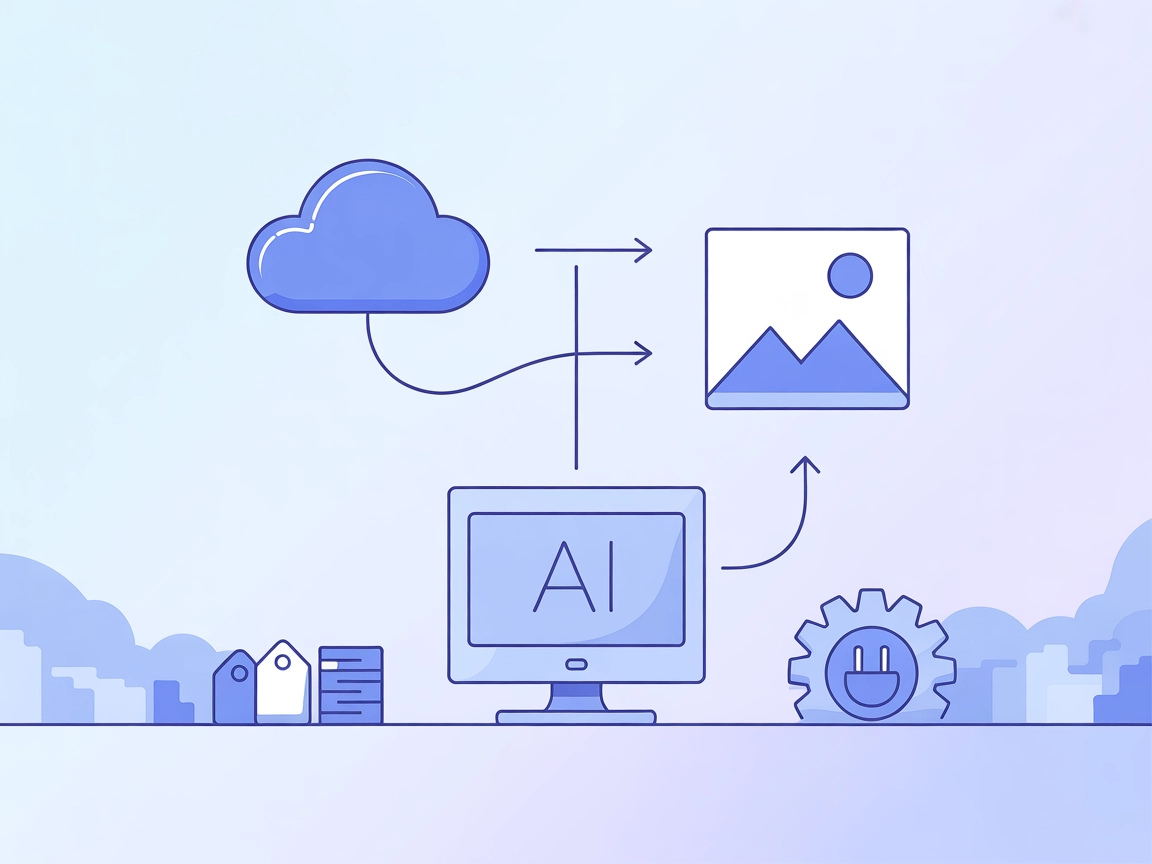
Easily connect your AI agents and assistants to Cloudinary for uploading and organizing media files directly from your automated flows.
The Cloudinary MCP (Model Context Protocol) Server enables AI assistants and clients to upload images and videos to Cloudinary, a popular cloud-based media management platform. By acting as a bridge between AI tools (such as Claude Desktop) and Cloudinary, this server streamlines the process of handling media assets, allowing assistants to perform actions like uploading, tagging, and organizing files directly through automated workflows. This significantly enhances development productivity by automating media handling tasks, integrating external storage, and enabling seamless API interactions for managing rich media content in various applications.
No prompt templates are listed in the repository or documentation.

Start your free trial today and see results within days.
No explicit resources are documented in the repository or README.
file (required): Path to file, URL, or base64 data URI to uploadresource_type (optional): Type of resource (‘image’, ‘video’, or ‘raw’)public_id (optional): Custom public ID for the uploaded assetoverwrite (optional): Whether to overwrite existing assets with the same public IDtags (optional): Array of tags to assign to the uploaded assetGet latest tips, trends, and deals for free.
Automated Media Uploads:
Developers or AI assistants can automatically upload images and videos to Cloudinary from local paths, URLs, or data URIs, streamlining media asset management in projects.
Media Tagging and Organization:
Assets can be tagged and assigned custom public IDs upon upload, making it easier to organize, search, and manage large media libraries.
Content Delivery Optimization:
By uploading media to Cloudinary, developers can leverage Cloudinary’s CDN and transformation features, improving end-user experience with optimized and fast-loading media.
Integration with AI Workflows:
The MCP server allows AI agents (e.g., Claude Desktop) to incorporate media upload steps as part of larger, automated workflows, such as generating content and instantly uploading results.
Cross-platform Media Handling:
Supports uploads from various sources (file path, URL, base64), making it versatile for different developer environments and automation scripts.
No specific Windsurf instructions are provided.
Install Node.js (version 18 or higher) from nodejs.org .
Locate the Claude configuration directory:
C:\Users\NAME\AppData\Roaming\Claude~/Library/Application Support/Claude/Edit your MCP settings file and add:
{
  "mcpServers": {
    "cloudinary": {
      "command": "npx",
      "args": ["@felores/cloudinary-mcp-server@latest"],
      "env": {
        "CLOUDINARY_CLOUD_NAME": "your_cloud_name",
        "CLOUDINARY_API_KEY": "your_api_key",
        "CLOUDINARY_API_SECRET": "your_api_secret"
      }
    }
  }
}
Replace environment variables with your Cloudinary credentials from the Cloudinary Console .
Save the file and restart Claude Desktop.
Example JSON configuration:
{
  "mcpServers": {
    "cloudinary": {
      "command": "npx",
      "args": ["@felores/cloudinary-mcp-server@latest"],
      "env": {
        "CLOUDINARY_CLOUD_NAME": "your_cloud_name",
        "CLOUDINARY_API_KEY": "your_api_key",
        "CLOUDINARY_API_SECRET": "your_api_secret"
      }
    }
  }
}
No specific Cursor instructions are provided.
Ensure Node.js is installed.
Add the server configuration to your Cline MCP settings file:
{
  "mcpServers": {
    "cloudinary": {
      "command": "node",
      "args": ["c:/path/to/cloudinary-mcp-server/dist/index.js"],
      "env": {
        "CLOUDINARY_CLOUD_NAME": "your_cloud_name",
        "CLOUDINARY_API_KEY": "your_api_key",
        "CLOUDINARY_API_SECRET": "your_api_secret"
      }
    }
  }
}
Install dependencies and build the server:
npm install
npm run build
Save your configuration and restart Cline.
Example JSON configuration (as above).
Using MCP in FlowHunt
To integrate MCP servers into your FlowHunt workflow, start by adding the MCP component to your flow and connecting it to your AI agent:

Click on the MCP component to open the configuration panel. In the system MCP configuration section, insert your MCP server details using this JSON format:
{
  "cloudinary": {
    "transport": "streamable_http",
    "url": "https://yourmcpserver.example/pathtothemcp/url"
  }
}
Once configured, the AI agent is now able to use this MCP as a tool with access to all its functions and capabilities. Remember to change “cloudinary” to whatever the actual name of your MCP server is and replace the URL with your own MCP server URL.
| Section | Availability | Details/Notes |
|---|---|---|
| Overview | ✅ | |
| List of Prompts | ⛔ | None listed in repo |
| List of Resources | ⛔ | No explicit MCP resources documented |
| List of Tools | ✅ | upload |
| Securing API Keys | ✅ | Uses environment variables in config |
| Sampling Support (less important in evaluation) | ⛔ | Not mentioned |
Based on the tables, the Cloudinary MCP Server is straightforward and focused, with clear instructions and a useful tool, but it lacks resource and prompt template definitions and does not mention Roots or Sampling support. For a single-purpose MCP server, it does its job well but does not offer the full breadth of MCP features. Score: 6/10
| Has a LICENSE | ✅ (MIT) |
|---|---|
| Has at least one tool | ✅ |
| Number of Forks | 9 |
| Number of Stars | 7 |
Automate media uploads and management in your workflows with the Cloudinary MCP Server. Sign up for FlowHunt to get started or book a demo to see it in action.
The Qiniu MCP Server bridges AI assistants and LLM clients with Qiniu Cloud’s storage and multimedia services. It enables automated file management, media proce...

Integrate FlowHunt with Cloudinary MCP Server to automate media asset management, streamline uploads and transformations, and enhance your digital media workflo...
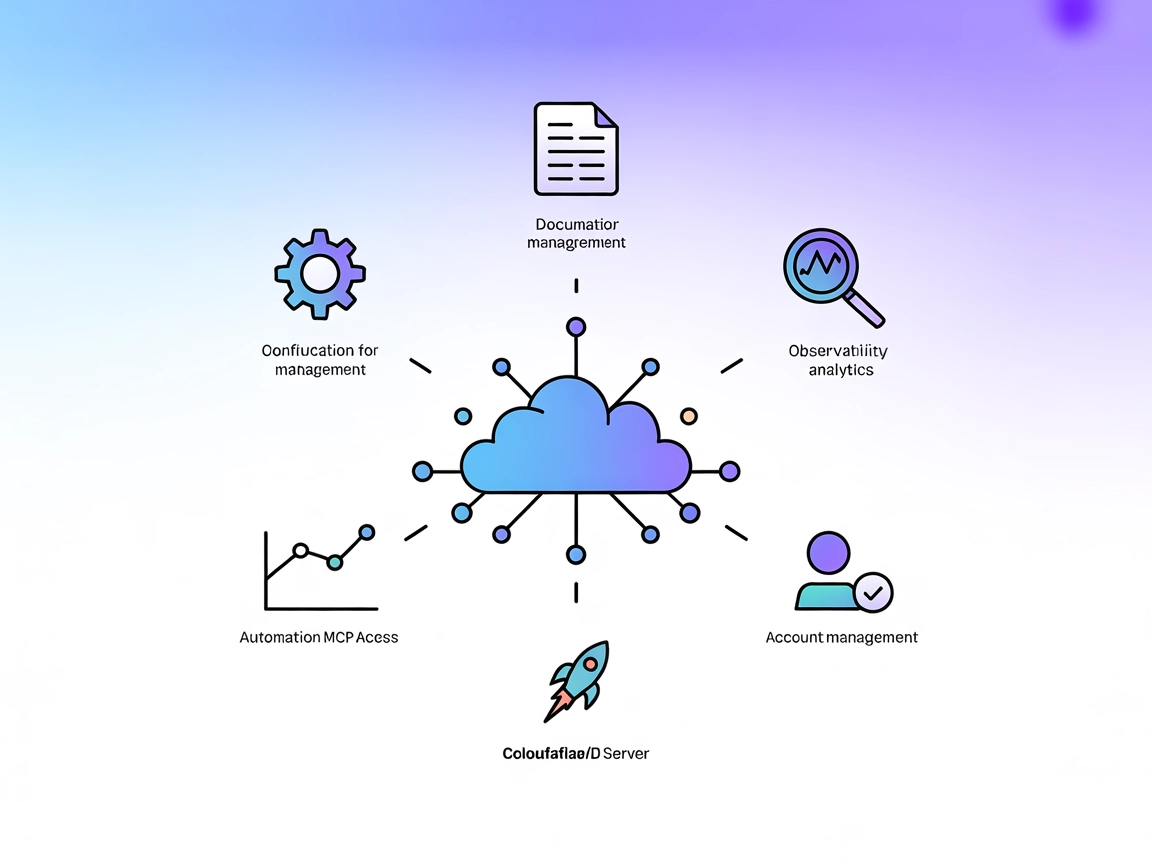
The Cloudflare MCP Server bridges AI assistants and Cloudflare’s cloud services, enabling natural language automation for configurations, logs, builds, and docu...
Cookie Consent
We use cookies to enhance your browsing experience and analyze our traffic. See our privacy policy.