



Algorand MCP Server
The Algorand MCP Server bridges AI assistants and developers with the Algorand blockchain, supporting data queries, smart contract interactions, and transaction...
4 min read
Blockchain
AI
+4
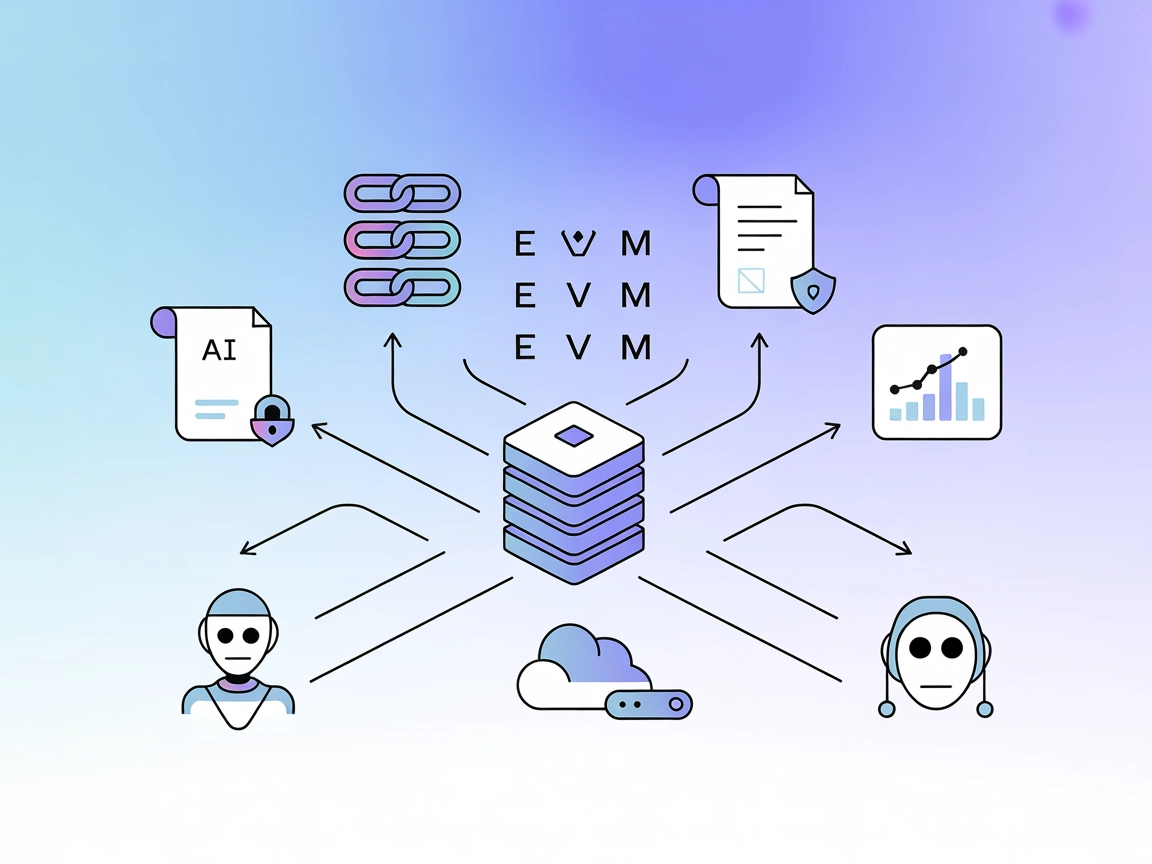
Connect AI agents and developers to any EVM-compatible blockchain using FlowHunt’s EVM MCP Server for smart contract, transaction, and analytics workflows.
The EVM MCP Server is a comprehensive Model Context Protocol (MCP) server designed to provide blockchain services across multiple EVM-compatible networks. It enables AI assistants and agents to interact seamlessly with various Ethereum Virtual Machine (EVM) chains—including Ethereum, Optimism, Arbitrum, Base, Polygon, and more—using a unified interface. By exposing tools and resources for interacting with smart contracts, querying blockchain data, and managing accounts, the EVM MCP Server streamlines development workflows. It empowers AI-driven tasks such as querying chain data, managing transactions, and integrating on-chain logic, thus enhancing the capabilities of developers and AI systems working with decentralized environments.
No explicit prompt templates are mentioned in the available repository documentation or code.

Start your free trial today and see results within days.
No explicit resources are described in the available repository documentation or code.
No explicit tool definitions are listed in the available repository documentation or code (including server.py or equivalent).
Get latest tips, trends, and deals for free.
windsurf.config.json).mcpServers section:{
"mcpServers": {
"evm-mcp": {
"command": "npx",
"args": ["@evm/mcp-server@latest"]
}
}
}
{
  "mcpServers": {
    "evm-mcp": {
      "command": "npx",
      "args": ["@evm/mcp-server@latest"]
    }
  }
}
mcpServers section:{
"mcpServers": {
"evm-mcp": {
"command": "npx",
"args": ["@evm/mcp-server@latest"]
}
}
}
{
  "mcpServers": {
    "evm-mcp": {
      "command": "npx",
      "args": ["@evm/mcp-server@latest"]
    }
  }
}
env property:{
"mcpServers": {
"evm-mcp": {
"command": "npx",
"args": ["@evm/mcp-server@latest"],
"env": {
"EVM_API_KEY": "your-api-key"
},
"inputs": {
"network": "mainnet"
}
}
}
}
Using MCP in FlowHunt
To integrate MCP servers into your FlowHunt workflow, start by adding the MCP component to your flow and connecting it to your AI agent:

Click on the MCP component to open the configuration panel. In the system MCP configuration section, insert your MCP server details using this JSON format:
{
  "evm-mcp": {
    "transport": "streamable_http",
    "url": "https://yourmcpserver.example/pathtothemcp/url"
  }
}
Once configured, the AI agent is now able to use this MCP as a tool with access to all its functions and capabilities. Remember to change “evm-mcp” to whatever the actual name of your MCP server is and replace the URL with your own MCP server URL.
| Section | Availability | Details/Notes |
|---|---|---|
| Overview | ✅ | Overview and features are described |
| List of Prompts | ⛔ | No prompt templates mentioned |
| List of Resources | ⛔ | No explicit resources listed |
| List of Tools | ⛔ | No explicit tools listed |
| Securing API Keys | ✅ | Example provided for using environment variables |
| Sampling Support (less important in evaluation) | ⛔ | No mention of sampling |
My overall rating for EVM MCP Server based on the above tables is 4/10. While the server clearly targets a useful and in-demand capability (EVM blockchain integration), the public documentation lacks details on prompts, resources, and explicit tool interfaces, limiting immediate utility for some users.
| Has a LICENSE | ✅ (MIT) |
|---|---|
| Has at least one tool | ⛔ |
| Number of Forks | 58 |
| Number of Stars | 273 |
Integrate blockchain data and smart contract logic into your AI workflows. Get started with FlowHunt’s EVM MCP Server for seamless, multi-chain development.
The Algorand MCP Server bridges AI assistants and developers with the Algorand blockchain, supporting data queries, smart contract interactions, and transaction...

The thirdweb-mcp MCP Server bridges AI assistants with blockchain and web3 resources, enabling automated blockchain data querying, smart contract management, an...
The Verbwire MCP Server bridges AI assistants with the Verbwire API, empowering developers to automate blockchain operations like NFT minting, smart contract de...
Cookie Consent
We use cookies to enhance your browsing experience and analyze our traffic. See our privacy policy.