


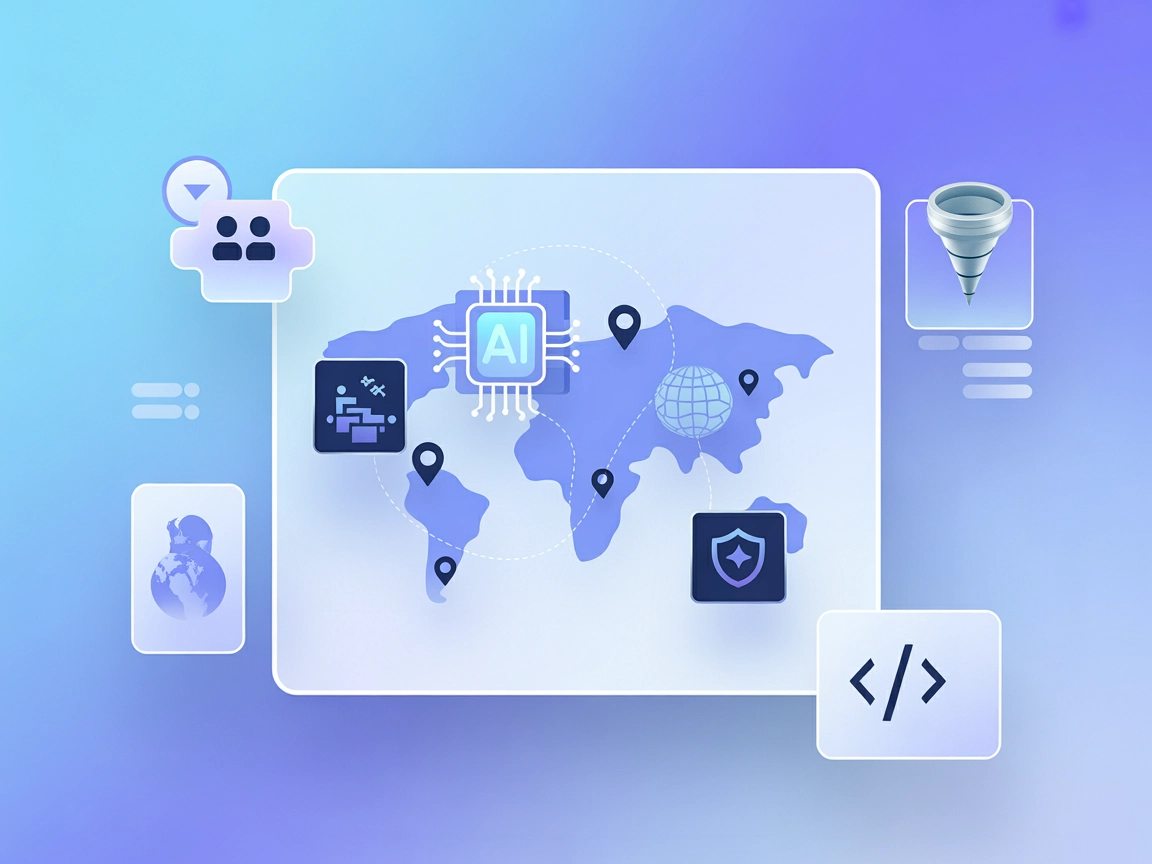
Foursquare Places
Integrate FlowHunt with Foursquare Places API to deliver real-time, context-aware location intelligence. Enhance your AI agents and applications with access to ...
4 min read
AI
Foursquare
+3

Enable your AI agents with real-time, global location intelligence and personalized place recommendations using the Foursquare Places MCP Server.
The Foursquare Places MCP Server is a Model Context Protocol (MCP) implementation that connects AI assistants to the Foursquare Places API, enabling them to access rich, real-time location data. By interfacing with Foursquare’s global database of over 100 million places across 1500+ categories, this server empowers AI applications to perform advanced local searches, geotagging, and contextual awareness tasks. Developers can leverage this tool to enable AI agents to retrieve detailed metadata—including reviews, ratings, photos, and popularity metrics—for locations near a user or within specified parameters. This integration allows for situationally aware AI agents and applications that can provide highly personalized, location-based recommendations and insights.
No information about prompt templates was found in the repository.

Start your free trial today and see results within days.
No explicit list of MCP resources is described in the repository documentation.
No direct listing of tools (e.g., tool definitions in server.py or similar) could be found based on the available documentation and files.
Get latest tips, trends, and deals for free.
windsurf.config.json).{
"mcpServers": {
"foursquare-places": {
"command": "python",
"args": ["-m", "fsq-server-python.server"]
}
}
}
fsq-server-python/README.md to set up the MCP server locally.{
"mcpServers": {
"foursquare-places": {
"command": "python",
"args": ["-m", "fsq-server-python.server"]
}
}
}
{
  "mcpServers": {
    "foursquare-places": {
      "command": "python",
      "args": ["-m", "fsq-server-python.server"]
    }
  }
}
{
  "mcpServers": {
    "foursquare-places": {
      "command": "python",
      "args": ["-m", "fsq-server-python.server"]
    }
  }
}
FSQ_API_KEY).{
"mcpServers": {
"foursquare-places": {
"command": "python",
"args": ["-m", "fsq-server-python.server"],
"env": {
"FSQ_API_KEY": "${FSQ_API_KEY}"
},
"inputs": {
"api_key": "${FSQ_API_KEY}"
}
}
}
}
Using MCP in FlowHunt
To integrate MCP servers into your FlowHunt workflow, start by adding the MCP component to your flow and connecting it to your AI agent:

Click on the MCP component to open the configuration panel. In the system MCP configuration section, insert your MCP server details using this JSON format:
{
  "foursquare-places": {
    "transport": "streamable_http",
    "url": "https://yourmcpserver.example/pathtothemcp/url"
  }
}
Once configured, the AI agent is now able to use this MCP as a tool with access to all its functions and capabilities. Remember to change “foursquare-places” to the actual name of your MCP server and replace the URL with your own MCP server URL.
| Section | Availability | Details/Notes |
|---|---|---|
| Overview | ✅ | Provided in README and project description |
| List of Prompts | ⛔ | No prompt templates found |
| List of Resources | ⛔ | No explicit MCP resource list found |
| List of Tools | ⛔ | No tool definitions in top-level documentation or server.py found |
| Securing API Keys | ✅ | Instructions for using environment variables provided |
| Sampling Support (less important in evaluation) | ⛔ | Not mentioned |
Based on the available documentation, the Foursquare Places MCP server provides a solid overview and setup instructions, but lacks explicit details on prompts, resources, tools, roots, and sampling support. The project is at an early stage and documentation is minimal beyond setup.
Given the limited information and missing details on key MCP concepts (such as tools and resources), this MCP server scores a 3/10. It has a clear purpose and setup instructions, but lacks depth in its MCP integration documentation.
| Has a LICENSE | ✅ |
|---|---|
| Has at least one tool | ⛔ |
| Number of Forks | 0 |
| Number of Stars | 5 |
Empower your AI workflows with access to 100M+ global locations, detailed metadata, and personalized recommendations. Integrate the Foursquare Places MCP Server today.
Integrate FlowHunt with Foursquare Places API to deliver real-time, context-aware location intelligence. Enhance your AI agents and applications with access to ...

The Travel Planner MCP Server connects AI assistants to real-time travel data using the Google Maps API, enabling intelligent itinerary generation, place discov...
The Tripadvisor MCP Server connects AI assistants with the Tripadvisor Content API, providing standardized tools for accessing rich travel data including locati...
Cookie Consent
We use cookies to enhance your browsing experience and analyze our traffic. See our privacy policy.