


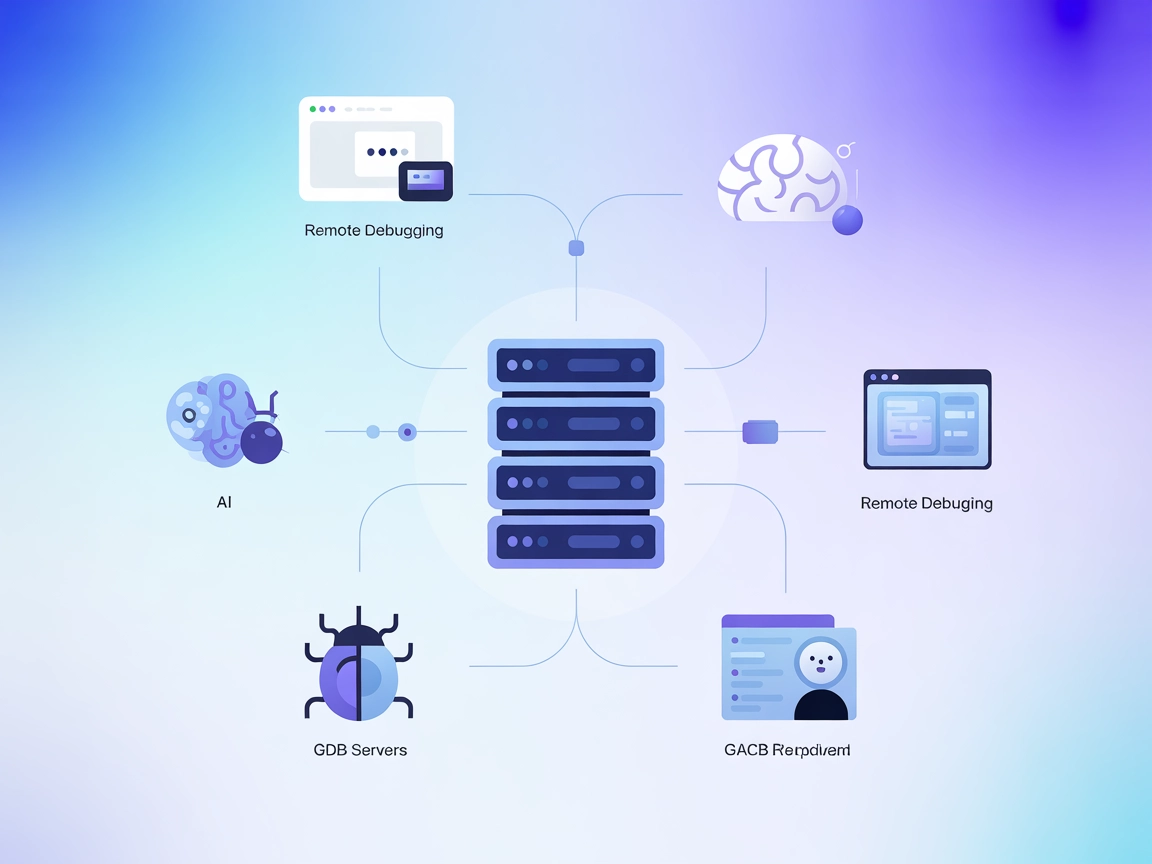
AI Agent for MCP Server GDB
Integrate FlowHunt with the MCP Server GDB protocol for AI-driven remote debugging. Manage GDB sessions, set breakpoints, inspect variables, and automate debugg...
4 min read
AI
GDB
+4

Empower your AI workflows with GDB MCP Server: automate debugging, manage breakpoints, inspect variables, and control program execution directly from FlowHunt.
The GDB MCP Server is a specialized server implementing the Model Context Protocol (MCP) that exposes the debugging capabilities of GDB (GNU Debugger) to AI assistants and other clients. By acting as a bridge between AI agents and GDB, it enables intelligent assistants to create, manage, and interact with remote debugging sessions programmatically. This integration empowers developers to automate debugging workflows, set and manipulate breakpoints, inspect stack frames and variables, and control program execution—all via standardized MCP tools. With support for concurrent multi-session debugging and both standard input/output and server-sent events transports, the GDB MCP Server is a powerful tool for enhancing software development, debugging, and code analysis through AI-driven automation.
No prompt templates are explicitly documented in the repository.

Start your free trial today and see results within days.
No explicit MCP resources are documented in the repository.
Session Management
create_session: Create a new GDB debugging session.get_session: Retrieve information about a specific session.get_all_sessions: List all active debugging sessions.close_session: Terminate a debugging session.Debug Control
start_debugging: Start the debugging process.stop_debugging: Stop the current debugging session.continue_execution: Resume program execution after a pause/breakpoint.step_execution: Step into the next line of code.next_execution: Step over to the next line without entering functions.Breakpoint Management
get_breakpoints: List all active breakpoints.set_breakpoint: Add a new breakpoint.delete_breakpoint: Remove an existing breakpoint.Debug Information
get_stack_frames: Retrieve current stack frame information.get_local_variables: List local variables in the current context.get_registers: Fetch CPU register values.read_memory: Read contents from the program’s memory.Get latest tips, trends, and deals for free.
mcpServers section:{
"gdb-mcp": {
"command": "./mcp-server-gdb",
"args": [],
"transport": "streamable_http"
}
}
{
  "gdb-mcp": {
    "command": "./mcp-server-gdb",
    "args": [],
    "transport": "streamable_http"
  }
}
{
  "gdb-mcp": {
    "command": "./mcp-server-gdb",
    "args": [],
    "transport": "streamable_http"
  }
}
{
  "gdb-mcp": {
    "command": "./mcp-server-gdb",
    "args": [],
    "transport": "streamable_http"
  }
}
Securing API Keys using Environment Variables If the server requires API keys (not specified in this repo), use environment variables. Example:
{
  "gdb-mcp": {
    "command": "./mcp-server-gdb",
    "args": [],
    "env": {
      "API_KEY": "${GDB_MCP_API_KEY}"
    },
    "inputs": {
      "api_key": "${GDB_MCP_API_KEY}"
    }
  }
}
Using MCP in FlowHunt
To integrate MCP servers into your FlowHunt workflow, start by adding the MCP component to your flow and connecting it to your AI agent:

Click on the MCP component to open the configuration panel. In the system MCP configuration section, insert your MCP server details using this JSON format:
{
  "gdb-mcp": {
    "transport": "streamable_http",
    "url": "https://yourmcpserver.example/pathtothemcp/url"
  }
}
Once configured, the AI agent is now able to use this MCP as a tool with access to all its functions and capabilities. Remember to change “gdb-mcp” to whatever the actual name of your MCP server is and replace the URL with your own MCP server URL.
| Section | Availability | Details/Notes |
|---|---|---|
| Overview | ✅ | |
| List of Prompts | ⛔ | No prompts documented |
| List of Resources | ⛔ | No explicit resources documented |
| List of Tools | ✅ | Debug/session/breakpoint/info tools listed |
| Securing API Keys | ✅ | Example provided, but not required by default |
| Sampling Support (less important in evaluation) | ⛔ | Not mentioned |
Based on the documentation and feature set, the GDB MCP Server provides a comprehensive set of debugging tools but lacks explicit prompt templates and documented resources. Sampling and Roots support are not specified. Given strong tool support, open-source license, and clear use cases, the overall utility is solid for developers seeking AI-driven GDB automation.
| Has a LICENSE | ✅ (MIT) |
|---|---|
| Has at least one tool | ✅ |
| Number of Forks | 4 |
| Number of Stars | 29 |
Integrate GDB’s powerful debugging features into your AI workflows. Try GDB MCP Server in FlowHunt to streamline software debugging and analysis.
Integrate FlowHunt with the MCP Server GDB protocol for AI-driven remote debugging. Manage GDB sessions, set breakpoints, inspect variables, and automate debugg...
The Godot MCP Server connects FlowHunt with the Godot game engine, enabling AI-driven automation of Godot editor tasks, project launches, and real-time debug ou...
LLDB-MCP connects the LLDB debugger with the Model Context Protocol (MCP), empowering AI agents like Claude to automate, control, and interact with LLDB debuggi...
Cookie Consent
We use cookies to enhance your browsing experience and analyze our traffic. See our privacy policy.