


GDB MCP Server Integration
The GDB MCP Server exposes GNU Debugger’s capabilities to AI assistants and clients, enabling automated, programmatic remote debugging, breakpoint management, m...
5 min read
AI
Debugging
+4
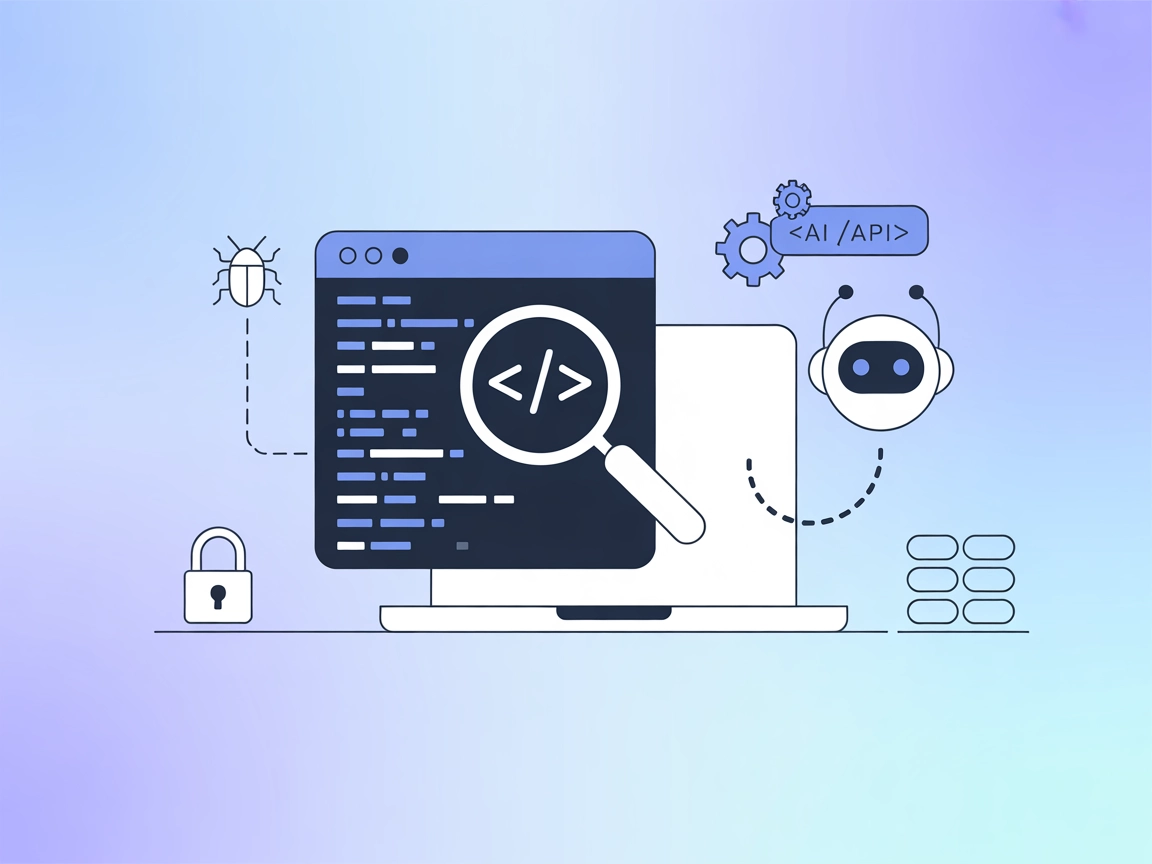
Integrate LLDB-MCP with FlowHunt to enable AI-powered debugging, automate breakpoints, inspect memory, and streamline developer workflows directly from your LLM-driven assistant.
LLDB-MCP is a tool that integrates the LLDB debugger with Claude’s Model Context Protocol (MCP). This integration allows AI assistants—such as Claude—to start, control, and interact with LLDB debugging sessions directly, enabling AI-assisted debugging workflows. With LLDB-MCP, developers can automate and streamline debugging tasks by leveraging natural language or LLM-driven interfaces to manage LLDB sessions, control program execution, inspect memory and variables, set breakpoints, and analyze stack traces. This significantly accelerates the debugging process, reduces manual intervention, and enables sophisticated, context-aware developer workflows.
No explicit prompt templates are documented in the repository or README.

Start your free trial today and see results within days.
No explicit resources are documented in the repository or README.
The LLDB-MCP server exposes the following tools (as functions/commands) that can be used for interacting with LLDB:
Get latest tips, trends, and deals for free.
git clone https://github.com/stass/lldb-mcp.git
cd lldb-mcp
pip install mcp
"mcpServers": {
  "lldb-mcp": {
    "command": "python3",
    "args": ["/path/to/lldb-mcp/lldb_mcp.py"],
    "disabled": false
  }
}
If you need to secure API keys or sensitive environment variables, use the env property in your configuration:
"mcpServers": {
  "lldb-mcp": {
    "command": "python3",
    "args": ["/path/to/lldb-mcp/lldb_mcp.py"],
    "env": {
      "MY_SECRET_KEY": "env:MY_SECRET_KEY"
    },
    "inputs": {
      "api_key": "${MY_SECRET_KEY}"
    },
    "disabled": false
  }
}
"mcpServers": {
  "lldb-mcp": {
    "command": "python3",
    "args": ["/path/to/lldb-mcp/lldb_mcp.py"],
    "disabled": false
  }
}
"mcpServers": {
  "lldb-mcp": {
    "command": "python3",
    "args": ["/path/to/lldb-mcp/lldb_mcp.py"],
    "disabled": false
  }
}
"mcpServers": {
  "lldb-mcp": {
    "command": "python3",
    "args": ["/path/to/lldb-mcp/lldb_mcp.py"],
    "disabled": false
  }
}
Use the env and inputs fields as in the Windsurf example above for any sensitive credentials.
Using MCP in FlowHunt
To integrate MCP servers into your FlowHunt workflow, start by adding the MCP component to your flow and connecting it to your AI agent:

Click on the MCP component to open the configuration panel. In the system MCP configuration section, insert your MCP server details using this JSON format:
{
  "lldb-mcp": {
    "transport": "streamable_http",
    "url": "https://yourmcpserver.example/pathtothemcp/url"
  }
}
Once configured, the AI agent is now able to use this MCP as a tool with access to all its functions and capabilities. Remember to change “lldb-mcp” to the actual name of your MCP server and replace the URL with your own MCP server URL.
| Section | Availability | Details/Notes |
|---|---|---|
| Overview | ✅ | |
| List of Prompts | ⛔ | No prompt templates documented |
| List of Resources | ⛔ | No explicit resources documented |
| List of Tools | ✅ | 20+ LLDB tools/commands are exposed |
| Securing API Keys | ✅ | Example for env and inputs in JSON config |
| Sampling Support (less important in evaluation) | ⛔ | Not mentioned |
LLDB-MCP is a practical and focused MCP server for AI-assisted debugging. It excels at exposing LLDB’s functionality through MCP, but lacks advanced documentation for resources/prompts and doesn’t mention Roots or Sampling. It’s well-licensed and sees moderate community engagement. Overall, it’s a solid, specialized tool for developers needing automated debugging workflows.
| Has a LICENSE | ✅ (BSD-2-Clause) |
|---|---|
| Has at least one tool | ✅ |
| Number of Forks | 3 |
| Number of Stars | 40 |
Rating: 7/10 — LLDB-MCP is a robust, single-focus MCP server with clear utility for AI-driven debugging, but would benefit from richer resource/prompt documentation and explicit support for advanced MCP features.
Supercharge your developer workflow: enable AI agents to control LLDB sessions, automate debugging, and analyze crashes with FlowHunt’s seamless MCP server integration.
The GDB MCP Server exposes GNU Debugger’s capabilities to AI assistants and clients, enabling automated, programmatic remote debugging, breakpoint management, m...
Integrate FlowHunt with LLDB MCP to automate advanced debugging workflows, enable multi-client protocol support, and empower engineering teams with AI-powered i...
Integrate FlowHunt with the MCP Server GDB protocol for AI-driven remote debugging. Manage GDB sessions, set breakpoints, inspect variables, and automate debugg...
Cookie Consent
We use cookies to enhance your browsing experience and analyze our traffic. See our privacy policy.