


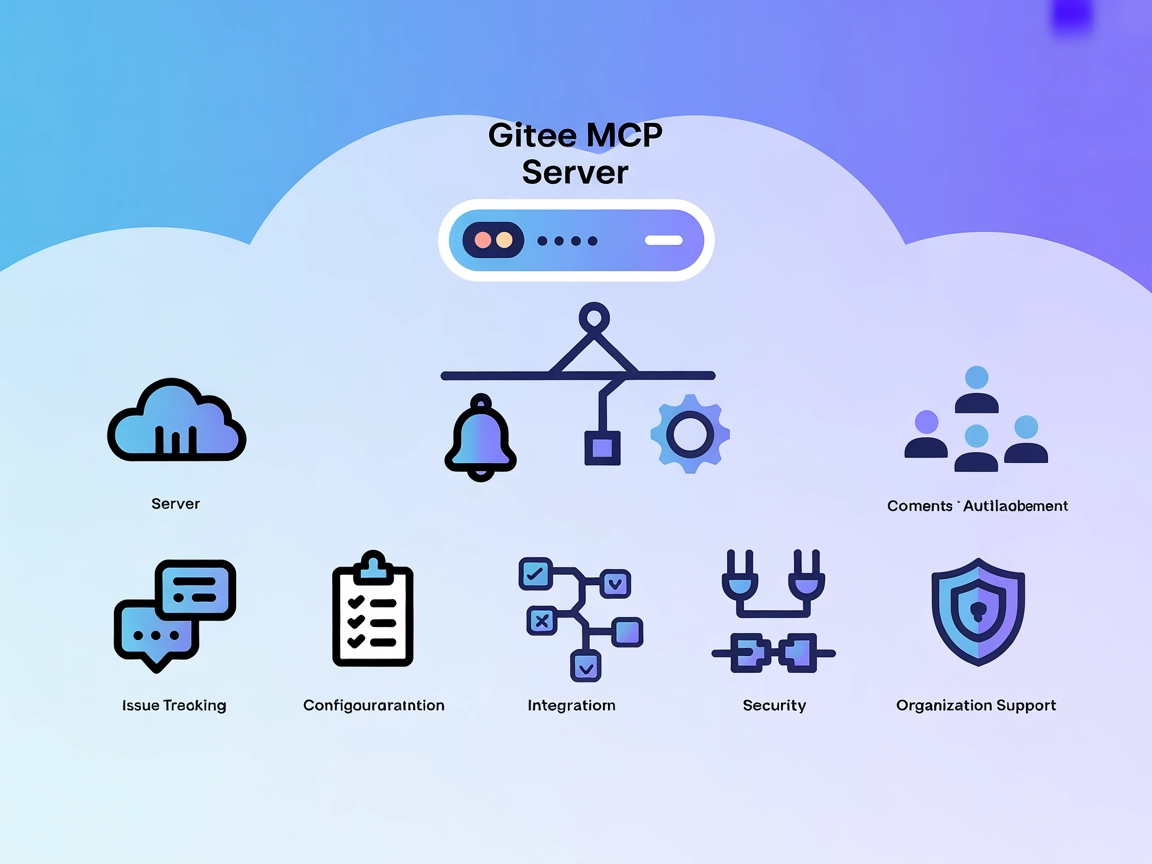
Gitee MCP Server Integration
The Gitee MCP Server enables seamless integration of AI assistants with Gitee's APIs via the Model Context Protocol, automating repository management, issue tra...
5 min read
AI
Gitee
+4
Automate and simplify Git operations in your development workflow by connecting LLMs to your repositories via the git-mcp-go MCP Server.
The git-mcp-go MCP Server is a Model Context Protocol (MCP) server designed for seamless interaction with Git repositories through Large Language Models (LLMs). By providing a standardized interface, it allows AI assistants and clients to read, search, and manipulate Git repositories programmatically. This enhances developer workflows by enabling tasks such as checking repository status, viewing diffs, staging changes, committing, creating branches, and pushing to remotes—all via conversational or automated LLM interfaces. The server supports operations across multiple repositories at once and offers both shell-based and Go-based implementations for flexibility and performance. This integration streamlines codebase management, makes automation more accessible, and empowers developers to leverage LLMs for complex Git-based operations.
No explicit prompt templates are listed in the repository or documentation.

Start your free trial today and see results within days.
No explicit MCP resources are listed in the repository or documentation.
--write-access).Get latest tips, trends, and deals for free.
git clone https://github.com/geropl/git-mcp-go.git
cd git-mcp-go
go build -o git-mcp-go .
go install github.com/geropl/git-mcp-go@latest
{
  "mcpServers": {
    "git-mcp-go": {
      "command": "git-mcp-go",
      "args": ["serve", "-v", "/path/to/repo1", "/path/to/repo2"]
    }
  }
}
git-mcp-go binary as above.{
"mcpServers": {
"git-mcp-go": {
"command": "git-mcp-go",
"args": ["serve", "--mode", "go-git", "-r", "/path/to/repo"]
}
}
}
git-mcp-go binary, via build or prebuilt.{
"mcpServers": {
"git-mcp-go": {
"command": "git-mcp-go",
"args": ["serve", "-v", "/path/to/repo1"]
}
}
}
git-mcp-go binary../git-mcp-go setup -r /path/to/git/repository
cline_mcp_settings.json:{
"mcpServers": {
"git-mcp-go": {
"command": "git-mcp-go",
"args": ["serve", "-v", "/path/to/repo"]
}
}
}
If you need to secure sensitive information (e.g., API keys), use environment variables:
{
  "mcpServers": {
    "git-mcp-go": {
      "command": "git-mcp-go",
      "args": ["serve", "-v", "/path/to/repo"],
      "env": {
        "GIT_MCP_KEY": "${GIT_MCP_KEY}"
      },
      "inputs": {
        "some_key": "${SOME_KEY}"
      }
    }
  }
}
Using MCP in FlowHunt
To integrate MCP servers into your FlowHunt workflow, start by adding the MCP component to your flow and connecting it to your AI agent:

Click on the MCP component to open the configuration panel. In the system MCP configuration section, insert your MCP server details using this JSON format:
{
  "git-mcp-go": {
    "transport": "streamable_http",
    "url": "https://yourmcpserver.example/pathtothemcp/url"
  }
}
Once configured, the AI agent is now able to use this MCP as a tool with access to all its functions and capabilities. Remember to change “git-mcp-go” to whatever the actual name of your MCP server is and replace the URL with your own MCP server URL.
| Section | Availability | Details/Notes |
|---|---|---|
| Overview | ✅ | |
| List of Prompts | ⛔ | No prompt templates found |
| List of Resources | ⛔ | No explicit MCP resources listed |
| List of Tools | ✅ | 14 Git-related tools exposed |
| Securing API Keys | ✅ | Environment variables in config |
| Sampling Support (less important in evaluation) | ⛔ | Not mentioned |
Based on the tables above, the git-mcp-go MCP server offers a robust toolset for Git automation with LLMs, clear setup instructions, and strong multi-platform support, but lacks explicit resource exposure, prompt templates, and advanced MCP features like roots or sampling.
| Has a LICENSE | ⛔ (No license file detected) |
|---|---|
| Has at least one tool | ✅ |
| Number of Forks | 4 |
| Number of Stars | 15 |
Rating:
I would rate this MCP server a 6/10. It is functionally strong for Git-based operations and is well-documented for setup, but lacks MCP prompt/resource richness, a license, and support for advanced MCP features (roots, sampling). Its practical utility for developers is high, but completeness as an MCP integration could be improved.
Integrate the git-mcp-go MCP Server into your FlowHunt workflows to unlock AI-powered Git repository management and automation.
The Gitee MCP Server enables seamless integration of AI assistants with Gitee's APIs via the Model Context Protocol, automating repository management, issue tra...

GitMCP is a free, open-source Model Context Protocol (MCP) server that connects AI assistants with any GitHub repository for code-aware completions, exploration...
Supercharge your Git workflows by integrating FlowHunt with the Git MCP Server. Automate status checks, commits, branching, and multi-repository management usin...
Cookie Consent
We use cookies to enhance your browsing experience and analyze our traffic. See our privacy policy.