


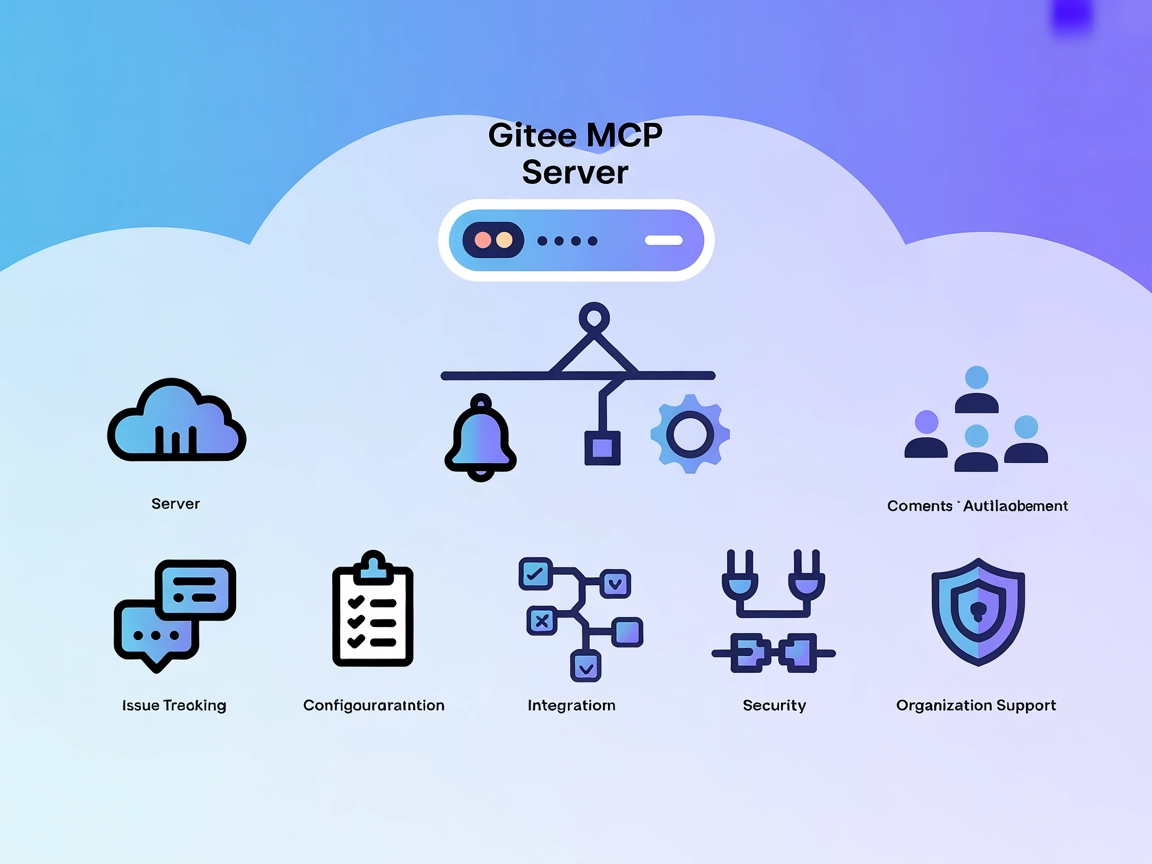
Gitee MCP Server Integration
The Gitee MCP Server enables seamless integration of AI assistants with Gitee's APIs via the Model Context Protocol, automating repository management, issue tra...
5 min read
AI
Gitee
+4

GitMCP bridges AI assistants and GitHub, empowering context-aware code completions, repository search, and automated documentation by providing direct access to live repositories.
GitMCP is a free, open-source, remote Model Context Protocol (MCP) server designed to bridge AI assistants with any GitHub project. Its primary purpose is to eliminate code hallucinations by providing accurate, contextual access to source code and repository data for AI models. By connecting AI assistants directly to live codebases, issues, pull requests, and repository files, GitMCP enables intelligent code searches, context-aware completions, and enhanced development workflows. Developers and AI tools can leverage GitMCP to perform actions like searching repositories, querying code, browsing project structures, and managing files, thereby streamlining tasks such as code review, documentation generation, and automated development assistance.

Start your free trial today and see results within days.
Get latest tips, trends, and deals for free.
windsurf.config.json).mcpServers object:{
"mcpServers": {
"gitmcp": {
"command": "npx",
"args": ["@idosal/git-mcp@latest"]
}
}
}
{
  "mcpServers": {
    "gitmcp": {
      "command": "npx",
      "args": ["@idosal/git-mcp@latest"]
    }
  }
}
{
  "mcpServers": {
    "gitmcp": {
      "command": "npx",
      "args": ["@idosal/git-mcp@latest"]
    }
  }
}
{
  "mcpServers": {
    "gitmcp": {
      "command": "npx",
      "args": ["@idosal/git-mcp@latest"]
    }
  }
}
Securing API Keys
Store sensitive credentials in environment variables and reference them in your configuration:
{
  "env": {
    "GITMCP_API_KEY": "<your_api_key_here>"
  },
  "inputs": {
    "apiKey": "${env.GITMCP_API_KEY}"
  }
}
Ensure you never hardcode secrets in your config files.
Using MCP in FlowHunt
To integrate MCP servers into your FlowHunt workflow, start by adding the MCP component to your flow and connecting it to your AI agent:

Click on the MCP component to open the configuration panel. In the system MCP configuration section, insert your MCP server details using this JSON format:
{
  "gitmcp": {
    "transport": "streamable_http",
    "url": "https://yourmcpserver.example/pathtothemcp/url"
  }
}
Once configured, the AI agent is now able to use this MCP as a tool with access to all its functions and capabilities. Remember to change “gitmcp” to whatever the actual name of your MCP server is and replace the URL with your own MCP server URL.
| Section | Availability | Details/Notes |
|---|---|---|
| Overview | ✅ | Found in repo description and homepage |
| List of Prompts | ⛔ | No prompt templates listed |
| List of Resources | ⛔ | No explicit MCP resources documented |
| List of Tools | ⛔ | No explicit list of MCP tools found |
| Securing API Keys | ✅ | .env.example and setup example |
| Sampling Support (less important in evaluation) | ⛔ | Not mentioned |
Based on the provided information, GitMCP is well-documented regarding its purpose and setup, but lacks explicit details about prompts, resources, and tools in the public documentation. This limits the ability to fully evaluate its MCP feature set.
| Has a LICENSE | ✅ (Apache-2.0) |
|---|---|
| Has at least one tool | ⛔ |
| Number of Forks | 215 |
| Number of Stars | 3.1k |
Eliminate code hallucinations and supercharge your AI workflows by integrating GitMCP. Enable AI assistants to access, search, and reason over your real codebase today.
The Gitee MCP Server enables seamless integration of AI assistants with Gitee's APIs via the Model Context Protocol, automating repository management, issue tra...
Integrate FlowHunt with GitMCP to provide AI assistants with instant access to up-to-date GitHub documentation and code, reducing hallucinations and boosting co...
The GitHub MCP Server enables seamless AI-powered automation and data extraction from the GitHub ecosystem by bridging AI agents and GitHub APIs. Enhance your d...
Cookie Consent
We use cookies to enhance your browsing experience and analyze our traffic. See our privacy policy.