


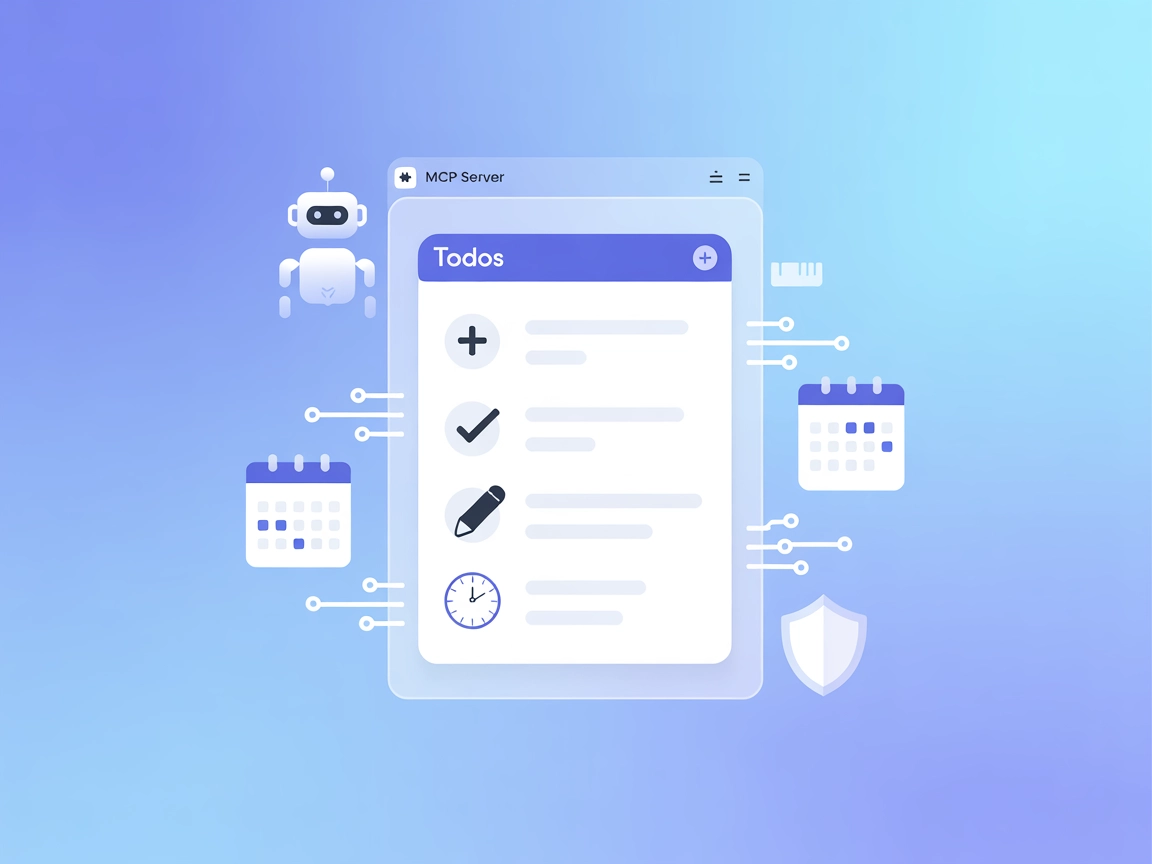
Todos MCP Server
The Todos MCP Server is an open-source todo list application with Model Context Protocol (MCP) support, allowing AI assistants and chatbots to manage tasks prog...
4 min read
AI
MCP
+5
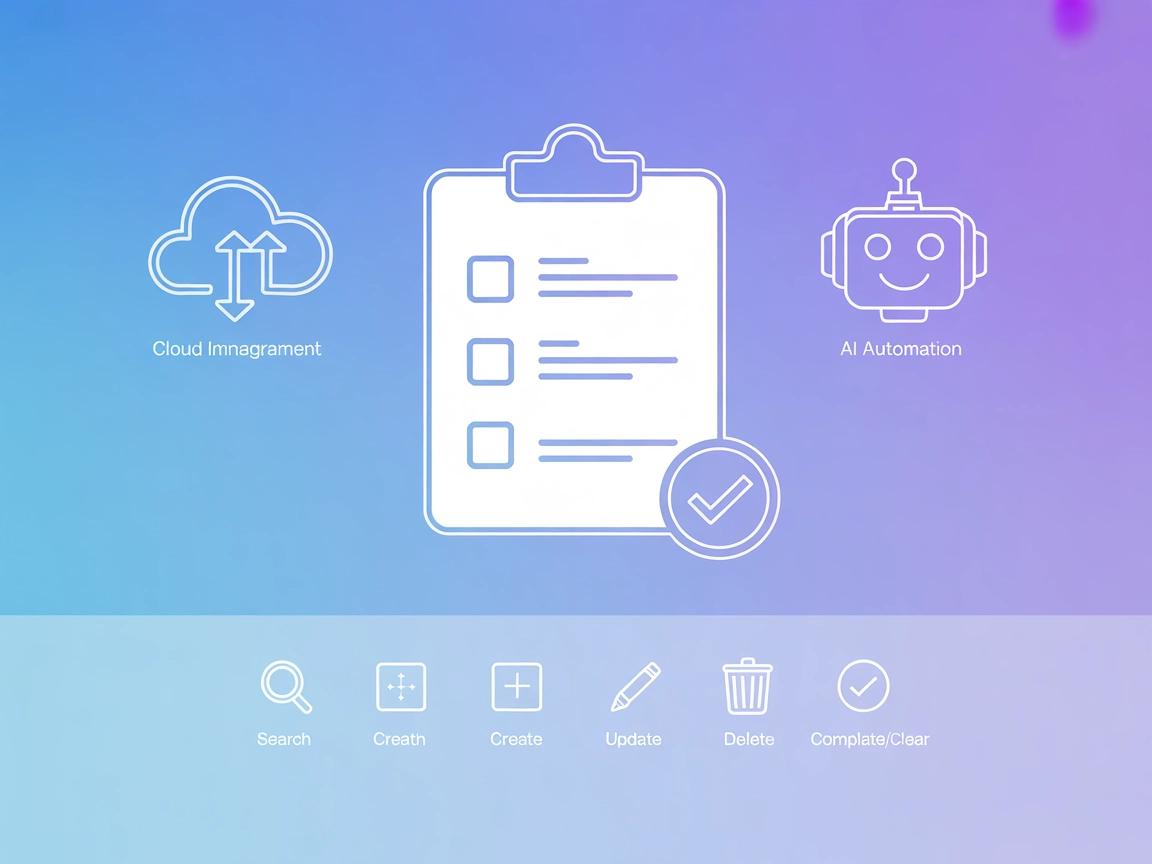
Integrate Google Tasks directly into your AI workflows with the Google Tasks MCP Server, offering secure, automated, and flexible task management for individuals and teams.
The Google Tasks MCP (Model Context Protocol) Server is a specialized tool designed to bridge AI assistants with Google Tasks, allowing seamless integration between AI-driven workflows and task management. By exposing Google Tasks as an MCP server, it enables AI clients to list, read, search, create, update, and delete tasks directly through standardized protocol actions. This integration facilitates automation and organization by allowing developers or end-users to manage their Google Tasks database from within AI-enhanced environments, streamlining productivity workflows, and enabling more complex task-driven agentic behaviors. The server is especially useful for those looking to automate personal or team task management, synchronize reminders, or build custom productivity tools that interact with Google Tasks via secure and standardized interfaces.
No prompt templates are explicitly mentioned in the repository or documentation.

Start your free trial today and see results within days.
gtasks:///<task_id>):Get latest tips, trends, and deals for free.
npm run build or npm run watch).gcp-oauth.keys.json in the repo root.mcpServers object:{
"mcpServers": {
"gtasks": {
"command": "/opt/homebrew/bin/node",
"args": [
"{ABSOLUTE PATH TO FILE HERE}/dist/index.js"
]
}
}
}
Use environment variables for sensitive data:
{
"env": {
"GOOGLE_CLIENT_ID": "your-client-id",
"GOOGLE_CLIENT_SECRET": "your-client-secret"
},
"inputs": {
...
}
}
npm run start auth and complete OAuth in your browser.{
"mcpServers": {
"gtasks": {
"command": "/opt/homebrew/bin/node",
"args": [
"{ABSOLUTE PATH TO FILE HERE}/dist/index.js"
]
}
}
}
{
"env": {
"GOOGLE_CLIENT_ID": "your-client-id",
"GOOGLE_CLIENT_SECRET": "your-client-secret"
}
}
{
  "mcpServers": {
    "gtasks": {
      "command": "/opt/homebrew/bin/node",
      "args": [
        "{ABSOLUTE PATH TO FILE HERE}/dist/index.js"
      ]
    }
  }
}
{
  "env": {
    "GOOGLE_CLIENT_ID": "your-client-id",
    "GOOGLE_CLIENT_SECRET": "your-client-secret"
  }
}
npm run build).{
"mcpServers": {
"gtasks": {
"command": "/opt/homebrew/bin/node",
"args": [
"{ABSOLUTE PATH TO FILE HERE}/dist/index.js"
]
}
}
}
{
  "env": {
    "GOOGLE_CLIENT_ID": "your-client-id",
    "GOOGLE_CLIENT_SECRET": "your-client-secret"
  }
}
Using MCP in FlowHunt
To integrate MCP servers into your FlowHunt workflow, start by adding the MCP component to your flow and connecting it to your AI agent:

Click on the MCP component to open the configuration panel. In the system MCP configuration section, insert your MCP server details using this JSON format:
{
  "gtasks": {
    "transport": "streamable_http",
    "url": "https://yourmcpserver.example/pathtothemcp/url"
  }
}
Once configured, the AI agent is now able to use this MCP as a tool with access to all its functions and capabilities. Remember to change “gtasks” to whatever the actual name of your MCP server is and replace the URL with your own MCP server URL.
| Section | Availability | Details/Notes |
|---|---|---|
| Overview | ✅ | |
| List of Prompts | ⛔ | No explicit prompt templates found |
| List of Resources | ✅ | Individual Google Tasks resources |
| List of Tools | ✅ | 6 tools: search, list, create, update, delete, clear |
| Securing API Keys | ✅ | Via env variables in configuration |
| Sampling Support (less important in evaluation) | ⛔ | Not mentioned |
Between these two tables, Google Tasks MCP is a focused, practical server with strong tool and resource support, but lacks prompt templates and explicit sampling/roots support. Based on the available information, I would rate this MCP server a 7/10 for practical utility and completeness.
| Has a LICENSE | ✅ (MIT) |
|---|---|
| Has at least one tool | ✅ |
| Number of Forks | 18 |
| Number of Stars | 60 |
Streamline your productivity with AI-driven Google Tasks management—automate, organize, and enhance your workflows with FlowHunt's MCP integration.
The Todos MCP Server is an open-source todo list application with Model Context Protocol (MCP) support, allowing AI assistants and chatbots to manage tasks prog...
The Google Calendar MCP Server enables AI agents to access, manage, and automate Google Calendar events, including listing, creating, updating, and deleting eve...
Integrate FlowHunt with the TickTick MCP Server to unlock powerful, AI-driven task management automation. Seamlessly connect your AI agents to create, update, a...
Cookie Consent
We use cookies to enhance your browsing experience and analyze our traffic. See our privacy policy.