


Graphlit MCP Server
Integrate FlowHunt with the Graphlit Model Context Protocol (MCP) Server to unify, search, and automate knowledge bases across Slack, Discord, Google Drive, ema...
6 min read
AI
Graphlit
+6
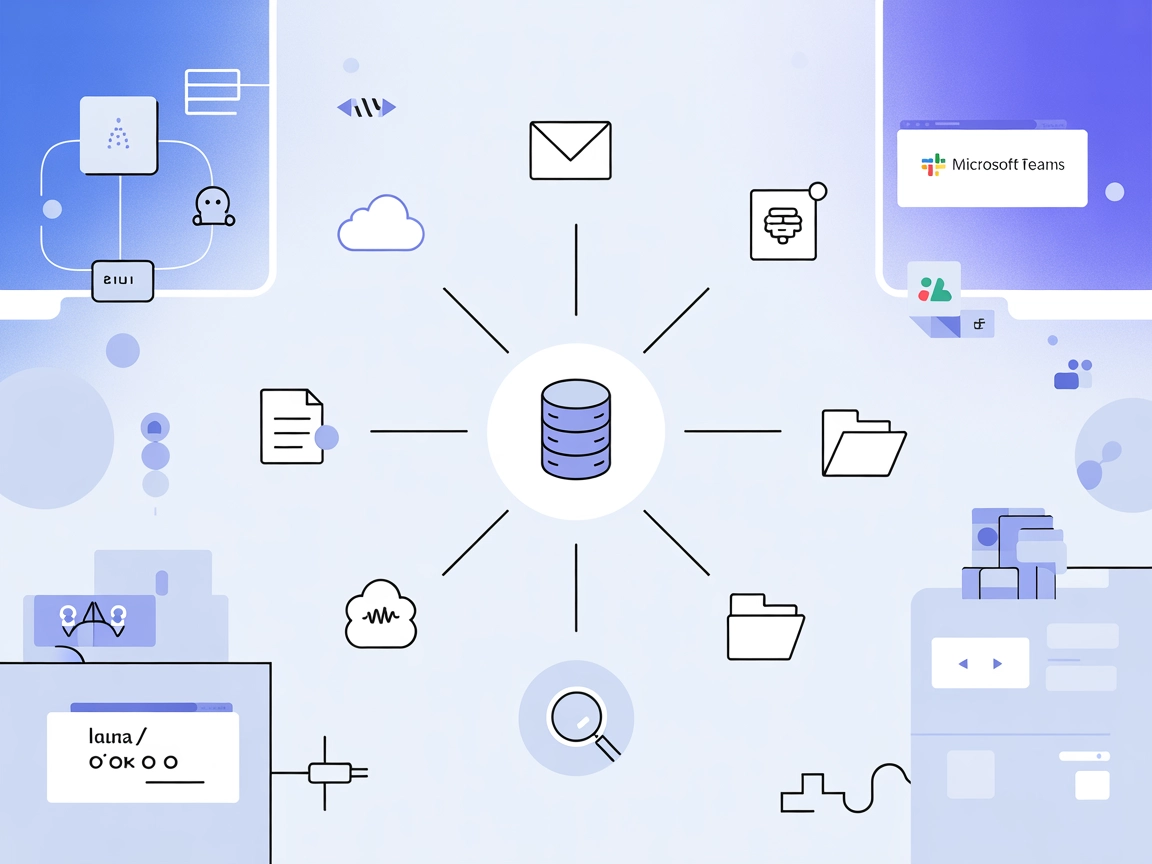
Aggregate, search, and transform knowledge from dozens of platforms with Graphlit MCP Server, unlocking advanced RAG and AI workflows in FlowHunt.
The Graphlit MCP (Model Context Protocol) Server serves as a bridge between MCP clients and the Graphlit platform, enabling seamless integration with a wide array of external data sources and services. Its primary purpose is to aggregate, index, and make searchable diverse content from platforms like Slack, Discord, websites, Google Drive, email, Jira, Linear, and GitHub, transforming them into a unified, RAG-ready (Retrieval-Augmented Generation) knowledge base. The server supports ingestion of documents, web pages, audio, and video—automatically extracting or transcribing content for efficient retrieval. With built-in tools for web crawling, search, and more, Graphlit MCP Server empowers AI assistants and developers to interact with and manage large knowledge repositories, enabling advanced workflows such as document search, automated extraction, and multi-source aggregation within popular development environments.
No explicit prompt templates are listed in the available documentation or repository files.

Start your free trial today and see results within days.
No explicit resources are detailed in the available documentation or repository files.
Get latest tips, trends, and deals for free.
mcpServers section:{
"mcpServers": {
"graphlit": {
"command": "npx",
"args": ["@graphlit/graphlit-mcp-server@latest"]
}
}
}
Use environment variables for API keys:
{
"mcpServers": {
"graphlit": {
"command": "npx",
"args": ["@graphlit/graphlit-mcp-server@latest"],
"env": {
"GRAPHLIT_API_KEY": "your-api-key"
},
"inputs": {
"projectId": "your-project-id"
}
}
}
}
{
  "mcpServers": {
    "graphlit": {
      "command": "npx",
      "args": ["@graphlit/graphlit-mcp-server@latest"]
    }
  }
}
{
  "mcpServers": {
    "graphlit": {
      "command": "npx",
      "args": ["@graphlit/graphlit-mcp-server@latest"]
    }
  }
}
{
  "mcpServers": {
    "graphlit": {
      "command": "npx",
      "args": ["@graphlit/graphlit-mcp-server@latest"]
    }
  }
}
Note: Always use environment variables to secure sensitive information such as API keys, as shown in the Windsurf example above.
Using MCP in FlowHunt
To integrate MCP servers into your FlowHunt workflow, start by adding the MCP component to your flow and connecting it to your AI agent:

Click on the MCP component to open the configuration panel. In the system MCP configuration section, insert your MCP server details using this JSON format:
{
  "graphlit": {
    "transport": "streamable_http",
    "url": "https://yourmcpserver.example/pathtothemcp/url"
  }
}
Once configured, the AI agent is now able to use this MCP as a tool with access to all its functions and capabilities. Remember to change “graphlit” to whatever the actual name of your MCP server is and replace the URL with your own MCP server URL.
| Section | Availability | Details/Notes |
|---|---|---|
| Overview | ✅ | Complete, from README.md |
| List of Prompts | ⛔ | No explicit prompt templates found |
| List of Resources | ⛔ | No explicit resources listed |
| List of Tools | ✅ | Extensive list from README.md |
| Securing API Keys | ✅ | Example provided in README.md |
| Sampling Support (less important in evaluation) | ⛔ | No mention of sampling support |
Support for Roots: Not explicitly mentioned in the documentation.
Graphlit MCP Server is robust in tool functionality and integration guides but lacks explicit documentation on prompt templates and MCP resources. The presence of a LICENSE, active development, and strong GitHub engagement make it a solid choice for knowledge management and RAG use cases, though the absence of resource and prompt documentation may limit out-of-the-box adaptability in some scenarios.
| Has a LICENSE | ✅ (MIT) |
|---|---|
| Has at least one tool | ✅ |
| Number of Forks | 34 |
| Number of Stars | 306 |
Integrate Graphlit MCP Server with FlowHunt to effortlessly unify, search, and transform knowledge from all your favorite platforms.
Integrate FlowHunt with the Graphlit Model Context Protocol (MCP) Server to unify, search, and automate knowledge bases across Slack, Discord, Google Drive, ema...
The Grafbase MCP Server bridges AI assistants and external data sources or APIs, enabling LLMs to access real-time data, automate workflows, and extend capabili...

Integrate FlowHunt with the Ragie Model Context Protocol (MCP) Server to enable AI-powered, real-time knowledge base retrieval for your enterprise. Streamline A...
Cookie Consent
We use cookies to enhance your browsing experience and analyze our traffic. See our privacy policy.