


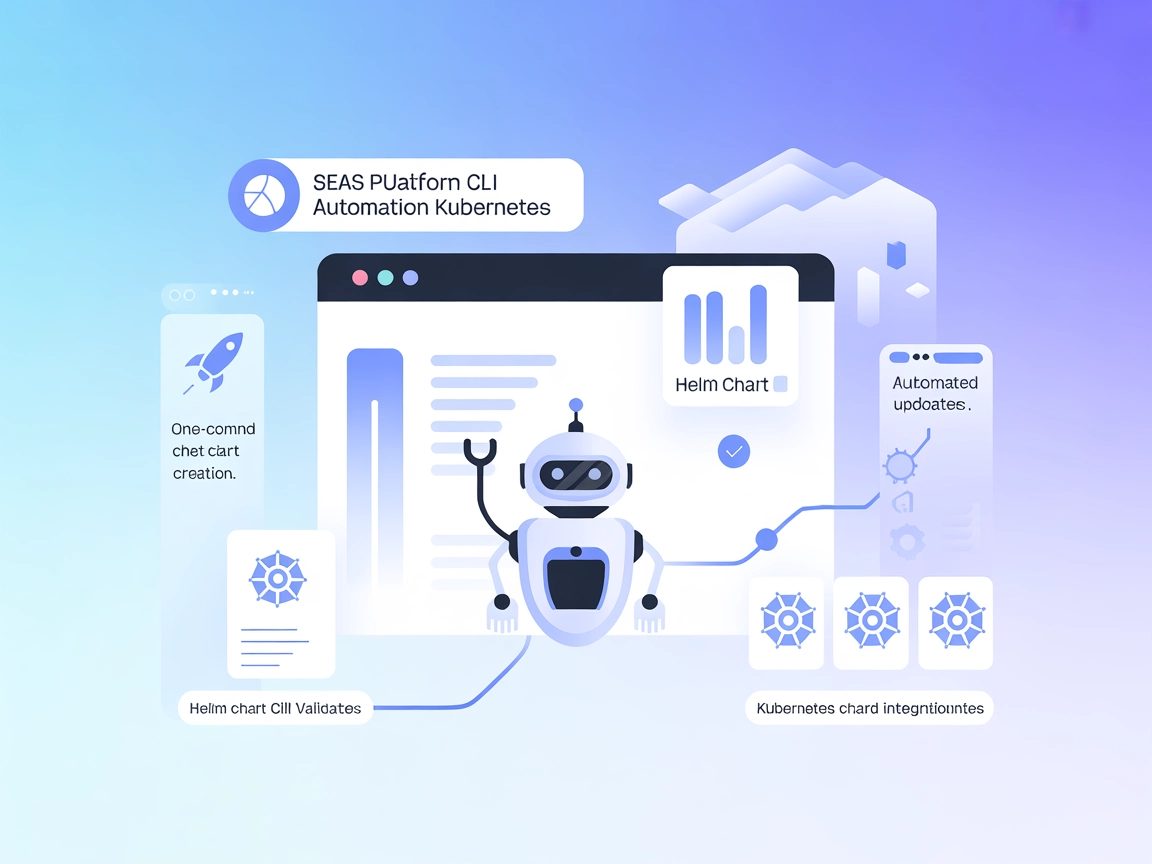
Helm Chart CLI
Integrate FlowHunt with Helm Chart CLI to automate chart creation, updates, validation, and security scanning for Kubernetes workflows. Boost productivity and e...
3 min read
AI
Helm
+5

Connect AI agents to the Helm package manager for Kubernetes and automate chart creation, validation, and repository management via natural language.
Helm Chart CLI MCP Server provides a bridge between AI assistants and the Helm package manager for Kubernetes. This MCP server enables AI assistants to interact with Helm using natural language requests, automating common Helm workflows such as installing charts, managing repositories, and executing various Helm commands. By exposing Helm’s capabilities through the Model Context Protocol, it empowers developers and operations teams to query, manage, and control Kubernetes application deployments more efficiently. The server enhances development workflows by allowing tasks like chart creation, chart linting, repository management, and autocompletion of commands to be performed programmatically or through AI-driven interactions.
No prompt templates were mentioned in the available documentation or codebase.

Start your free trial today and see results within days.
No explicit MCP resources were described in the available documentation or codebase.
Get latest tips, trends, and deals for free.
git clone https://github.com/modelcontextprotocol/servers.git
cd src/helm
uv venv
source .venv/Scripts/Activate.ps1
uv pip install -e .
mcp-server-helm
{
  "mcpServers": {
    "helm-chart-cli": {
      "command": "mcp-server-helm",
      "args": []
    }
  }
}
{
  "mcpServers": {
    "helm-chart-cli": {
      "command": "mcp-server-helm",
      "args": [],
      "env": {
        "API_KEY": "${HELM_MCP_API_KEY}"
      },
      "inputs": {
        "api_key": "${HELM_MCP_API_KEY}"
      }
    }
  }
}
{
  "mcpServers": {
    "helm-chart-cli": {
      "command": "mcp-server-helm",
      "args": []
    }
  }
}
{
  "mcpServers": {
    "helm-chart-cli": {
      "command": "mcp-server-helm",
      "args": []
    }
  }
}
{
  "mcpServers": {
    "helm-chart-cli": {
      "command": "mcp-server-helm",
      "args": []
    }
  }
}
Using MCP in FlowHunt
To integrate MCP servers into your FlowHunt workflow, start by adding the MCP component to your flow and connecting it to your AI agent:

Click on the MCP component to open the configuration panel. In the system MCP configuration section, insert your MCP server details using this JSON format:
{
  "helm-chart-cli": {
    "transport": "streamable_http",
    "url": "https://yourmcpserver.example/pathtothemcp/url"
  }
}
Once configured, the AI agent is now able to use this MCP as a tool with access to all its functions and capabilities. Remember to change “helm-chart-cli” to whatever the actual name of your MCP server is and replace the URL with your own MCP server URL.
| Section | Availability | Details/Notes |
|---|---|---|
| Overview | ✅ | Overview and purpose described in README.md |
| List of Prompts | ⛔ | No prompt templates found |
| List of Resources | ⛔ | No explicit resources listed |
| List of Tools | ✅ | helm_completion, helm_create, helm_lint (from README.md) |
| Securing API Keys | ✅ | Example provided in setup section |
| Sampling Support (less important in evaluation) | ⛔ | Not mentioned |
Based on the above, Helm Chart CLI MCP Server provides solid tool support and clear setup instructions, but lacks explicit resource and prompt lists, as well as documentation on Roots or sampling. The documentation is practical and focused, making it a good fit for technical users.
| Has a LICENSE | ✅ (MIT) |
|---|---|
| Has at least one tool | ✅ |
| Number of Forks | 2 |
| Number of Stars | 6 |
Rating:
This MCP server implementation is practical and well-documented for tool exposure and setup, but is missing full MCP resource/prompt primitives and advanced features documentation. It would rate a 6/10—solid for practical use, but not as feature-complete as the best examples.
Empower your AI agents to manage Helm charts and Kubernetes deployments with ease. Integrate the Helm Chart CLI MCP Server into FlowHunt for advanced automation and productivity.
Integrate FlowHunt with Helm Chart CLI to automate chart creation, updates, validation, and security scanning for Kubernetes workflows. Boost productivity and e...
The Kubernetes MCP Server bridges AI assistants and Kubernetes clusters, enabling AI-driven automation, resource management, and DevOps workflows through standa...
The Kubernetes MCP Server bridges AI assistants and Kubernetes/OpenShift clusters, enabling programmatic resource management, pod operations, and DevOps automat...
Cookie Consent
We use cookies to enhance your browsing experience and analyze our traffic. See our privacy policy.