


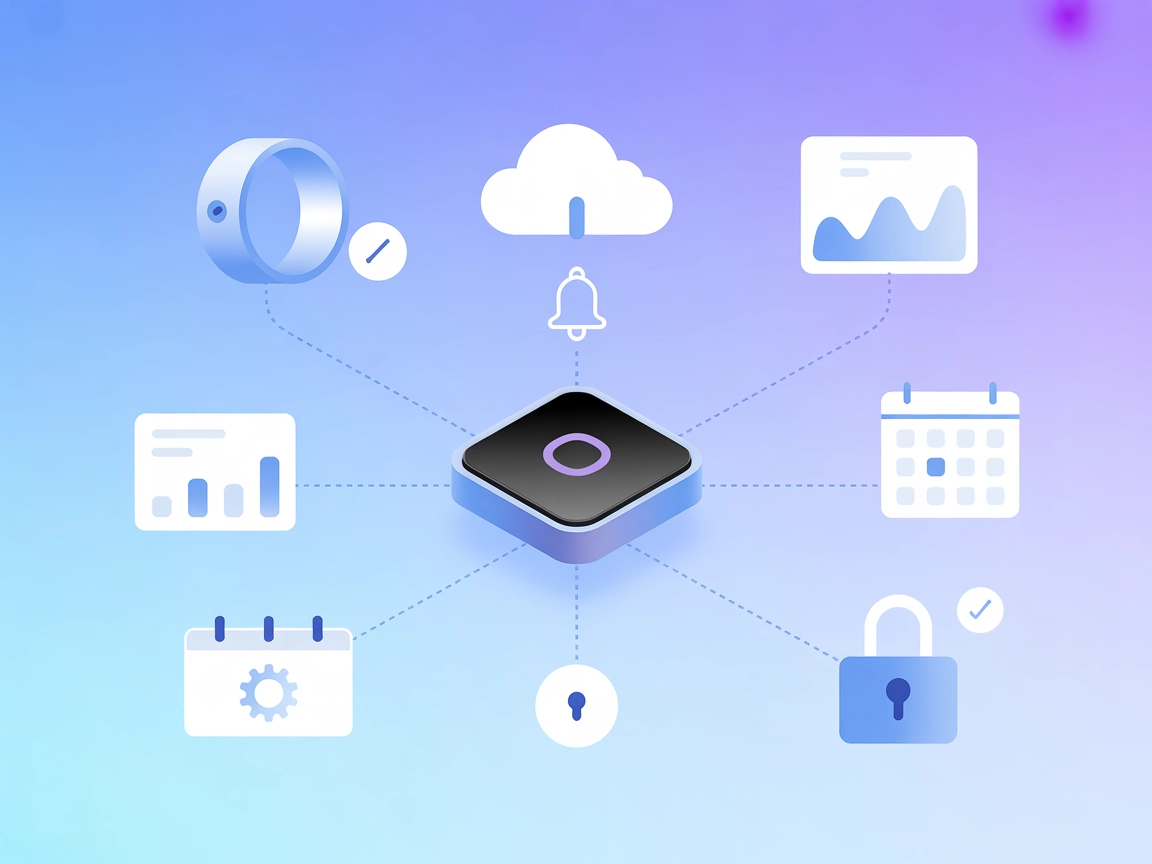
Oura MCP Integration
Integrate FlowHunt with the Oura Ring MCP server for seamless health data automation, real-time analytics, and actionable wellness insights within your workflow...
3 min read
AI
Oura
+3

Connect your Oura Ring to FlowHunt and unlock actionable health insights with the Oura MCP Server—enabling AI-driven analysis and interactive visualizations for sleep, readiness, activity, and more.
The Oura MCP Server enables AI assistants to securely access, analyze, and visualize health data collected from your Oura Ring through the Model Controller Protocol (MCP). Acting as a bridge between Oura’s API and AI clients, it provides developers and users with structured access to health metrics such as sleep, readiness, activity, and more. The server supports customizable queries, pre-defined prompt templates for common health analysis tasks, and automatic data visualization capabilities. By leveraging this MCP server, AI assistants can perform health trend analysis, generate reports, and surface insightful correlations—empowering developers to build richer, more informative health and wellness experiences.

Start your free trial today and see results within days.
No explicit list of tools in server.py or similar file is available in the provided repository contents.
Get latest tips, trends, and deals for free.
.env file as OURA_TOKEN=your_personal_access_token.{
"mcpServers": {
"oura": {
"command": "npx",
"args": ["@oura/mcp-server@latest"]
}
}
}
{
  "mcpServers": {
    "oura": {
      "command": "npx",
      "args": ["@oura/mcp-server@latest"],
      "env": {
        "OURA_TOKEN": "${OURA_TOKEN}"
      },
      "inputs": {
        "OURA_TOKEN": "your_personal_access_token"
      }
    }
  }
}
.env file with OURA_TOKEN.{
"mcpServers": {
"oura": {
"command": "npx",
"args": ["@oura/mcp-server@latest"]
}
}
}
{
  "mcpServers": {
    "oura": {
      "command": "npx",
      "args": ["@oura/mcp-server@latest"],
      "env": {
        "OURA_TOKEN": "${OURA_TOKEN}"
      }
    }
  }
}
.env.{
"mcpServers": {
"oura": {
"command": "npx",
"args": ["@oura/mcp-server@latest"]
}
}
}
{
  "mcpServers": {
    "oura": {
      "command": "npx",
      "args": ["@oura/mcp-server@latest"],
      "env": {
        "OURA_TOKEN": "${OURA_TOKEN}"
      }
    }
  }
}
.env file.{
"mcpServers": {
"oura": {
"command": "npx",
"args": ["@oura/mcp-server@latest"]
}
}
}
{
  "mcpServers": {
    "oura": {
      "command": "npx",
      "args": ["@oura/mcp-server@latest"],
      "env": {
        "OURA_TOKEN": "${OURA_TOKEN}"
      }
    }
  }
}
Using MCP in FlowHunt
To integrate MCP servers into your FlowHunt workflow, start by adding the MCP component to your flow and connecting it to your AI agent:

Click on the MCP component to open the configuration panel. In the system MCP configuration section, insert your MCP server details using this JSON format:
{
  "oura": {
    "transport": "streamable_http",
    "url": "https://yourmcpserver.example/pathtothemcp/url"
  }
}
Once configured, the AI agent is now able to use this MCP as a tool with access to all its functions and capabilities. Remember to change “oura” to whatever the actual name of your MCP server is and replace the URL with your own MCP server URL.
| Section | Availability | Details/Notes |
|---|---|---|
| Overview | ✅ | Overview and features available in README.md |
| List of Prompts | ✅ | Provided as “Example Prompts” in README.md |
| List of Resources | ✅ | Sleep, readiness, activity, HRV documented in features |
| List of Tools | ⛔ | No explicit tools listed in repo or server.py |
| Securing API Keys | ✅ | Described with .env and JSON env examples |
| Sampling Support (less important in evaluation) | ⛔ | No evidence found |
Based on the above, the Oura MCP Server covers most required MCP primitives and setup details. However, the absence of explicit tool definitions and sampling/root support documentation limits its completeness as a general-purpose MCP implementation. Still, it offers strong health/tracking features for Oura users.
| Has a LICENSE | ⛔ |
|---|---|
| Has at least one tool | ⛔ |
| Number of Forks | 0 |
| Number of Stars | 7 |
Our rating: 5/10.
While the server provides good documentation, prompt templates, resource exposure, and setup guidance, it is missing open-source licensing, explicit tools, and sampling/root support, which are important for a well-rounded MCP server. It is suitable for personal health data analysis but not a general MCP showcase.
Seamlessly integrate Oura health data into your AI flows. Analyze, visualize, and gain deeper insights—all within FlowHunt.
Integrate FlowHunt with the Oura Ring MCP server for seamless health data automation, real-time analytics, and actionable wellness insights within your workflow...

The Fitbit MCP Server enables AI assistants and developers to access, analyze, and automate workflows using Fitbit health and fitness data. Seamlessly connect F...

The Strava MCP Server bridges large language models (LLMs) with the Strava API, enabling AI assistants to securely access, analyze, and interact with fitness da...
Cookie Consent
We use cookies to enhance your browsing experience and analyze our traffic. See our privacy policy.