


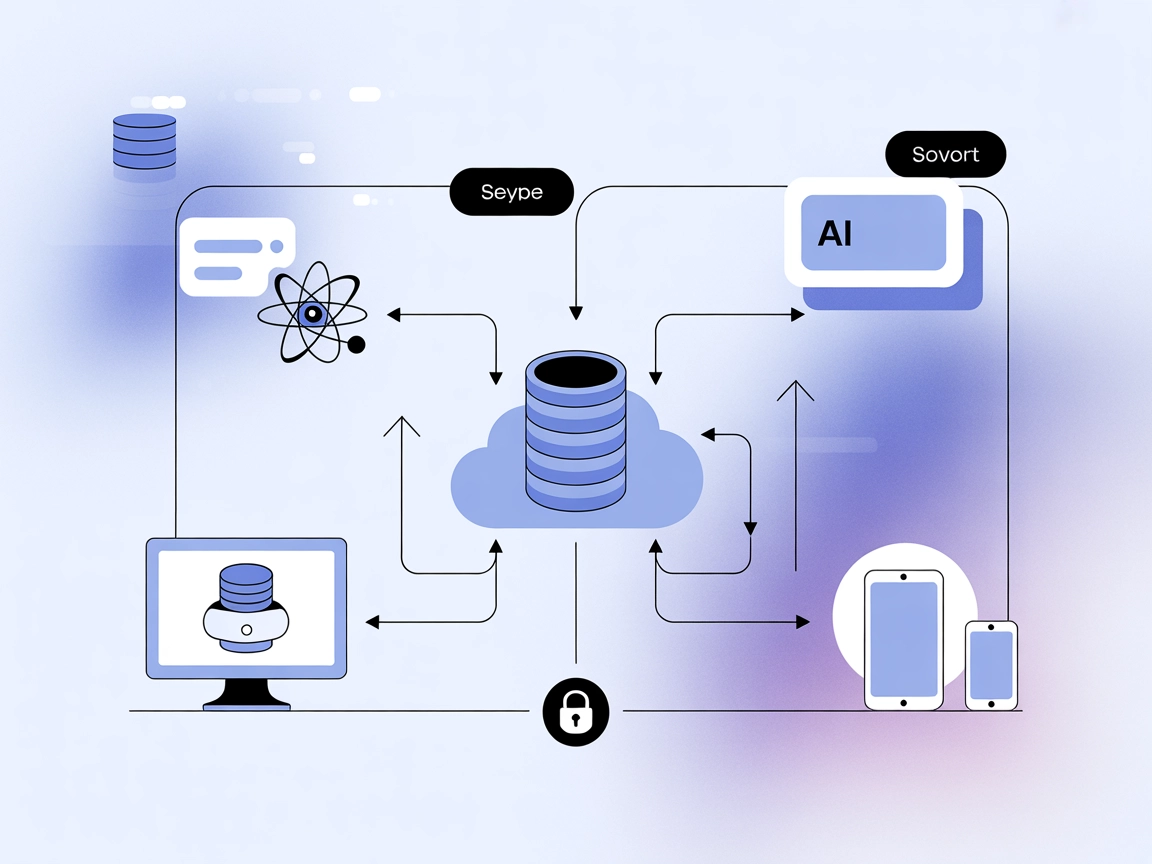
Kintone
Integrate FlowHunt with Kintone to automate data management, retrieve and update information using AI-powered workflows, and boost productivity with seamless MC...
4 min read
AI
Kintone
+2

Bridge your AI workflows with kintone using the kintone MCP Server—enabling data access, automation, and reporting from within FlowHunt and other AI tools.
The kintone MCP Server is a Model Context Protocol (MCP) server designed for seamless integration between AI assistants and the kintone platform. It enables AI tools—such as Claude Desktop—to explore, query, and manipulate data within kintone applications. By acting as a bridge, the server empowers developers and end-users to automate workflows, manage records, and interact with kintone databases directly through AI-driven prompts. This integration simplifies tasks like retrieving project statuses, updating records, and generating reports, significantly enhancing development and operational workflows by making kintone’s capabilities accessible via natural language and AI agents.
No explicit prompt templates are documented in the repository.

Start your free trial today and see results within days.
No explicit resources are documented in the repository.
No explicit tools are listed in the public documentation or in the available files.
Get latest tips, trends, and deals for free.
Project Status Tracking
AI agents can retrieve the latest status updates for specific projects, helping teams stay informed without manually browsing kintone dashboards.
Automated Record Updates
Users can instruct the AI to update fields—such as project progress—across multiple kintone records, streamlining data entry and minimizing errors.
Contextual Data Exploration
The AI can access and summarize information from various kintone apps, making it easier for users to get overviews or specific insights.
Reporting and Data Extraction
AI-driven queries allow for pulling and formatting data from kintone into reports, facilitating quicker decision-making.
No specific instructions or configuration details for Windsurf are provided in the repository.
claude_desktop_config.json:~/Library/Application Support/Claude/claude_desktop_config.json%APPDATA%\Claude\claude_desktop_config.jsonmcpServers section:{
"mcpServers": {
"kintone": {
"command": "C:\\path\\to\\mcp-server-kintone.exe",
"env": {
"KINTONE_BASE_URL": "https://<domain>.cybozu.com",
"KINTONE_USERNAME": "<your username>",
"KINTONE_PASSWORD": "<your password>",
"KINTONE_API_TOKEN": "<your api token>, <another api token>, ...",
"KINTONE_ALLOW_APPS": "1, 2, 3, ...",
"KINTONE_DENY_APPS": "4, 5, ..."
}
}
}
}
Use the env object to securely store sensitive information:
{
  "mcpServers": {
    "kintone": {
      "command": "C:\\path\\to\\mcp-server-kintone.exe",
      "env": {
        "KINTONE_API_TOKEN": "<your api token>"
      }
    }
  }
}
No specific instructions or configuration details for Cursor are provided in the repository.
No specific instructions or configuration details for Cline are provided in the repository.
Using MCP in FlowHunt
To integrate MCP servers into your FlowHunt workflow, start by adding the MCP component to your flow and connecting it to your AI agent:

Click on the MCP component to open the configuration panel. In the system MCP configuration section, insert your MCP server details using this JSON format:
{
  "kintone": {
    "transport": "streamable_http",
    "url": "https://yourmcpserver.example/pathtothemcp/url"
  }
}
Once configured, the AI agent is now able to use this MCP as a tool with access to all its functions and capabilities. Remember to change “kintone” to whatever the actual name of your MCP server is and replace the URL with your own MCP server URL.
| Section | Availability | Details/Notes |
|---|---|---|
| Overview | ✅ | kintone MCP Server bridges AI tools with kintone for data access and manipulation. |
| List of Prompts | ⛔ | None documented. |
| List of Resources | ⛔ | None documented. |
| List of Tools | ⛔ | None documented. |
| Securing API Keys | ✅ | Uses env in configuration JSON. |
| Sampling Support (less important in evaluation) | ⛔ | Not mentioned. |
The kintone MCP Server provides clear integration for Claude Desktop, with strong credential management. However, it lacks documentation on prompts, resources, and tool specifics, making it less accessible for advanced use or for integration with other platforms. Its documentation is functional but limited in technical depth for developers. Based on the above, we rate this MCP server a 4/10 for completeness and developer usability.
| Has a LICENSE | ✅ MIT |
|---|---|
| Has at least one tool | ⛔ |
| Number of Forks | 2 |
| Number of Stars | 11 |
Empower your AI agents to automate, explore, and manage kintone data with the kintone MCP Server. Start building intelligent flows today.
Integrate FlowHunt with Kintone to automate data management, retrieve and update information using AI-powered workflows, and boost productivity with seamless MC...
The ModelContextProtocol (MCP) Server acts as a bridge between AI agents and external data sources, APIs, and services, enabling FlowHunt users to build context...
Integrate ClickUp project management with AI assistants using the ClickUp MCP Server. This bridge enables AI agents to access and automate tasks, projects, and ...
Cookie Consent
We use cookies to enhance your browsing experience and analyze our traffic. See our privacy policy.