


Containerd
Integrate FlowHunt with Containerd using the MCP server powered by the RMCP library. Automate container lifecycle management, image operations, and CRI tasks wi...
3 min read
AI
Containerd
+6
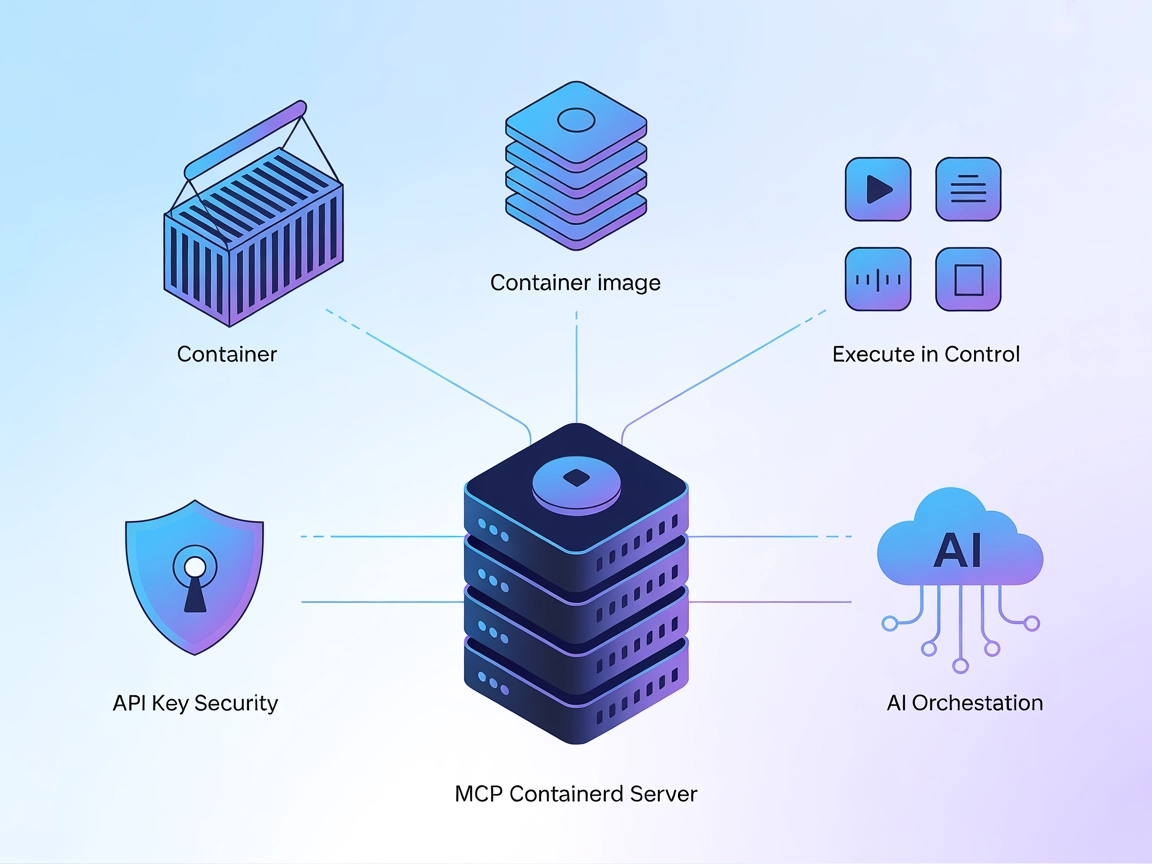
Enable automated and AI-assisted container lifecycle and image management by connecting Containerd to FlowHunt and other MCP-compatible agents with the MCP Containerd server.
The MCP Containerd server is an implementation of the Model Context Protocol (MCP) designed to interface directly with Containerd’s CRI (Container Runtime Interface) using the Rust RMCP library. It allows AI assistants and clients to manage container workloads programmatically, enabling actions such as creating, starting, stopping, and deleting containers or pods, as well as interacting with container images. By exposing Containerd’s runtime and image services via standardized MCP endpoints, MCP Containerd empowers AI-driven workflows to automate container lifecycle management, perform image operations, and query status—all while integrating seamlessly with LLMs and AI agents. This enhances development and operations workflows by making complex container management accessible through structured, automated, and AI-assisted interactions.
No prompt templates are mentioned in the repository.

Start your free trial today and see results within days.
No explicit MCP resources are described in the repository.
Get latest tips, trends, and deals for free.
cargo build --releasecargo run --release"mcpServers": {
"containerd-mcp": {
"command": "cargo",
"args": ["run", "--release"]
}
}
cargo build --release"mcpServers": {
"containerd-mcp": {
"command": "cargo",
"args": ["run", "--release"]
}
}
cargo build --releasecargo run --release"mcpServers": {
"containerd-mcp": {
"command": "cargo",
"args": ["run", "--release"]
}
}
"mcpServers": {
  "containerd-mcp": {
    "command": "cargo",
    "args": ["run", "--release"]
  }
}
If your setup requires secrets (e.g., for future authentication), use environment variables:
"mcpServers": {
  "containerd-mcp": {
    "command": "cargo",
    "args": ["run", "--release"],
    "env": {
      "CONTAINERD_API_KEY": "${CONTAINERD_API_KEY}"
    },
    "inputs": {
      "api_key": "${CONTAINERD_API_KEY}"
    }
  }
}
Using MCP in FlowHunt
To integrate MCP servers into your FlowHunt workflow, start by adding the MCP component to your flow and connecting it to your AI agent:

Click on the MCP component to open the configuration panel. In the system MCP configuration section, insert your MCP server details using this JSON format:
{
  "containerd-mcp": {
    "transport": "streamable_http",
    "url": "https://yourmcpserver.example/pathtothemcp/url"
  }
}
Once configured, the AI agent is now able to use this MCP as a tool with access to all its functions and capabilities. Remember to change “containerd-mcp” to whatever the actual name of your MCP server is and replace the URL with your own MCP server URL.
| Section | Availability | Details/Notes |
|---|---|---|
| Overview | ✅ | Explains containerd management via MCP/RMCP |
| List of Prompts | ⛔ | No prompt templates found |
| List of Resources | ⛔ | No explicit resources listed |
| List of Tools | ✅ | version, runtime, image services covering container lifecycle and image ops |
| Securing API Keys | ✅ | Example provided for env variable usage |
| Sampling Support (less important in evaluation) | ⛔ | Not mentioned |
Short evaluation:
MCP Containerd offers a clear bridge between Containerd and MCP, with robust tool coverage for container/image management. However, the absence of prompt templates and explicit resources reduces its out-of-the-box flexibility. It’s well-suited for DevOps automation and AI-driven workflows, but documentation and resource support could be improved.
| Has a LICENSE | Apache-2.0 |
|---|---|
| Has at least one tool | Yes |
| Number of Forks | 3 |
| Number of Stars | 34 |
Overall rating: 6/10. The MCP Containerd server provides strong core functionality for container management via MCP, but lacks prompt templates, explicit resource definitions, and comprehensive configuration documentation that would make it easier to adopt and extend.
Streamline your DevOps and AI workflows by integrating MCP Containerd with FlowHunt for seamless container and image operations.
Integrate FlowHunt with Containerd using the MCP server powered by the RMCP library. Automate container lifecycle management, image operations, and CRI tasks wi...
The mcp-server-docker MCP Server enables AI assistants to manage Docker containers through natural language. Integrate this MCP with FlowHunt and other clients ...
The Kubernetes MCP Server bridges AI assistants and Kubernetes/OpenShift clusters, enabling programmatic resource management, pod operations, and DevOps automat...
Cookie Consent
We use cookies to enhance your browsing experience and analyze our traffic. See our privacy policy.