


Docker
Integrate FlowHunt with Docker MCP Server to enable AI-powered container orchestration, seamless resource management, and secure operations using natural langua...
4 min read
AI
Docker
+3
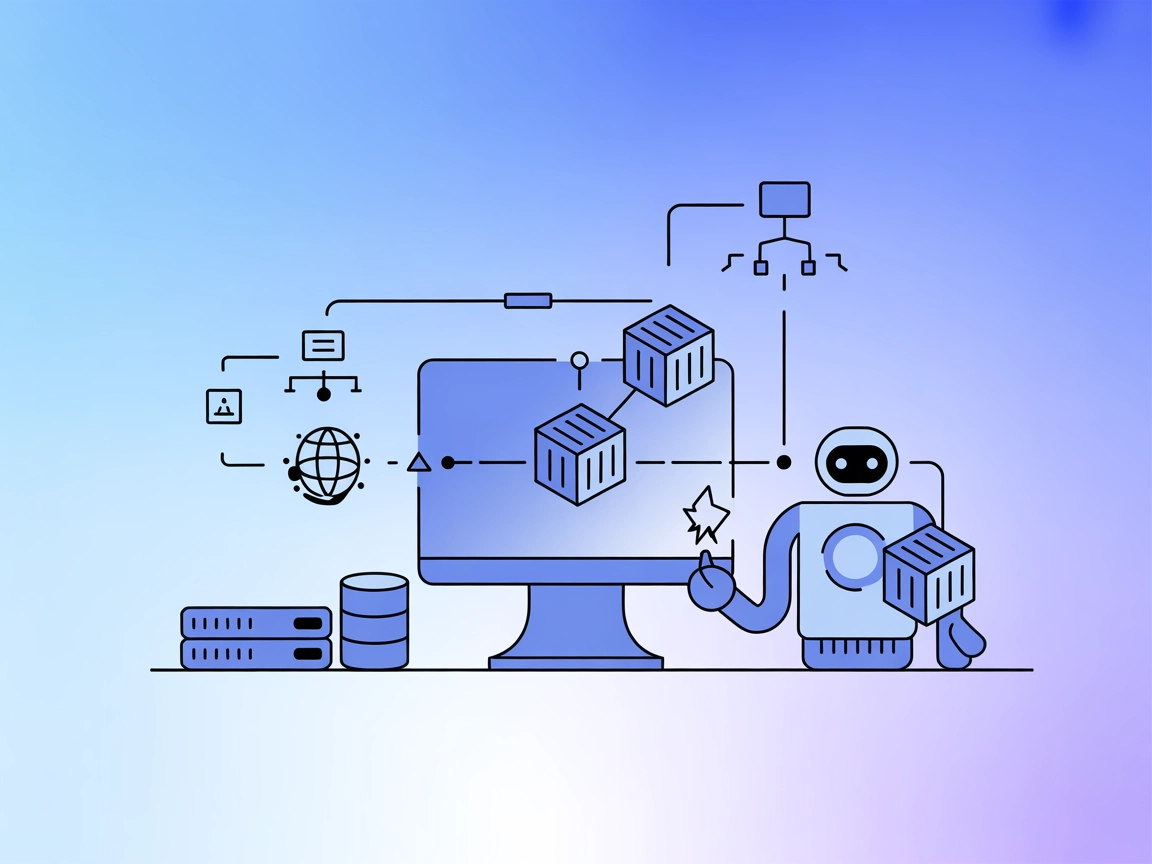
Empower your AI agents to orchestrate, inspect, and manage Docker containers naturally using the mcp-server-docker MCP Server.
The mcp-server-docker MCP Server is a specialized Model Context Protocol (MCP) server designed to provide AI assistants with the ability to manage Docker containers seamlessly via natural language. By connecting AI agents to Docker, it enables automated container orchestration, introspection, debugging, and persistent data management, all through standardized MCP interfaces. This server empowers developers, system administrators, and AI enthusiasts to interact with Docker environments—locally or remotely—simplifying workflows such as spinning up new services, managing running containers, and handling Docker volumes. The integration of MCP with Docker enhances productivity, reduces manual intervention, and opens up new avenues for AI-driven development and operations.

Start your free trial today and see results within days.
Get latest tips, trends, and deals for free.
mcpServers object:"mcpServers": {
"mcp-server-docker": {
"command": "uvx",
"args": [
"mcp-server-docker"
]
}
}
~/Library/Application Support/Claude/claude_desktop_config.json.%APPDATA%/Claude/claude_desktop_config.json.mcpServers section:"mcpServers": {
"mcp-server-docker": {
"command": "uvx",
"args": [
"mcp-server-docker"
]
}
}
mcpServers object:"mcpServers": {
"mcp-server-docker": {
"command": "uvx",
"args": [
"mcp-server-docker"
]
}
}
"mcpServers": {
  "mcp-server-docker": {
    "command": "uvx",
    "args": [
      "mcp-server-docker"
    ]
  }
}
To secure API keys, use environment variables in your configuration. Example:
"mcpServers": {
  "mcp-server-docker": {
    "command": "uvx",
    "args": [
      "mcp-server-docker"
    ],
    "env": {
      "DOCKER_HOST": "${DOCKER_HOST_ENV_VAR}"
    },
    "inputs": {
      "api_key": "${DOCKER_API_KEY_ENV_VAR}"
    }
  }
}
Using MCP in FlowHunt
To integrate MCP servers into your FlowHunt workflow, start by adding the MCP component to your flow and connecting it to your AI agent:

Click on the MCP component to open the configuration panel. In the system MCP configuration section, insert your MCP server details using this JSON format:
{
  "mcp-server-docker": {
    "transport": "streamable_http",
    "url": "https://yourmcpserver.example/pathtothemcp/url"
  }
}
Once configured, the AI agent is now able to use this MCP as a tool with access to all its functions and capabilities. Remember to change “mcp-server-docker” to your actual MCP server name and replace the URL with your own MCP server endpoint.
| Section | Availability | Details/Notes |
|---|---|---|
| Overview | ✅ | Description and key features found in README.md |
| List of Prompts | ✅ | docker_compose prompt described in README.md |
| List of Resources | ✅ | Containers, Volumes, Networks referenced as data types and management targets |
| List of Tools | ✅ | docker_compose, container introspection, volume management (from capabilities) |
| Securing API Keys | ✅ | Example provided for environment variable usage in config |
| Sampling Support (less important in evaluation) | ⛔ | Not mentioned in repository or documentation |
The mcp-server-docker MCP provides clear documentation, practical prompt workflows, and robust Docker integration. Its focus on natural language orchestration and introspection makes it especially valuable for developers and AI-powered operations. However, details on advanced MCP features such as Roots and Sampling are not present. Overall, it’s a mature, highly usable MCP server for Docker automation.
| Has a LICENSE | ✅ (GPL-3.0) |
|---|---|
| Has at least one tool | ✅ |
| Number of Forks | 54 |
| Number of Stars | 490 |
Streamline container orchestration, debugging, and DevOps workflows by connecting FlowHunt or your favorite AI assistant to Docker using the mcp-server-docker MCP Server.
Integrate FlowHunt with Docker MCP Server to enable AI-powered container orchestration, seamless resource management, and secure operations using natural langua...
The MCP Containerd server bridges Containerd's runtime with the Model Context Protocol (MCP), enabling AI agents and automation workflows to manage containers, ...
The Kubernetes MCP Server bridges AI assistants and Kubernetes/OpenShift clusters, enabling programmatic resource management, pod operations, and DevOps automat...
Cookie Consent
We use cookies to enhance your browsing experience and analyze our traffic. See our privacy policy.