


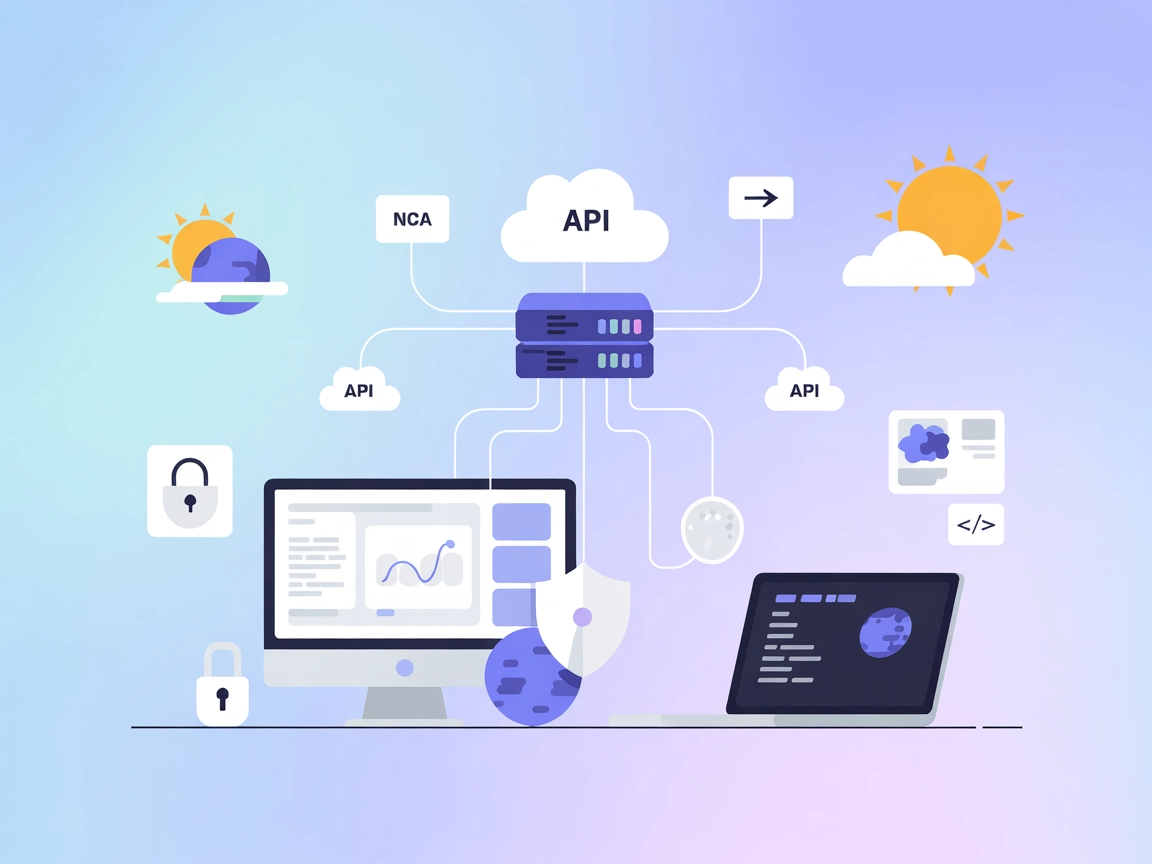
NASA MCP Server
Integrate FlowHunt with NASA MCP Server to unify access to 20+ NASA APIs, enabling AI-driven research, analytics, and space exploration solutions with standardi...
4 min read
AI
NASA
+5
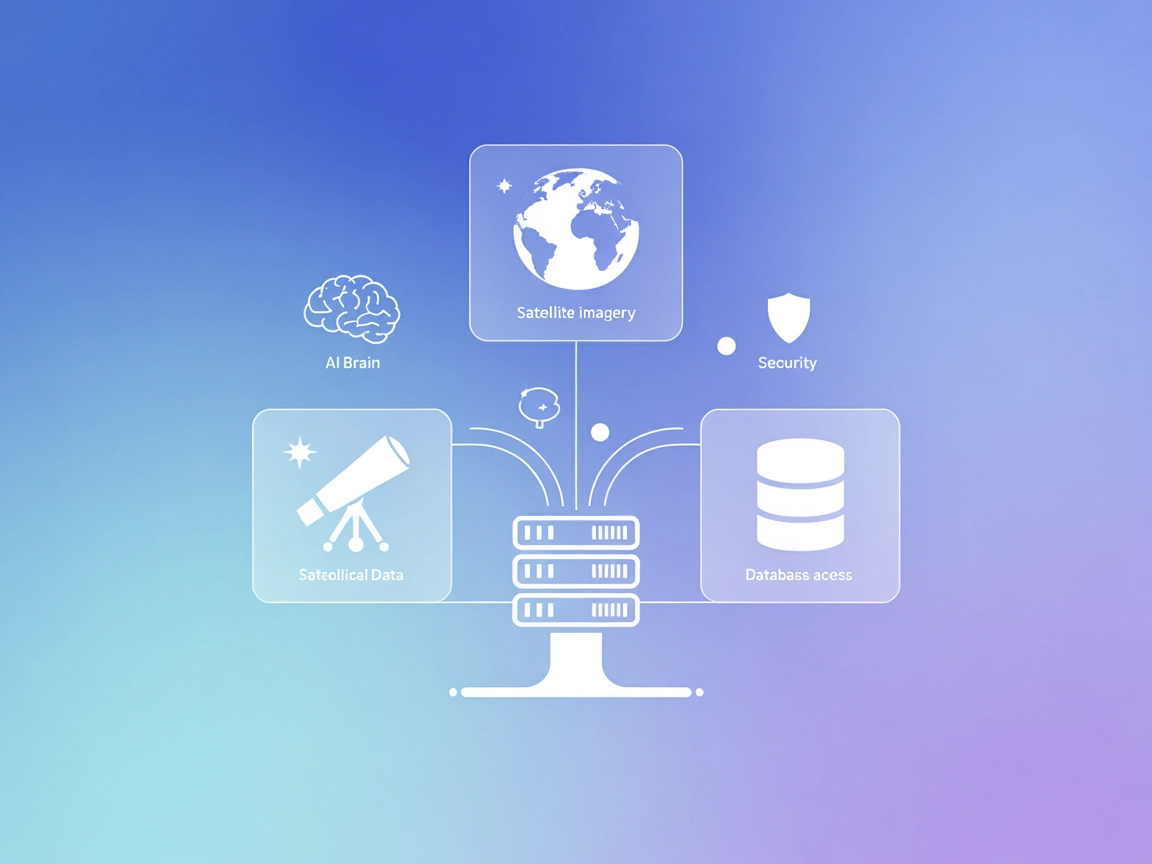
Connect your AI workflows to NASA’s open data with the NASA MCP Server, delivering streamlined, standardized access to scientific imagery and datasets for research, teaching, and app development.
The NASA MCP Server is a Model Context Protocol (MCP) server that provides a standardized interface for AI models to interact with NASA’s vast array of data sources. By connecting to over 20 NASA data sources through a single, consistent interface, AI assistants and developers can easily retrieve, process, and manage NASA data without needing to handle the complexities of multiple APIs. The server offers standardized data formats optimized for AI consumption, automatic parameter validation, rate limit management, and support for various imagery formats. This powerful tool enables AI agents to perform tasks such as querying astronomical data, accessing Earth imagery, managing scientific datasets, and more, thereby enhancing developer workflows for research, education, and exploration.
No information about reusable prompt templates is available in the repository.

Start your free trial today and see results within days.
No explicit tool definitions found in the available files (such as server.py or similar). The server’s tools are likely the API endpoints to NASA resources, such as fetching APOD or EPIC data, but no formal tool primitives are documented.
Get latest tips, trends, and deals for free.
No setup instructions found for Windsurf.
No setup instructions found for Claude.
mcp.json file in your Cursor configuration directory.{
"mcpServers": {
"nasa-mcp": {
"command": "npx",
"args": ["-y", "@programcomputer/nasa-mcp-server@latest"],
"env": {
  "NASA_API_KEY": "your-api-key"
}
}
}
}
Use environment variables in your configuration:
"env": {
"NASA_API_KEY": "your-api-key"
}
Replace "your-api-key" with your actual NASA API key.
No setup instructions found for Cline.
Using MCP in FlowHunt
To integrate MCP servers into your FlowHunt workflow, start by adding the MCP component to your flow and connecting it to your AI agent:

Click on the MCP component to open the configuration panel. In the system MCP configuration section, insert your MCP server details using this JSON format:
{
  "nasa-mcp": {
    "transport": "streamable_http",
    "url": "https://yourmcpserver.example/pathtothemcp/url"
  }
}
Once configured, the AI agent is now able to use this MCP as a tool with access to all its functions and capabilities. Remember to change “nasa-mcp” to whatever the actual name of your MCP server is and replace the URL with your own MCP server URL.
| Section | Availability | Details/Notes |
|---|---|---|
| Overview | ✅ | Clear overview provided in README.md |
| List of Prompts | ⛔ | No prompt templates documented |
| List of Resources | ✅ | APOD, EPIC, NASA Open API |
| List of Tools | ⛔ | No explicit tool primitives documented |
| Securing API Keys | ✅ | Supported via environment variables in config |
| Sampling Support (less important in evaluation) | ⛔ | No mention of sampling support |
The NASA MCP Server offers a solid bridge between AI agents and NASA’s open data, with clear setup for Cursor and good documentation of its features and resources. However, it lacks detailed documentation on prompt templates and formal tool primitives, and doesn’t mention advanced MCP features like roots or sampling. For developers interested in NASA data, it provides value, but would benefit from expanded MCP-native documentation and multi-platform instructions.
| Has a LICENSE | ✅ ISC License |
|---|---|
| Has at least one tool | ⛔ |
| Number of Forks | 8 |
| Number of Stars | 57 |
Overall rating: 6/10 — Great for NASA data and easy Cursor setup, but missing MCP advanced features and clear tool definitions.
Leverage the NASA MCP Server to supercharge your AI agents and applications with real-time access to NASA’s rich repositories of astronomical and Earth science data.
Integrate FlowHunt with NASA MCP Server to unify access to 20+ NASA APIs, enabling AI-driven research, analytics, and space exploration solutions with standardi...
The Apollo MCP Server bridges AI assistants with GraphQL APIs, exposing GraphQL operations as MCP tools. It enhances developer workflows by enabling AI-driven q...
MCP GraphQL is a Model Context Protocol (MCP) server that standardizes access to GraphQL APIs, dynamically exposing each query as a tool for AI assistants and d...
Cookie Consent
We use cookies to enhance your browsing experience and analyze our traffic. See our privacy policy.