


Neon MCP Server
Integrate FlowHunt with the Neon MCP Server to manage your Neon Postgres databases through natural language. Empower users to automate projects, branches, migra...
5 min read
AI
Neon
+4
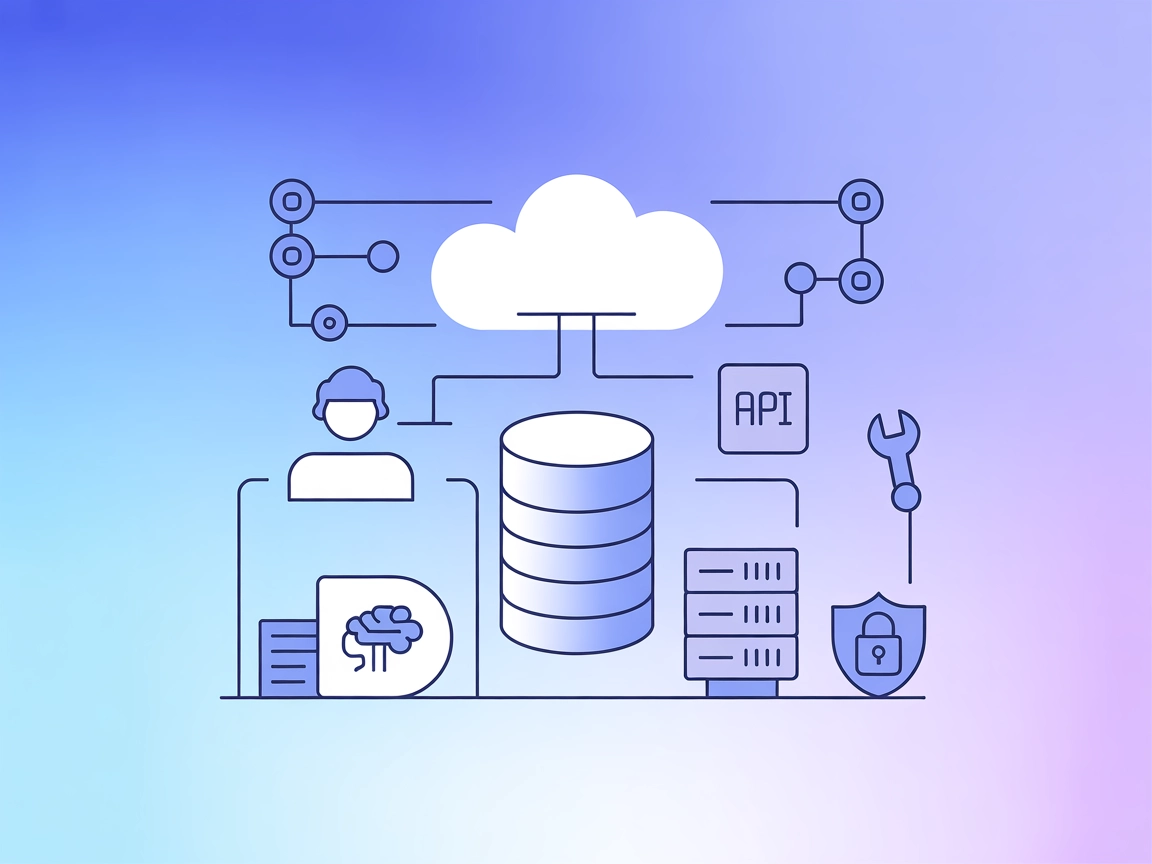
Neon MCP Server enables AI agents to securely manage and automate Neon Postgres databases, bridging the gap between LLM-powered workflows and production-grade cloud data systems.
The Neon MCP Server is a tool designed to facilitate seamless interaction between AI assistants and the Neon Management API, as well as Neon-hosted databases. By acting as an interface layer, it allows AI-driven workflows to securely perform database management tasks, query databases, and manage infrastructure through Neon’s robust API. This enables developers and AI assistants to automate and streamline common operations such as creating, scaling, or administering cloud Postgres instances. Through this integration, development workflows become more efficient, as AI agents can leverage live database context and perform real-time modifications or queries, ultimately bridging the gap between LLMs and production-grade data systems.
No information on prompt templates was found in the repository.

Start your free trial today and see results within days.
No explicit list of MCP resources was found in the repository.
No explicit list of tools was found in the top-level files or directory listing. The code in server.py or equivalent was not visible from the available files.
Get latest tips, trends, and deals for free.
mcpServers object.{
"mcpServers": {
"neon": {
"command": "npx",
"args": ["@neon/mcp-server@latest"]
}
}
}
Securing API Keys Example:
{
  "mcpServers": {
    "neon": {
      "command": "npx",
      "args": ["@neon/mcp-server@latest"],
      "env": {
        "NEON_API_KEY": "${NEON_API_KEY}"
      },
      "inputs": {
        "apiKey": "${NEON_API_KEY}"
      }
    }
  }
}
mcpServers section.{
"mcpServers": {
"neon": {
"command": "npx",
"args": ["@neon/mcp-server@latest"]
}
}
}
Use the same environment variable pattern as above for securing API keys.
mcpServers array/object.{
"mcpServers": {
"neon": {
"command": "npx",
"args": ["@neon/mcp-server@latest"]
}
}
}
Example for environment variables as above.
mcpServers.{
"mcpServers": {
"neon": {
"command": "npx",
"args": ["@neon/mcp-server@latest"]
}
}
}
Environment variables and API key configuration as shown above.
Using MCP in FlowHunt
To integrate MCP servers into your FlowHunt workflow, start by adding the MCP component to your flow and connecting it to your AI agent:

Click on the MCP component to open the configuration panel. In the system MCP configuration section, insert your MCP server details using this JSON format:
{
  "neon": {
    "transport": "streamable_http",
    "url": "https://yourmcpserver.example/pathtothemcp/url"
  }
}
Once configured, the AI agent is now able to use this MCP as a tool with access to all its functions and capabilities. Remember to change “neon” to whatever the actual name of your MCP server is and replace the URL with your own MCP server URL.
| Section | Availability | Details/Notes |
|---|---|---|
| Overview | ✅ | From README/description |
| List of Prompts | ⛔ | Not documented |
| List of Resources | ⛔ | Not documented |
| List of Tools | ⛔ | Not documented |
| Securing API Keys | ✅ | Example provided |
| Sampling Support (less important in evaluation) | ⛔ | Not documented |
Between the available documentation and the open-source indicators, the Neon MCP Server provides a solid starting point for AI-to-database workflows, but lacks detailed public documentation on prompts, tools, and resources. For a production AI integration, further investigation or direct repo exploration would be needed.
Overall, the Neon MCP Server is promising for AI-driven database management but would benefit from more comprehensive documentation about its internal MCP primitives (tools, resources, prompts). For now, its strengths lie in its clear licensing, popularity, and practical value for Neon database automation.
| Has a LICENSE | ✅ (MIT) |
|---|---|
| Has at least one tool | ⛔ |
| Number of Forks | 51 |
| Number of Stars | 324 |
Integrate Neon MCP Server into your FlowHunt workflows to empower AI agents with real-time database management and infrastructure automation. Get started today!
Integrate FlowHunt with the Neon MCP Server to manage your Neon Postgres databases through natural language. Empower users to automate projects, branches, migra...

The MongoDB MCP Server enables seamless integration between AI assistants and MongoDB databases, allowing for direct database management, query automation, and ...
The Neo4j MCP Server bridges AI assistants with the Neo4j graph database, enabling secure, natural language-driven graph operations, Cypher queries, and automat...
Cookie Consent
We use cookies to enhance your browsing experience and analyze our traffic. See our privacy policy.