



Nodit MCP Server
Integrate FlowHunt with Nodit MCP Server to empower AI agents and applications with real-time, structured blockchain data across EVM and non-EVM networks. Autom...
4 min read
AI
Blockchain
+5
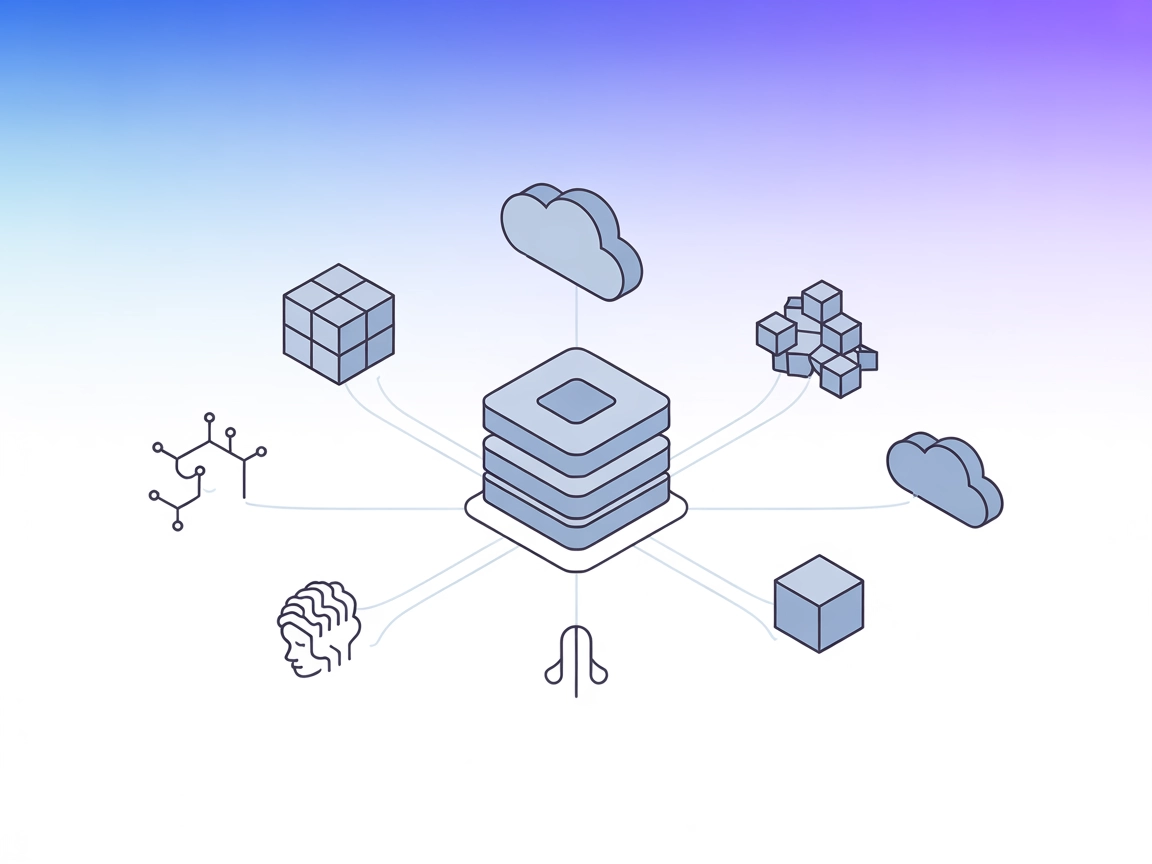
Connect your AI agents to live, context-aware blockchain data across multiple networks with the Nodit MCP Server for Web3 automation.
The Nodit MCP Server is a Model Context Protocol (MCP) server that connects AI agents and developers to structured, context-ready blockchain data across multiple networks via Nodit’s Web3 infrastructure. It enables large language models (LLMs) and AI tools to interact with blockchain data using Nodit’s Web3 Data and Node APIs, abstracting away blockchain-specific logic. By acting as a bridge, the Nodit MCP Server empowers AI assistants to access, analyze, and utilize multi-chain blockchain context for complex workflows, supporting tasks such as real-time data queries, transaction analysis, and chain monitoring. This integration streamlines blockchain development, research, and automation by making relevant blockchain insights readily accessible through standardized AI interfaces.
No prompt templates were found in the repository or documentation.

Start your free trial today and see results within days.
No MCP resources are explicitly listed in the repository or documentation.
No explicit tools are documented in the repository or in a server.py file. The repository structure and documentation do not provide a direct list or description of MCP tools.
Get latest tips, trends, and deals for free.
Blockchain Data Access
AI assistants can query structured blockchain data across multiple networks, enabling easy retrieval of transaction histories, balances, and smart contract information without writing chain-specific code.
Multi-Chain Monitoring
Developers can use AI to monitor multiple blockchains for specific events or anomalies, streamlining network analytics and incident detection.
Web3 Application Development
Integrate real-time blockchain context into decentralized app (dApp) workflows, accelerating development and testing by surfacing relevant on-chain data.
Automated Research and Reporting
AI agents can automate the aggregation and summarization of blockchain activity, aiding researchers and analysts in producing insights or compliance reports.
Blockchain Infrastructure Management
Simplifies managing node and data API interactions, allowing AI tools to automate infrastructure checks or perform routine maintenance queries.
windsurf.config.json).{
"mcpServers": {
"nodit-mcp": {
"command": "npx",
"args": ["@noditlabs/mcp-server@latest"]
}
}
}
Securing API Keys Example:
{
"mcpServers": {
"nodit-mcp": {
"command": "npx",
"args": ["@noditlabs/mcp-server@latest"],
"env": {
"NODIT_API_KEY": "${NODIT_API_KEY}"
},
"inputs": {
"api_key": "${NODIT_API_KEY}"
}
}
}
}
{
  "mcpServers": {
    "nodit-mcp": {
      "command": "npx",
      "args": ["@noditlabs/mcp-server@latest"]
    }
  }
}
{
  "mcpServers": {
    "nodit-mcp": {
      "command": "npx",
      "args": ["@noditlabs/mcp-server@latest"]
    }
  }
}
{
  "mcpServers": {
    "nodit-mcp": {
      "command": "npx",
      "args": ["@noditlabs/mcp-server@latest"]
    }
  }
}
Note:
Always secure API keys using environment variables. See the Windsurf example above for reference.
Using MCP in FlowHunt
To integrate MCP servers into your FlowHunt workflow, start by adding the MCP component to your flow and connecting it to your AI agent:

Click on the MCP component to open the configuration panel. In the system MCP configuration section, insert your MCP server details using this JSON format:
{
  "nodit-mcp": {
    "transport": "streamable_http",
    "url": "https://yourmcpserver.example/pathtothemcp/url"
  }
}
Once configured, the AI agent is now able to use this MCP as a tool with access to all its functions and capabilities. Remember to change “nodit-mcp” to whatever the actual name of your MCP server is and replace the URL with your own MCP server URL.
| Section | Availability | Details/Notes |
|---|---|---|
| Overview | ✅ | |
| List of Prompts | ⛔ | None found |
| List of Resources | ⛔ | None found |
| List of Tools | ⛔ | None found |
| Securing API Keys | ✅ | Example provided |
| Sampling Support (less important in evaluation) | ⛔ | Not mentioned |
The Nodit MCP Server provides a clear overview and setup instructions, but lacks detailed documentation on available prompts, resources, and tools. The presence of a license and basic usage guidance is a plus, but the absence of explicit MCP primitives makes it harder to evaluate its full capabilities. Overall, it is a good starting point for blockchain-AI integration, but would benefit from richer documentation and explicit feature listings.
| Has a LICENSE | ✅ |
|---|---|
| Has at least one tool | ⛔ |
| Number of Forks | 5 |
| Number of Stars | 9 |
Empower your AI agents with real-time blockchain context and automate multi-chain workflows using Nodit's robust MCP Server integration.
Integrate FlowHunt with Nodit MCP Server to empower AI agents and applications with real-time, structured blockchain data across EVM and non-EVM networks. Autom...

The Starknet MCP Server connects large language models (LLMs) to the Starknet blockchain, enabling AI assistants to query, analyze, and manage blockchain data a...
The agent-kit-mcp-server bridges AI assistants and the Solana blockchain, enabling AI-powered workflows for developers by providing structured access to on-chai...
Cookie Consent
We use cookies to enhance your browsing experience and analyze our traffic. See our privacy policy.