


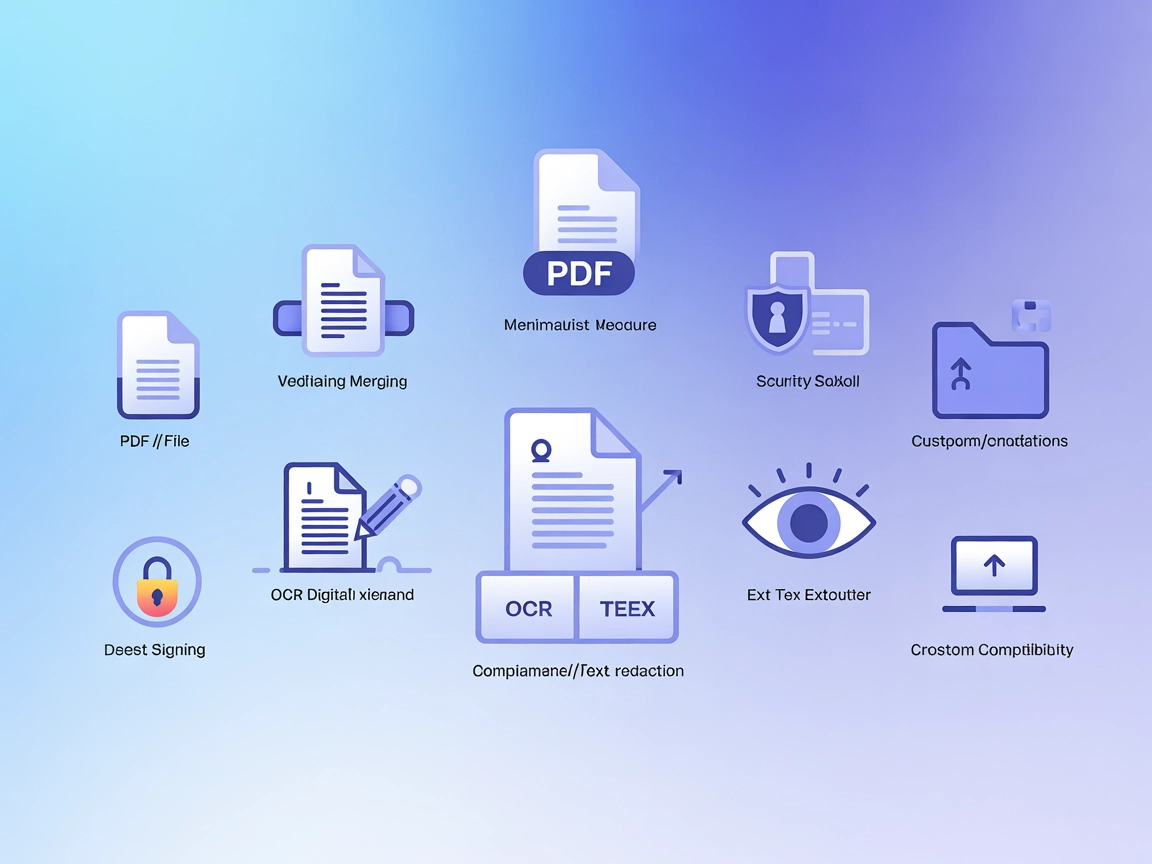
Nutrient DWS MCP
Integrate FlowHunt with Nutrient DWS MCP Server to supercharge your AI agents with advanced PDF processing, secure document automation, OCR, and digital signing...
4 min read
AI
Document Automation
+5
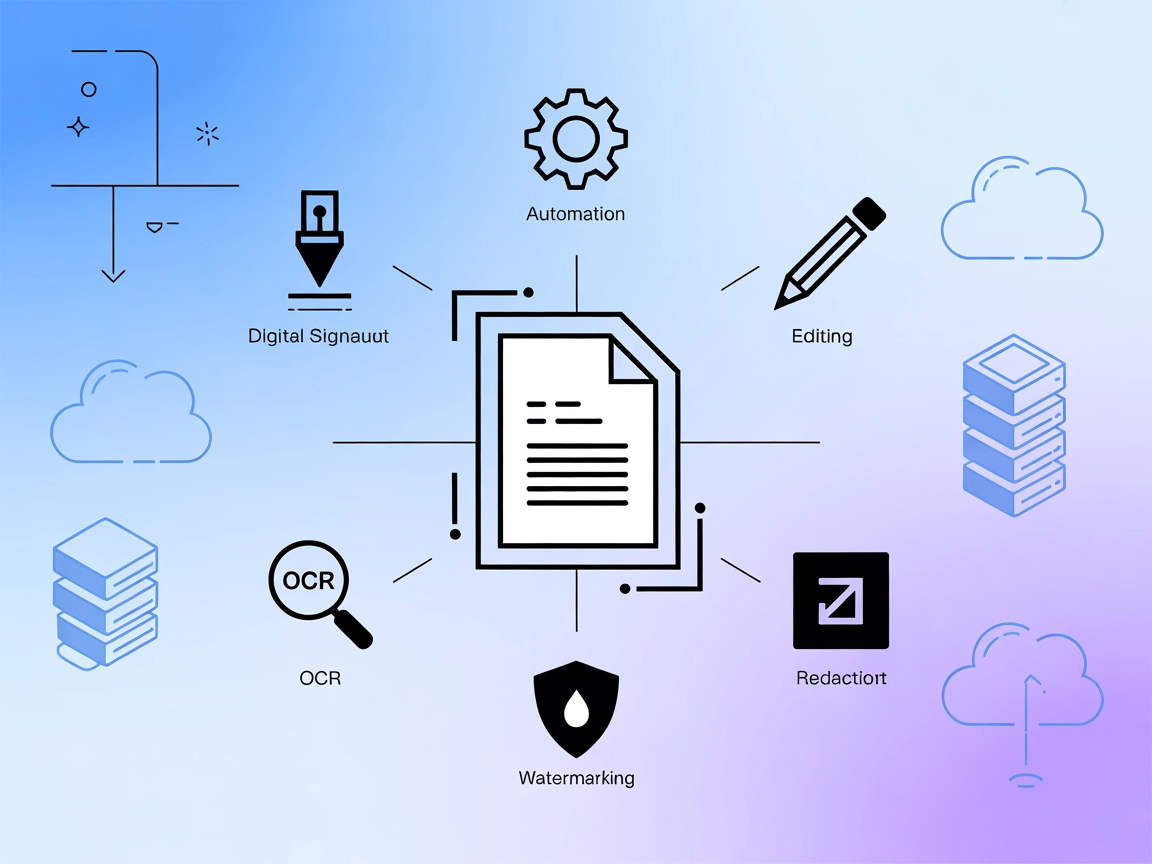
Connect your AI workflows to advanced PDF automation with the Nutrient DWS MCP Server for digital signing, OCR, document generation, and more.
The Nutrient DWS MCP Server is a Model Context Protocol (MCP) server implementation that connects AI assistants with the Nutrient Document Web Service (DWS) Processor API. It provides advanced PDF processing capabilities, empowering AI tools and agents to perform operations such as digital signing, document generation, editing, OCR, watermarking, redaction, and more. By integrating this server, developers can enable their AI workflows to interact programmatically with complex document workflows, automating and streamlining processes that involve PDF manipulation and management. This integration enhances development workflows by bridging AI assistants and external document-processing APIs, making it possible to build sophisticated, document-centric automation tasks.
No prompt templates were mentioned in the available repository files or documentation.

Start your free trial today and see results within days.
No explicit list of MCP resources was found in the repository or documentation.
No direct list of tools (such as those exposed in a server.py or similar) could be found in the repository or documentation. However, features mentioned include:
Get latest tips, trends, and deals for free.
@nutrient-sdk/dws-mcp-server@latest.Example JSON configuration:
{
  "mcpServers": {
    "nutrient-dws-mcp": {
      "command": "npx",
      "args": ["@nutrient-sdk/dws-mcp-server@latest"]
    }
  }
}
Securing API Keys: Use environment variables in your configuration.
{
  "env": {
    "NUTRIENT_DWS_API_KEY": "your-api-key-here"
  },
  "inputs": {}
}
Example JSON configuration:
{
  "mcpServers": {
    "nutrient-dws-mcp": {
      "command": "npx",
      "args": ["@nutrient-sdk/dws-mcp-server@latest"]
    }
  }
}
Securing API Keys:
{
  "env": {
    "NUTRIENT_DWS_API_KEY": "your-api-key-here"
  }
}
Example JSON configuration:
{
  "mcpServers": {
    "nutrient-dws-mcp": {
      "command": "npx",
      "args": ["@nutrient-sdk/dws-mcp-server@latest"]
    }
  }
}
Securing API Keys:
{
  "env": {
    "NUTRIENT_DWS_API_KEY": "your-api-key-here"
  }
}
Example JSON configuration:
{
  "mcpServers": {
    "nutrient-dws-mcp": {
      "command": "npx",
      "args": ["@nutrient-sdk/dws-mcp-server@latest"]
    }
  }
}
Securing API Keys:
{
  "env": {
    "NUTRIENT_DWS_API_KEY": "your-api-key-here"
  }
}
Using MCP in FlowHunt
To integrate MCP servers into your FlowHunt workflow, start by adding the MCP component to your flow and connecting it to your AI agent:

Click on the MCP component to open the configuration panel. In the system MCP configuration section, insert your MCP server details using this JSON format:
{
  "nutrient-dws-mcp": {
    "transport": "streamable_http",
    "url": "https://yourmcpserver.example/pathtothemcp/url"
  }
}
Once configured, the AI agent is now able to use this MCP as a tool with access to all its functions and capabilities. Remember to change “nutrient-dws-mcp” to whatever the actual name of your MCP server is and replace the URL with your own MCP server URL.
| Section | Availability | Details/Notes |
|---|---|---|
| Overview | ✅ | |
| List of Prompts | ⛔ | No prompt templates found |
| List of Resources | ⛔ | No explicit MCP resources found |
| List of Tools | ⛔ | Only features mentioned, not listed as tools |
| Securing API Keys | ✅ | Shown in example JSON with env |
| Sampling Support (less important in evaluation) | ⛔ | Not mentioned |
The Nutrient DWS MCP Server provides a solid foundation for AI-powered document workflows, but the lack of explicit prompts, resources, and tool definitions in the documentation limits its immediate utility for developers seeking quick onboarding. The repository is open source with a permissive license and has modest community engagement.
| Has a LICENSE | ✅ (MIT) |
|---|---|
| Has at least one tool | ⛔ |
| Number of Forks | 1 |
| Number of Stars | 12 |
Rating: 4/10
While the repository is functional and provides clear setup instructions, the absence of detailed prompt templates, resources, and formal tool definitions lowers its usability and developer friendliness. It’s a strong start for those already familiar with the Nutrient DWS API, but more documentation and examples would increase its score significantly.
Integrate powerful PDF processing features into your AI flows and automate complex document tasks with the Nutrient DWS MCP Server.
Integrate FlowHunt with Nutrient DWS MCP Server to supercharge your AI agents with advanced PDF processing, secure document automation, OCR, and digital signing...

The eSignatures MCP Server connects AI assistants to the eSignatures platform, automating contract workflows such as drafting, managing, sending, and tracking c...

The Office-Word MCP Server bridges AI assistants and Microsoft Word documents, enabling automated document creation, editing, formatting, and content extraction...
Cookie Consent
We use cookies to enhance your browsing experience and analyze our traffic. See our privacy policy.