



OP.GG MCP
Integrate FlowHunt with the OP.GG MCP Server to supercharge your AI agents with real-time League of Legends, TFT, and Valorant data. Automate esports analytics,...
5 min read
AI
OP.GG
+4
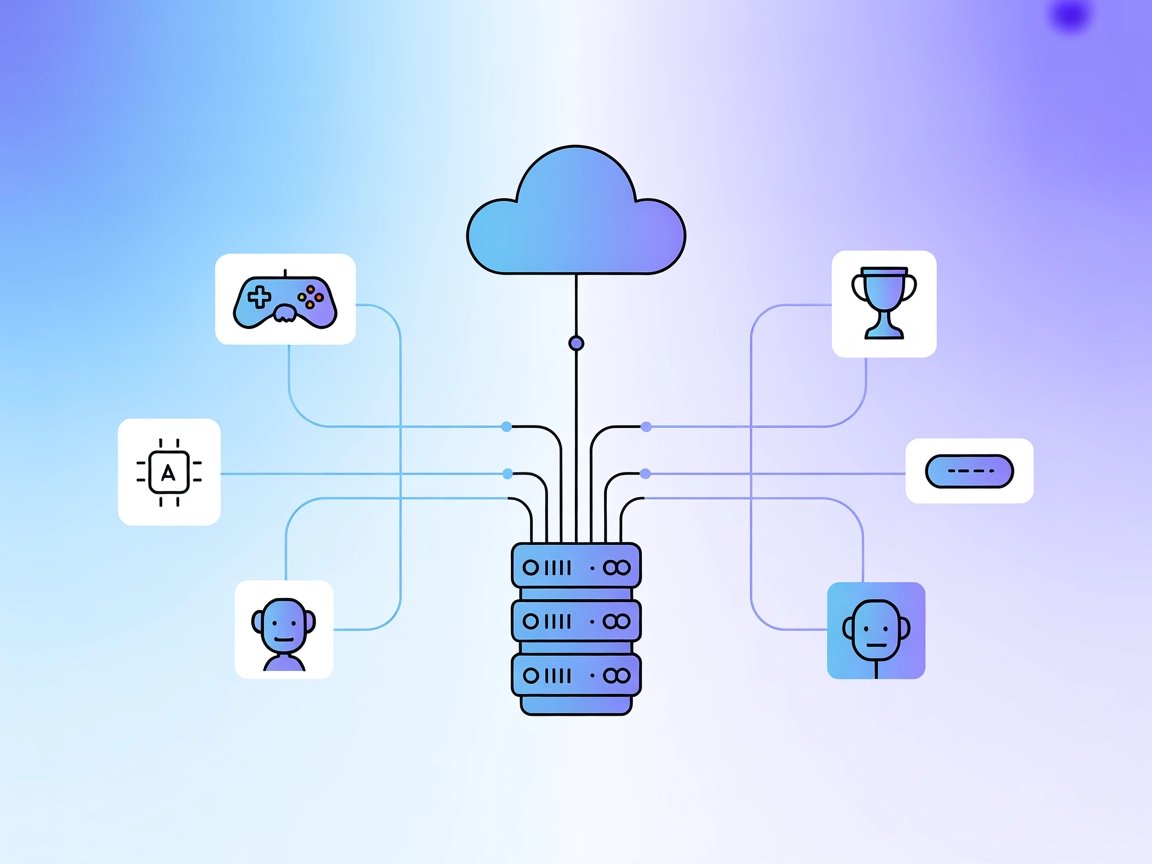
Integrate OP.GG game data into your FlowHunt workflows for powerful, AI-driven gaming analytics and automated insights.
The OP.GG MCP Server is a Model Context Protocol (MCP) implementation that provides seamless integration between OP.GG data and AI agents or platforms. By exposing OP.GG’s data endpoints via function calling, this server allows AI assistants to access diverse gaming data, such as player statistics, leaderboards, and other game-related analytics. It enhances development workflows by enabling AI-driven interactions with OP.GG’s resources, making it easier to build tools that can analyze player performance, surface live game data, or integrate gaming statistics into other applications. The OP.GG MCP Server is ideal for developers and AI integrators looking to enrich their applications with real-time or historical OP.GG data, facilitating advanced use cases in gaming analytics, automated reporting, and intelligent game coaching.
No prompt templates are listed in the available documentation or files.

Start your free trial today and see results within days.
No explicit resources are listed in the available documentation or files.
No explicit tools are described in the documentation or within server.py as accessible from the provided data.
Get latest tips, trends, and deals for free.
mcpServers section with the following JSON snippet:{
"mcpServers": {
"opgg-mcp": {
"command": "npx",
"args": ["@opgginc/opgg-mcp@latest"]
}
}
}
Securing API Keys Example:
{
"mcpServers": {
"opgg-mcp": {
"command": "npx",
"args": ["@opgginc/opgg-mcp@latest"],
"env": {
"OPGG_API_KEY": "${OPGG_API_KEY}"
},
"inputs": {
"apiKey": "${OPGG_API_KEY}"
}
}
}
}
mcpServers object:{
"mcpServers": {
"opgg-mcp": {
"command": "npx",
"args": ["@opgginc/opgg-mcp@latest"]
}
}
}
mcpServers object:{
"mcpServers": {
"opgg-mcp": {
"command": "npx",
"args": ["@opgginc/opgg-mcp@latest"]
}
}
}
{
  "mcpServers": {
    "opgg-mcp": {
      "command": "npx",
      "args": ["@opgginc/opgg-mcp@latest"]
    }
  }
}
Using MCP in FlowHunt
To integrate MCP servers into your FlowHunt workflow, start by adding the MCP component to your flow and connecting it to your AI agent:

Click on the MCP component to open the configuration panel. In the system MCP configuration section, insert your MCP server details using this JSON format:
{
  "opgg-mcp": {
    "transport": "streamable_http",
    "url": "https://yourmcpserver.example/pathtothemcp/url"
  }
}
Once configured, the AI agent is now able to use this MCP as a tool with access to all its functions and capabilities. Remember to change “opgg-mcp” to whatever the actual name of your MCP server is and replace the URL with your own MCP server URL.
| Section | Availability | Details/Notes |
|---|---|---|
| Overview | ✅ | Description in README |
| List of Prompts | ⛔ | No prompt templates listed |
| List of Resources | ⛔ | No explicit resources listed |
| List of Tools | ⛔ | Not found in documentation or server.py |
| Securing API Keys | ✅ | Provided generic example |
| Sampling Support (less important in evaluation) | ⛔ | Not mentioned |
A LICENSE file is present, and the repository has a small but active user base (16 stars, 6 forks). The server is focused on OP.GG data integration but lacks public documentation on prompts, resources, or tools.
Based on the information and the completeness of the documented features, this MCP scores moderately, mainly due to a lack of detail on resources, prompts, and tools.
The OP.GG MCP Server offers a valuable integration point for gaming data, but the lack of public detail about its prompt templates, resources, and tools limits its immediate usability and extensibility for developers. Documentation improvements and more transparent feature listings would raise its score.
| Has a LICENSE | ✅ |
|---|---|
| Has at least one tool | ⛔ |
| Number of Forks | 6 |
| Number of Stars | 16 |
Enhance your gaming applications with real-time OP.GG data. Integrate the OP.GG MCP Server into FlowHunt and unlock advanced analytics, leaderboards, and player stats for your users.
Integrate FlowHunt with the OP.GG MCP Server to supercharge your AI agents with real-time League of Legends, TFT, and Valorant data. Automate esports analytics,...

The TFT MCP Server connects AI assistants to the Riot Games API, enabling programmatic access to Team Fight Tactics (TFT) player match history and detailed matc...
The OpenSearch MCP Server enables seamless integration of OpenSearch with FlowHunt and other AI agents, allowing programmatic access to search, analytics, and c...
Cookie Consent
We use cookies to enhance your browsing experience and analyze our traffic. See our privacy policy.