


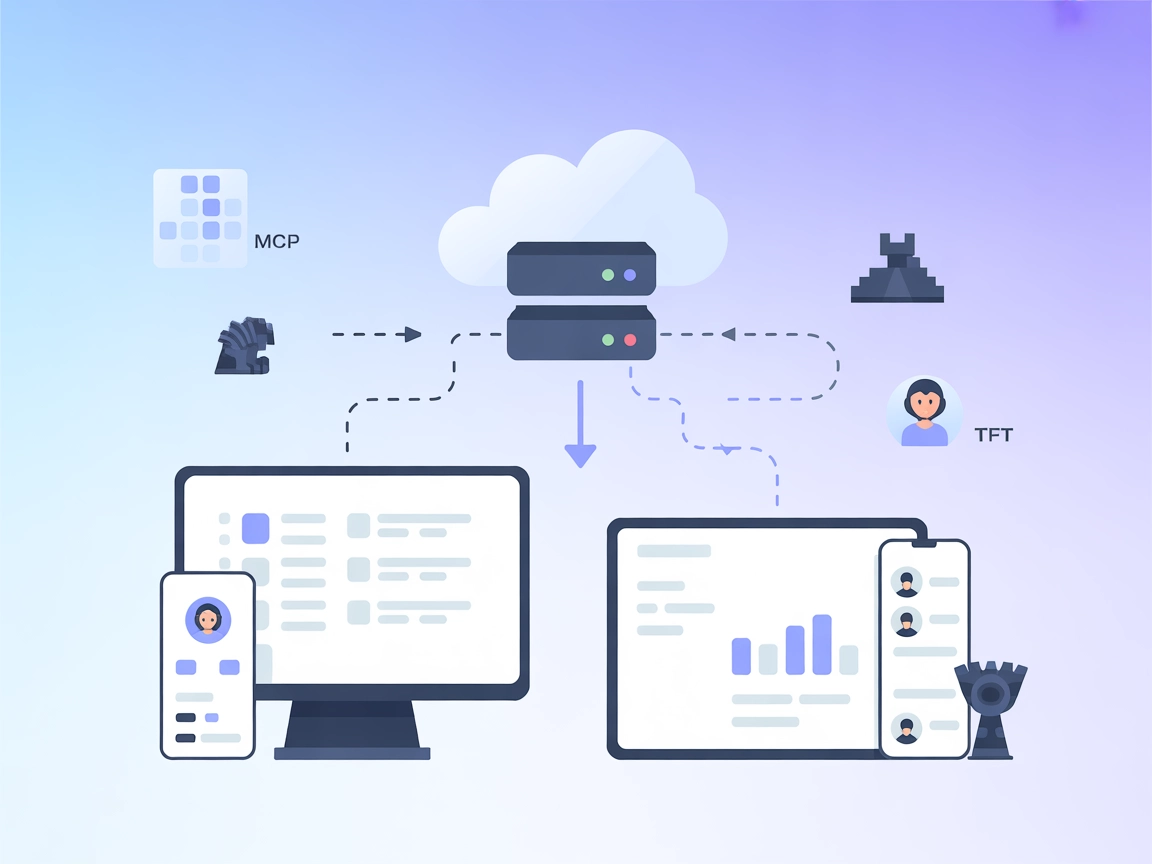
TFT MCP Server
Integrate FlowHunt with the TFT Model Context Protocol (MCP) Server to automate retrieval of Team Fight Tactics match histories, detailed analytics, and player ...
4 min read
AI
TFT
+5

Integrate TFT game data into your AI flows with the TFT MCP Server, giving you seamless access to player match histories and detailed analytics via the Riot Games API.
The TFT MCP Server is a Model Context Protocol (MCP) server designed for Team Fight Tactics (TFT). It connects AI assistants with the official Riot Games API, enabling access to TFT game data such as player match history and detailed match information. By exposing these functionalities through standardized MCP tools, the server allows AI agents and developers to programmatically query for a player’s recent games or delve into specifics of any TFT match. This integration streamlines workflows for developers who want to build tools or assistants that interact with TFT data, making tasks like analyzing gameplay, tracking performance, or fetching match records more accessible and automated.
No prompt templates were mentioned in the repository or documentation.

Start your free trial today and see results within days.
No explicit resources were listed in the repository or documentation.
tft_match_history
Retrieves TFT match history for the current player. Supports optional parameters for the number of matches (count, defaults to 20) and pagination (start, defaults to 0).
tft_match_details
Fetches detailed information about a specific TFT match, given a required matchId parameter.
Get latest tips, trends, and deals for free.
No specific installation instructions for Windsurf were found.
~/Library/Application Support/Claude/claude_desktop_config.json%APPDATA%/Claude/claude_desktop_config.json{
"mcpServers": {
"tft-mcp": {
"command": "npx",
"args": [
"mcp-server-tft",
"--apiKey",
"<YOUR_RIOT_API_KEY>",
"--gameName",
"<YOUR_GAME_NAME>",
"--tagLine",
"<YOUR_TAG_LINE>"
]
}
}
}
Securing API Keys:
Use environment variables to keep your API key secure:
{
  "mcpServers": {
    "tft-mcp": {
      "command": "npx",
      "args": [
        "mcp-server-tft"
      ],
      "env": {
        "RIOT_API_KEY": "<YOUR_RIOT_API_KEY>",
        "GAME_NAME": "<YOUR_GAME_NAME>",
        "TAG_LINE": "<YOUR_TAG_LINE>"
      }
    }
  }
}
No specific installation instructions for Cursor were found.
No specific installation instructions for Cline were found.
Using MCP in FlowHunt
To integrate MCP servers into your FlowHunt workflow, start by adding the MCP component to your flow and connecting it to your AI agent:

Click on the MCP component to open the configuration panel. In the system MCP configuration section, insert your MCP server details using this JSON format:
{
  "tft-mcp": {
    "transport": "streamable_http",
    "url": "https://yourmcpserver.example/pathtothemcp/url"
  }
}
Once configured, the AI agent is now able to use this MCP as a tool with access to all its functions and capabilities. Remember to change “tft-mcp” to whatever the actual name of your MCP server is and replace the URL with your own MCP server URL.
| Section | Availability | Details/Notes |
|---|---|---|
| Overview | ✅ | |
| List of Prompts | ⛔ | No prompts found |
| List of Resources | ⛔ | No explicit resources found |
| List of Tools | ✅ | tft_match_history, tft_match_details |
| Securing API Keys | ✅ | JSON env example provided |
| Sampling Support (less important in evaluation) | ⛔ | Not mentioned |
| Supports Roots | ⛔ | Not mentioned | | Supports Sampling | ⛔ | Not mentioned |
The TFT MCP Server provides two essential tools for interacting with TFT data, with clear setup instructions for Claude. However, it lacks explicit prompt templates and resources, and platform support details are limited. Sampling and roots support are not mentioned. The project is open source with an MIT license, but documentation could be expanded to cover more platforms and features.
| Has a LICENSE | ✅ (MIT) |
|---|---|
| Has at least one tool | ✅ |
| Number of Forks | 5 |
| Number of Stars | 8 |
Score: 5/10
This MCP server is functional and open source, but lacks broader documentation, prompt/resource definitions, and explicit support for sampling/roots or multiple platforms.
Connect your AI workflows to Team Fight Tactics data for automated analysis, coaching, and event management—all powered by FlowHunt's MCP tools.
Integrate FlowHunt with the TFT Model Context Protocol (MCP) Server to automate retrieval of Team Fight Tactics match histories, detailed analytics, and player ...

Integrate League of Legends data into your AI workflows using the Riot MCP Server. Access player stats, ranked performance, champion mastery, and match summarie...
The OP.GG MCP Server provides seamless access to OP.GG gaming data for AI agents via FlowHunt, enabling real-time analytics, player statistics, leaderboards, an...
Cookie Consent
We use cookies to enhance your browsing experience and analyze our traffic. See our privacy policy.