


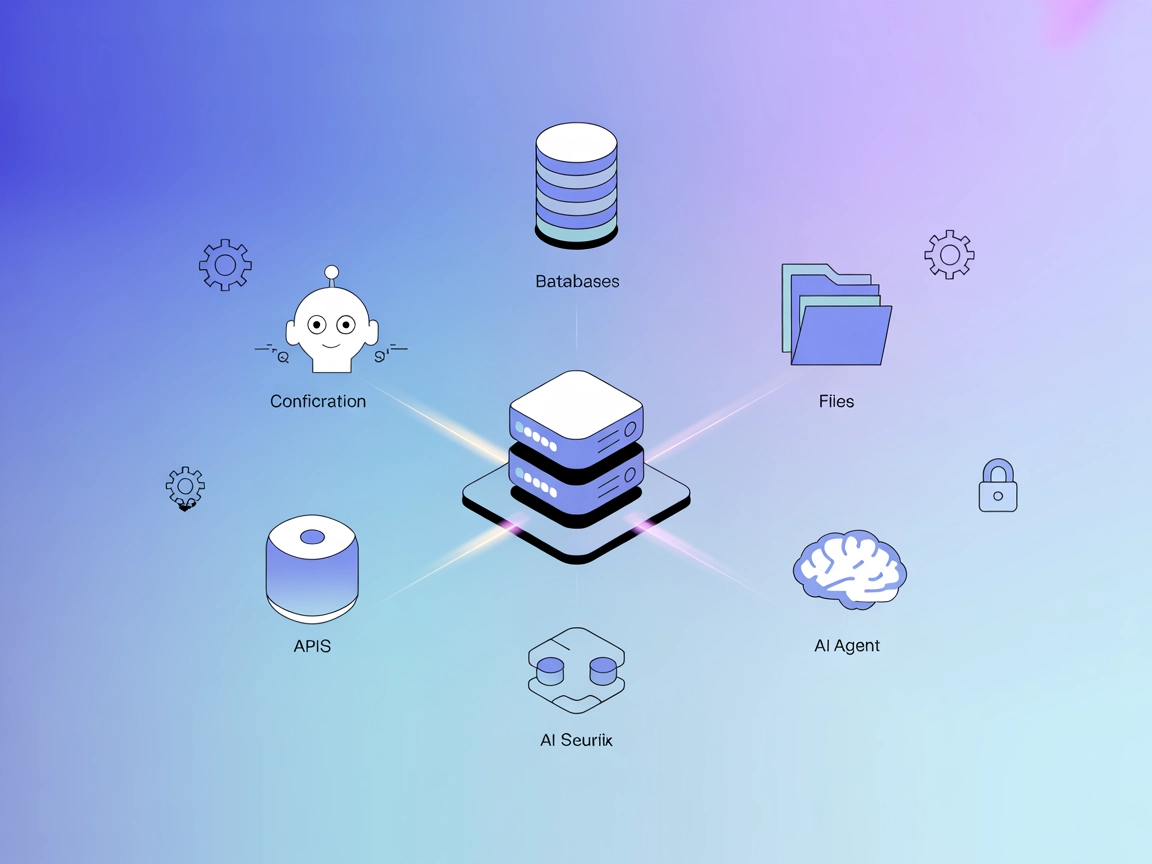
ModelContextProtocol (MCP) Server Integration
The ModelContextProtocol (MCP) Server acts as a bridge between AI agents and external data sources, APIs, and services, enabling FlowHunt users to build context...
3 min read
AI
Integration
+4

Connect AI and development environments with real-time messaging, secure API interactions, and collaborative coding using PubNub’s robust infrastructure.
The PubNub MCP (Model Context Protocol) Server is designed to bridge AI assistants and development environments with real-time communication capabilities and external data sources. By leveraging PubNub’s reliable messaging infrastructure, this MCP server enables seamless integration with APIs, databases, and various resources, thus enriching the development workflow. It facilitates tasks such as subscribing to messaging channels, managing files, triggering API calls, and providing real-time data streams, all through a standardized protocol. The PubNub MCP Server is compatible with platforms like Cursor, Windsurf, Claude Desktop, Claude Code, and OpenAI Codex, making it easier for developers to enhance coding tasks, debugging, and collaboration by connecting their tools to live, contextual data and actions.
No prompt templates were found in the repository or documentation.

Start your free trial today and see results within days.
No explicit resources were listed in the repository files or documentation.
No explicit list of tools could be confirmed from the available files (e.g., server.py or equivalent tool-defining files are not present in the repository).
Get latest tips, trends, and deals for free.
Real-Time Messaging Integration
Connect your development environment or AI agent to PubNub channels, enabling real-time communication and collaboration between team members or bots.
API Interaction
Facilitate automated API calls or data fetching through the MCP server, allowing AI assistants to trigger PubNub-powered workflows seamlessly within supported editors.
Contextual Data Streaming
Stream contextual data (such as code changes, notifications, or alerts) into your IDE or AI assistant, enhancing situational awareness for developers.
Collaboration in Coding Platforms
Use the PubNub MCP Server to support live code reviews, instant feedback, and shared sessions across tools like Cursor or Claude Code.
npm install -g @pubnub/mcp-server@latest
mcpServers section:{
"mcpServers": {
"pubnub-mcp": {
"command": "pubnub-mcp-server",
"args": []
}
}
}
Use environment variables for sensitive information:
{
  "mcpServers": {
    "pubnub-mcp": {
      "command": "pubnub-mcp-server",
      "env": {
        "PUBNUB_API_KEY": "your-api-key"
      },
      "inputs": {
        "apiKey": "${PUBNUB_API_KEY}"
      }
    }
  }
}
npm install -g @pubnub/mcp-server@latest
{
  "mcpServers": {
    "pubnub-mcp": {
      "command": "pubnub-mcp-server"
    }
  }
}
npm install -g @pubnub/mcp-server@latest
mcpServers configuration:{
"mcpServers": {
"pubnub-mcp": {
"command": "pubnub-mcp-server",
"args": []
}
}
}
npm install -g @pubnub/mcp-server@latest
{
  "mcpServers": {
    "pubnub-mcp": {
      "command": "pubnub-mcp-server"
    }
  }
}
Using MCP in FlowHunt
To integrate MCP servers into your FlowHunt workflow, start by adding the MCP component to your flow and connecting it to your AI agent:

Click on the MCP component to open the configuration panel. In the system MCP configuration section, insert your MCP server details using this JSON format:
{
  "pubnub-mcp": {
    "transport": "streamable_http",
    "url": "https://yourmcpserver.example/pathtothemcp/url"
  }
}
Once configured, the AI agent is now able to use this MCP as a tool with access to all its functions and capabilities. Remember to change “pubnub-mcp” to whatever the actual name of your MCP server is and replace the URL with your own MCP server URL.
| Section | Availability | Details/Notes |
|---|---|---|
| Overview | ✅ | |
| List of Prompts | ⛔ | No prompt templates found |
| List of Resources | ⛔ | No explicit resources listed |
| List of Tools | ⛔ | No explicit tool list found in available files |
| Securing API Keys | ✅ | Example provided with env and inputs |
| Sampling Support (less important in evaluation) | ⛔ | Not mentioned |
Based on the information found, the PubNub MCP Server provides a basic MCP server implementation but lacks detailed documentation on prompts, resources, and tools. It provides generic setup instructions and supports secure API key management, but doesn’t confirm advanced MCP features like roots or sampling.
The PubNub MCP Server repository is functional for connecting PubNub with MCP-compatible clients, and it provides essential setup instructions. However, the lack of detailed documentation on prompt templates, resources, and explicitly exposed tools limits its out-of-the-box usability for advanced workflows. Its open-source status and cross-platform support are positives, but the absence of sampling, roots, and rich documentation means it is best suited for users already familiar with PubNub or MCP.
| Has a LICENSE | ⛔ (No LICENSE file found) |
|---|---|
| Has at least one tool | ⛔ |
| Number of Forks | 3 |
| Number of Stars | 5 |
Integrate PubNub-powered real-time messaging, data streaming, and collaborative tools into your AI and coding environments. Start building smarter, connected development experiences today.
The ModelContextProtocol (MCP) Server acts as a bridge between AI agents and external data sources, APIs, and services, enabling FlowHunt users to build context...
The wxflows MCP Server bridges AI assistants with external data sources and APIs, enabling secure, modular, and AI-driven workflow automation in FlowHunt. Easil...

The Fingertip MCP Server bridges AI assistants with external data sources, APIs, and services, enabling dynamic workflows, seamless integration, and enhanced ca...
Cookie Consent
We use cookies to enhance your browsing experience and analyze our traffic. See our privacy policy.