


Puppeteer Vision
Integrate FlowHunt with Puppeteer Vision MCP Server to automate web scraping, handle cookies, CAPTCHAs, paywalls, and convert web pages into structured markdown...
4 min read
AI
Web Scraping
+4
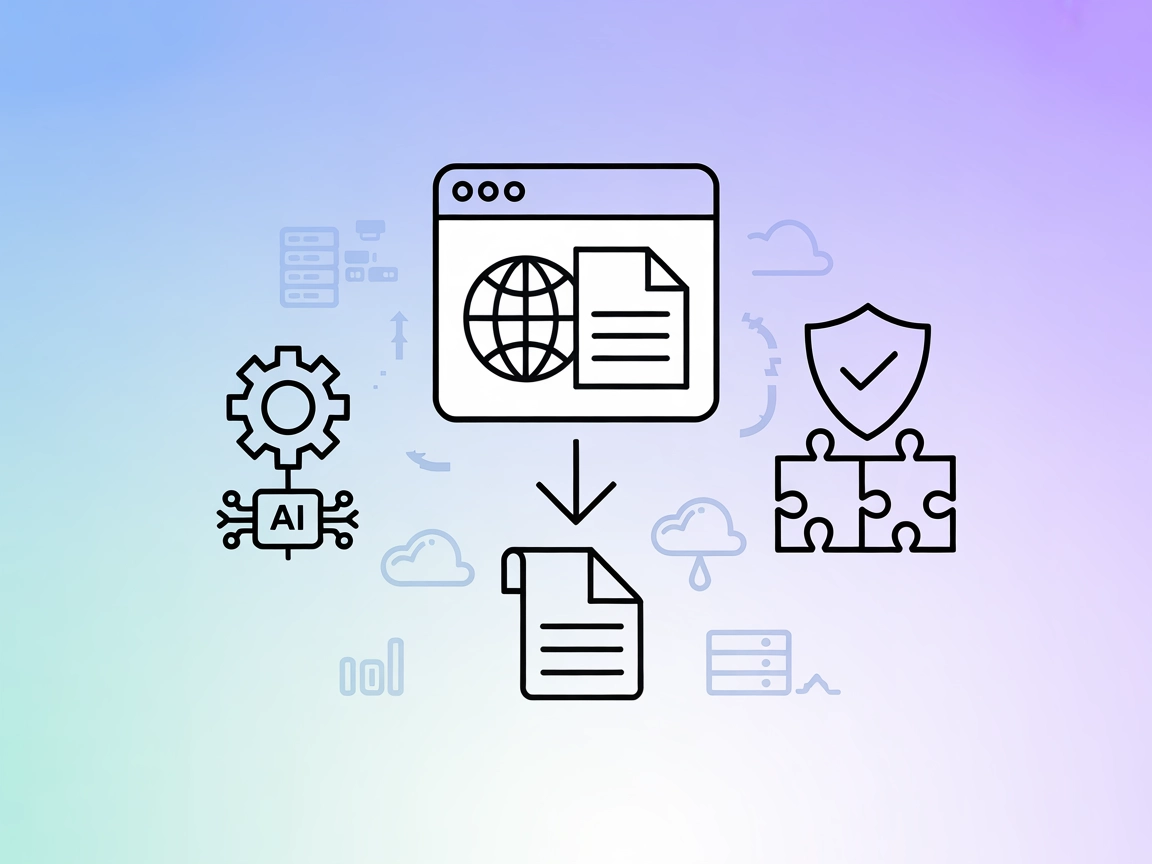
Automate robust, AI-powered web scraping and Markdown conversion—even on interactive or protected sites—using the Puppeteer Vision MCP Server.
The Puppeteer Vision MCP Server enables AI assistants to scrape and convert web pages into Markdown format using Puppeteer, Readability, and Turndown. It offers advanced AI-driven interaction to automatically handle web elements like cookie banners, CAPTCHAs, paywalls, and more, ensuring robust content extraction even from interactive or protected sites. The server exposes this capability via the Model Context Protocol (MCP), making it easy to integrate into AI development workflows. This allows tasks such as automated web scraping, content summarization, and data ingestion to be performed seamlessly by LLMs. The server is easily deployable via npx, requires minimal configuration, and supports both stdio and SSE communication for flexible integration.
No prompt templates are mentioned in the repository or documentation.

Start your free trial today and see results within days.
No specific MCP resources are listed or described in the repository or documentation.
url (string, required): The webpage to scrape.autoInteract (boolean, optional, default: true): Whether to automatically handle interactive elements.maxInteractionAttempts (number, optional, default: 3): Maximum AI interaction attempts.waitForNetworkIdle (boolean, optional, default: true): Wait for network to be idle before scraping.Get latest tips, trends, and deals for free.
Prerequisites: Install Node.js and npm.
Environment Setup: Create a .env file or export the required environment variables, including OPENAI_API_KEY.
Edit Configuration: Locate Windsurf’s configuration file.
Add Puppeteer Vision MCP: Insert the following JSON snippet:
{
  "mcpServers": {
    "web-scraper": {
      "command": "npx",
      "args": ["-y", "puppeteer-vision-mcp-server"],
      "env": {
        "OPENAI_API_KEY": "YOUR_OPENAI_API_KEY_HERE"
      }
    }
  }
}
Save/Restart: Save the file and restart Windsurf.
Verify: Check logs or UI to confirm the MCP server is running.
Securing API Keys:
Store secrets in environment variables (e.g., .env):
"env": {
  "OPENAI_API_KEY": "${OPENAI_API_KEY}"
}
Prerequisites: Ensure Node.js and npm are installed.
Set Environment: Prepare .env or export OPENAI_API_KEY and other variables.
Edit Configuration: Open Claude’s MCP configuration.
Add the MCP Server:
{
  "mcpServers": {
    "web-scraper": {
      "command": "npx",
      "args": ["-y", "puppeteer-vision-mcp-server"],
      "env": {
        "OPENAI_API_KEY": "YOUR_OPENAI_API_KEY_HERE"
      }
    }
  }
}
Restart Claude: Apply changes and restart the platform.
Verify: Confirm successful startup.
Prerequisites: Install Node.js and npm.
Environment: Set up .env with the OpenAI API key.
Edit Cursor Config: Add the MCP server as below:
{
  "mcpServers": {
    "web-scraper": {
      "command": "npx",
      "args": ["-y", "puppeteer-vision-mcp-server"],
      "env": {
        "OPENAI_API_KEY": "YOUR_OPENAI_API_KEY_HERE"
      }
    }
  }
}
Save & Restart: Save changes and restart Cursor.
Check Logs: Ensure the server is running.
Prerequisites: Install Node.js and npm.
Environment: Set or export OPENAI_API_KEY.
Configuration: Add to Cline’s MCP config:
{
  "mcpServers": {
    "web-scraper": {
      "command": "npx",
      "args": ["-y", "puppeteer-vision-mcp-server"],
      "env": {
        "OPENAI_API_KEY": "YOUR_OPENAI_API_KEY_HERE"
      }
    }
  }
}
Restart Cline: Apply and restart.
Confirm: Validate that the server is accessible.
Note: Secure API keys via environment variables and never hard-code secrets in config files.
Using MCP in FlowHunt
To integrate MCP servers into your FlowHunt workflow, start by adding the MCP component to your flow and connecting it to your AI agent:

Click on the MCP component to open the configuration panel. In the system MCP configuration section, insert your MCP server details using this JSON format:
{
  "puppeteer-vision": {
    "transport": "streamable_http",
    "url": "https://yourmcpserver.example/pathtothemcp/url"
  }
}
Once configured, the AI agent is now able to use this MCP as a tool with access to all its functions and capabilities. Remember to change “puppeteer-vision” to whatever the actual name of your MCP server is and replace the URL with your own MCP server URL.
| Section | Availability | Details/Notes |
|---|---|---|
| Overview | ✅ | Provided in README. |
| List of Prompts | ⛔ | No prompt templates found. |
| List of Resources | ⛔ | No explicit MCP resources described. |
| List of Tools | ✅ | scrape-webpage tool, detailed in README. |
| Securing API Keys | ✅ | Instructions for .env and environment variables given. |
| Sampling Support (less important in evaluation) | ⛔ | No mention of sampling support. |
| Roots Support | ⛔ | No mention of Roots. |
Based on the above, the Puppeteer Vision MCP Server offers a robust and focused web scraping tool with strong documentation and security guidance, but lacks multiple tools, prompt templates, resources, and advanced MCP features like roots or sampling. Its one-tool, one-purpose design gives it high reliability for its use case, but limits extensibility.
MCP Score: 5/10
This MCP server is well-documented, useful for its specific purpose, and easy to set up, but its lack of prompt templates, explicit resources, and advanced MCP features (roots, sampling) limits its versatility and ecosystem integration.
| Has a LICENSE | ⛔ |
|---|---|
| Has at least one tool | ✅ |
| Number of Forks | 5 |
| Number of Stars | 12 |
Supercharge your AI workflows with advanced web scraping and content extraction. Set up Puppeteer Vision MCP Server in minutes and start ingesting the live web into your AI pipelines.
Integrate FlowHunt with Puppeteer Vision MCP Server to automate web scraping, handle cookies, CAPTCHAs, paywalls, and convert web pages into structured markdown...
The ScrAPI MCP Server empowers AI assistants to extract live web content—even from sites protected by captchas, bot detection, or geofencing. By acting as a bri...
The mcp-rquest MCP Server empowers AI assistants with advanced, browser-like HTTP request capabilities, robust anti-bot evasion, and document-to-Markdown conver...
Cookie Consent
We use cookies to enhance your browsing experience and analyze our traffic. See our privacy policy.