


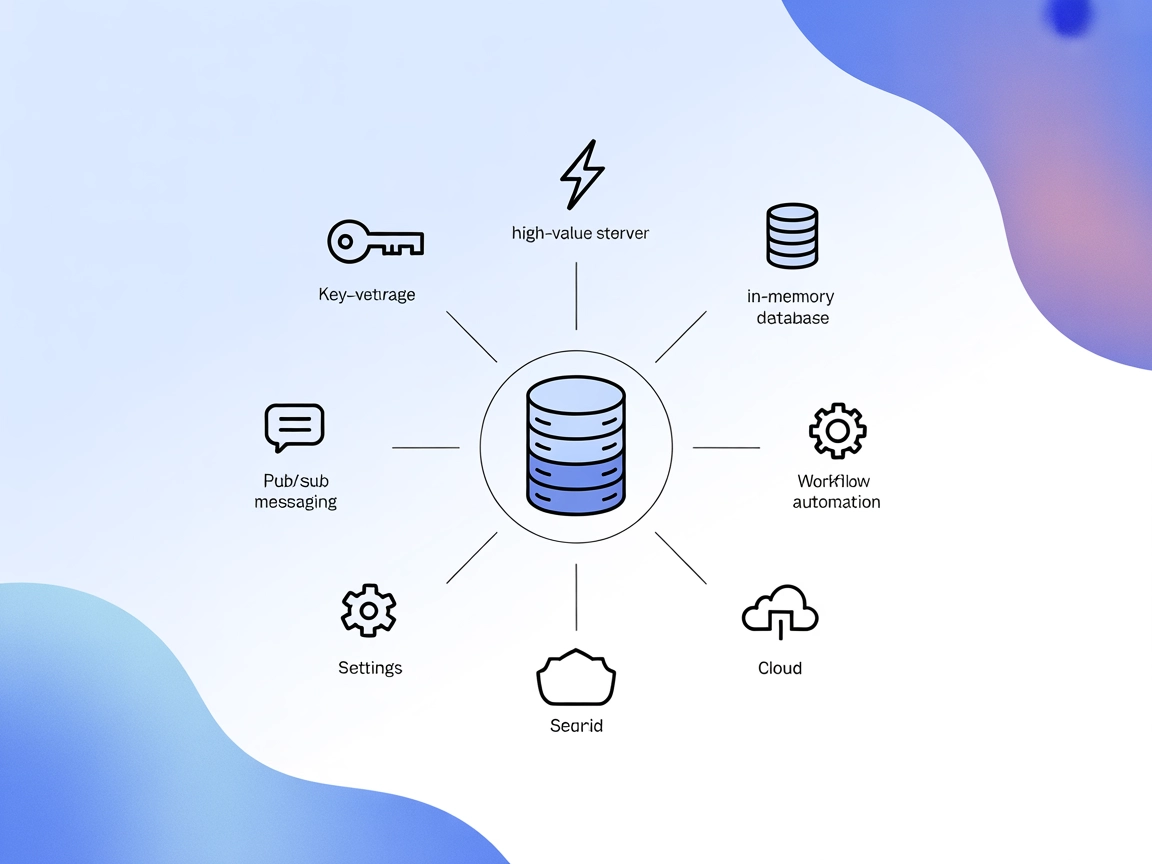
Redis MCP Server
The Redis MCP Server bridges AI assistants and Redis-compatible in-memory databases, offering seamless key-value storage, real-time messaging, and advanced auto...
5 min read

Manage and automate Redis Cloud resources via natural language using the Redis Cloud API MCP Server in FlowHunt. Streamline account, subscription, and database operations with AI-driven workflows.
The Redis Cloud API MCP Server is a Model Context Protocol (MCP) implementation that enables AI assistants and MCP clients to interact with Redis Cloud resources through natural language. By serving as a bridge between large language models (LLMs) and the Redis Cloud API, it allows developers to manage accounts, subscriptions, and databases, as well as monitor tasks and configure resources, all within their development tools. This enhances productivity by automating complex cloud management tasks like provisioning databases, checking account status, or configuring cloud provider options, making Redis Cloud operations more accessible and efficient for developers using AI-driven workflows.
No explicit prompt templates are mentioned in the repository or documentation.

Start your free trial today and see results within days.
Get latest tips, trends, and deals for free.
No explicit setup instructions for Windsurf platform are provided.
npm run build
claude_desktop_config.json.{
"mcpServers": {
"mcp-redis-cloud": {
"command": "node",
"args": ["--experimental-fetch", "<absolute_path_to_project_root>/dist/index.js"],
"env": {
"API_KEY": "<redis_cloud_api_key>",
"SECRET_KEY": "<redis_cloud_api_secret_key>"
}
}
}
}
Securing API Keys: Use the env section in the configuration to supply API keys as environment variables.
npm run build
mcp.json file:{
"mcpServers": {
"mcp-redis-cloud": {
"command": "node",
"args": ["--experimental-fetch", "<absolute_path_to_project_root>/dist/index.js"],
"env": {
"API_KEY": "<redis_cloud_api_key>",
"SECRET_KEY": "<redis_cloud_api_secret_key>"
}
}
}
}
Securing API Keys: Use the env property for sensitive data.
No explicit setup instructions for Cline platform are provided.
Using MCP in FlowHunt
To integrate MCP servers into your FlowHunt workflow, start by adding the MCP component to your flow and connecting it to your AI agent:

Click on the MCP component to open the configuration panel. In the system MCP configuration section, insert your MCP server details using this JSON format:
{
  "mcp-redis-cloud": {
    "transport": "streamable_http",
    "url": "https://yourmcpserver.example/pathtothemcp/url"
  }
}
Once configured, the AI agent can use this MCP as a tool with access to all its functions and capabilities. Remember to change “mcp-redis-cloud” to the actual name of your MCP server and update the URL accordingly.
| Section | Availability | Details/Notes |
|---|---|---|
| Overview | ✅ | |
| List of Prompts | ⛔ | No explicit prompt templates found |
| List of Resources | ✅ | Account, Subscription, Database, and Task info |
| List of Tools | ✅ | Extensive list for account, subscription, DB, and task |
| Securing API Keys | ✅ | Via env in config |
| Sampling Support (less important in evaluation) | ⛔ | Not mentioned |
Roots support: Not mentioned
Between these two tables, I would rate the Redis Cloud API MCP Server as a solid 7.5/10. It is well-documented, feature-rich, and open source with clear API key handling, but lacks explicit information on prompt templates, sampling, roots, and Windsurf/Cline setup.
| Has a LICENSE | ✅ (MIT) |
|---|---|
| Has at least one tool | ✅ |
| Number of Forks | 9 |
| Number of Stars | 21 |
Boost your productivity and automate cloud resource management by connecting FlowHunt with the Redis Cloud API MCP Server today.
The Redis MCP Server bridges AI assistants and Redis-compatible in-memory databases, offering seamless key-value storage, real-time messaging, and advanced auto...
Integrate FlowHunt with Redis Cloud API to manage cloud resources, automate account and database operations, and streamline subscription management using AI-pow...
The Upstash MCP Server empowers AI assistants and agents to seamlessly manage Upstash cloud databases using natural language or programmatic MCP commands. Strea...
Cookie Consent
We use cookies to enhance your browsing experience and analyze our traffic. See our privacy policy.