


Snyk MCP Integration
Integrate FlowHunt with Snyk MCP to embed industry-leading security scanning into AI-powered workflows. Automate code, dependency, IaC, and container scans dire...
4 min read
AI
Snyk
+3

Integrate Snyk’s security insights into your AI workflows with the snyk-ls MCP Server for automated vulnerability scanning and secure coding practices in FlowHunt and other environments.
The snyk-ls MCP Server is designed to bridge AI assistants and development workflows with Snyk’s powerful security analysis tools. By integrating with the Model Context Protocol (MCP), the snyk-ls server enables AI agents to query codebases for security vulnerabilities, manage security findings, and interact with Snyk’s APIs. This connection allows for automated code scanning, contextual security recommendations, and streamlined remediation support directly within development environments. Through MCP, the server provides a standardized way for AI-powered tools to surface security data, trigger scans, and support secure coding practices, thereby enhancing developer productivity and improving the security posture of software projects.

Start your free trial today and see results within days.
Using MCP in FlowHunt
To integrate MCP servers into your FlowHunt workflow, start by adding the MCP component to your flow and connecting it to your AI agent:

Click on the MCP component to open the configuration panel. In the system MCP configuration section, insert your MCP server details using this JSON format:
{
  "snyk-ls": {
    "transport": "streamable_http",
    "url": "https://yourmcpserver.example/pathtothemcp/url"
  }
}
Once configured, the AI agent is now able to use this MCP as a tool with access to all its functions and capabilities. Remember to change “snyk-ls” to whatever the actual name of your MCP server is and replace the URL with your own MCP server URL.
| Section | Availability | Details/Notes |
|---|---|---|
| Overview | ✅ | |
| List of Prompts | ⛔ | |
| List of Resources | ⛔ | |
| List of Tools | ⛔ | |
| Securing API Keys | ⛔ | |
| Sampling Support (less important in evaluation) | ⛔ |
Between the documented content and the tables, this MCP server has minimal publicly available documentation in the provided file, with only the overview being confidently inferrable. For evaluation, the lack of detail on prompts, tools, resources, and setup limits its score.
Based on the above, we would rate this MCP server a 2 out of 10 for current documentation and developer friendliness, as most key details are missing from the README and would require further investigation.
| Has a LICENSE | |
|---|---|
| Has at least one tool | |
| Number of Forks | |
| Number of Stars |
Enhance your AI-powered development workflows with integrated security analysis by connecting the snyk-ls MCP Server. Automate code scanning and get contextual security recommendations right where you work.
Integrate FlowHunt with Snyk MCP to embed industry-leading security scanning into AI-powered workflows. Automate code, dependency, IaC, and container scans dire...
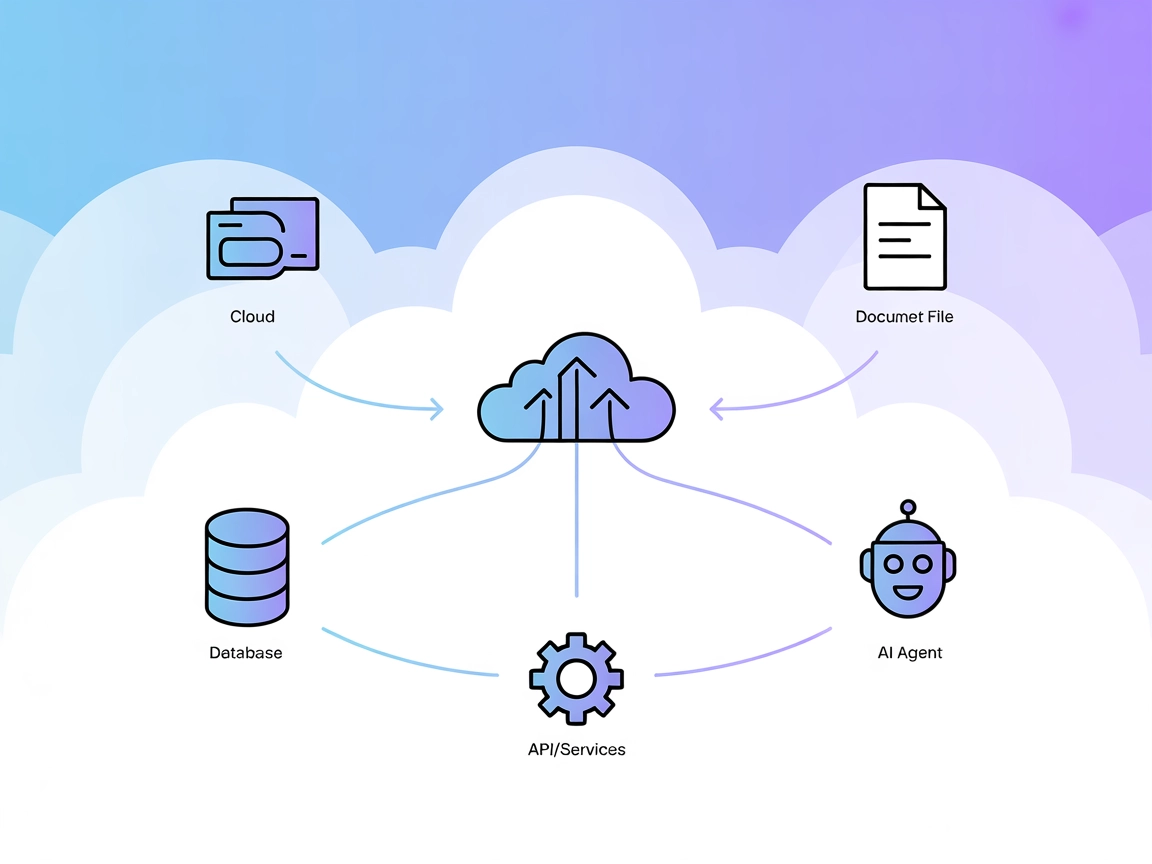
The Model Context Protocol (MCP) Server bridges AI assistants with external data sources, APIs, and services, enabling streamlined integration of complex workfl...

The Skyvern MCP (Model Context Protocol) Server bridges AI assistants and external systems, enabling seamless integration with databases, APIs, and file storage...
Cookie Consent
We use cookies to enhance your browsing experience and analyze our traffic. See our privacy policy.