


Model Context Protocol (MCP) Server
The Model Context Protocol (MCP) Server bridges AI assistants with external data sources, APIs, and services, enabling streamlined integration of complex workfl...
3 min read
AI
MCP
+4

Skyvern MCP empowers FlowHunt users to connect AI agents with external data, APIs, and services for powerful, automated workflows and real-time context enrichment.
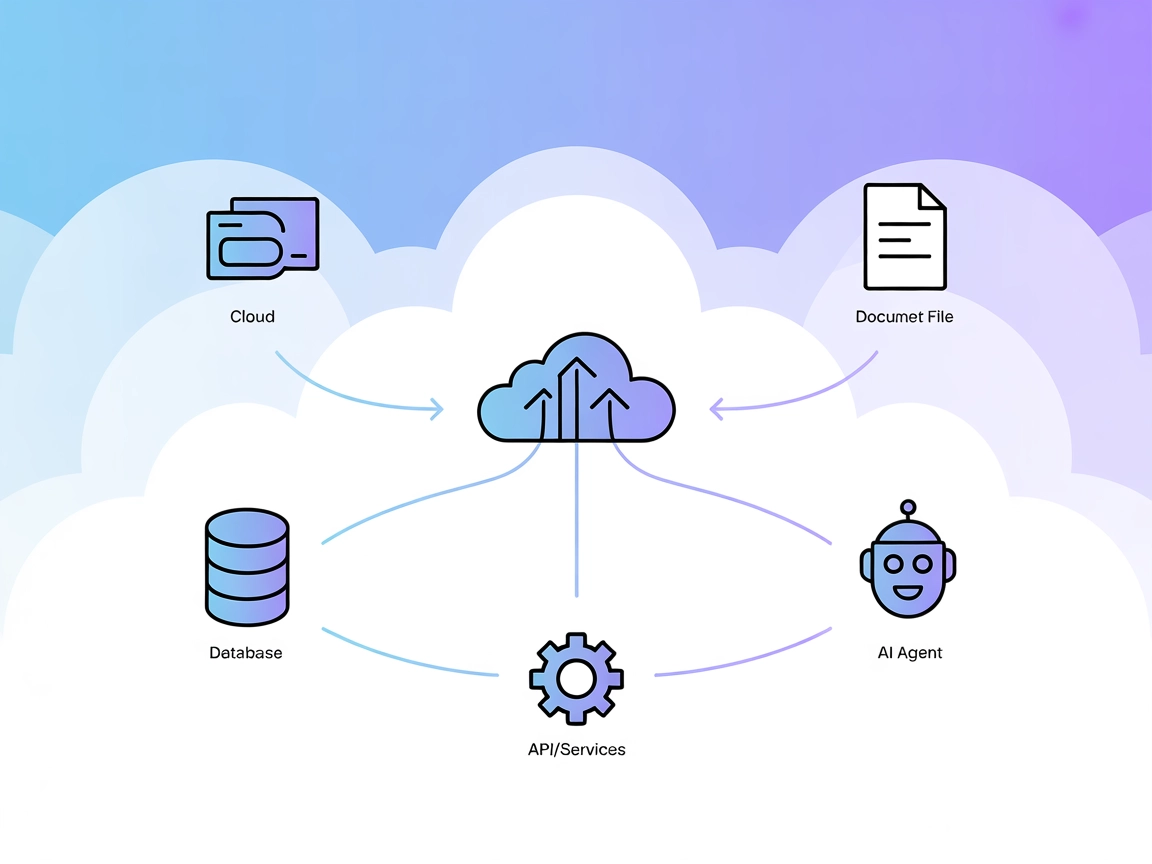
The Skyvern MCP (Model Context Protocol) Server acts as a bridge between AI assistants and external data sources, APIs, or services, enriching development workflows. Its primary function is to enable seamless interactions between AI models and systems such as databases, file storage, or third-party APIs. By facilitating operations like querying databases, managing files, and executing API calls, the Skyvern MCP Server empowers developers to automate and streamline complex tasks. This integration enhances the capabilities of AI agents, allowing them to perform actions, retrieve context, and support decision-making processes with up-to-date, relevant external information.

Start your free trial today and see results within days.
Using MCP in FlowHunt
To integrate MCP servers into your FlowHunt workflow, start by adding the MCP component to your flow and connecting it to your AI agent:

Click on the MCP component to open the configuration panel. In the system MCP configuration section, insert your MCP server details using this JSON format:
{
  "MCP-name": {
    "transport": "streamable_http",
    "url": "https://yourmcpserver.example/pathtothemcp/url"
  }
}
Once configured, the AI agent is now able to use this MCP as a tool with access to all its functions and capabilities. Remember to change “MCP-name” to whatever the actual name of your MCP server is (e.g., “github-mcp”, “weather-api”, etc.) and replace the URL with your own MCP server URL.
| Section | Availability | Details/Notes |
|---|---|---|
| Overview | ✅ | |
| List of Prompts | ⛔ | |
| List of Resources | ⛔ | |
| List of Tools | ⛔ | |
| Securing API Keys | ⛔ | |
| Sampling Support (less important in evaluation) | ⛔ |
Between the tables:
Based on the available information, the Skyvern MCP server repository contains minimal public documentation or code at the provided URL. The overview is available, but most other key sections are missing, making this MCP difficult to evaluate for practical use at this time.
| Has a LICENSE | ⛔ |
|---|---|
| Has at least one tool | ⛔ |
| Number of Forks | |
| Number of Stars |
Integrate Skyvern MCP Server with FlowHunt to automate tasks, access real-time information, and supercharge your AI workflows.
The Model Context Protocol (MCP) Server bridges AI assistants with external data sources, APIs, and services, enabling streamlined integration of complex workfl...

The edwin MCP Server bridges AI assistants and external data sources, APIs, and services, enabling smarter, context-aware agents in FlowHunt by exposing resourc...
The Defang MCP Server bridges AI assistants with external data sources, APIs, and services, enabling standardized, context-aware workflows for developers buildi...
Cookie Consent
We use cookies to enhance your browsing experience and analyze our traffic. See our privacy policy.