


Terraform MCP Server
Integrate FlowHunt with Terraform MCP Server to automate Infrastructure as Code (IaC) workflows, streamline Terraform Registry provider and module discovery, an...
4 min read
AI
Terraform
+4
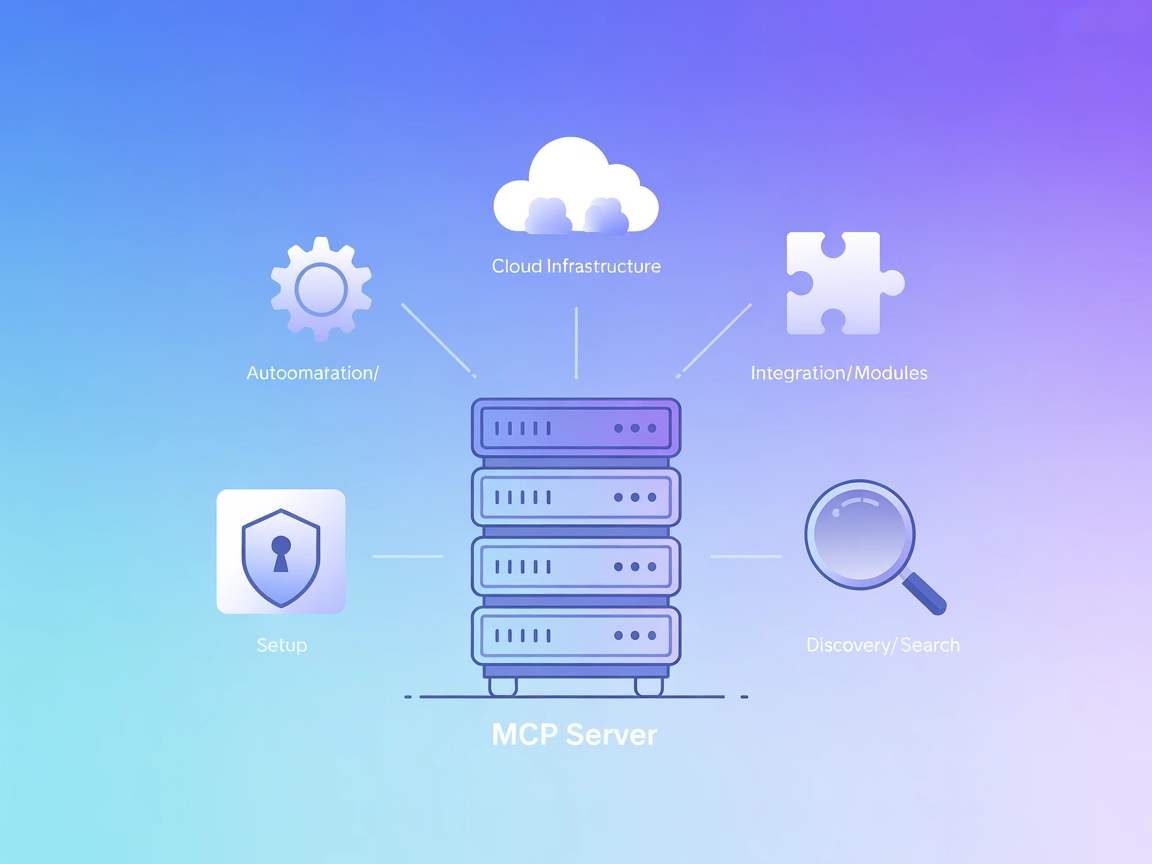
Seamlessly connect FlowHunt to the Terraform Registry for automated provider and module discovery, metadata extraction, and infrastructure workflow acceleration.
The Terraform MCP Server is a Model Context Protocol (MCP) server developed by HashiCorp that provides seamless integration with Terraform Registry APIs. It is designed to enable advanced automation and interaction capabilities for Infrastructure as Code (IaC) development. By connecting AI assistants and development tools to external data sources like the Terraform Registry, the server empowers users to automate the discovery of Terraform providers and modules, extract and analyze registry data, and obtain detailed information about provider resources and data sources. This integration streamlines tasks such as exploring, understanding, and managing Terraform modules, thereby enhancing productivity for DevOps engineers and cloud infrastructure teams.
No prompt templates were explicitly mentioned in the repository.

Start your free trial today and see results within days.
No specific resources are listed or described in the repository.
No explicit list of tools is provided in the available documentation or code overview.
Get latest tips, trends, and deals for free.
Automating Terraform provider and module discovery
Instantly find and integrate new providers and modules from the Terraform Registry, reducing manual search and selection effort for IaC development.
Extracting and analyzing data from Terraform Registry
Programmatically retrieve and analyze up-to-date information on providers, modules, and their versions to ensure best practices and compliance.
Getting detailed information about provider resources and data sources
Access comprehensive documentation and metadata for all resources and data sources exposed by providers, improving code accuracy and maintainability.
Exploring and understanding Terraform modules
Facilitate the exploration of module structures, inputs, outputs, and dependencies, helping users select and use the right modules for their infrastructure needs.
{
  "mcpServers": {
    "terraform": {
      "command": "docker",
      "args": [
        "run",
        "-i",
        "--rm",
        "hashicorp/terraform-mcp-server"
      ]
    }
  }
}
{
  "mcpServers": {
    "terraform": {
      "command": "docker",
      "args": [
        "run",
        "-i",
        "--rm",
        "hashicorp/terraform-mcp-server"
      ]
    }
  }
}
{
  "mcpServers": {
    "terraform": {
      "command": "docker",
      "args": [
        "run",
        "-i",
        "--rm",
        "hashicorp/terraform-mcp-server"
      ]
    }
  }
}
{
  "mcpServers": {
    "terraform": {
      "command": "docker",
      "args": [
        "run",
        "-i",
        "--rm",
        "hashicorp/terraform-mcp-server"
      ]
    }
  }
}
If the server or registry requires API keys, use environment variables for secure storage. Example:
{
  "mcpServers": {
    "terraform": {
      "command": "docker",
      "args": [
        "run",
        "-i",
        "--rm",
        "hashicorp/terraform-mcp-server"
      ],
      "env": {
        "TERRAFORM_API_KEY": "${env.TERRAFORM_API_KEY}"
      },
      "inputs": {
        "api_key": "${env.TERRAFORM_API_KEY}"
      }
    }
  }
}
Using MCP in FlowHunt
To integrate MCP servers into your FlowHunt workflow, start by adding the MCP component to your flow and connecting it to your AI agent:

Click on the MCP component to open the configuration panel. In the system MCP configuration section, insert your MCP server details using this JSON format:
{
  "terraform": {
    "transport": "streamable_http",
    "url": "https://yourmcpserver.example/pathtothemcp/url"
  }
}
Once configured, the AI agent is now able to use this MCP as a tool with access to all its functions and capabilities. Remember to change “terraform” to whatever the actual name of your MCP server is and replace the URL with your own MCP server URL.
| Section | Availability | Details/Notes |
|---|---|---|
| Overview | ✅ | Overview and use cases present |
| List of Prompts | ⛔ | No prompt templates documented |
| List of Resources | ⛔ | No explicit resources listed |
| List of Tools | ⛔ | No explicit list, only general functionality |
| Securing API Keys | ✅ | Example provided in setup section |
| Sampling Support (less important in evaluation) | ⛔ | No info |
Based on the available documentation, the Terraform MCP Server provides a strong overview and practical setup guidance but lacks detailed information on prompts, resources, and tools in the public documentation. API key security is addressed. Overall, this MCP server scores moderately for completeness and usefulness in a general IaC context.
| Has a LICENSE | ✅ (MPL-2.0) |
|---|---|
| Has at least one tool | ⛔ |
| Number of Forks | 33 |
| Number of Stars | 611 |
Unlock advanced Terraform Registry integration with FlowHunt’s Terraform MCP Server for seamless provider and module management in your IaC workflows.
Integrate FlowHunt with Terraform MCP Server to automate Infrastructure as Code (IaC) workflows, streamline Terraform Registry provider and module discovery, an...
Integrate AI assistants with the Terraform Cloud API using the Terraform Cloud MCP Server. Manage infrastructure through natural language, automate workspace an...
The GitHub MCP Server enables seamless AI-powered automation and data extraction from the GitHub ecosystem by bridging AI agents and GitHub APIs. Enhance your d...
Cookie Consent
We use cookies to enhance your browsing experience and analyze our traffic. See our privacy policy.