


Tinybird
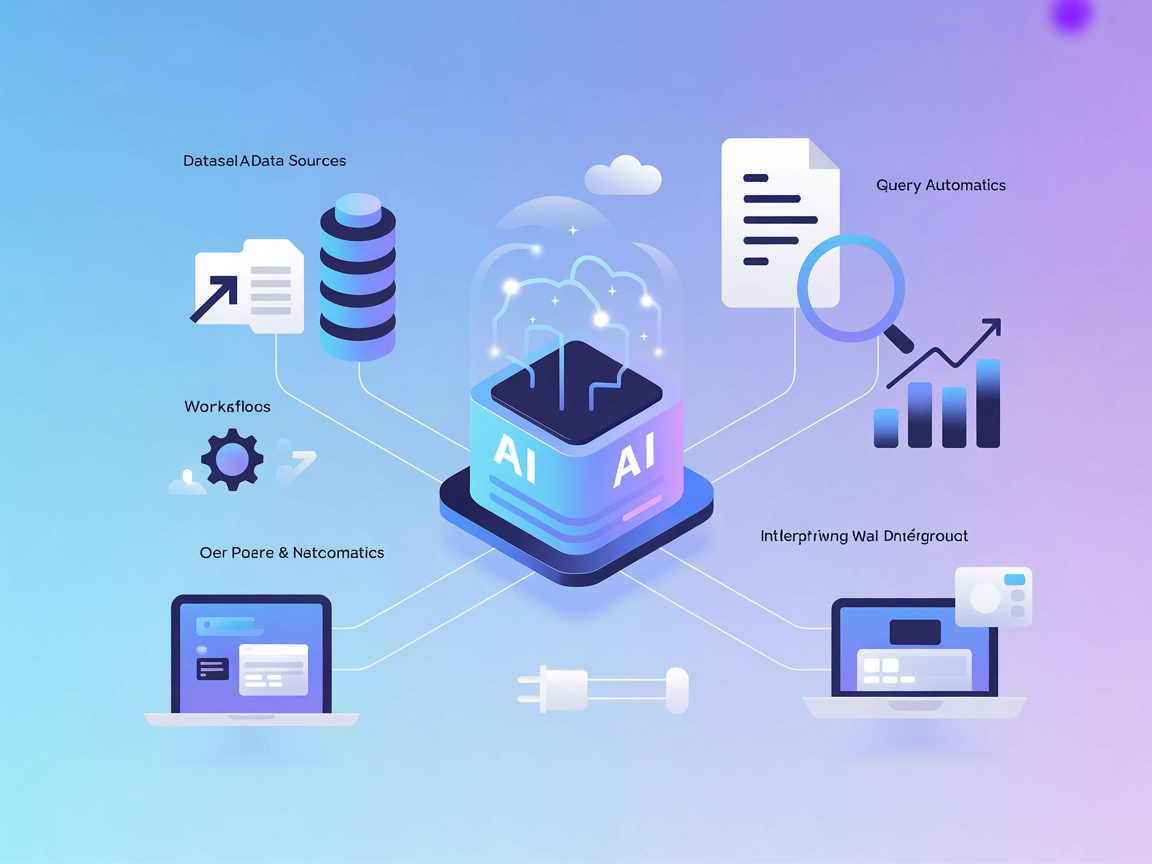
Integrate FlowHunt with Tinybird MCP to automate analytics, manage data sources, and unlock real-time insights using AI-powered workflows and the Tinybird MCP S...
4 min read
AI
Tinybird
+3

Integrate Tinybird’s analytics power into your AI workflows with the Tinybird MCP Server for FlowHunt. Query, manage, and automate your data seamlessly.
The Tinybird MCP (Model Context Protocol) Server is designed to connect AI assistants with the Tinybird data analytics platform. It enables seamless interaction between AI clients and Tinybird workspaces, making it possible to query data sources, retrieve results from API endpoints, and push datafiles directly from the assistant. This integration streamlines workflows for developers, data analysts, and other users by allowing them to perform database queries, manage data, and interact with APIs within the context of their development environment. The server supports both SSE and STDIO modes, offering flexibility for different client architectures and use cases.

Start your free trial today and see results within days.
(No explicit resources are listed in the provided information.)
Get latest tips, trends, and deals for free.
(No information provided.)
uv installed.~/Library/Application Support/Claude/claude_desktop_config.json%APPDATA%/Claude/claude_desktop_config.json{
"mcpServers": {
"mcp-tinybird": {
"command": "uvx",
"args": [
"mcp-tinybird",
"stdio"
],
"env": {
    "TB_API_URL": "<TINYBIRD_API_URL>",
    "TB_ADMIN_TOKEN": "<TINYBIRD_ADMIN_TOKEN>"
}
}
}
}
Environment variables are used for API keys. Example:
"env": {
"TB_API_URL": "<TINYBIRD_API_URL>",
"TB_ADMIN_TOKEN": "<TINYBIRD_ADMIN_TOKEN>"
}
(No information provided.)
(No information provided.)
Using MCP in FlowHunt
To integrate MCP servers into your FlowHunt workflow, start by adding the MCP component to your flow and connecting it to your AI agent:

Click on the MCP component to open the configuration panel. In the system MCP configuration section, insert your MCP server details using this JSON format:
{
  "mcp-tinybird": {
    "transport": "streamable_http",
    "url": "https://yourmcpserver.example/pathtothemcp/url"
  }
}
Once configured, the AI agent is now able to use this MCP as a tool with access to all its functions and capabilities. Remember to change “mcp-tinybird” to whatever the actual name of your MCP server is and replace the URL with your own MCP server URL.
| Section | Availability | Details/Notes |
|---|---|---|
| Overview | ✅ | |
| List of Prompts | ✅ | Only one prompt listed: Query Tinybird Data Sources |
| List of Resources | ⛔ | None specified |
| List of Tools | ✅ | Query, Get Endpoint Results, Push Datafiles |
| Securing API Keys | ✅ | Uses env vars in config |
| Sampling Support (less important in evaluation) | ⛔ | Not mentioned |
A quick assessment: Tinybird MCP Server provides clear setup instructions for Claude and basic tool descriptions, but lacks explicit resource documentation and cross-platform setup details. Its toolset is focused and practical for Tinybird workflows, but the absence of resource and sampling info limits advanced MCP scenarios.
| Has a LICENSE | ✅ (Apache-2.0) |
|---|---|
| Has at least one tool | ✅ |
| Number of Forks | 14 |
| Number of Stars | 69 |
Rating:
Based on the information provided and the tables above, I would rate this MCP server a 6/10. It is solid for Tinybird users with good basic integration and security practices, but missing some documentation and advanced MCP features.
Supercharge your AI agents with direct access to Tinybird data and APIs. Set up the Tinybird MCP Server in FlowHunt for advanced analytics and automation.
Integrate FlowHunt with Tinybird MCP to automate analytics, manage data sources, and unlock real-time insights using AI-powered workflows and the Tinybird MCP S...
Integrate Netbird's network management capabilities into your AI workflows with the Netbird MCP Server. Securely retrieve configuration, status, and network det...
The Teradata MCP Server integrates AI assistants with Teradata databases, enabling advanced analytics, seamless SQL query execution, and real-time business inte...
Cookie Consent
We use cookies to enhance your browsing experience and analyze our traffic. See our privacy policy.