


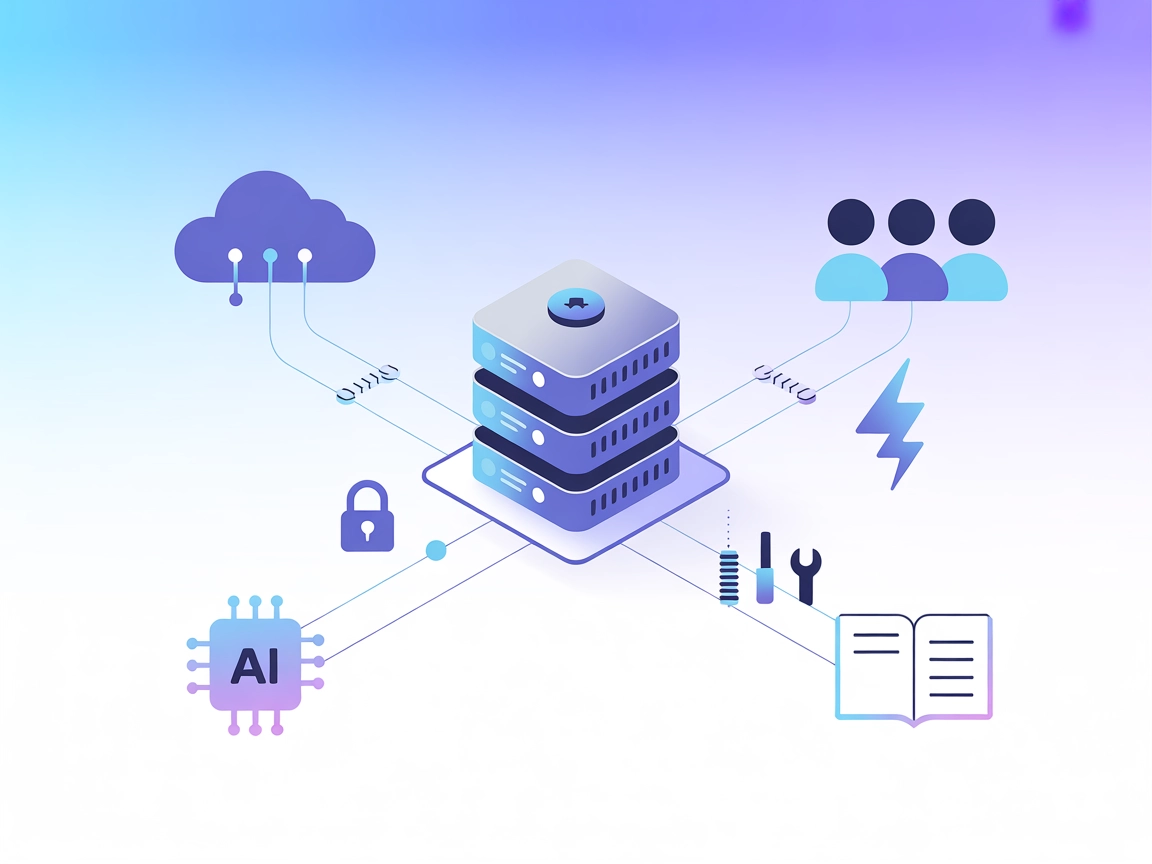
Twilio MCP
Integrate FlowHunt with Twilio via the Model Context Protocol (MCP) server to unlock seamless AI-driven automation for messaging, voice, and communication workf...
3 min read
AI
Twilio
+3

Integrate Twilio’s powerful communication APIs directly into your AI workflows with the Twilio MCP Server for FlowHunt.
The Twilio MCP (Model Context Protocol) Server acts as a bridge between AI assistants and Twilio’s extensive suite of APIs. By exposing Twilio’s APIs as MCP tools, this server enables AI agents to interact programmatically with Twilio services, such as sending SMS messages, managing calls, or accessing account information. It streamlines development workflows by allowing AI-powered tools and assistants to perform operations like triggering communications, managing resources, and automating integrations without manual intervention. The server can be configured to expose specific Twilio APIs and is designed with security in mind, supporting robust authentication and providing options to filter which services are made available to clients. This makes it an essential tool for teams looking to embed communication capabilities directly into their AI workflows.
No prompt templates were listed or described in the repository.

Start your free trial today and see results within days.
No explicit MCP resources were enumerated or described in the repository.
No explicit list of MCP tools was found in the repository root or documentation. However, it is mentioned that all of Twilio’s APIs are exposed as MCP Tools.
Get latest tips, trends, and deals for free.
Twilio API Integration
Allows developers to leverage Twilio’s messaging, voice, and communications APIs directly from AI-powered applications, enabling automated workflows such as sending SMS, making calls, or managing contacts.
Automated Communication Workflows
AI assistants can trigger Twilio-powered notifications, alerts, or reminders based on external events, improving automation for customer engagement or internal operations.
Account and Resource Management
Developers can build assistants that help manage Twilio account resources, including phone numbers, usage tracking, or billing, directly from within AI platforms.
Filtered API Exposure
The server can be configured to only expose selected Twilio services or endpoints, allowing for precise control over which functionalities are available to different AI agents or users.
mcpServers:{
"mcpServers": {
"twilio": {
"command": "npx",
"args": [
"-y",
"@twilio-alpha/mcp",
"YOUR_ACCOUNT_SID/YOUR_API_KEY:YOUR_API_SECRET"
]
}
}
}
Use environment variables for sensitive data:
{
"mcpServers": {
"twilio": {
"command": "npx",
"args": [
"-y",
"@twilio-alpha/mcp"
],
"env": {
"TWILIO_API_CREDENTIALS": "YOUR_ACCOUNT_SID/YOUR_API_KEY:YOUR_API_SECRET"
},
"inputs": {
"credentials": "${TWILIO_API_CREDENTIALS}"
}
}
}
}
{
  "mcpServers": {
    "twilio": {
      "command": "npx",
      "args": [
        "-y",
        "@twilio-alpha/mcp",
        "YOUR_ACCOUNT_SID/YOUR_API_KEY:YOUR_API_SECRET"
      ]
    }
  }
}
Use environment variables and reference them in your configuration as shown above.
Using MCP in FlowHunt
To integrate MCP servers into your FlowHunt workflow, start by adding the MCP component to your flow and connecting it to your AI agent:

Click on the MCP component to open the configuration panel. In the system MCP configuration section, insert your MCP server details using this JSON format:
{
  "twilio": {
    "transport": "streamable_http",
    "url": "https://yourmcpserver.example/pathtothemcp/url"
  }
}
Once configured, the AI agent is now able to use this MCP as a tool with access to all its functions and capabilities. Remember to change “twilio” to whatever the actual name of your MCP server is and replace the URL with your own MCP server URL.
| Section | Availability | Details/Notes |
|---|---|---|
| Overview | ✅ | |
| List of Prompts | ⛔ | No prompt templates found |
| List of Resources | ⛔ | No explicit resources described |
| List of Tools | ⛔ | APIs are exposed as tools, but not itemized |
| Securing API Keys | ✅ | Environment variable setup demonstrated |
| Sampling Support (less important in evaluation) | ⛔ | Not mentioned |
The Twilio MCP server is focused on exposing Twilio APIs as MCP tools, which is a valuable use case. However, the documentation in the repository is sparse regarding prompt templates, explicit resources, and a list of granular tools. Security best practices are addressed, and setup for various platforms is clear. While it covers the essentials, it lacks deeper documentation and transparency in some MCP-specific areas.
I would rate this MCP server a 5/10 for its clarity in setup and use, but with room for improvement in documentation of MCP-specific features.
| Has a LICENSE | ✅ (MIT) |
|---|---|
| Has at least one tool | ✅ |
| Number of Forks | 7 |
| Number of Stars | 37 |
Connect Twilio’s messaging and voice APIs to your AI agents for seamless communication automation. Deploy the Twilio MCP Server in your FlowHunt flows today.
Integrate FlowHunt with Twilio via the Model Context Protocol (MCP) server to unlock seamless AI-driven automation for messaging, voice, and communication workf...
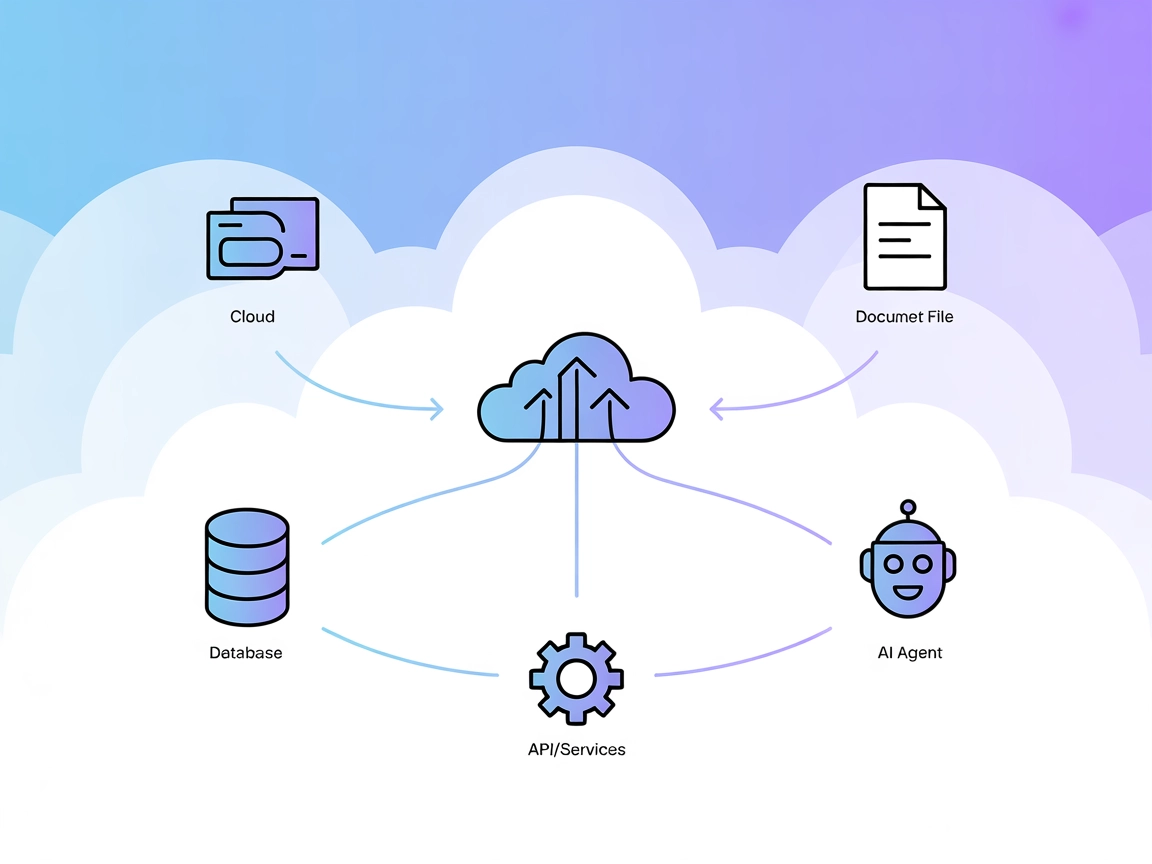
The Model Context Protocol (MCP) Server bridges AI assistants with external data sources, APIs, and services, enabling streamlined integration of complex workfl...
The mcp-teams-server brings Microsoft Teams functionality to FlowHunt via the Model Context Protocol (MCP), enabling AI assistants to read, create, and reply to...
Cookie Consent
We use cookies to enhance your browsing experience and analyze our traffic. See our privacy policy.